Golf
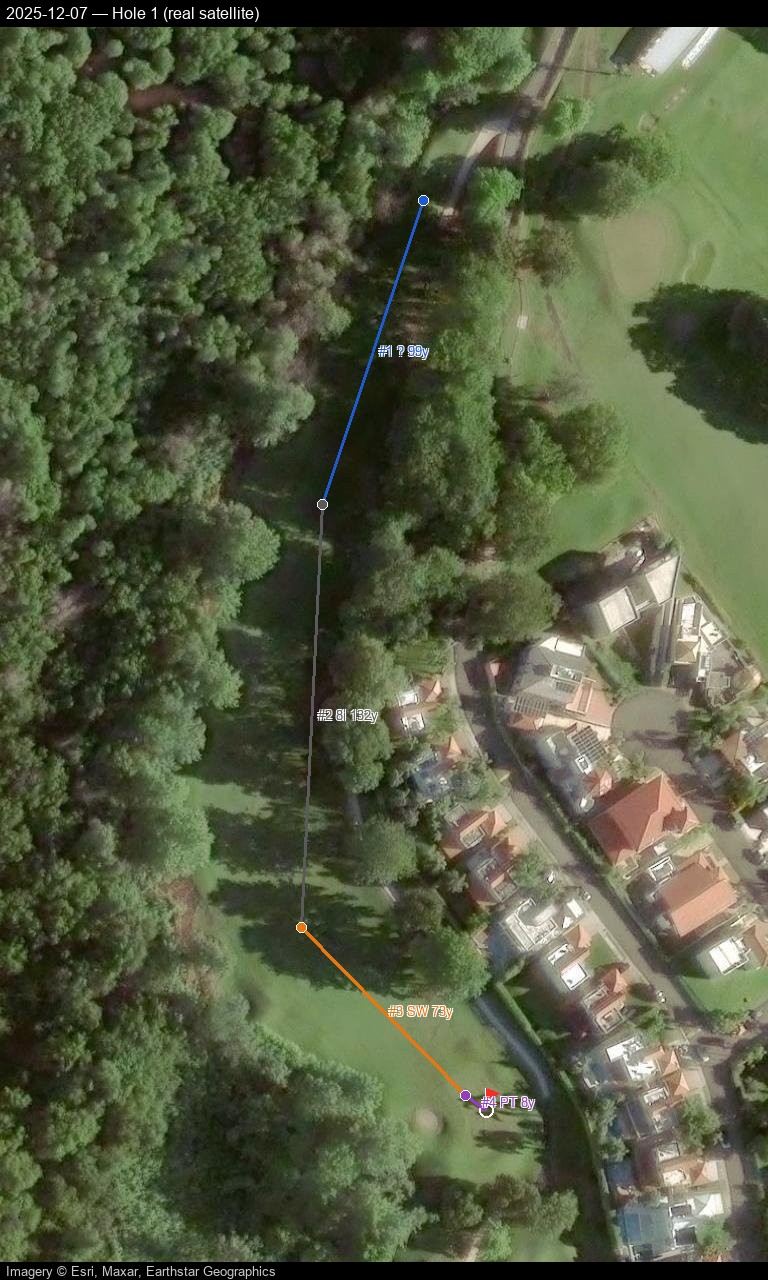
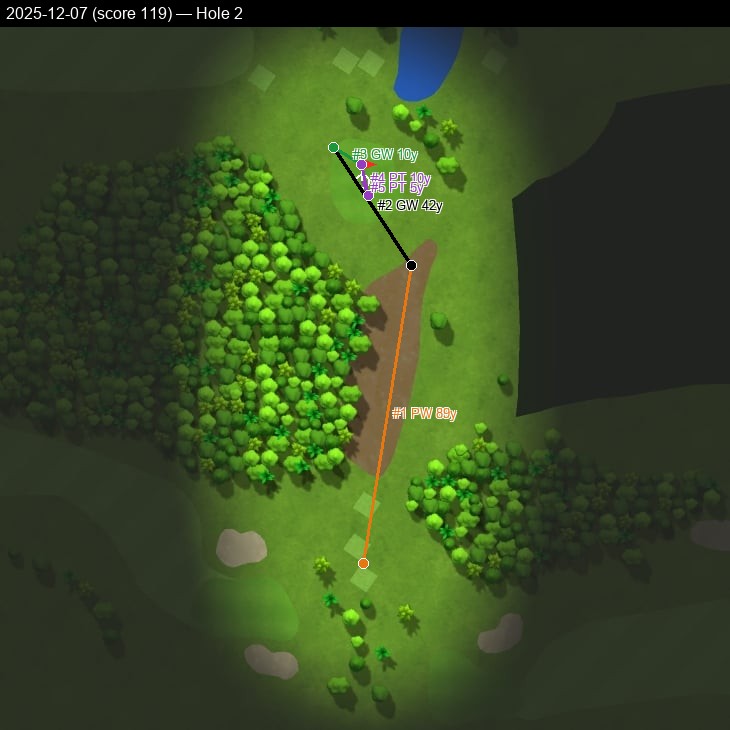
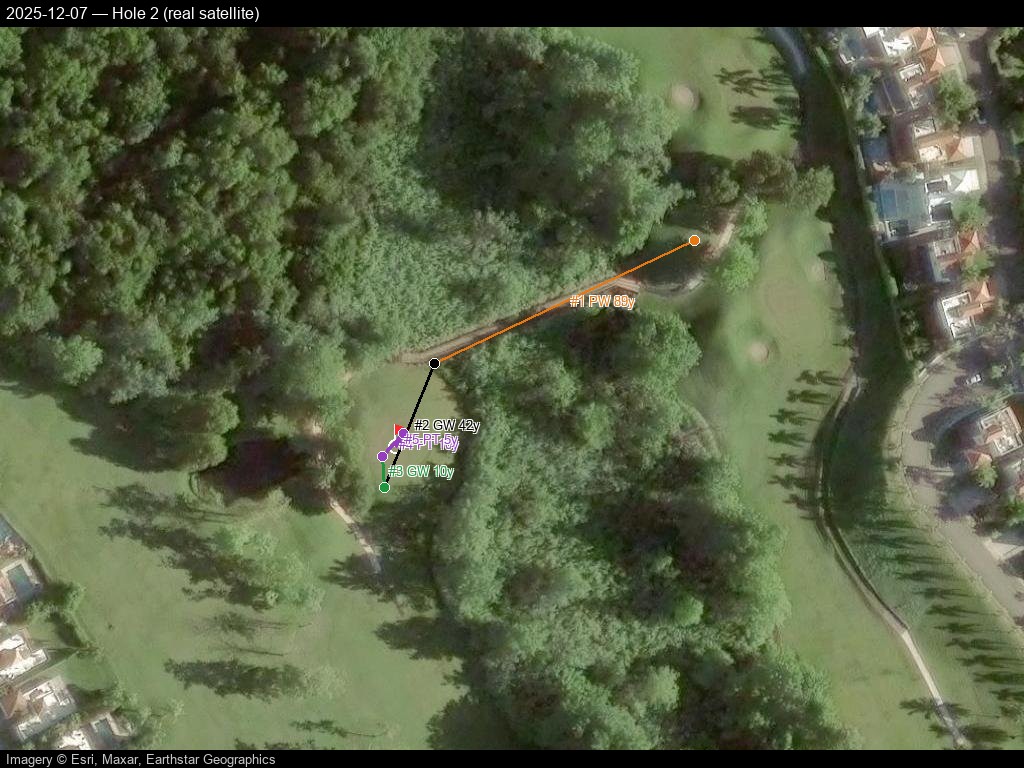
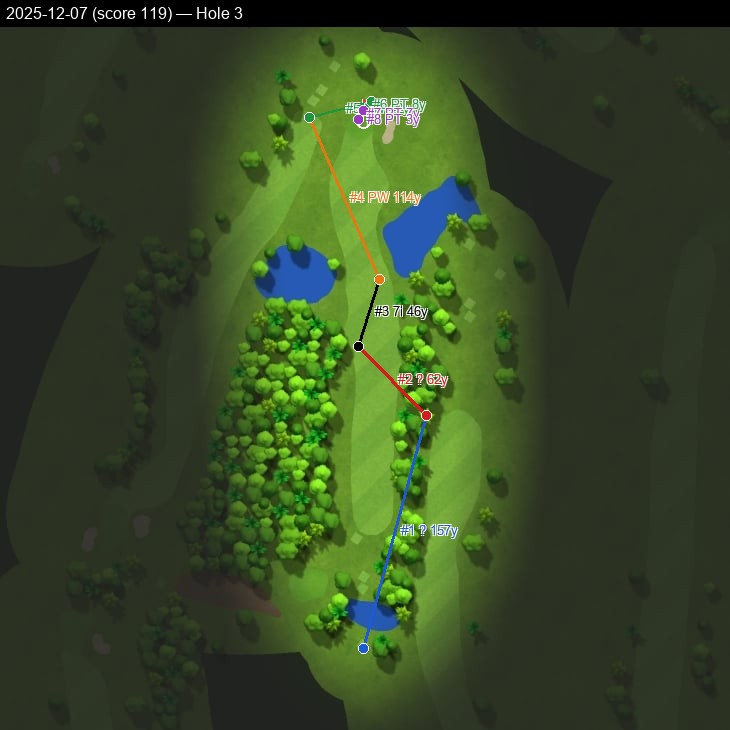
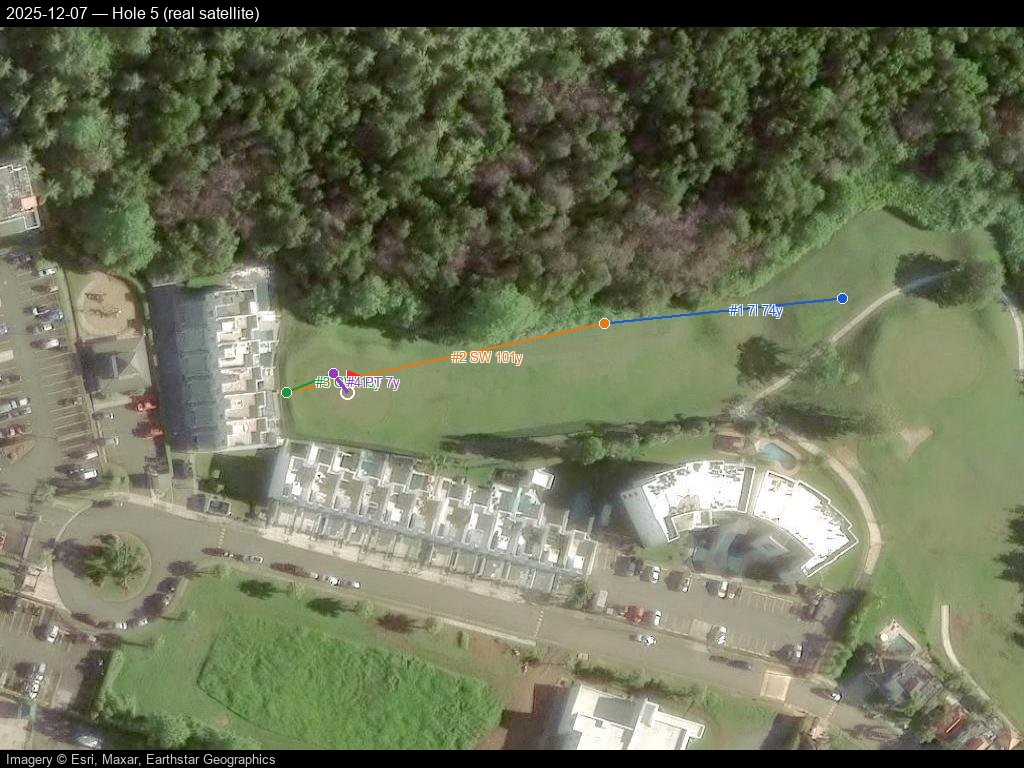
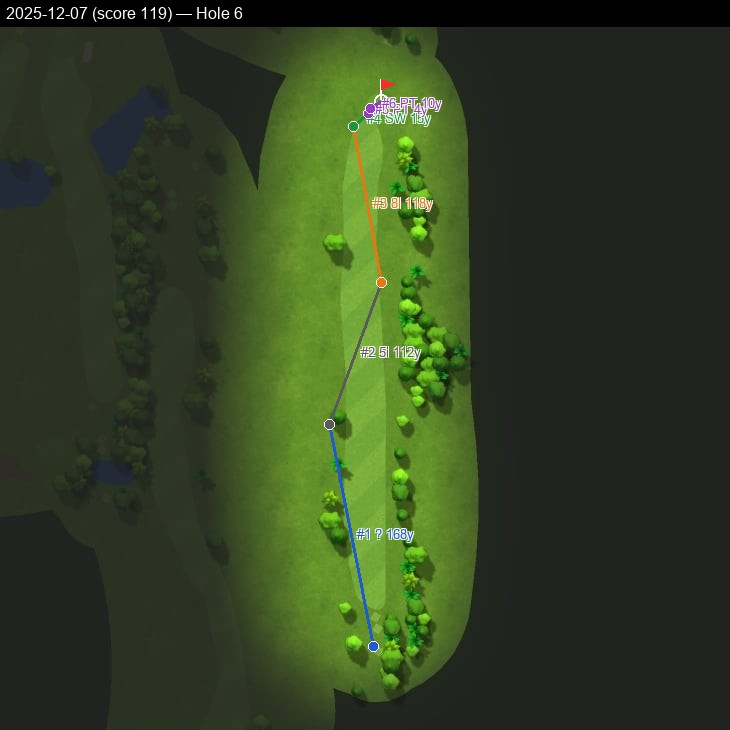
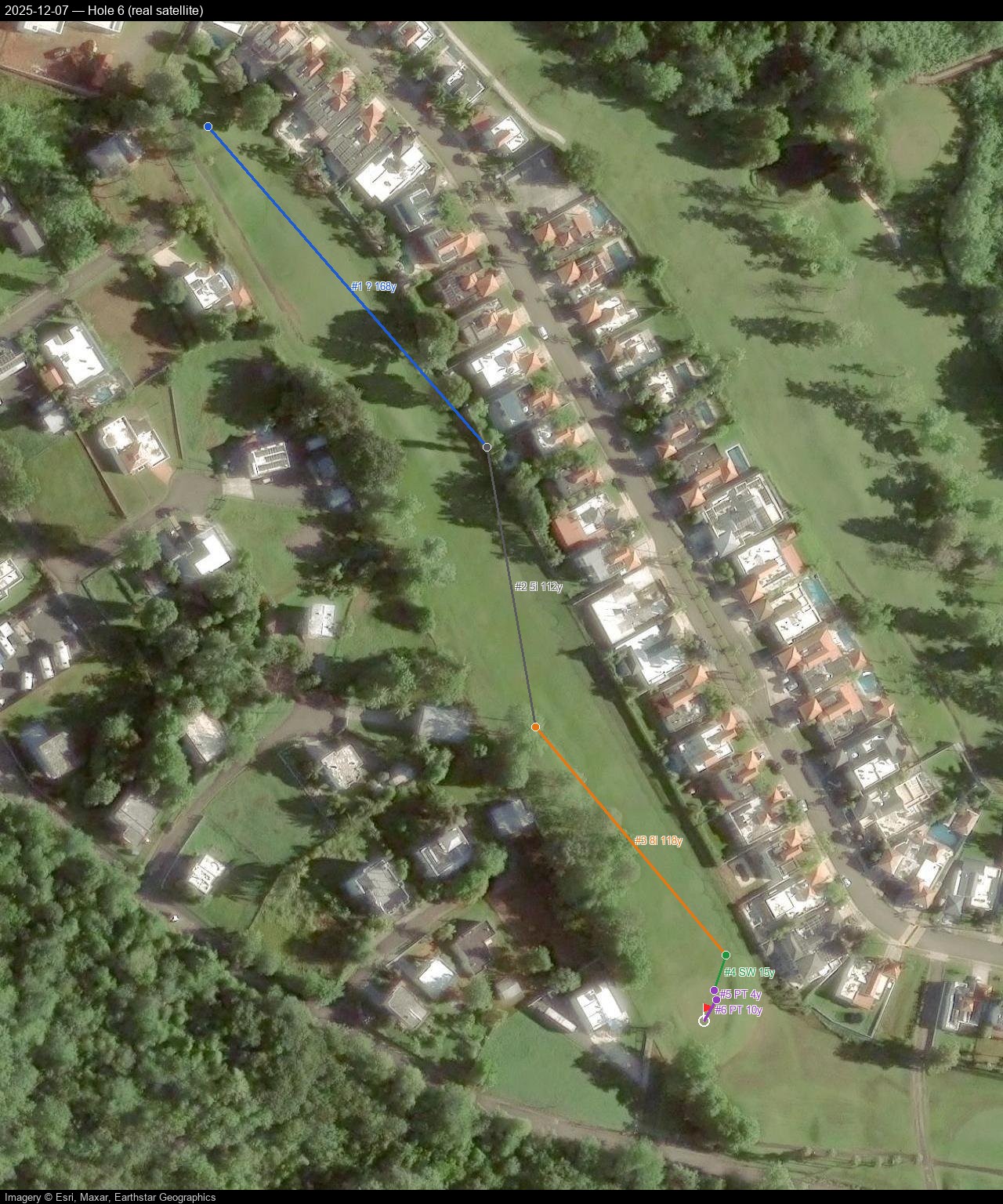
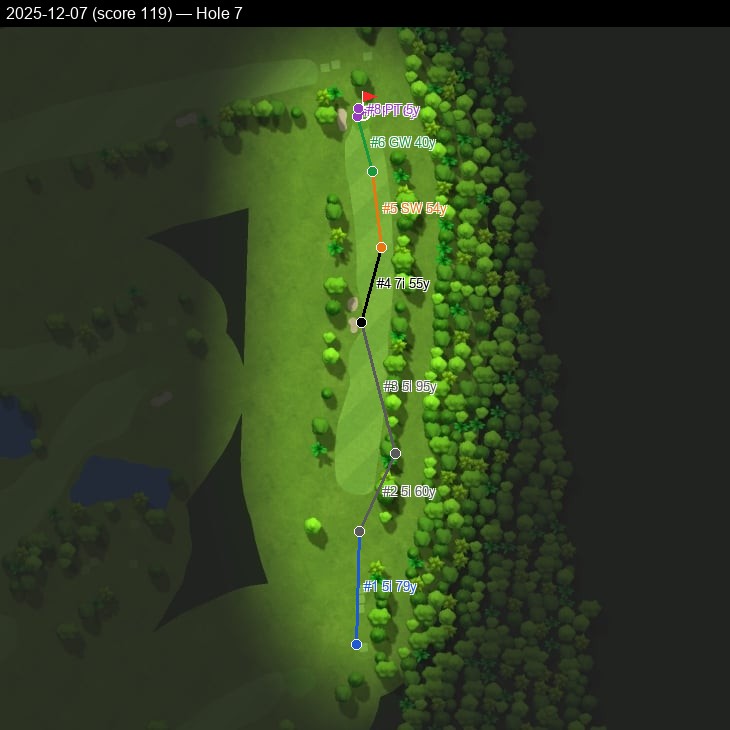
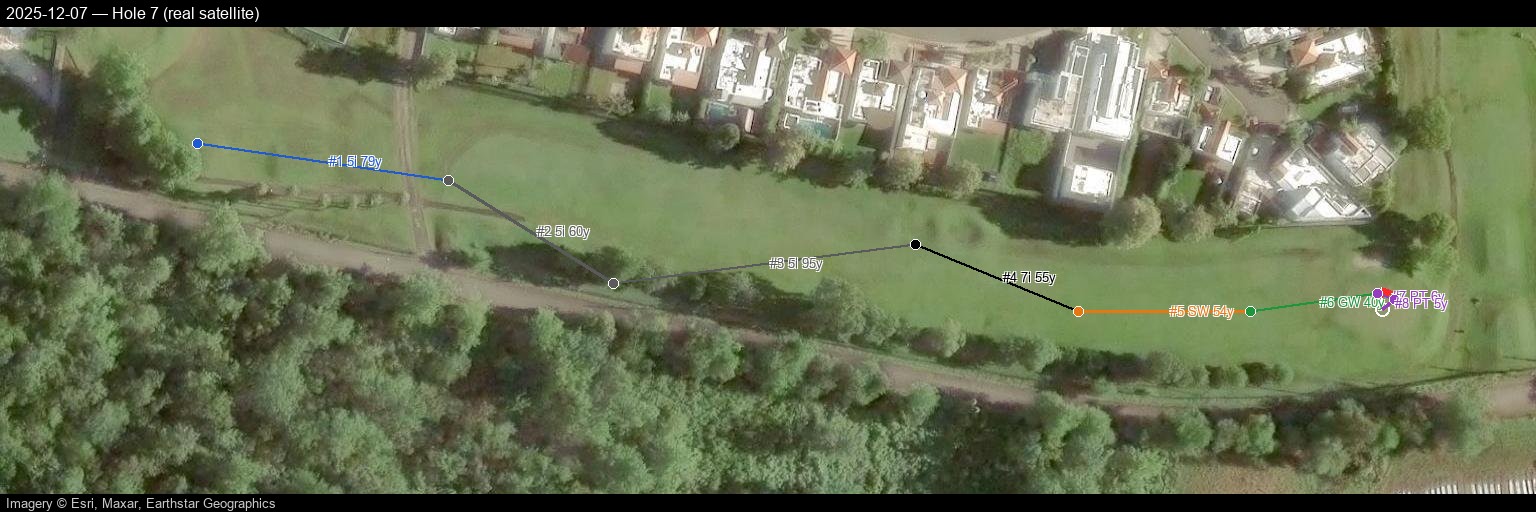
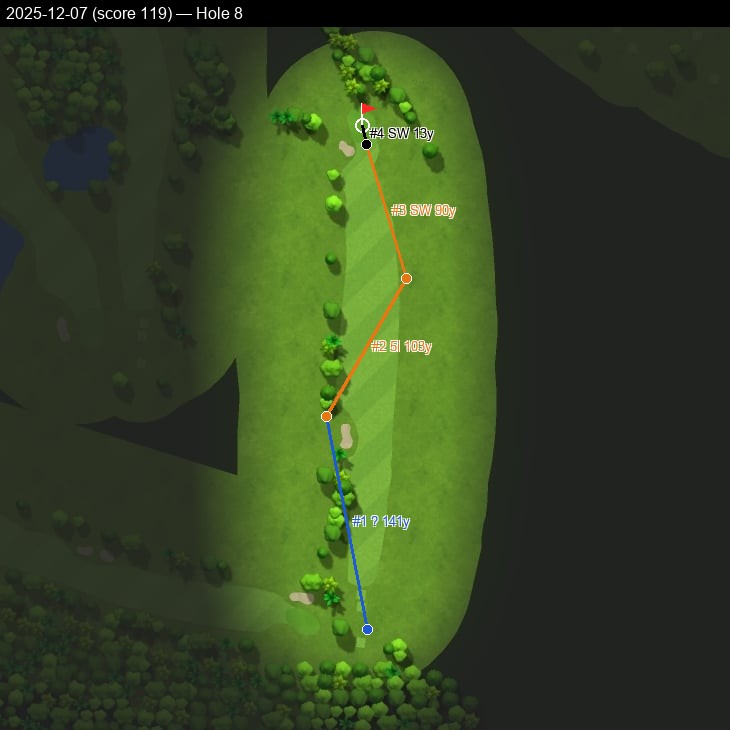
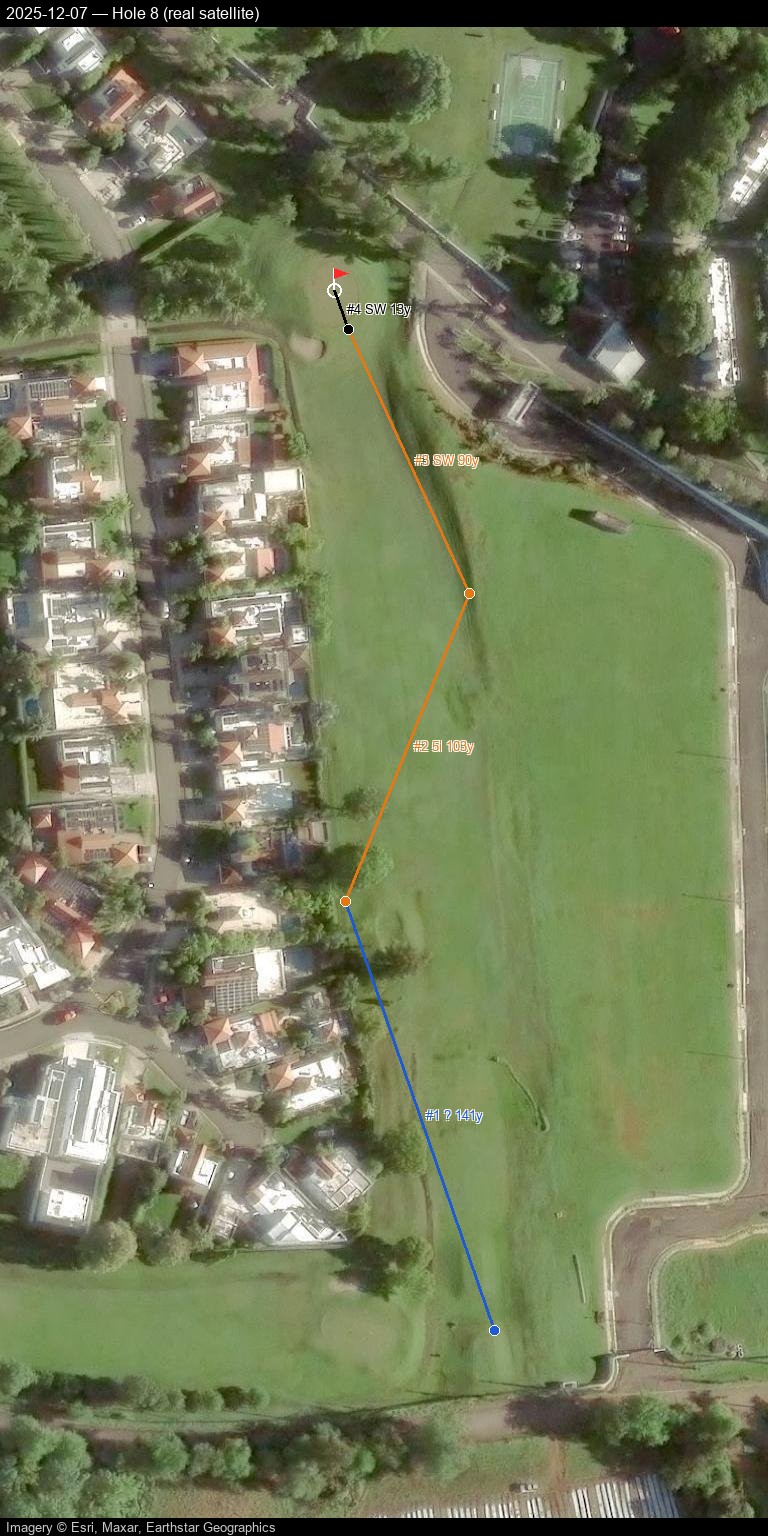
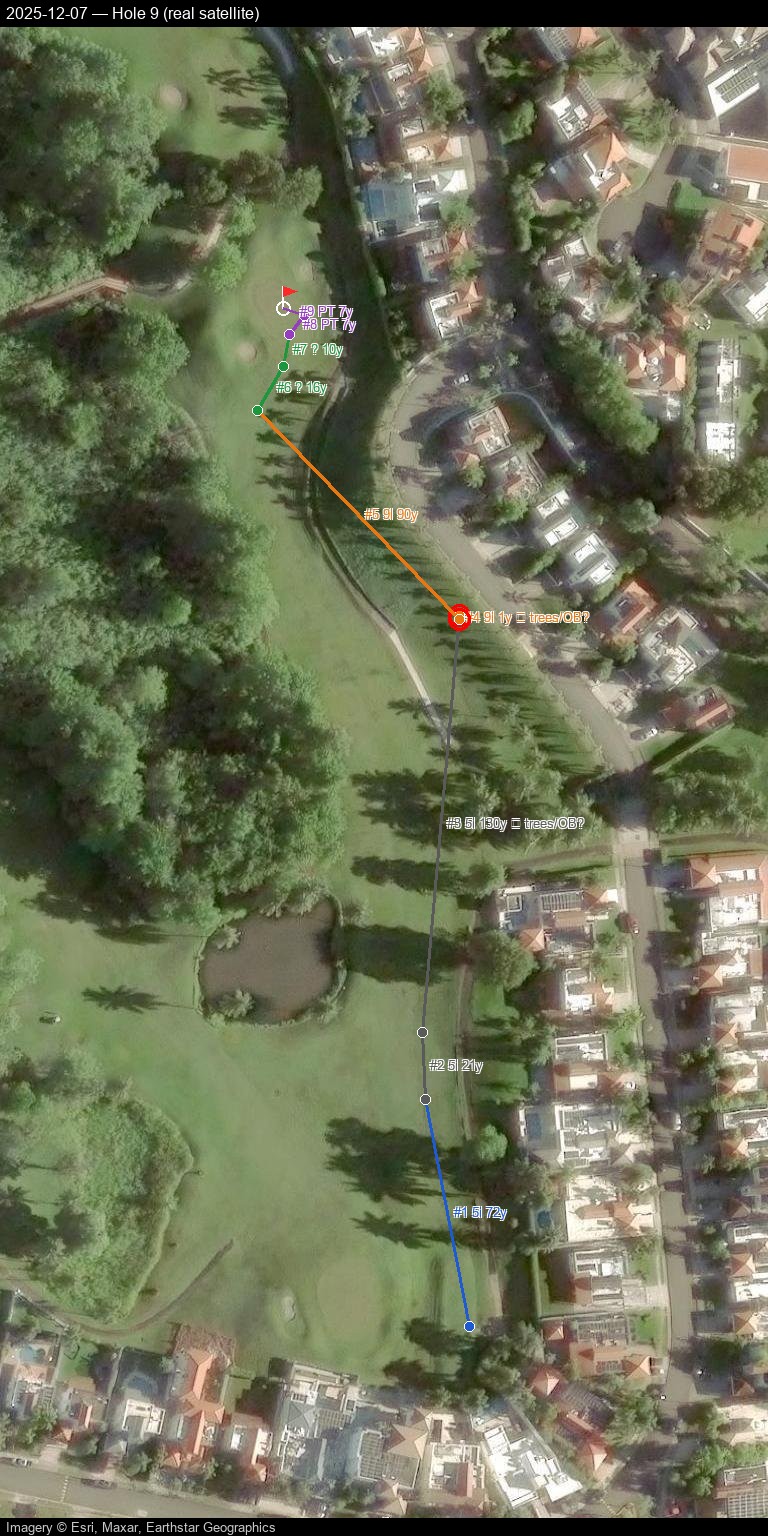
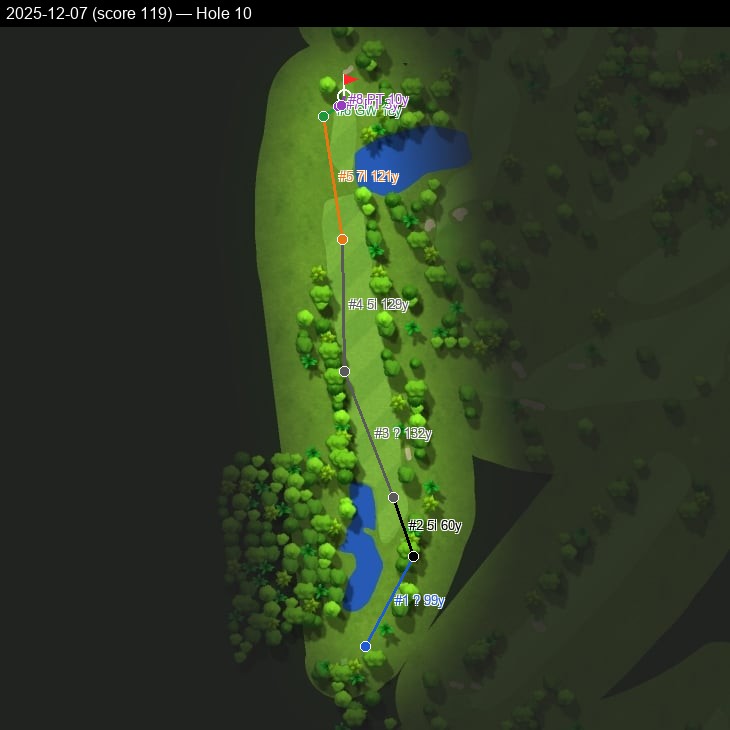
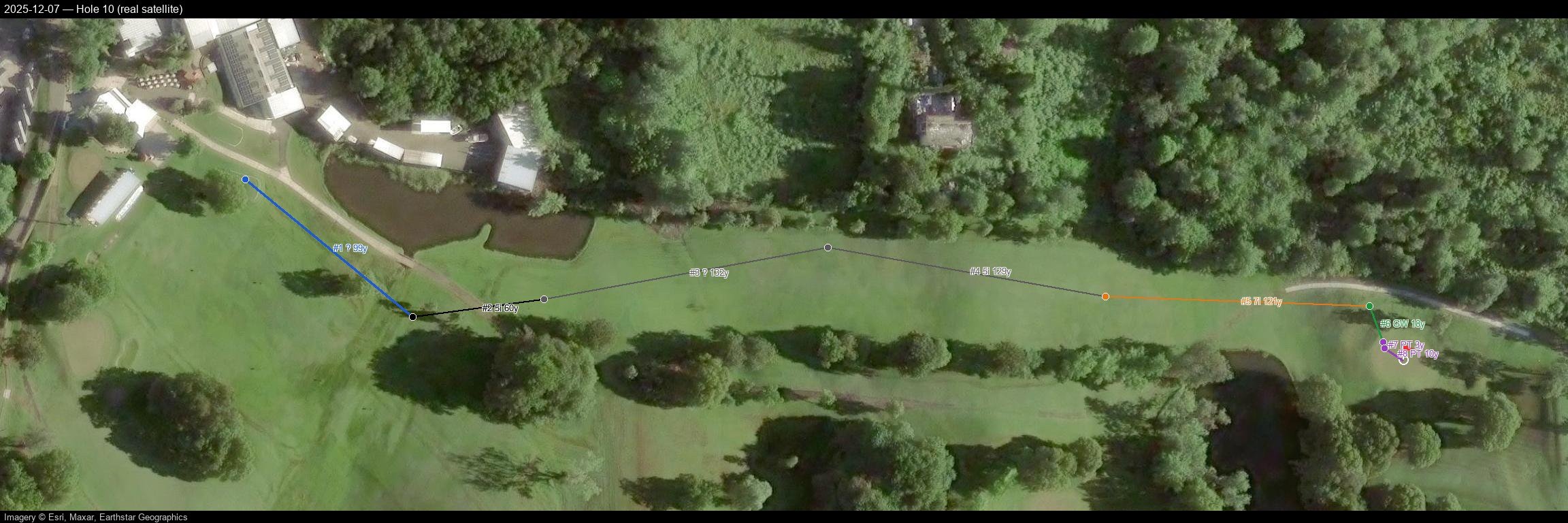
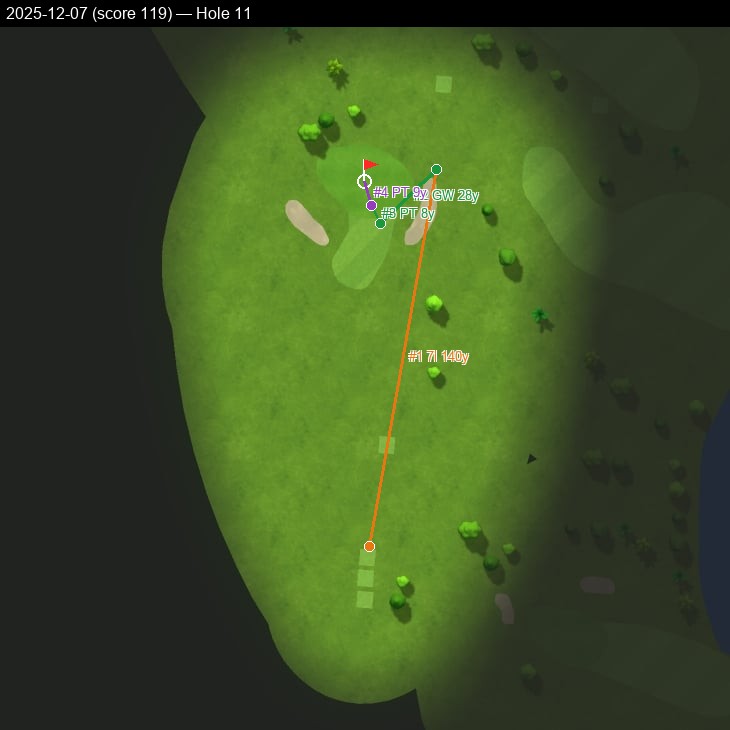
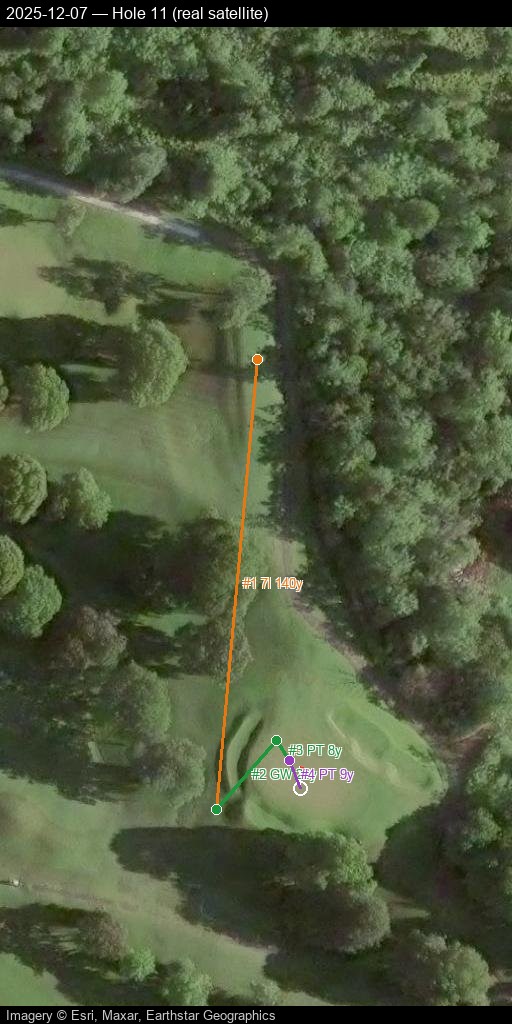
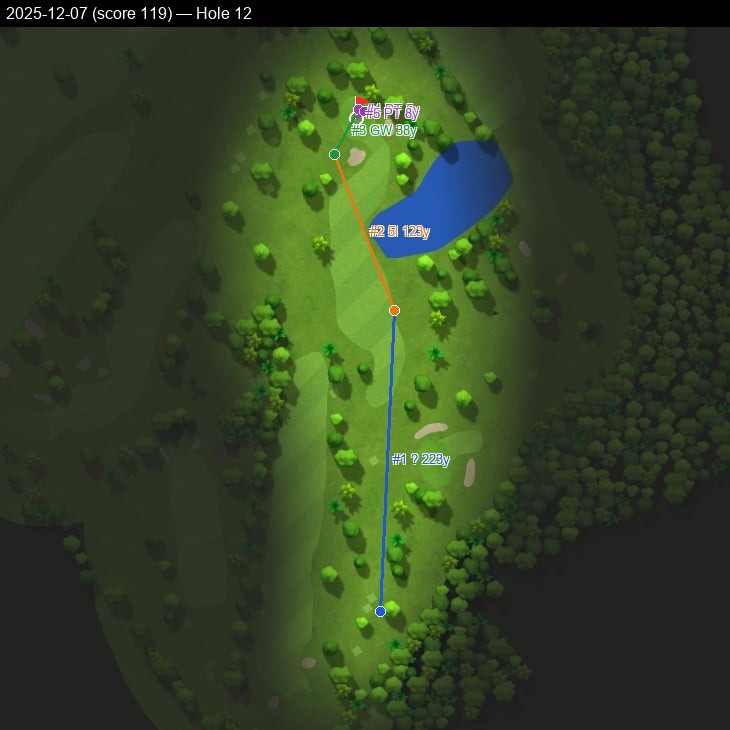
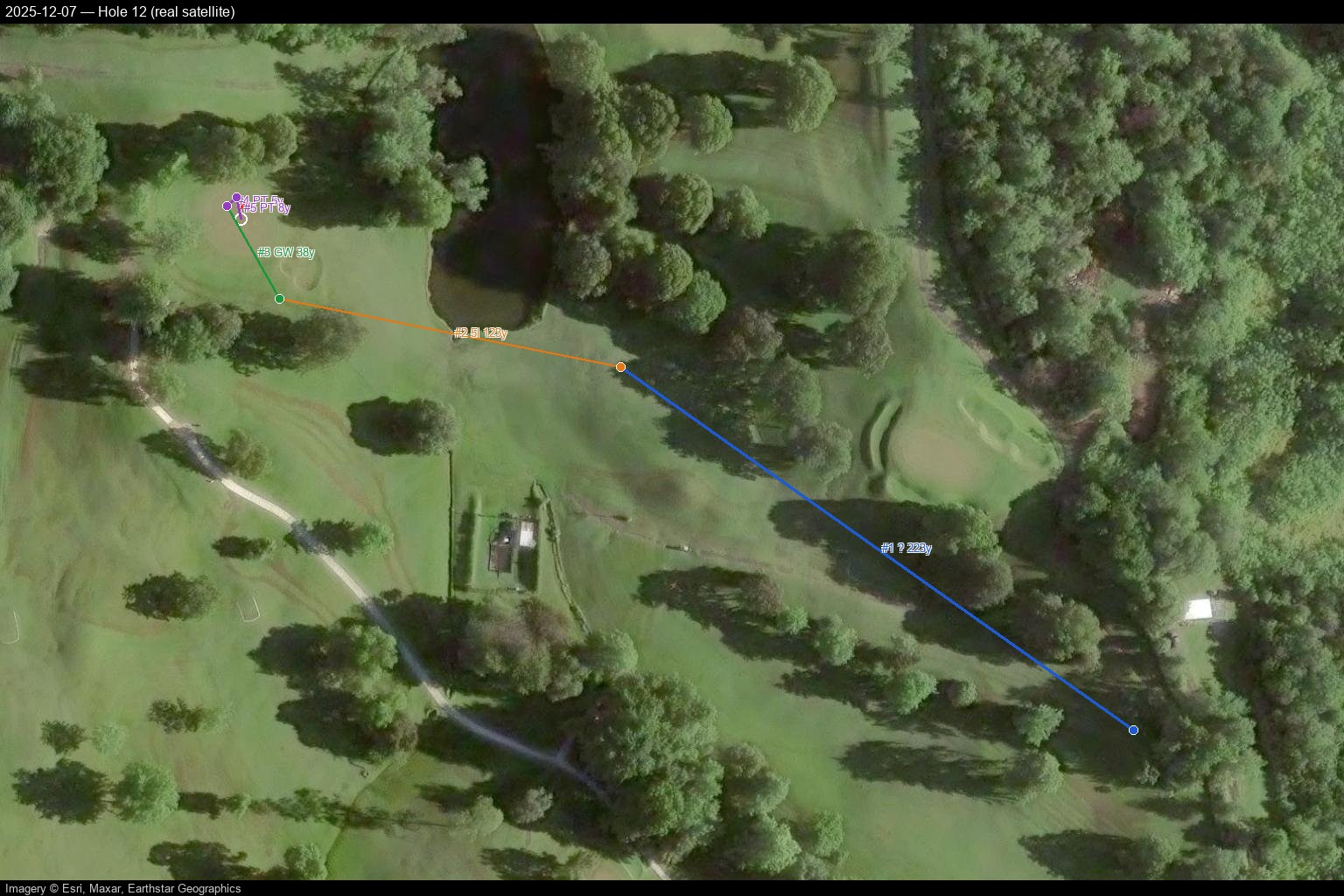
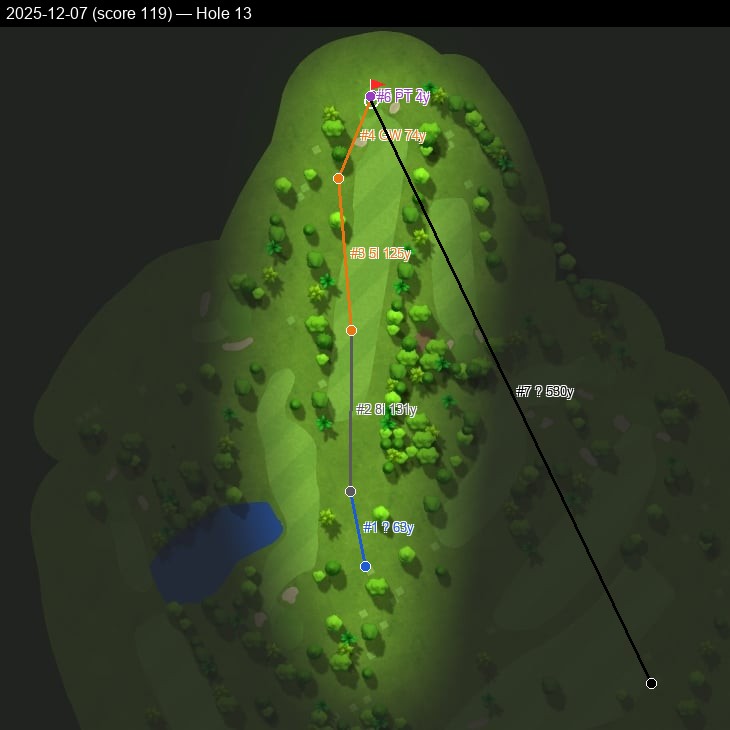
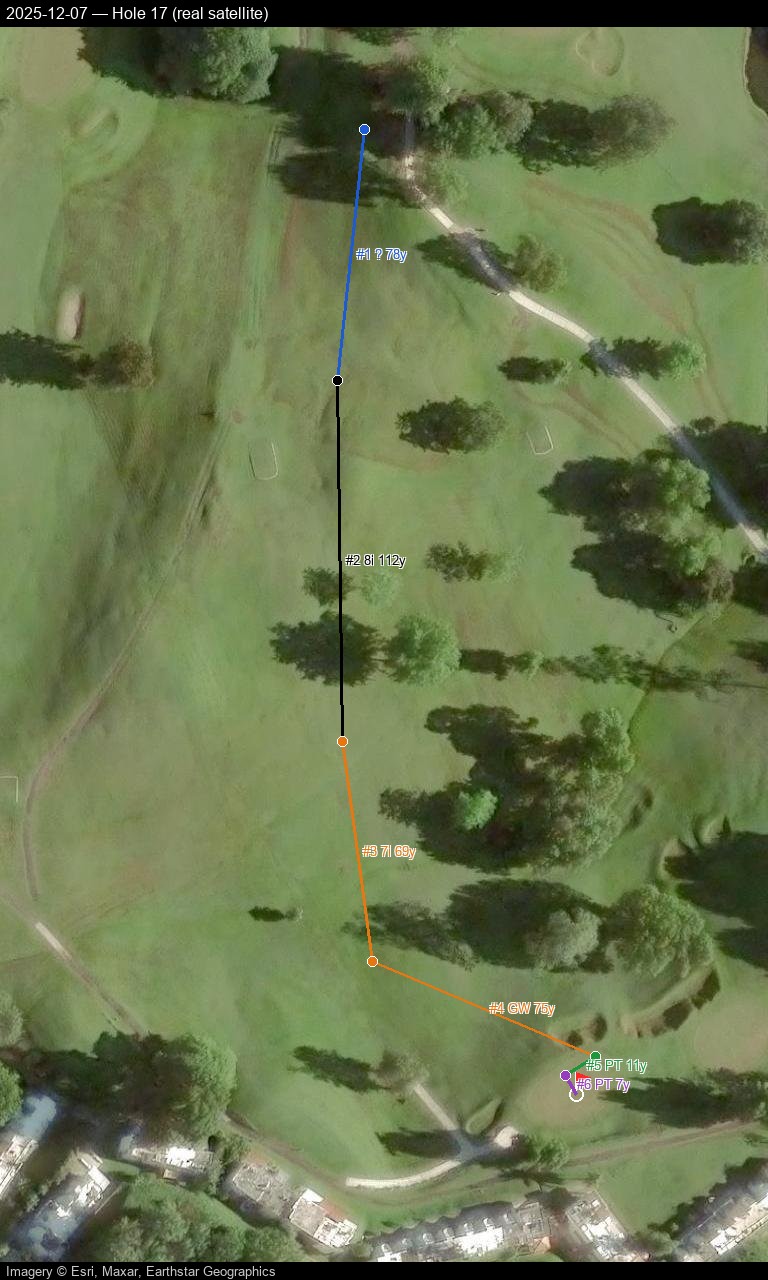
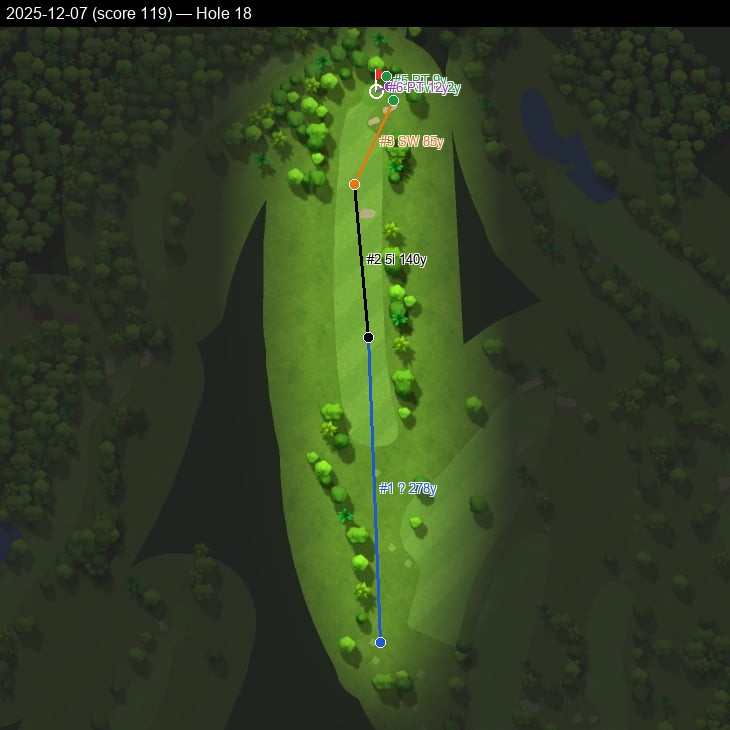
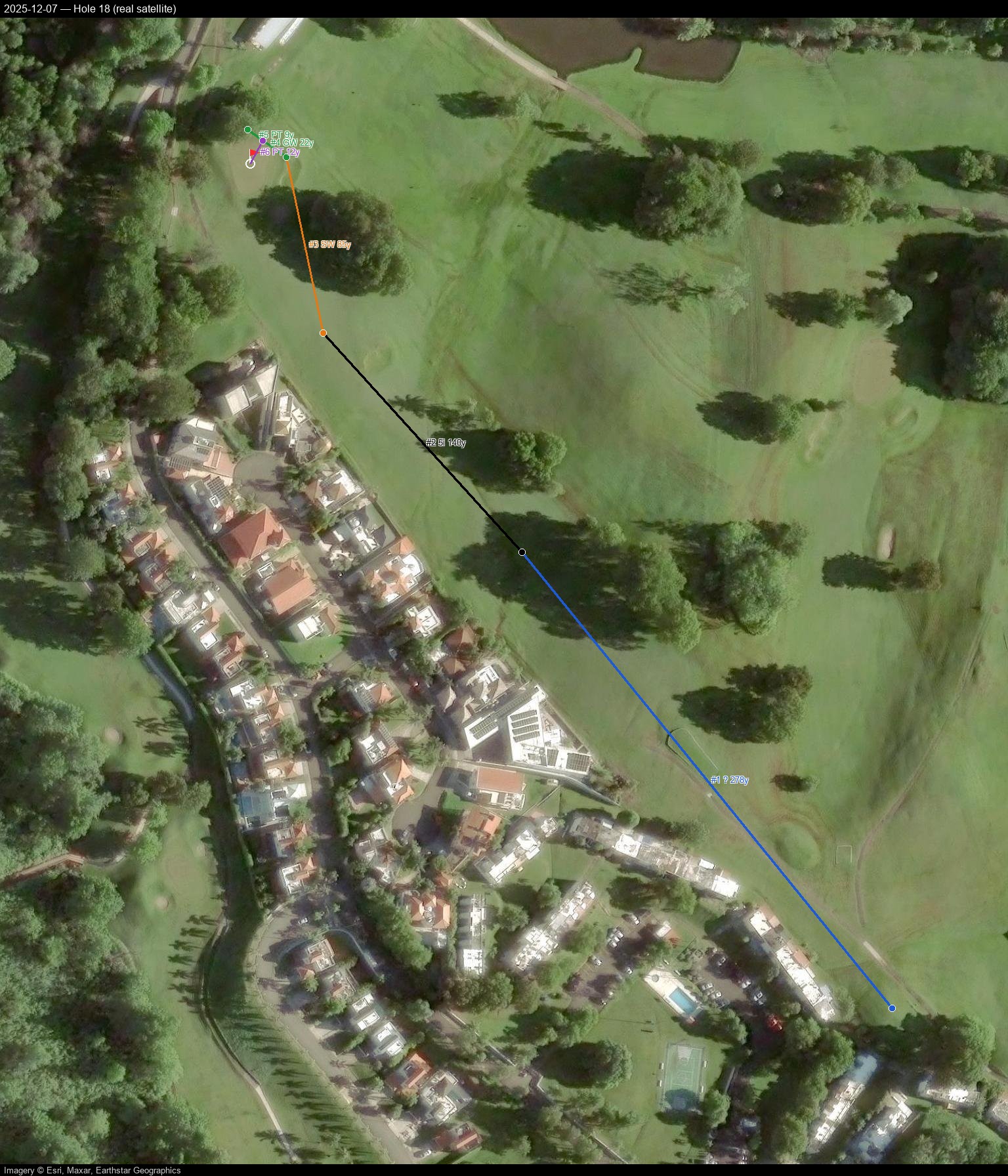
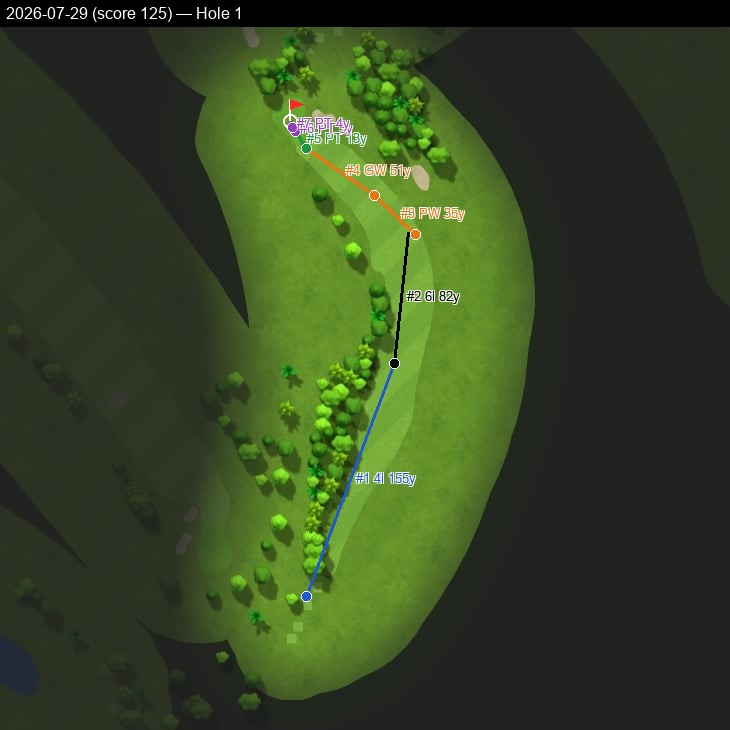
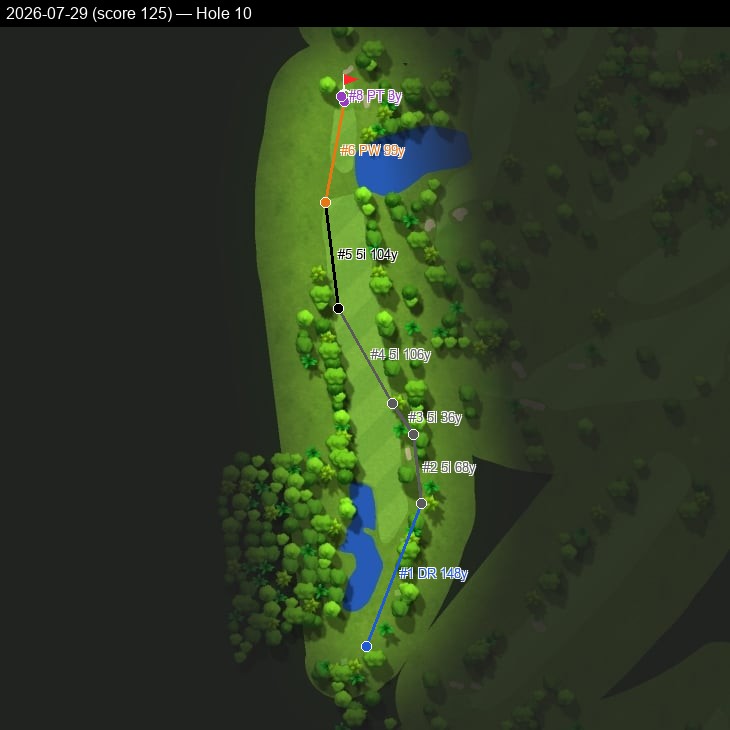
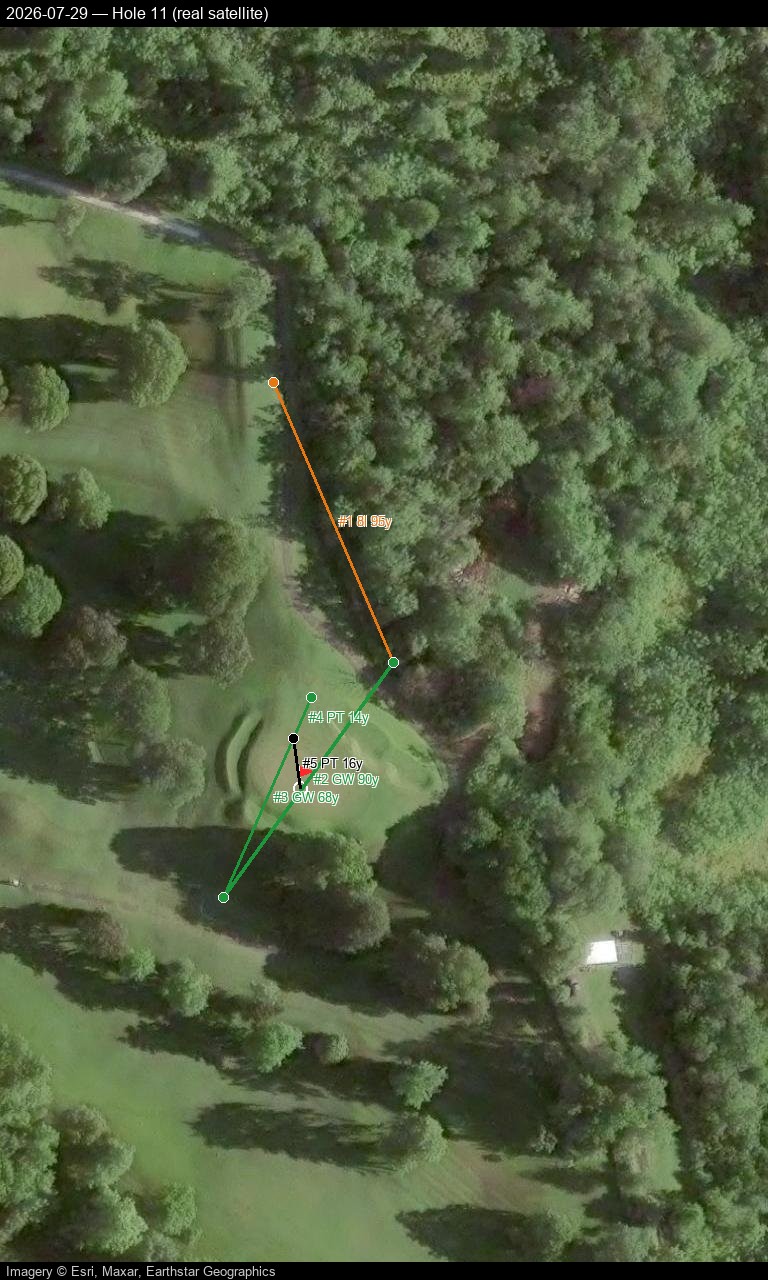
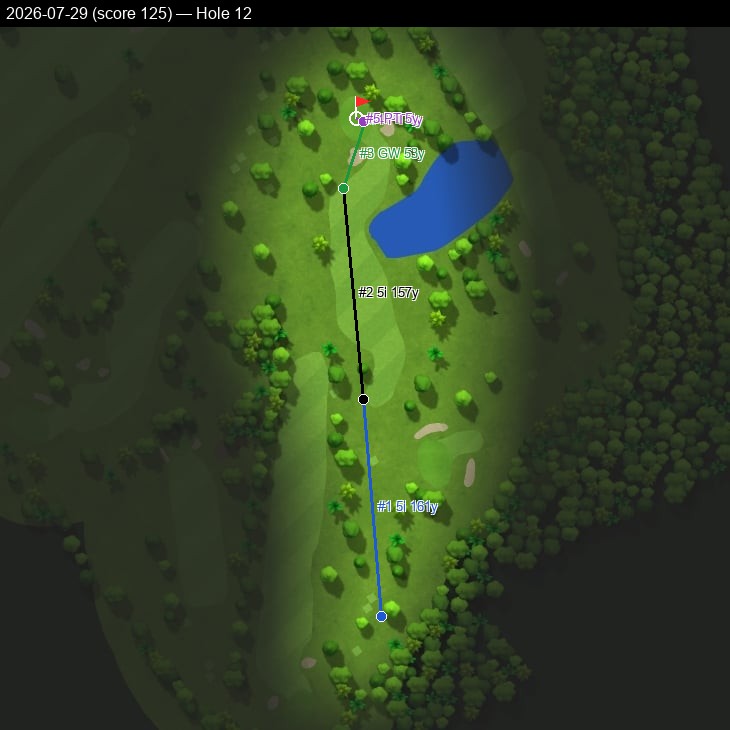
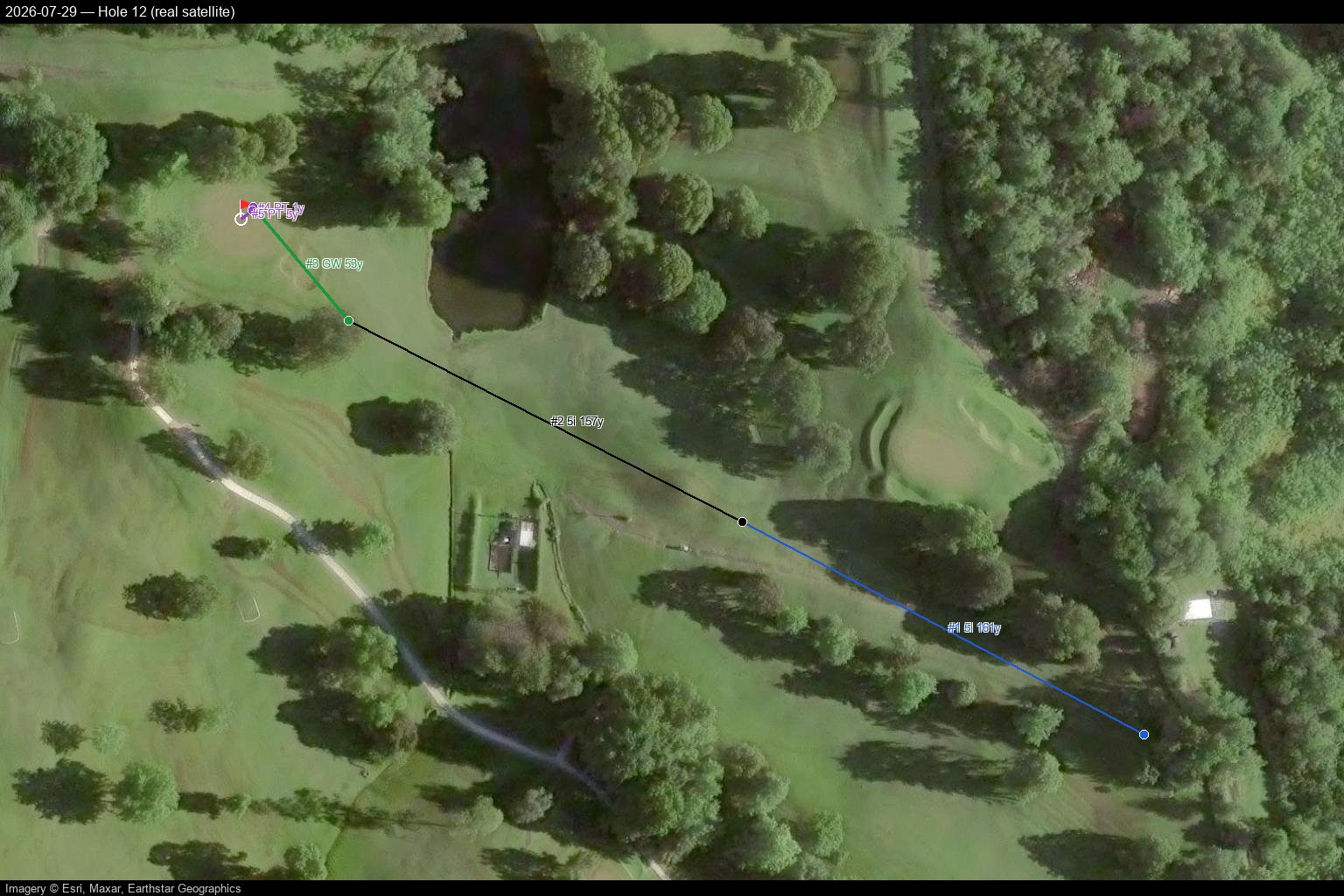
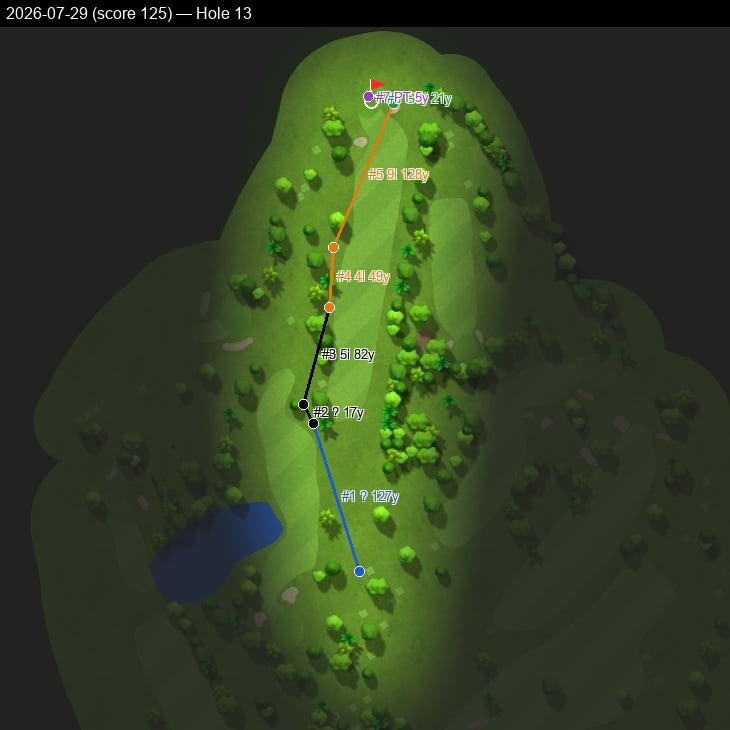
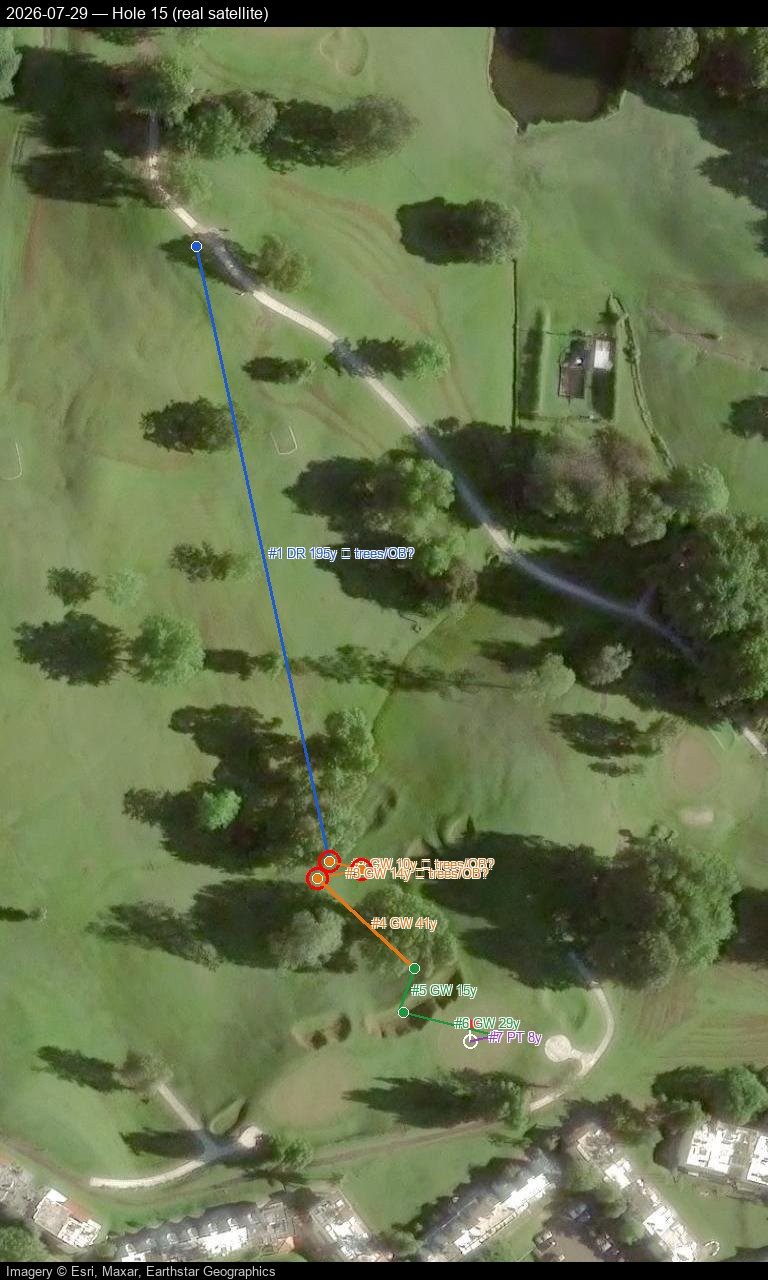
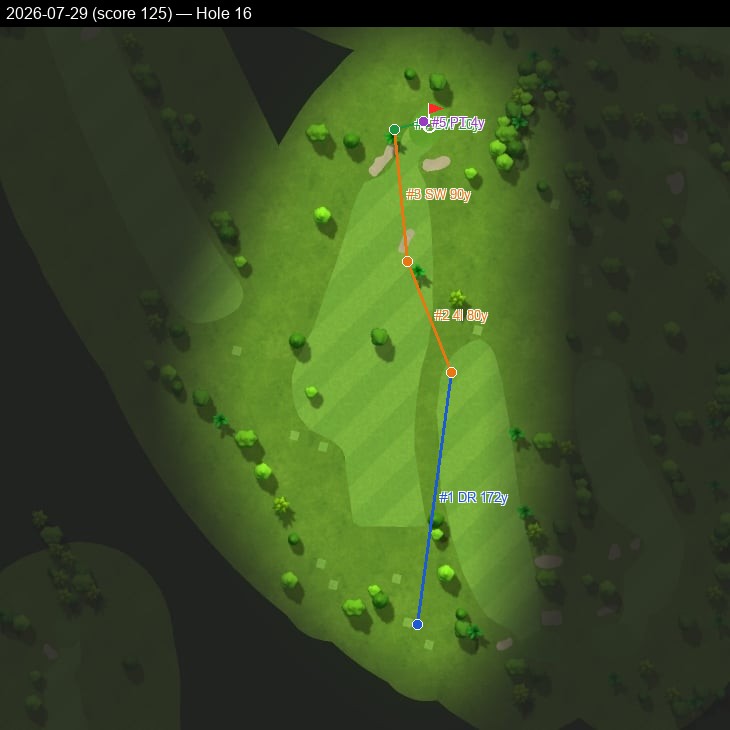
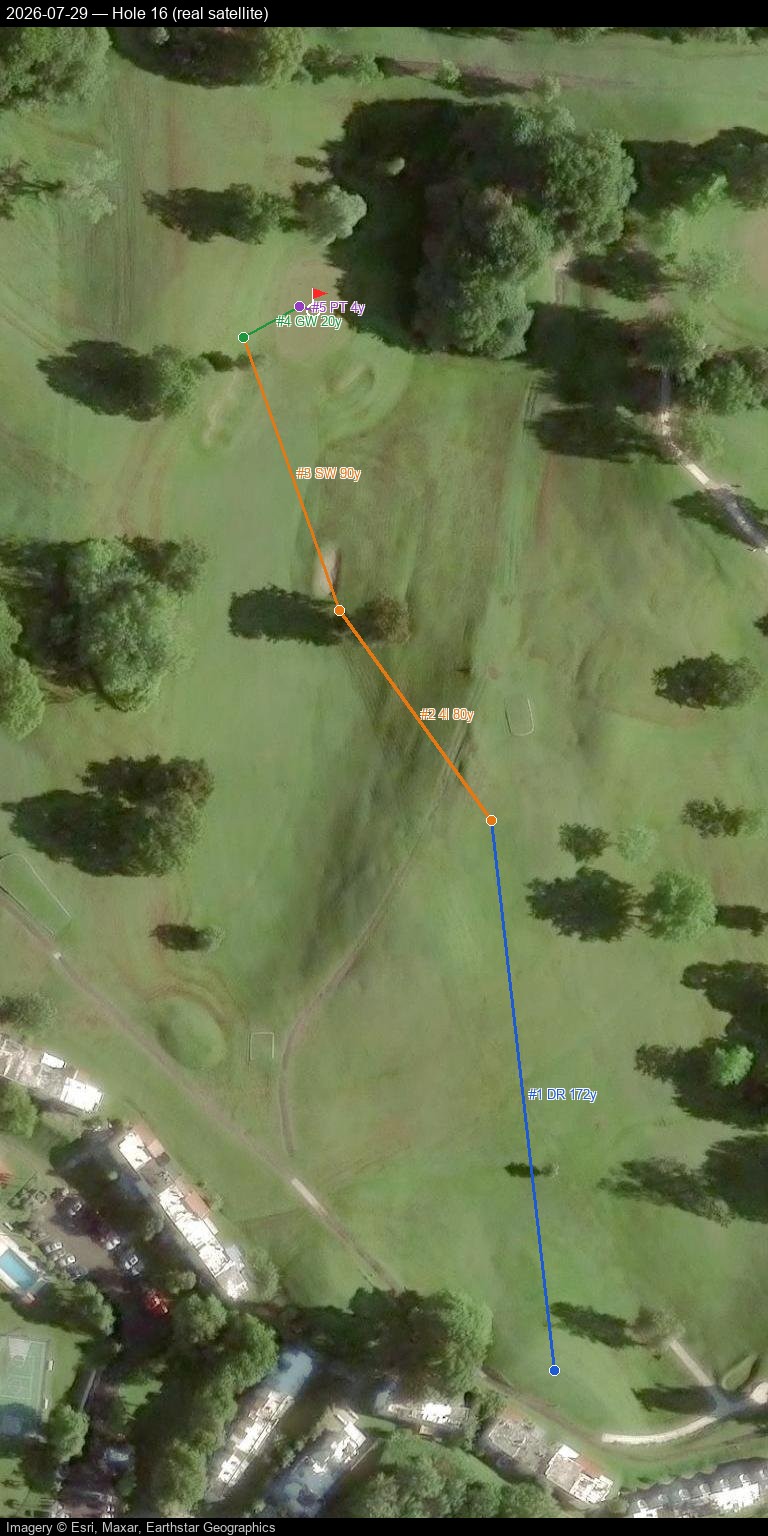
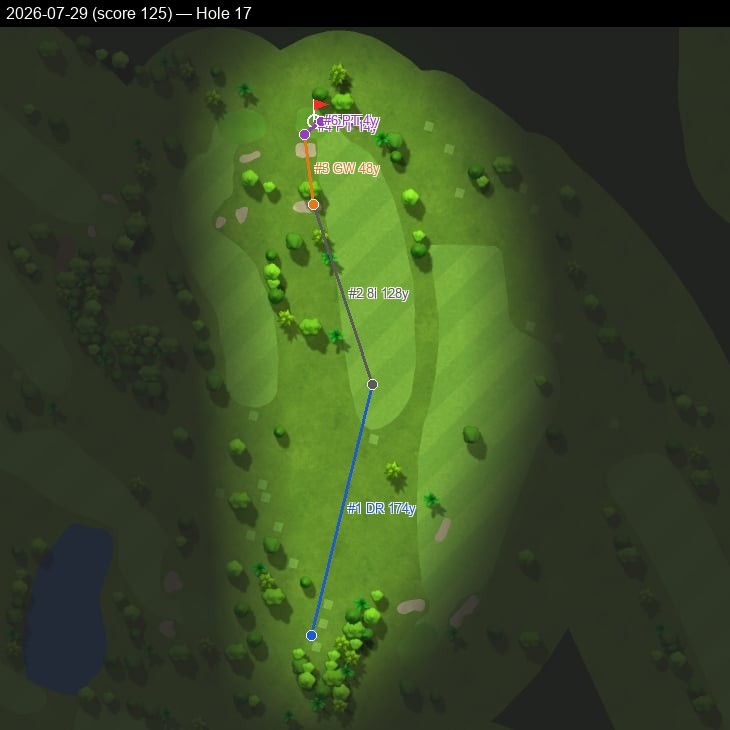
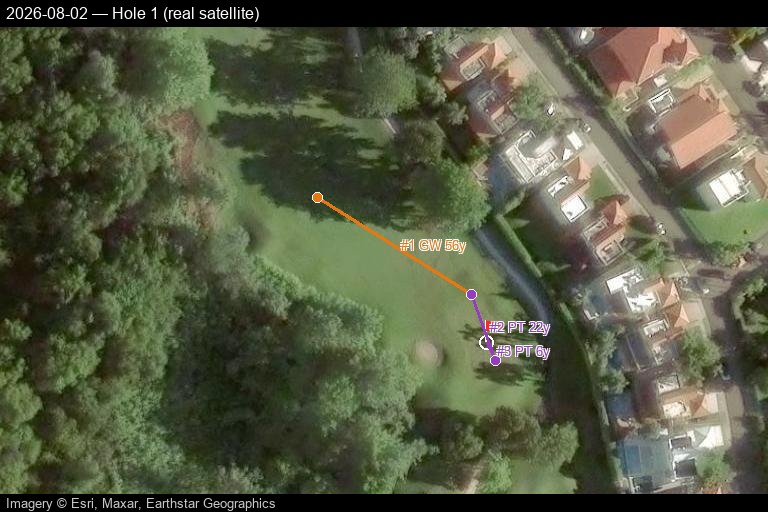
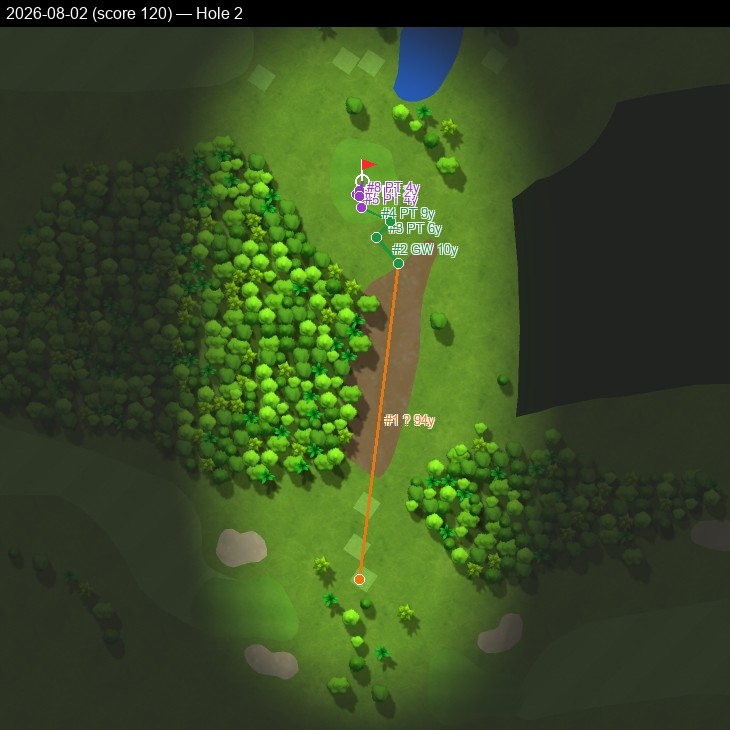
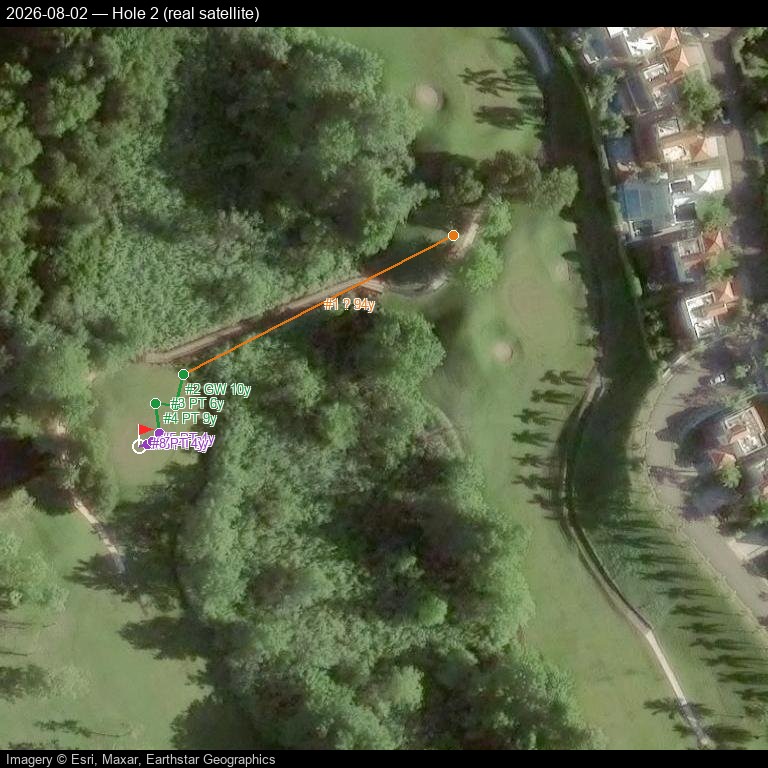
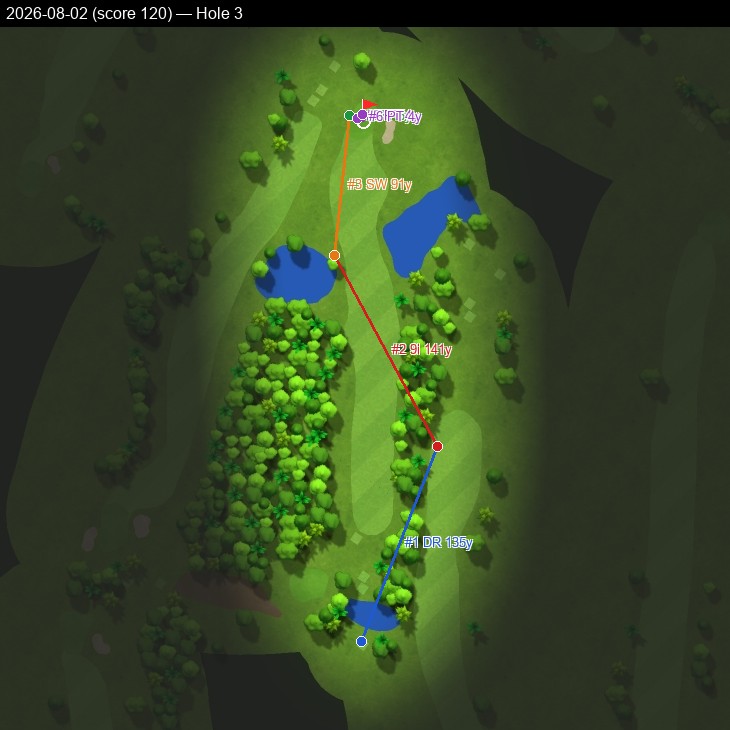
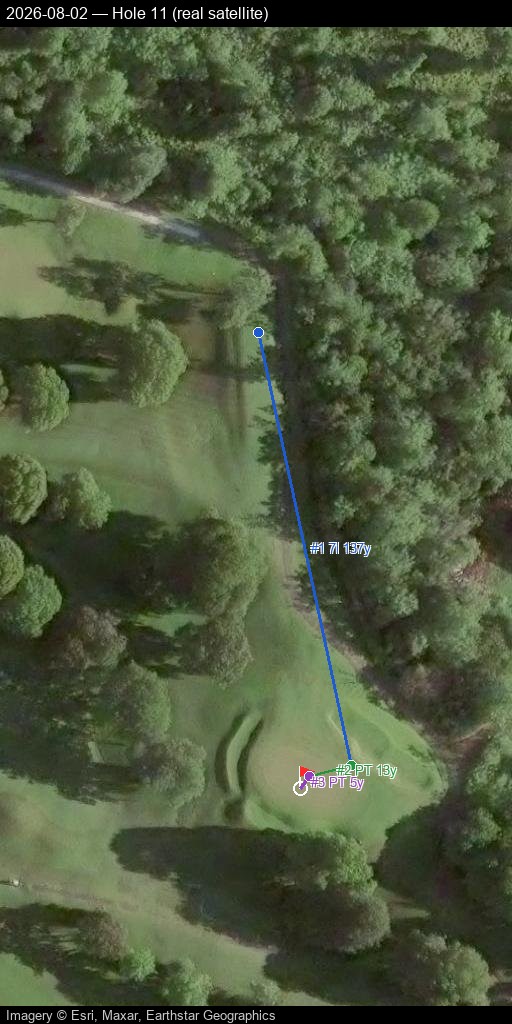
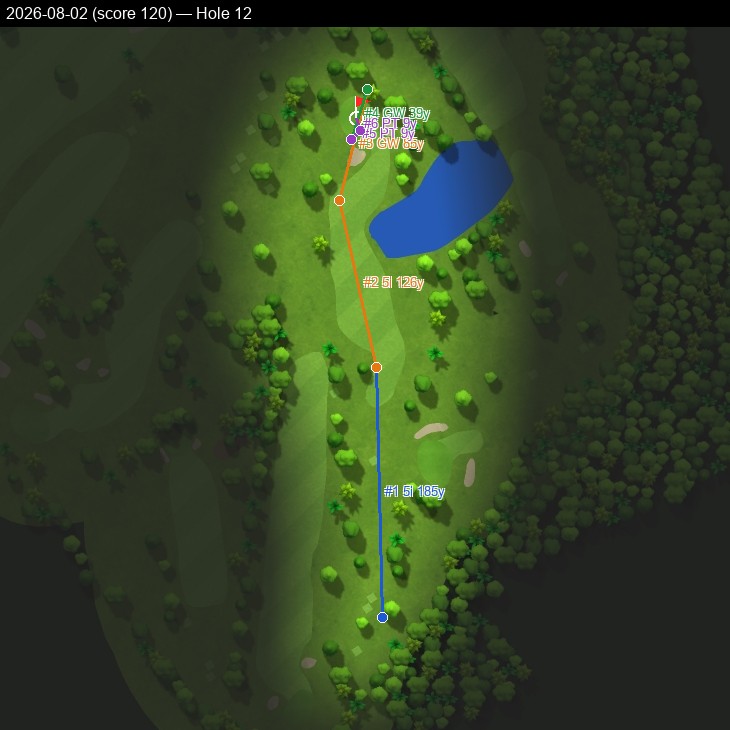
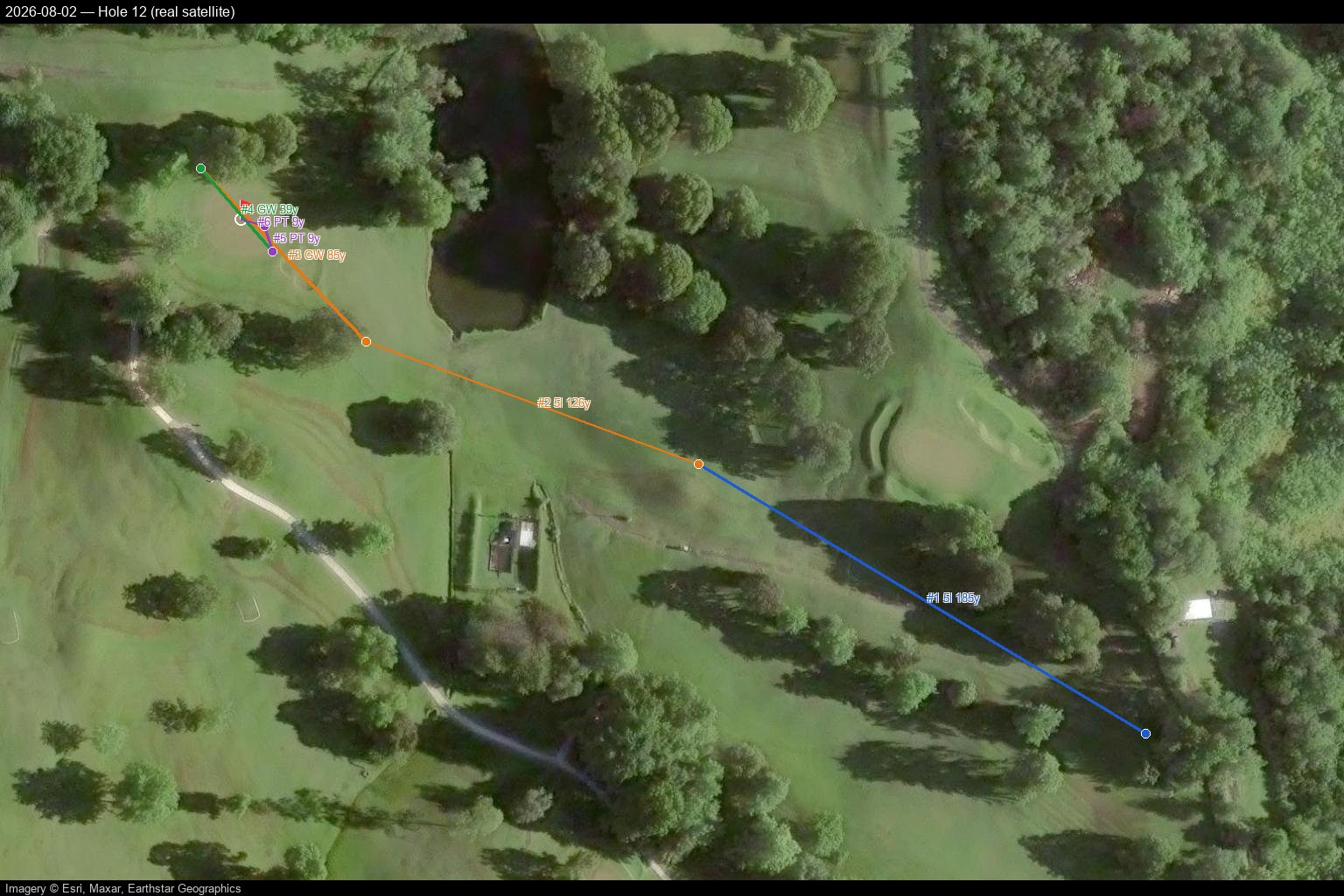
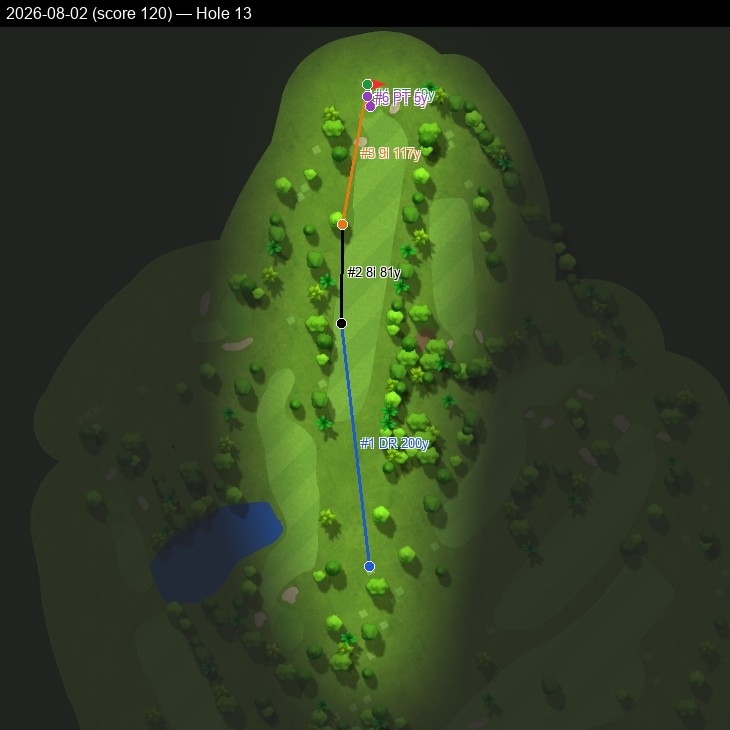
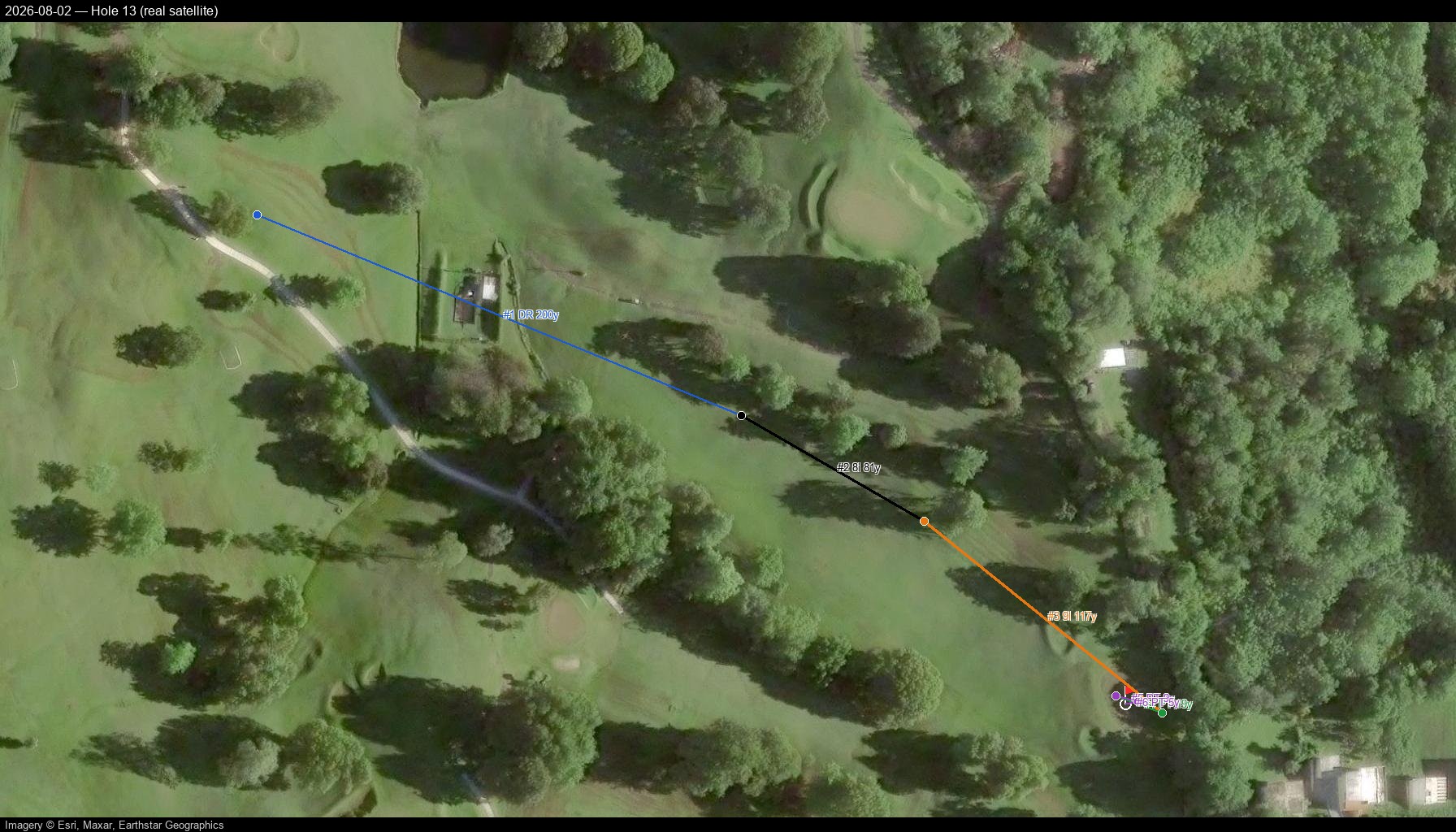
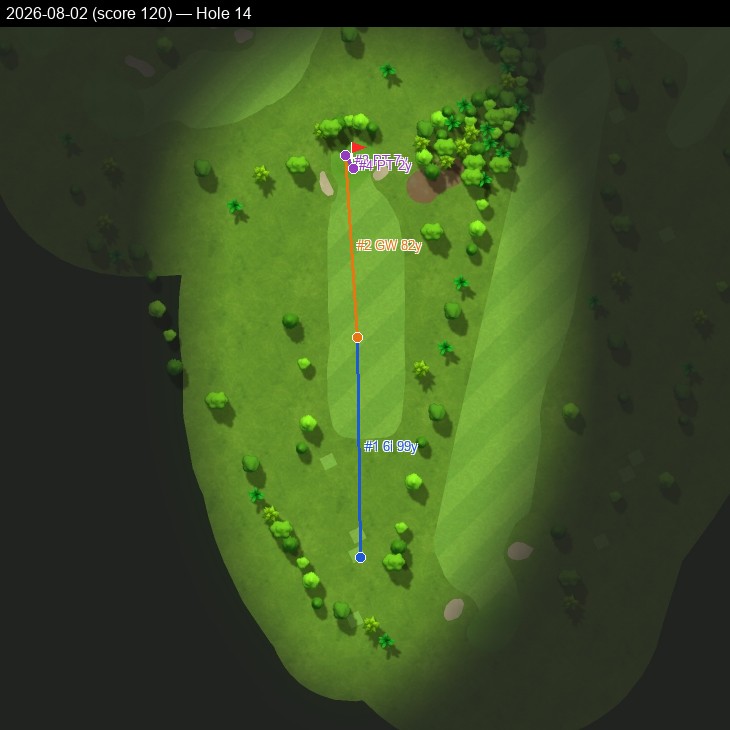
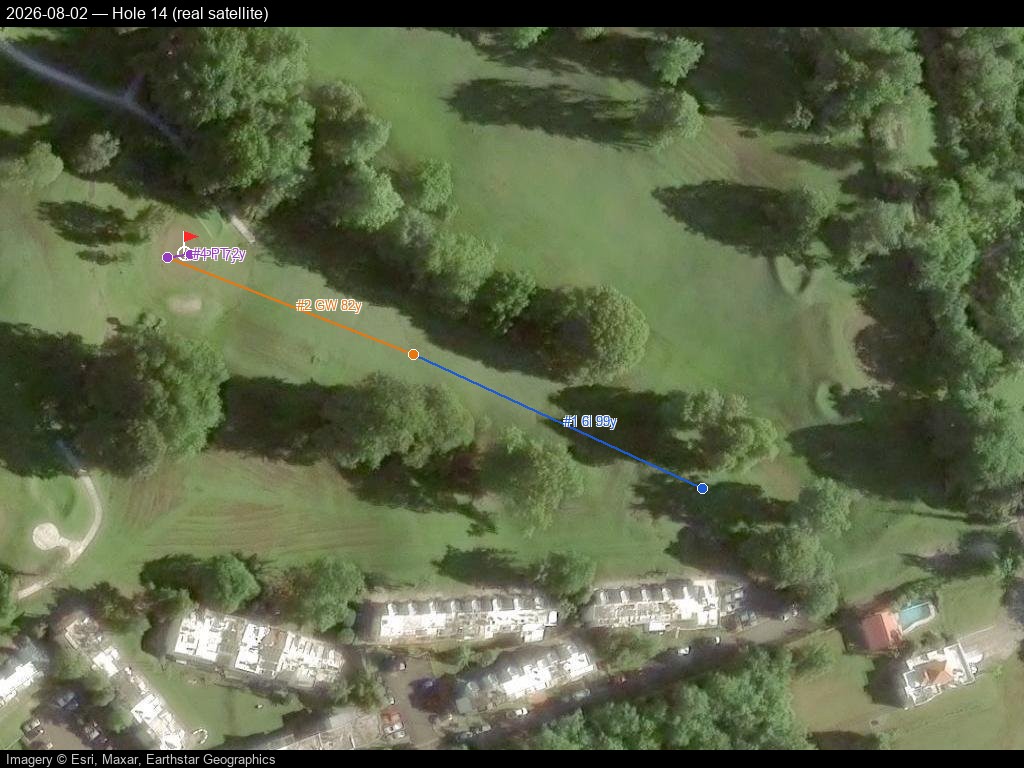
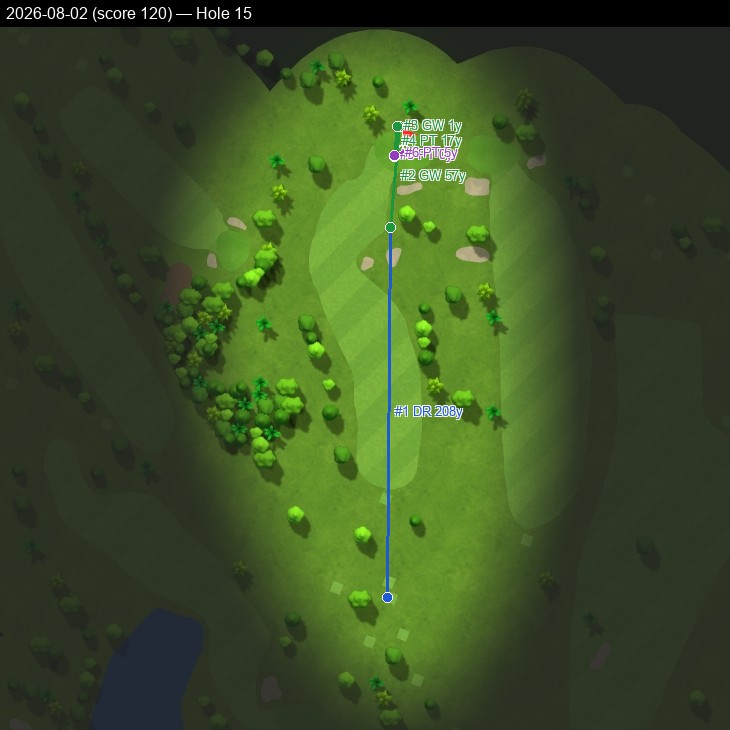
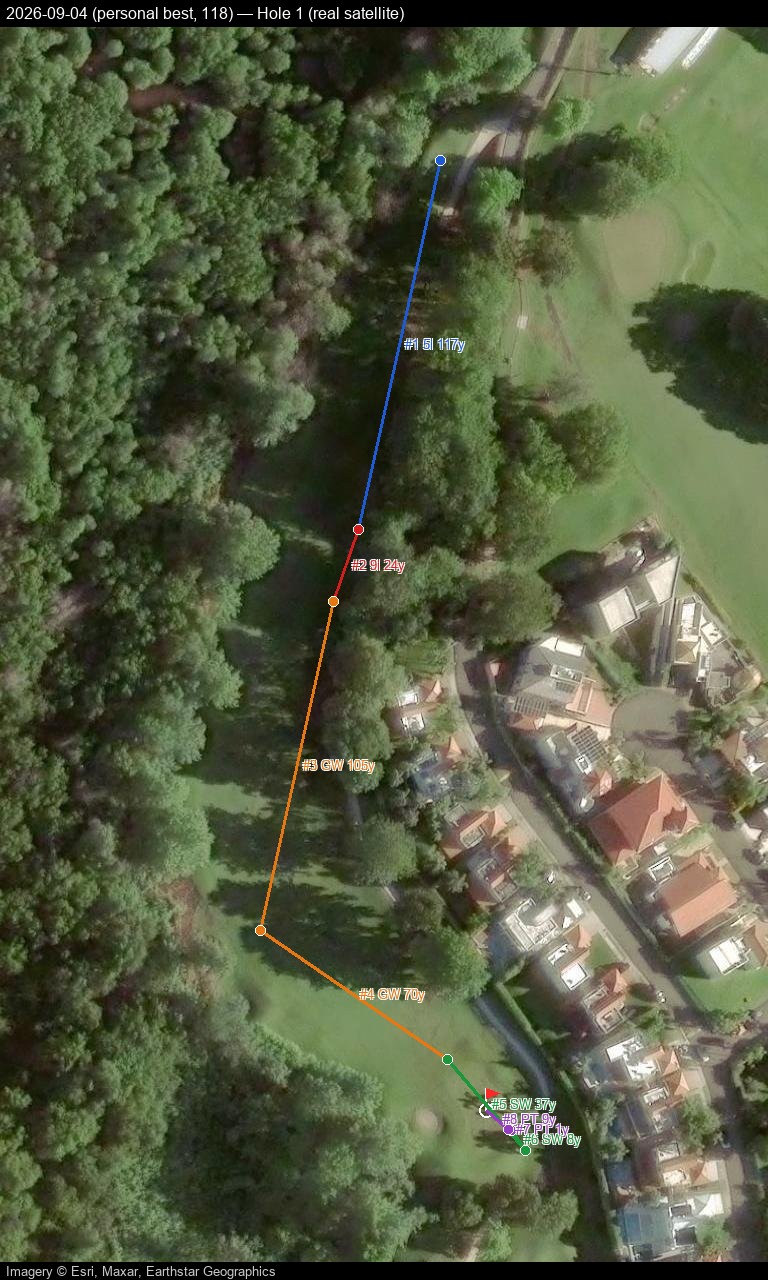
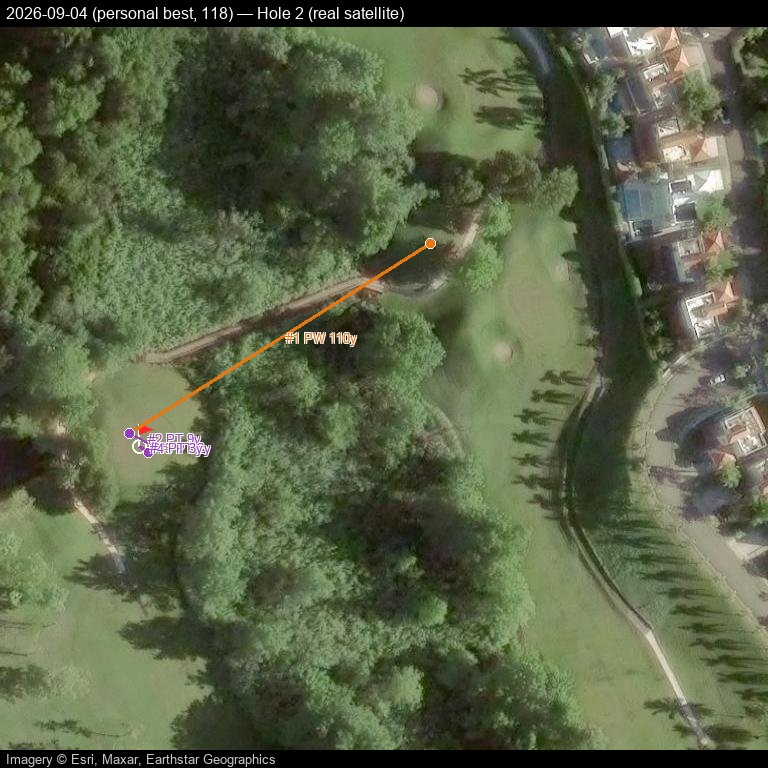
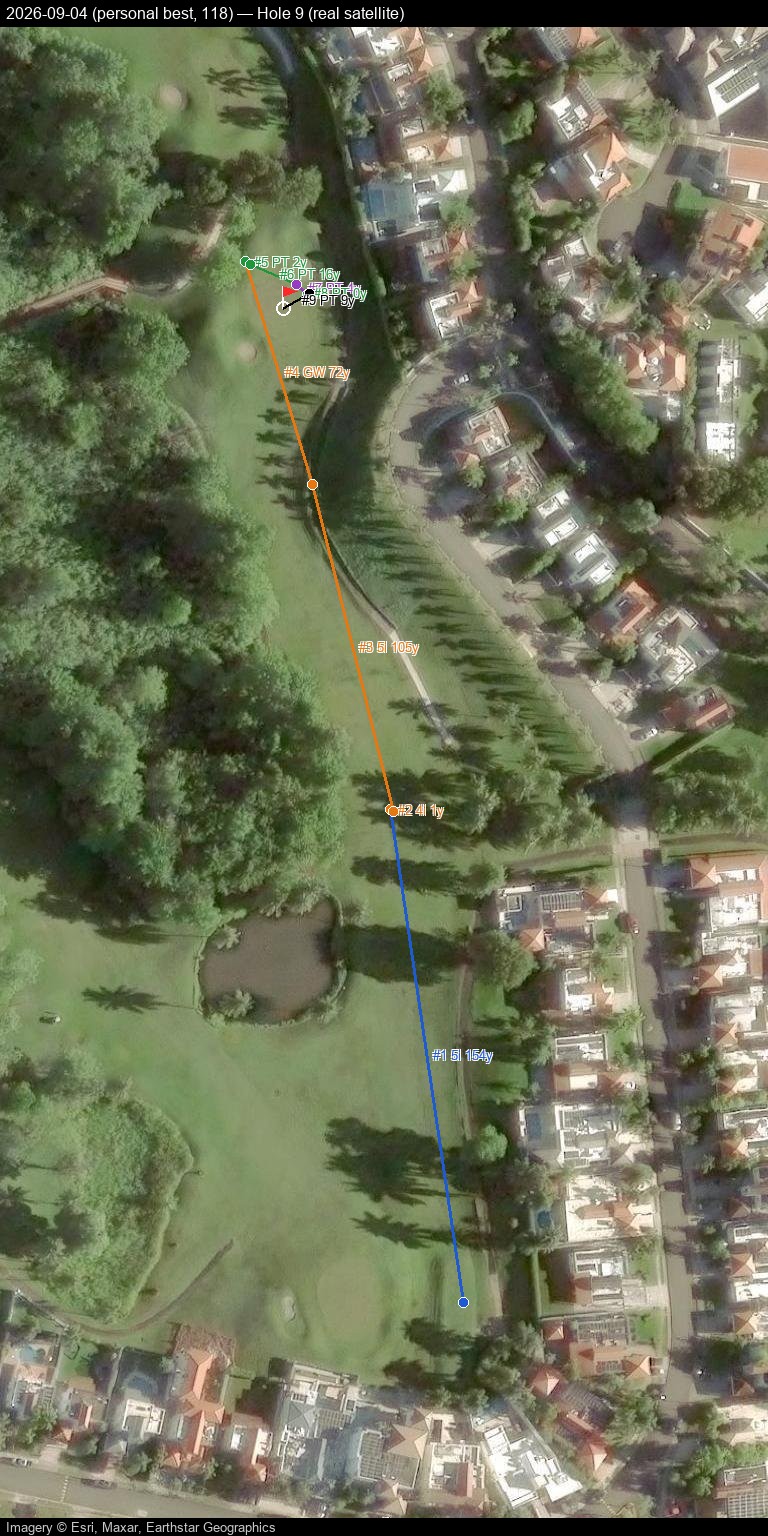
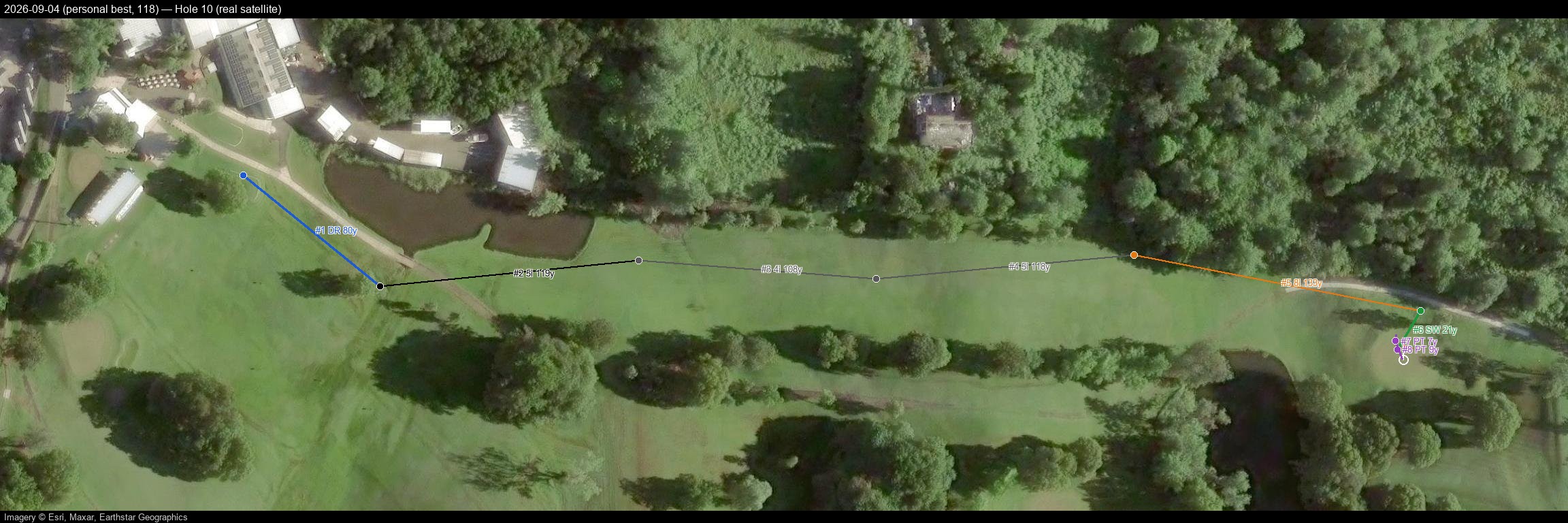
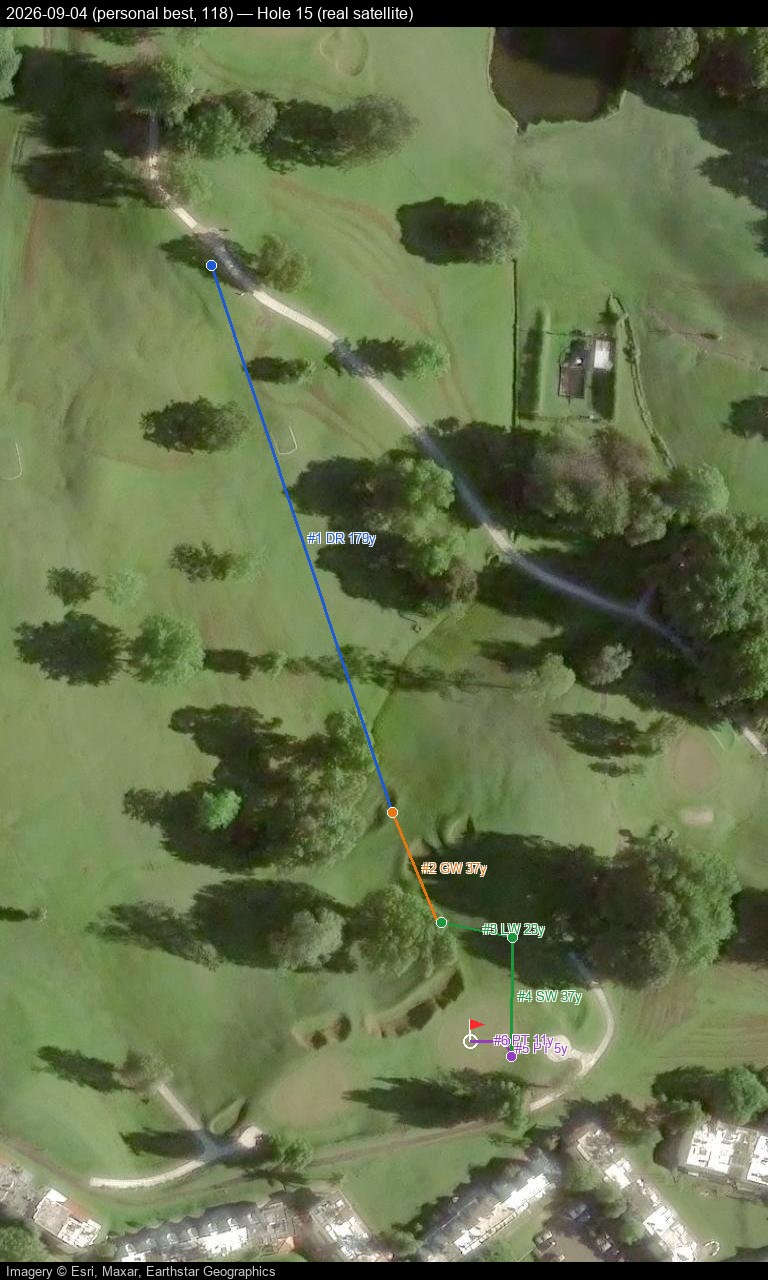
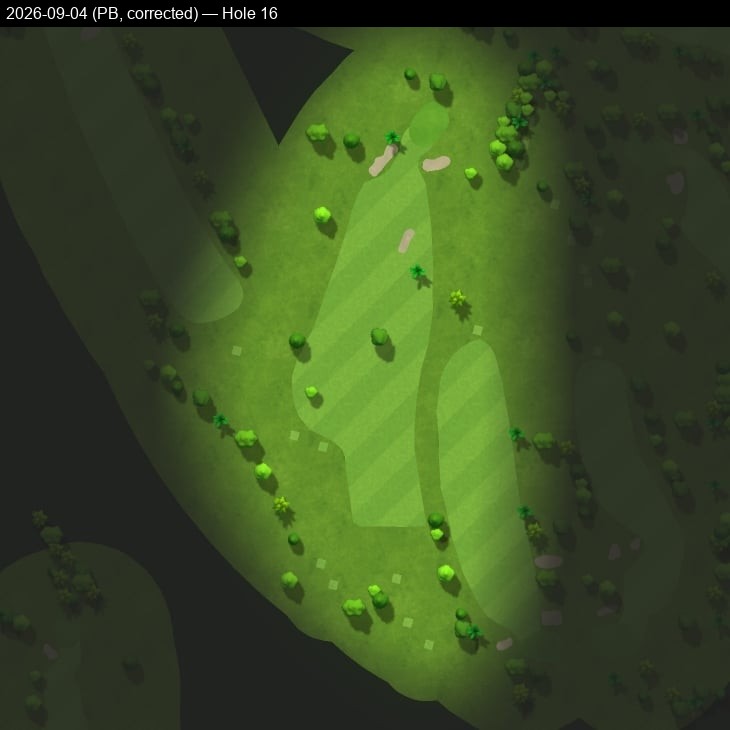
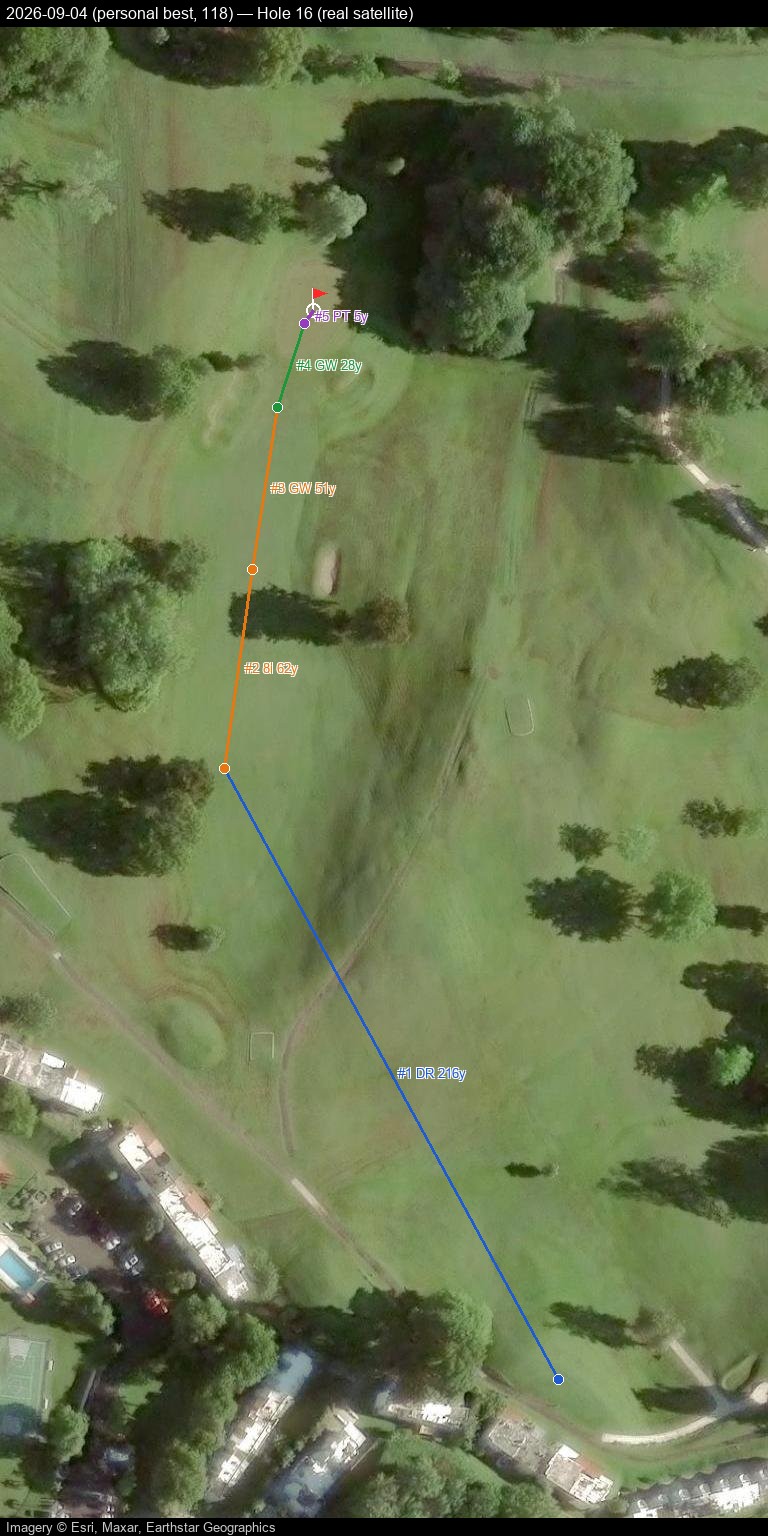
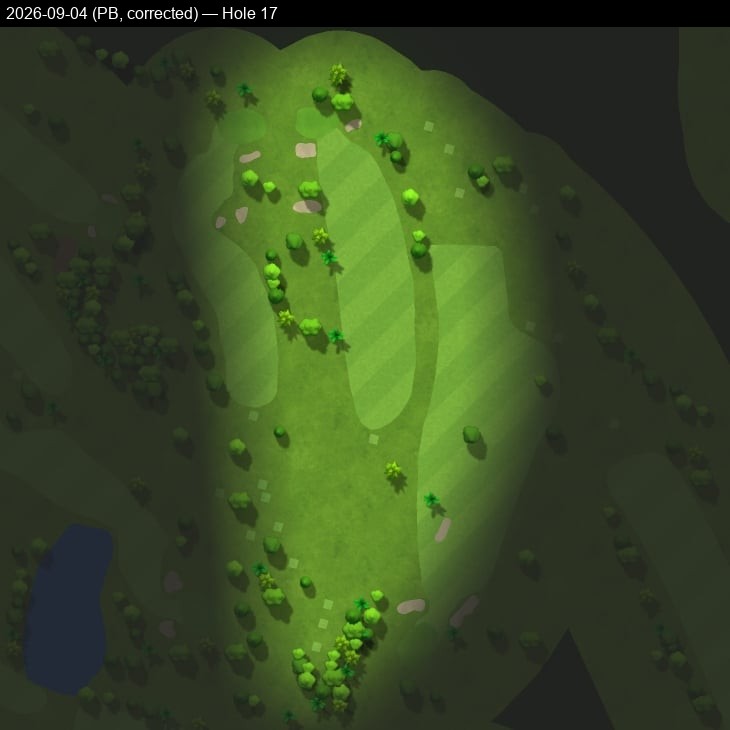
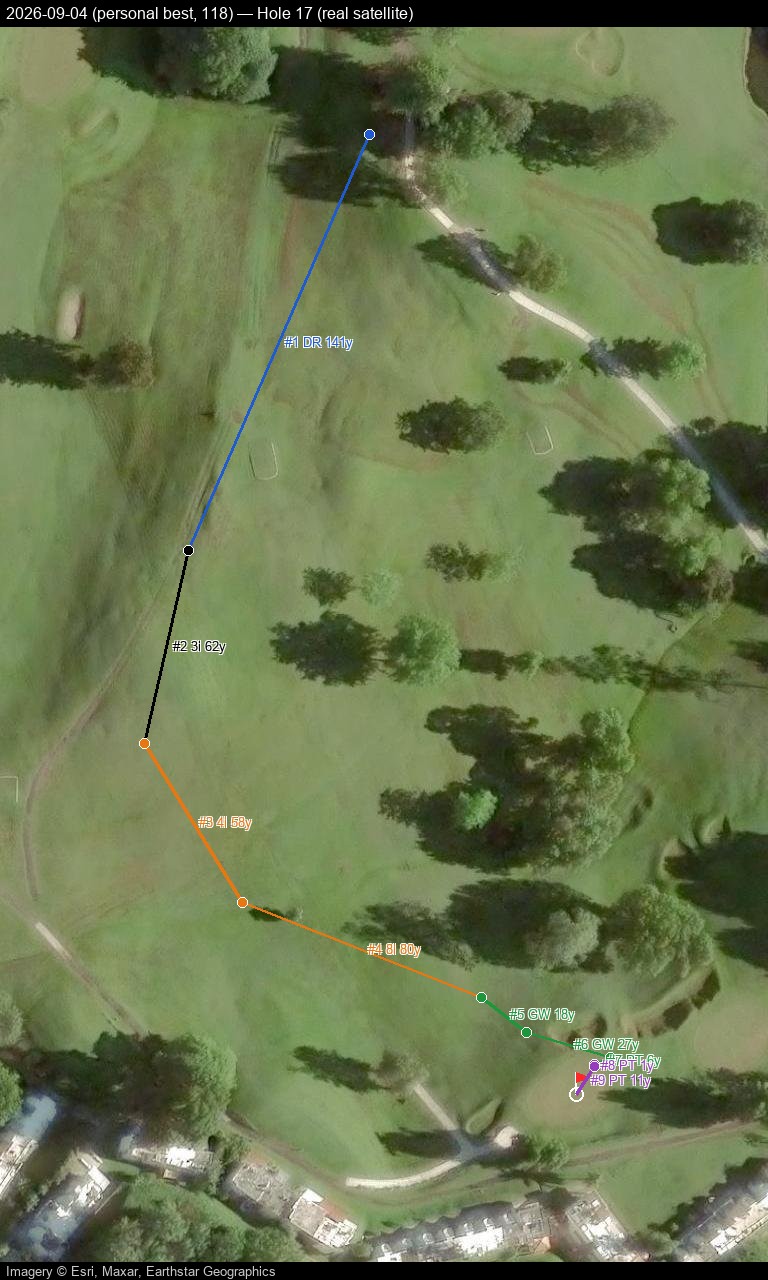
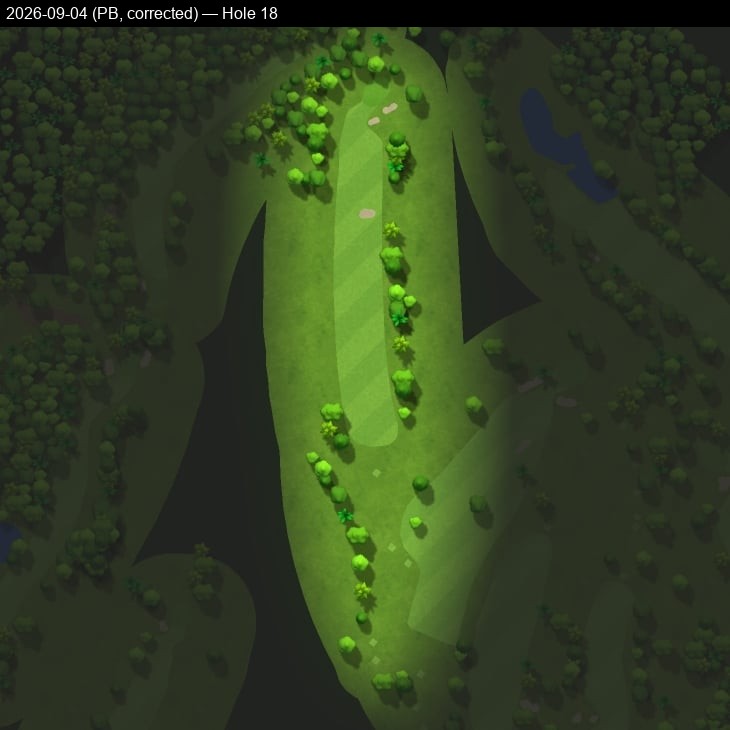
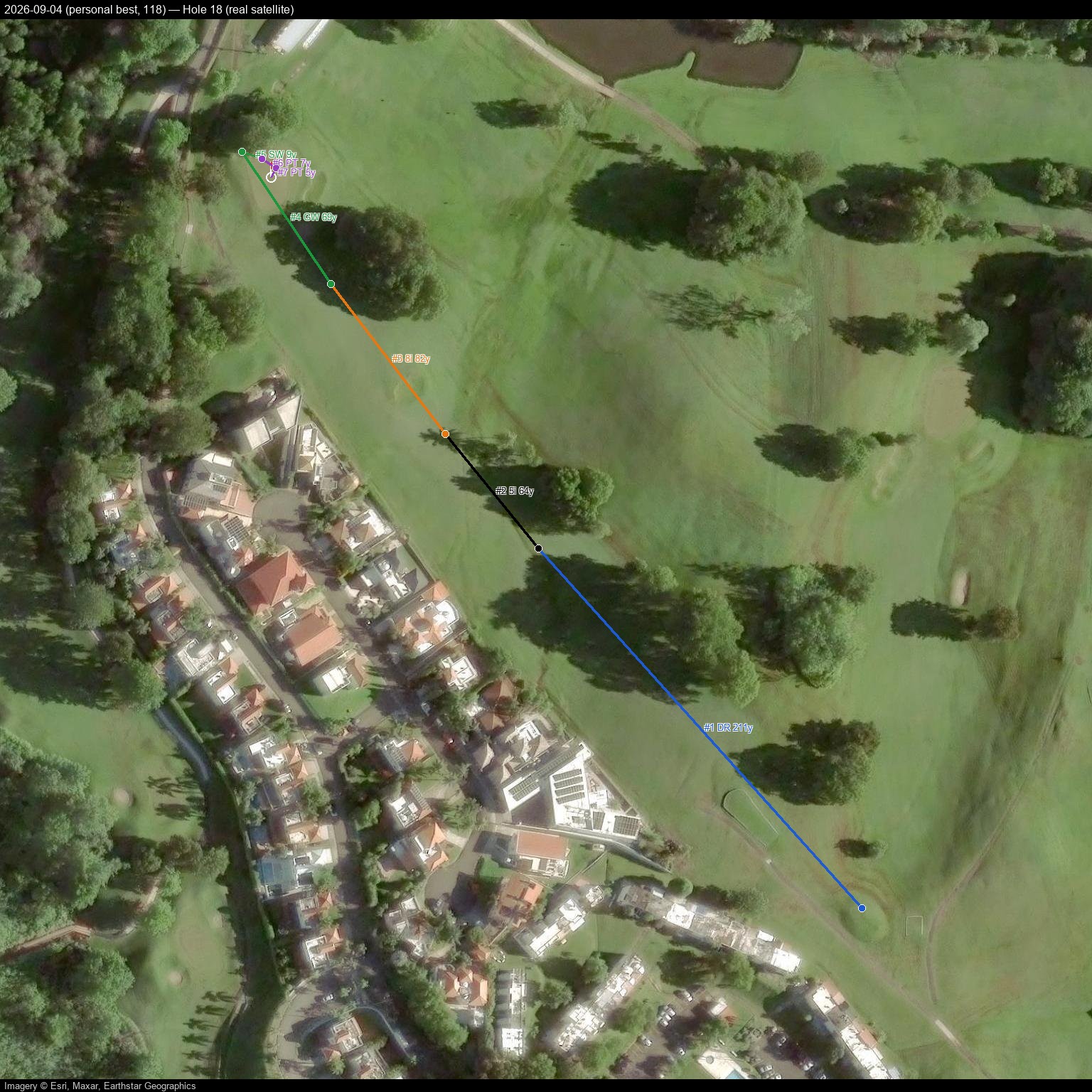
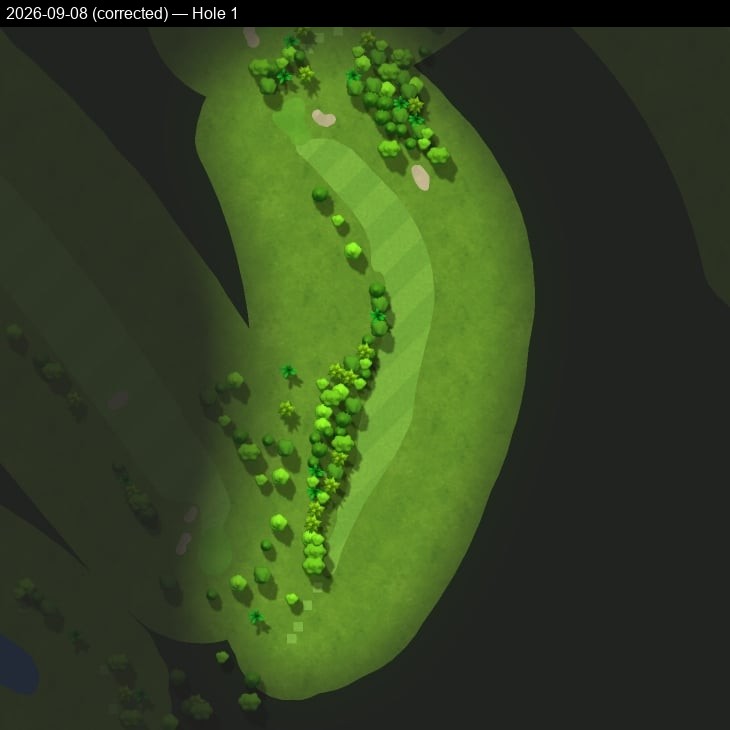
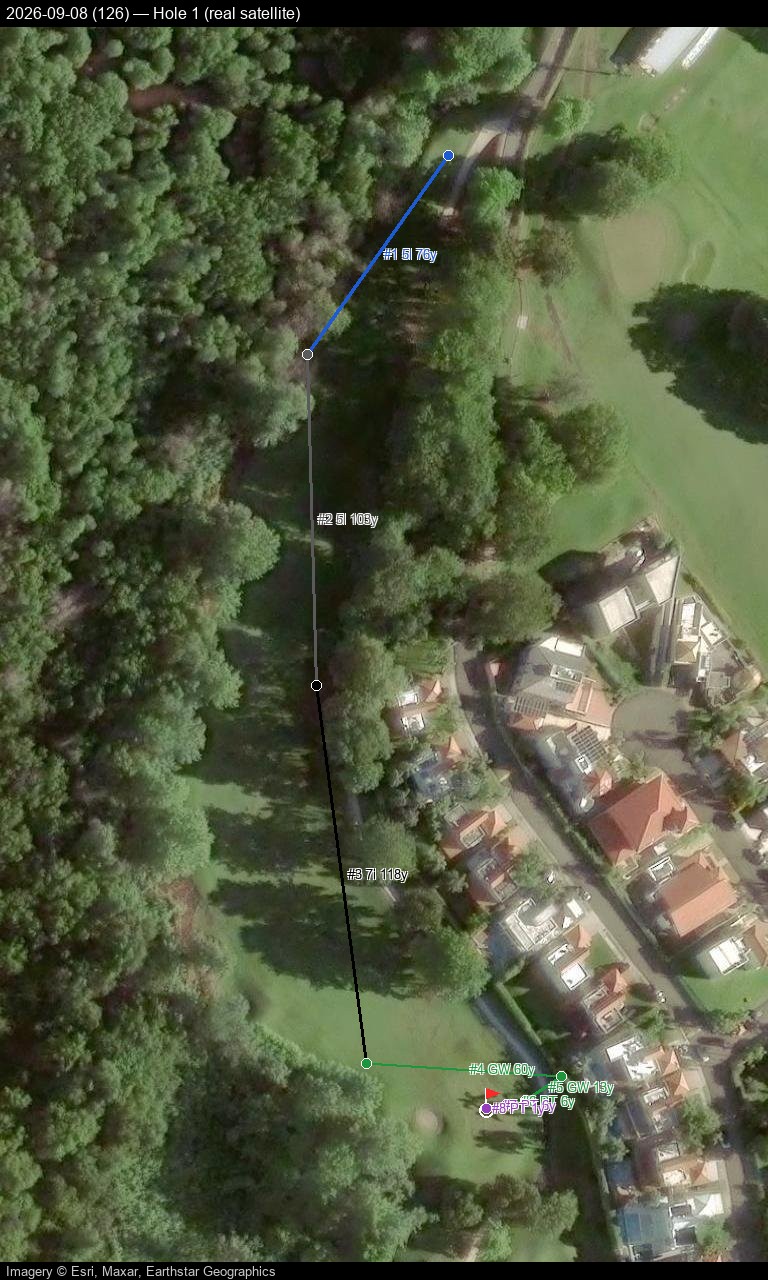
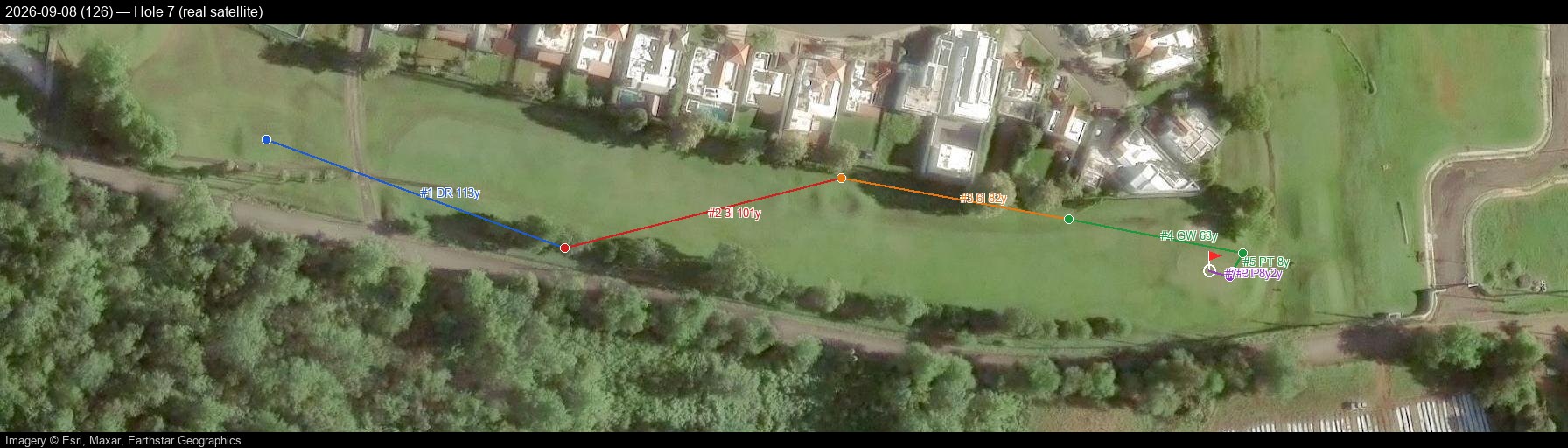
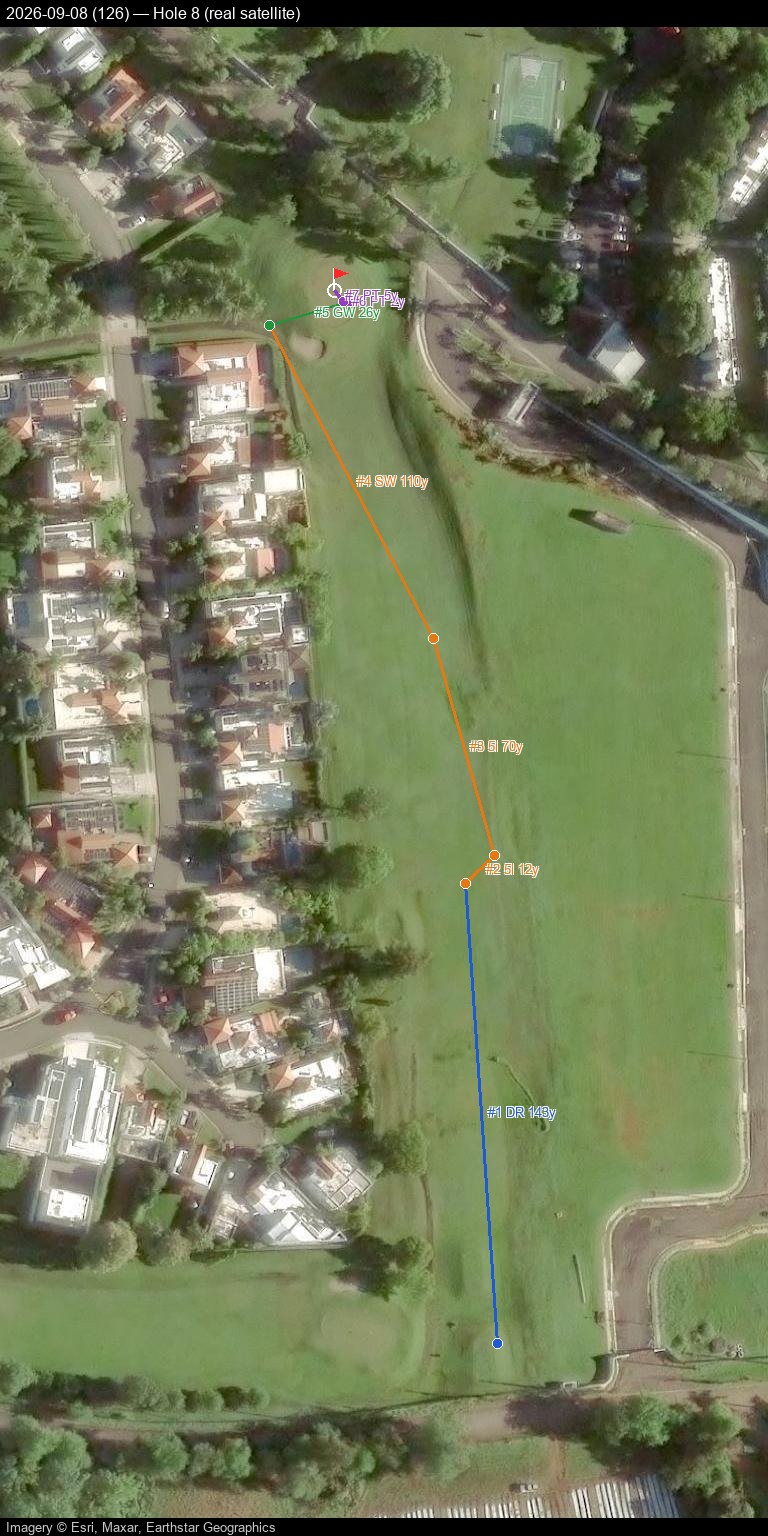
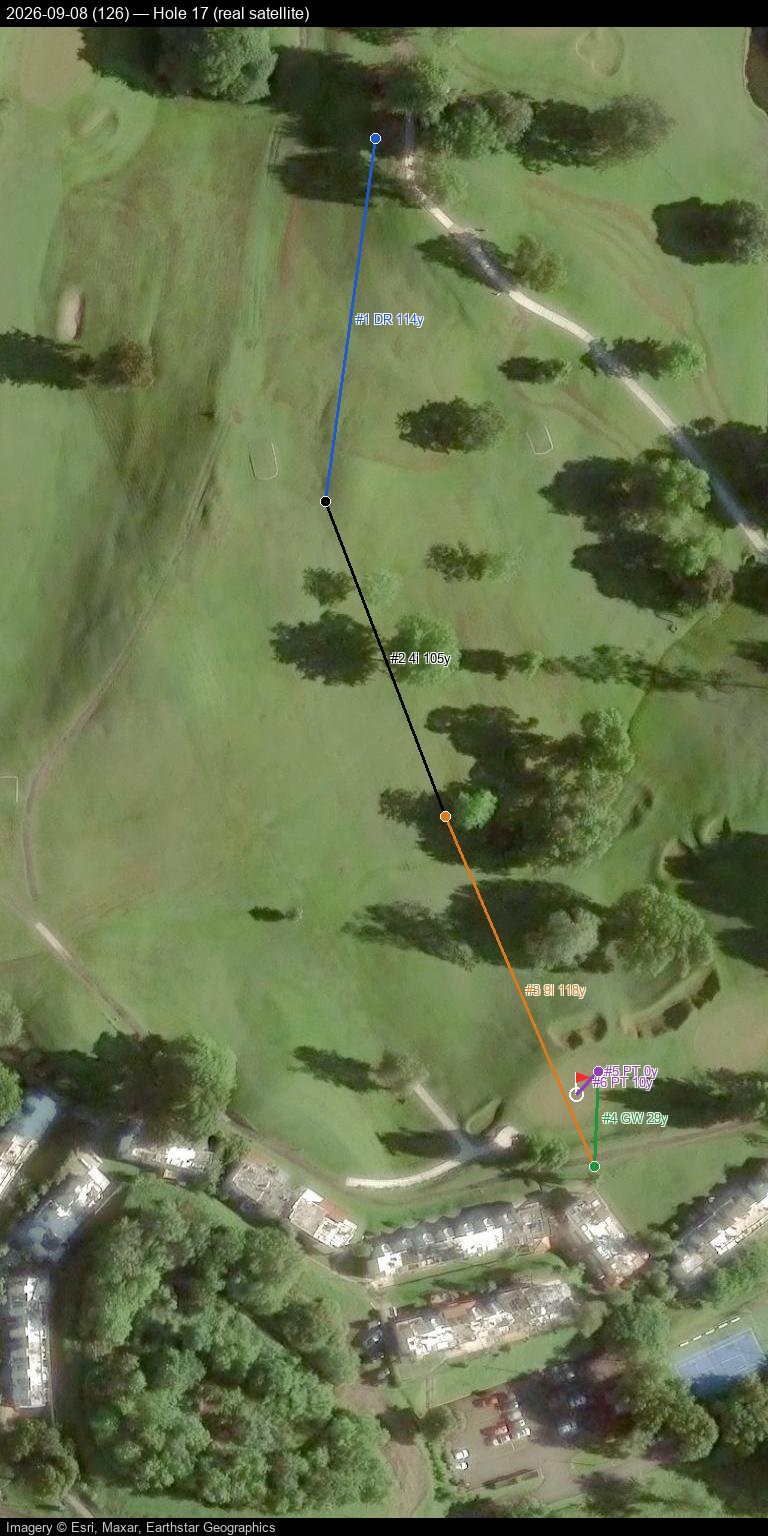
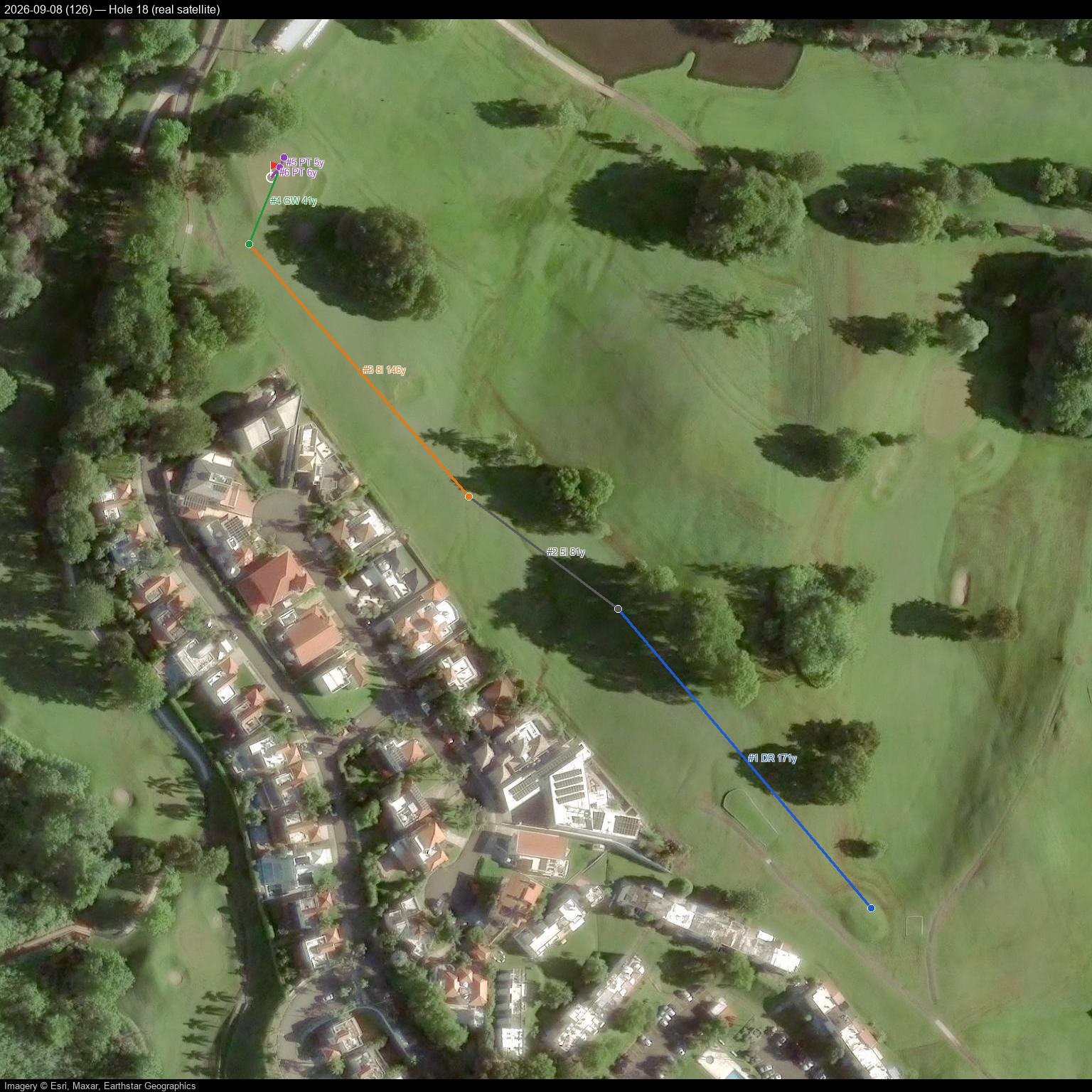
Troy Bourque tracks every round on Garmin Connect, which logs shot-by-shot GPS position, club, and distance for each stroke. These images overlay that real shot data on Garmin's own aerial imagery for each hole — a look at what the numbers alone don't show.
Scoring, last 5 rounds
| Date | Course | Score | To par |
|---|---|---|---|
| 2025-12-07 | Club Deportivo Del Oeste | 119 | +48 |
| 2026-07-29 | Club Deportivo Del Oeste | 125 | +54 |
| 2026-08-02 | Club Deportivo Del Oeste | 120 | +49 |
| 2026-09-04 | Club Deportivo Del Oeste | 118 | +47 |
| 2026-09-08 | Club Deportivo Del Oeste | 126 | +55 |
The 2026-09-04 round is a personal best — the third new low score in a row after a seven-month off-season gap. The very next round (2026-09-08) snapped that streak with a 126 — 0 greens in regulation and another "Poor" approach rating, the same weak spot the deep-dive below is about.
Personal best round — 2026-09-04, score 118
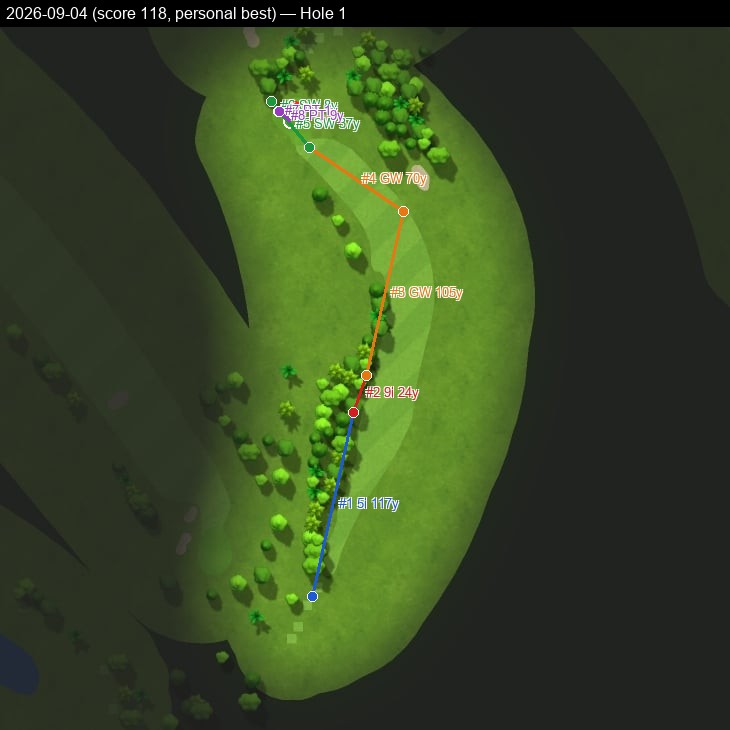
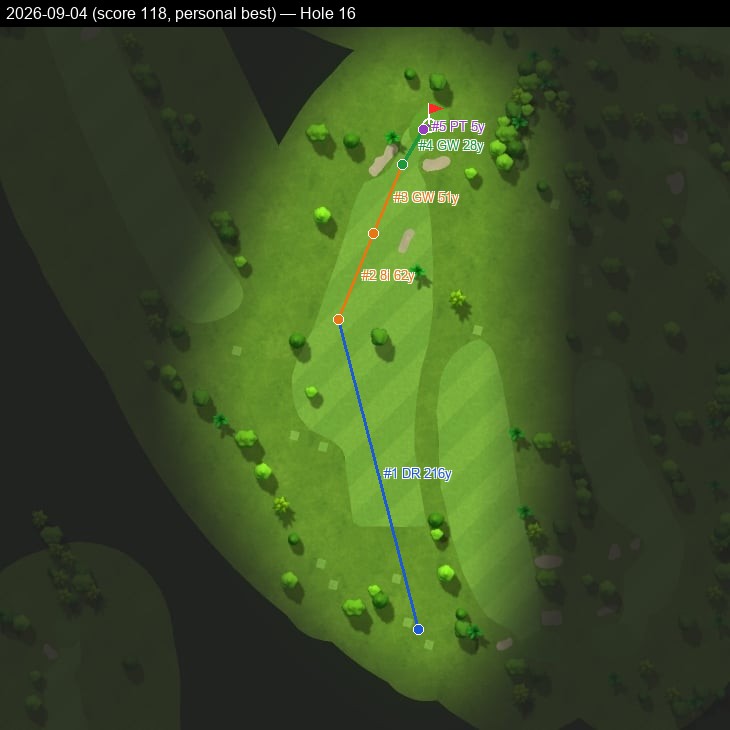
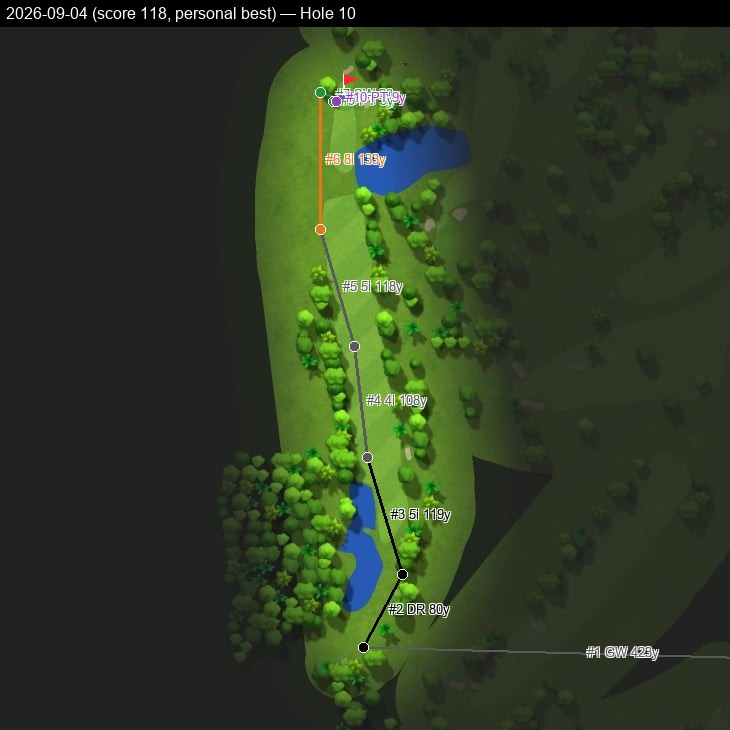
When the trees get involved
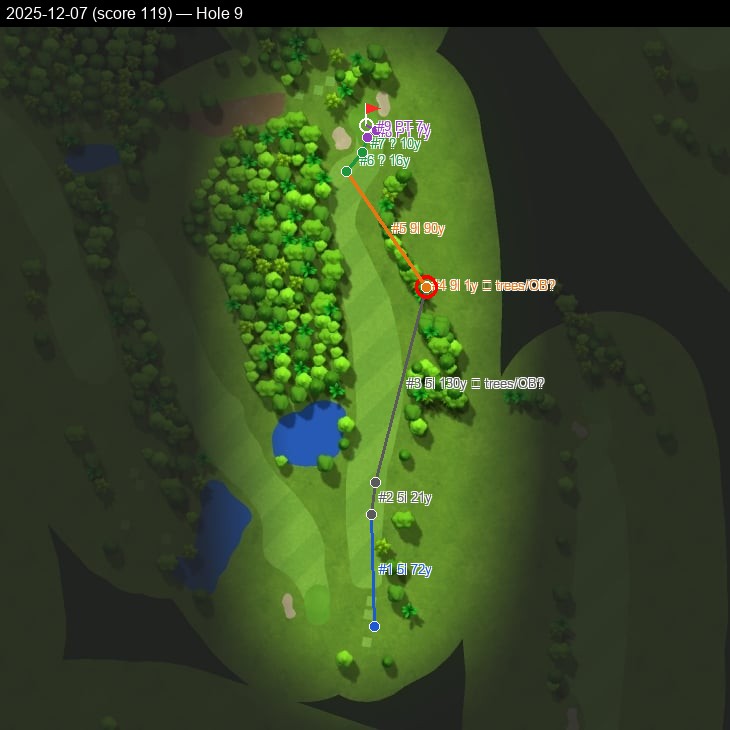
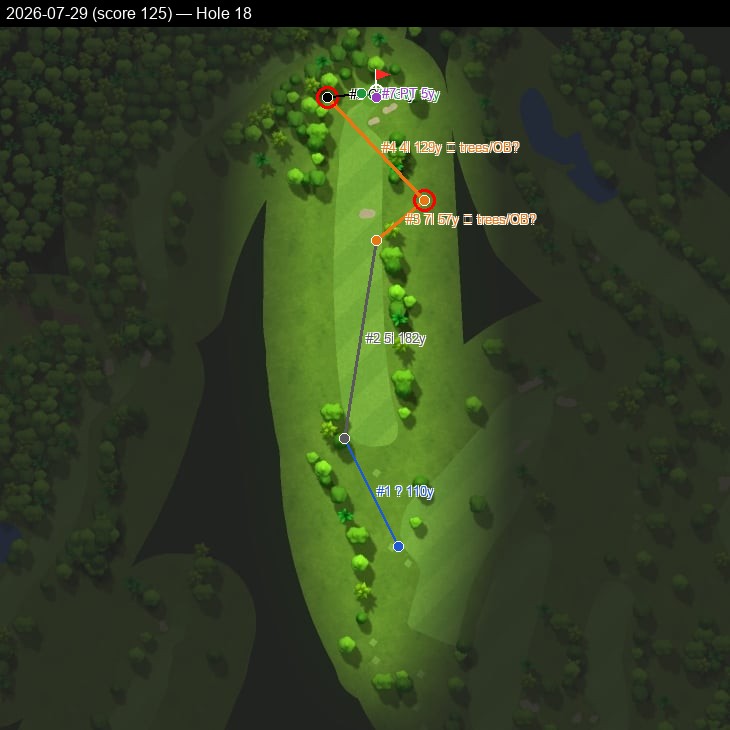
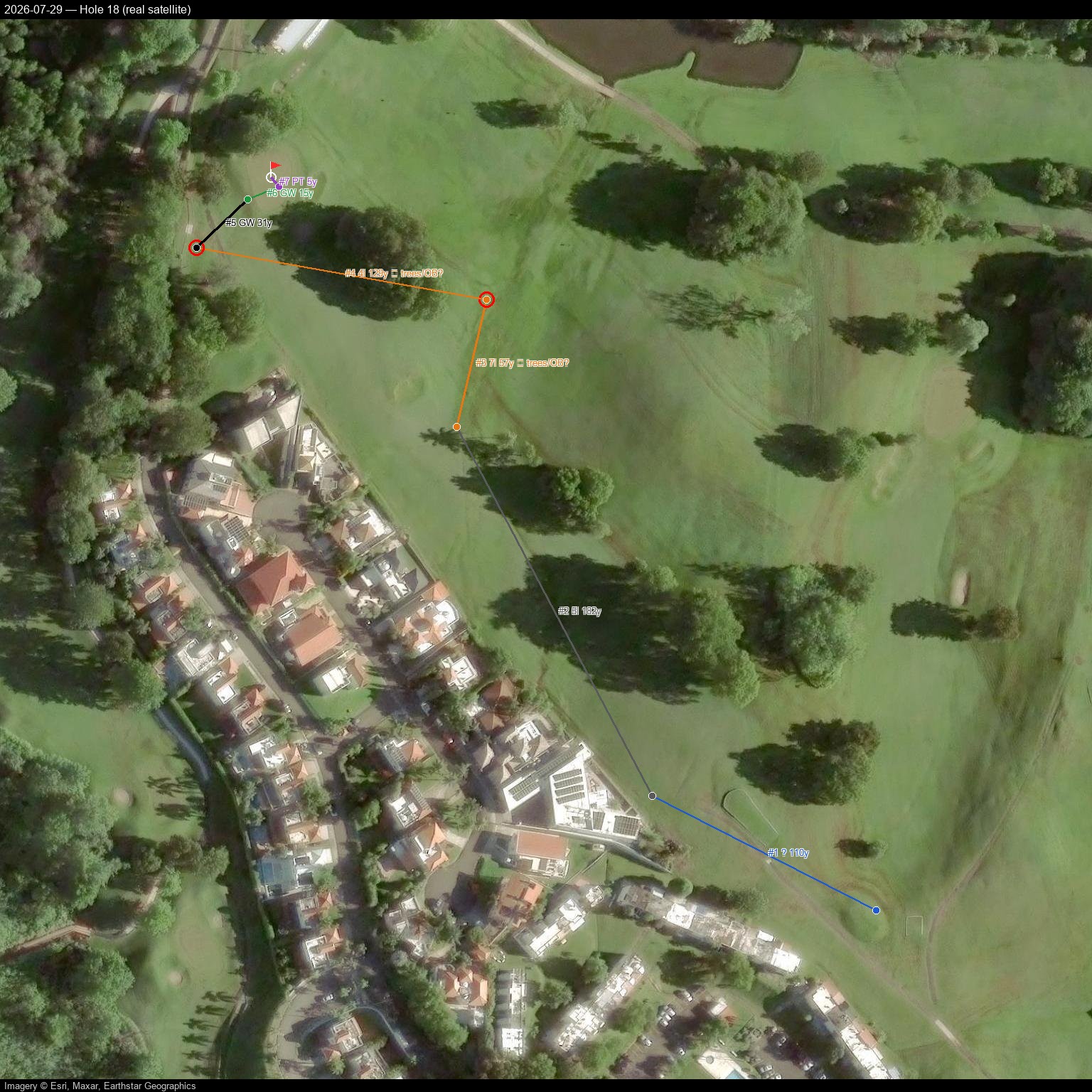
Garmin classifies every shot's landing spot against the course's mapped fairway, rough, green, and bunker outlines. When a shot lands somewhere none of those outlines cover, it's flagged here in red — on this course, that's almost always tree cover or the edge of the property, not a normal lie.
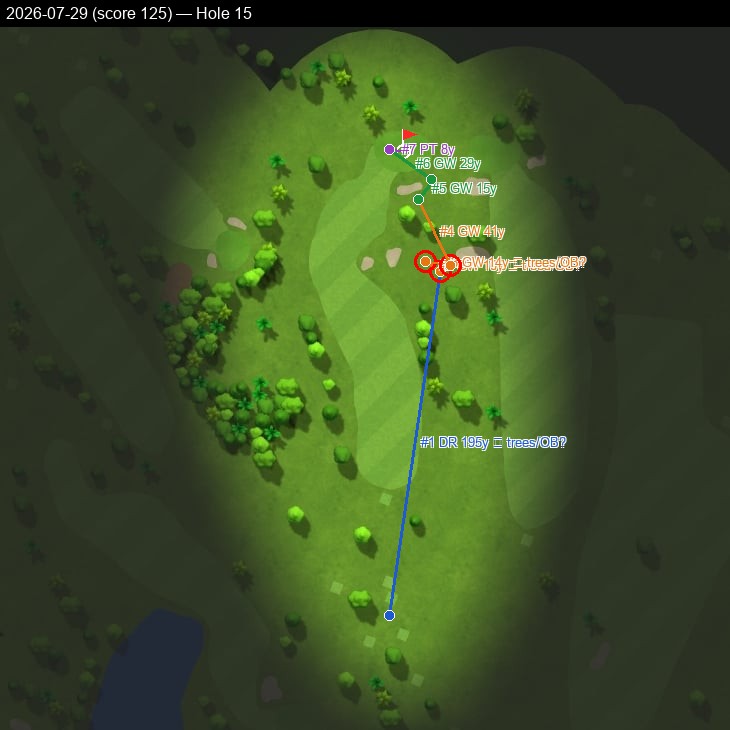
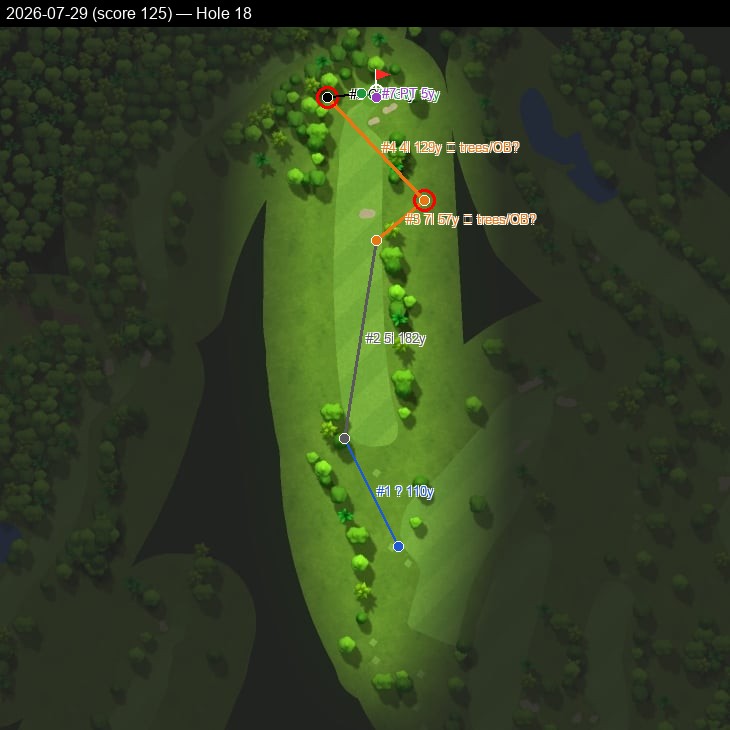
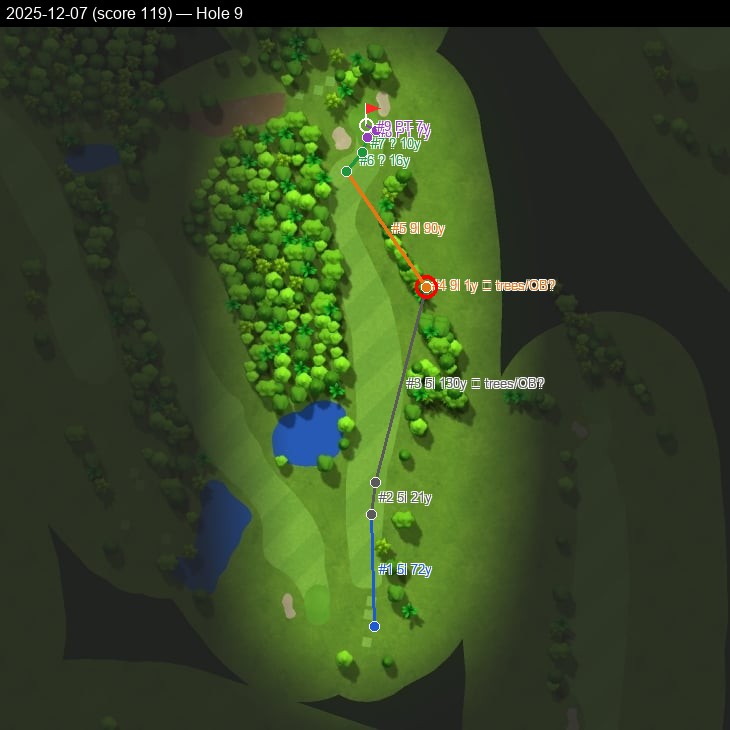
Across the last four GPS-tracked rounds, tree trouble like this shows up on the two higher-scoring rounds and is absent from the two lowest scores — a small sample, but a consistent one.
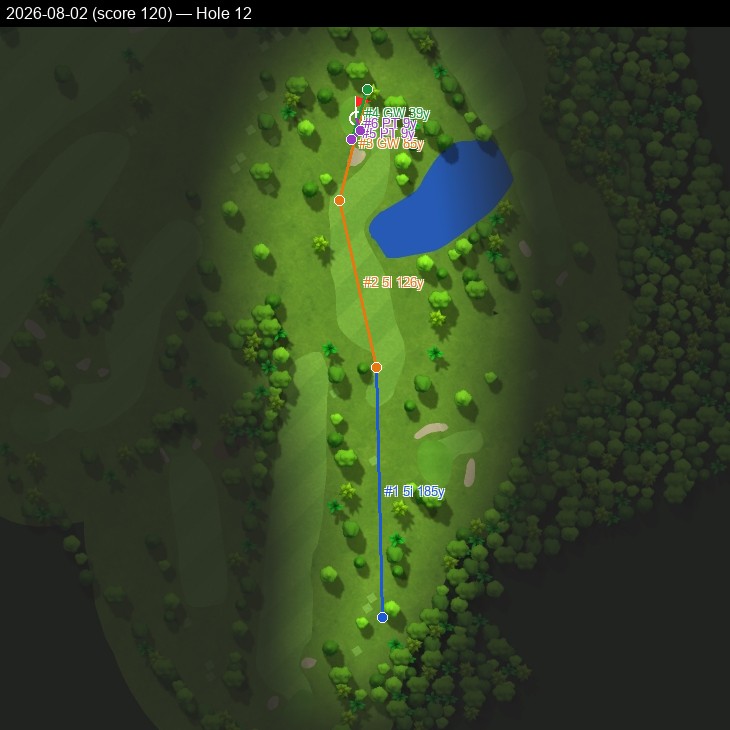
Full 18-hole detail, all GPS-tracked rounds (5)
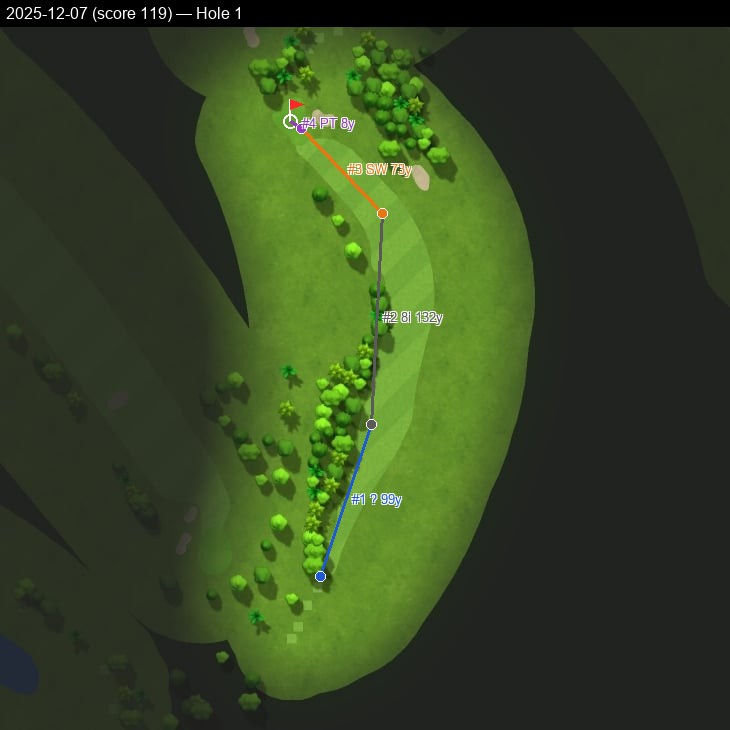
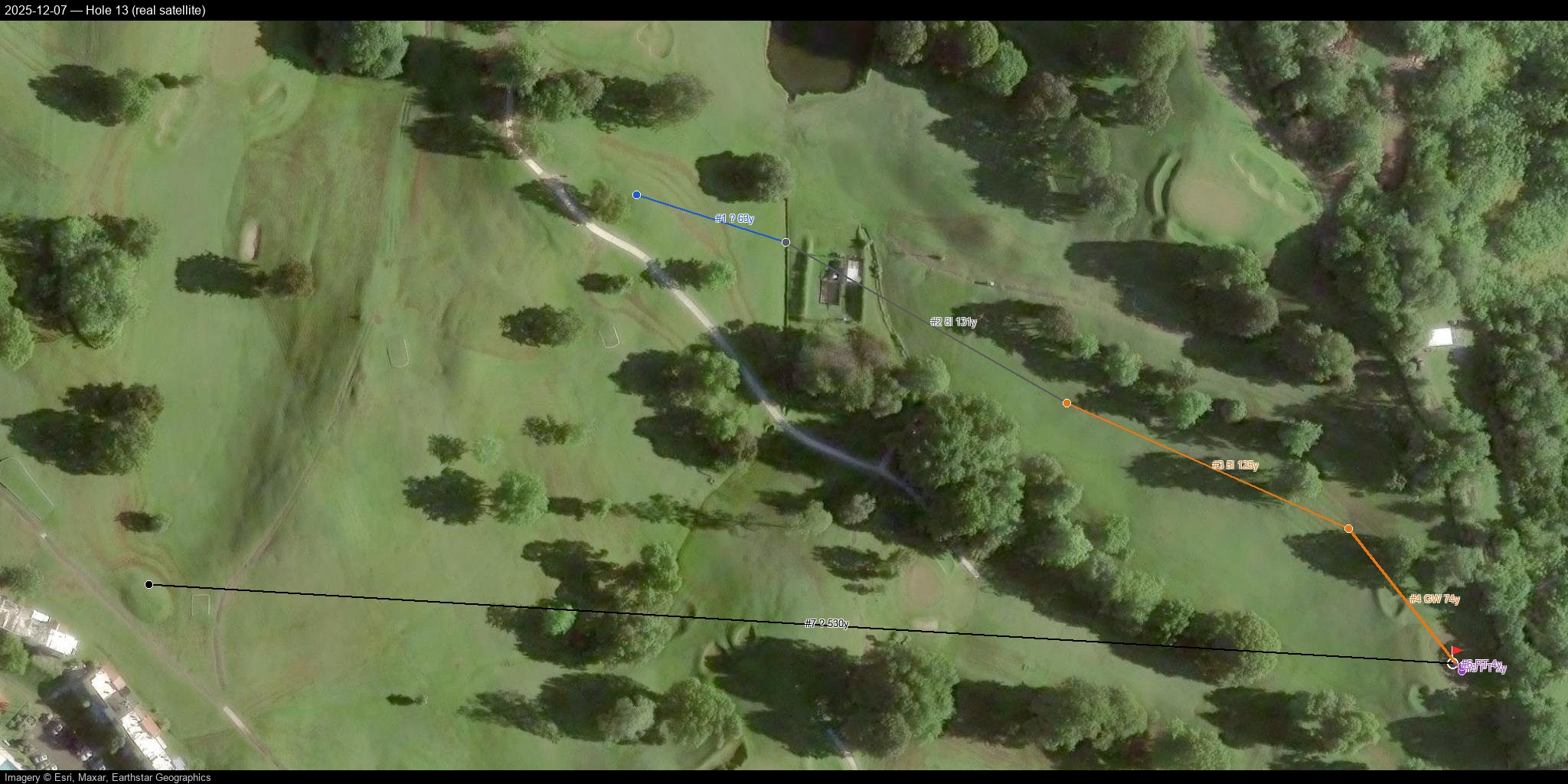
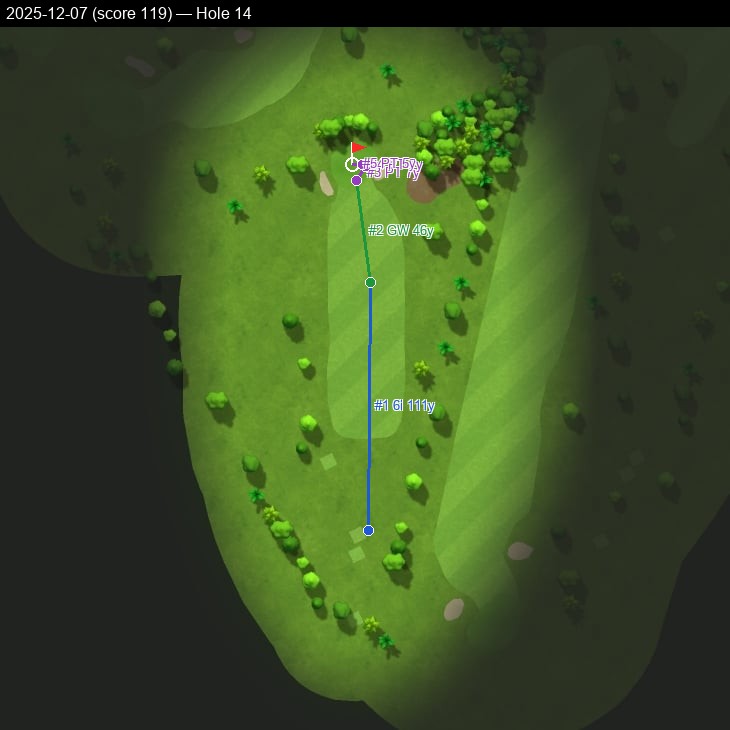
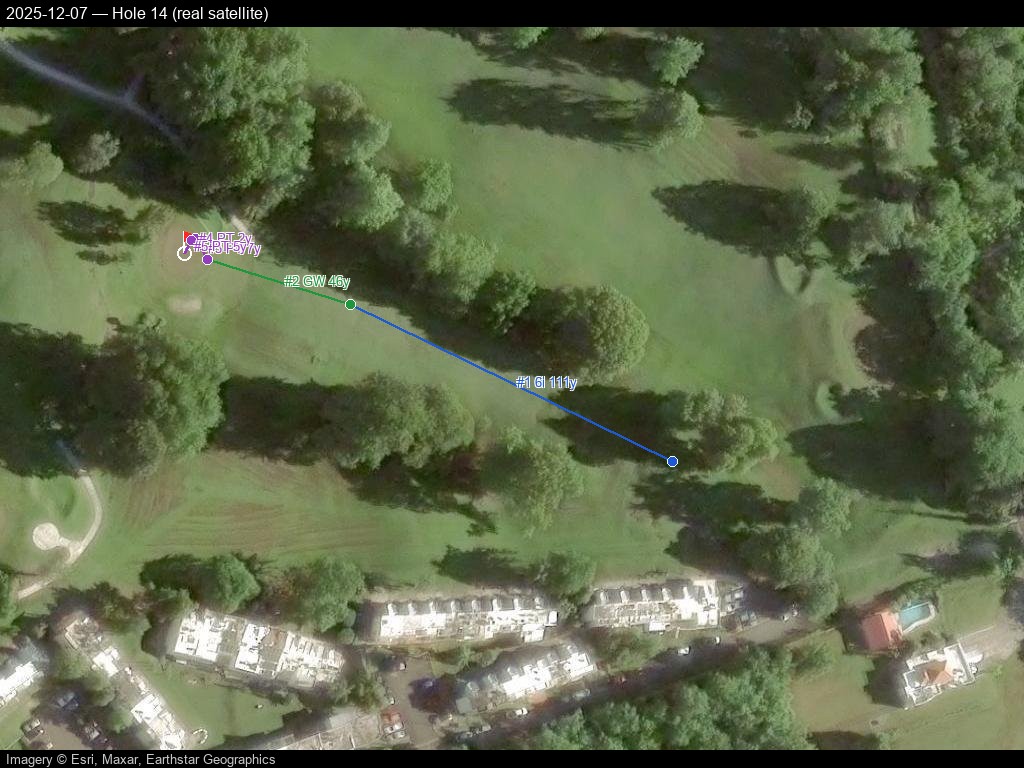
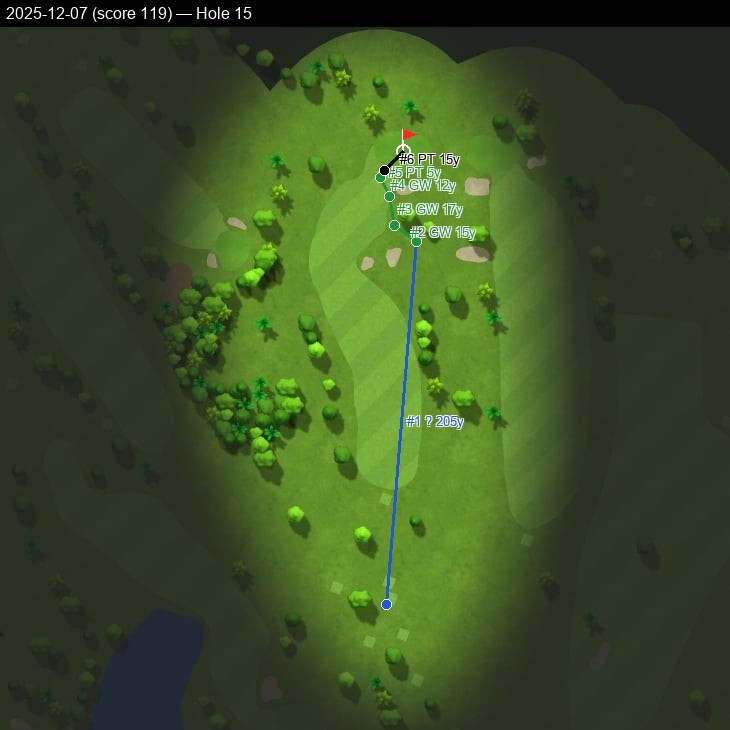
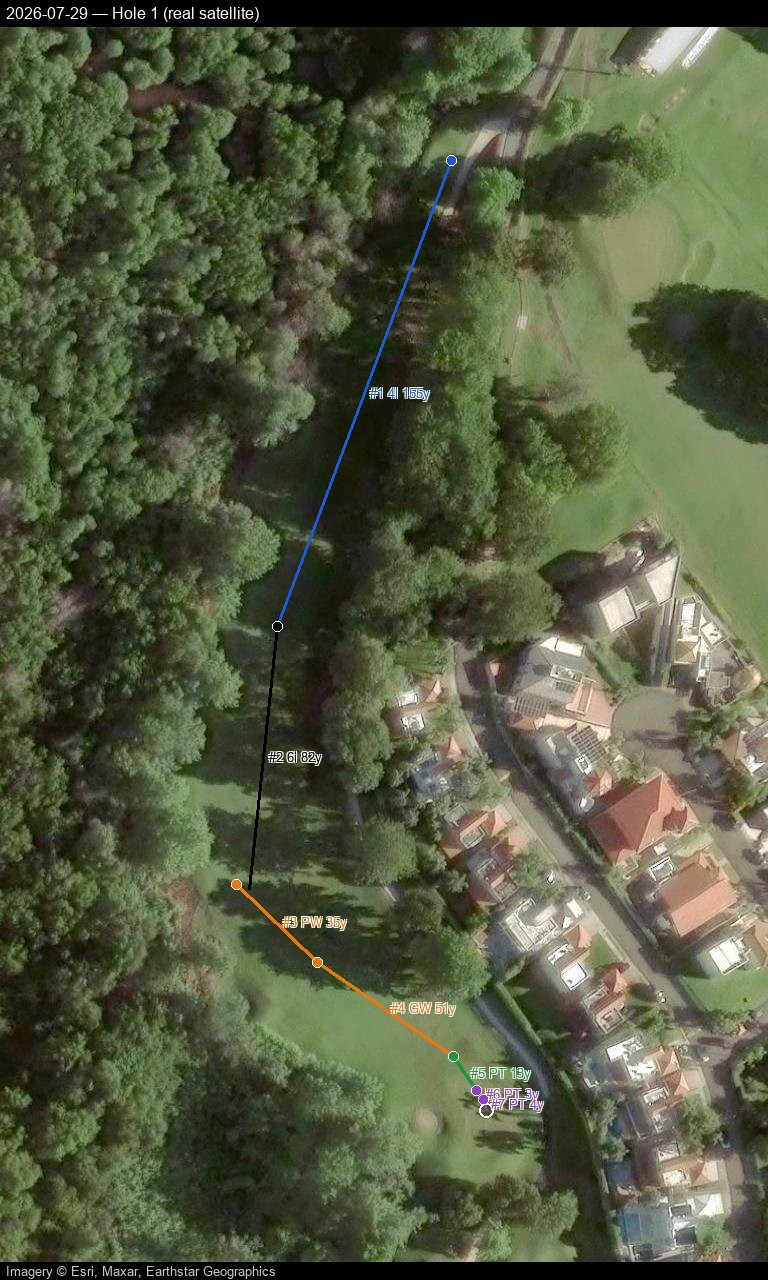
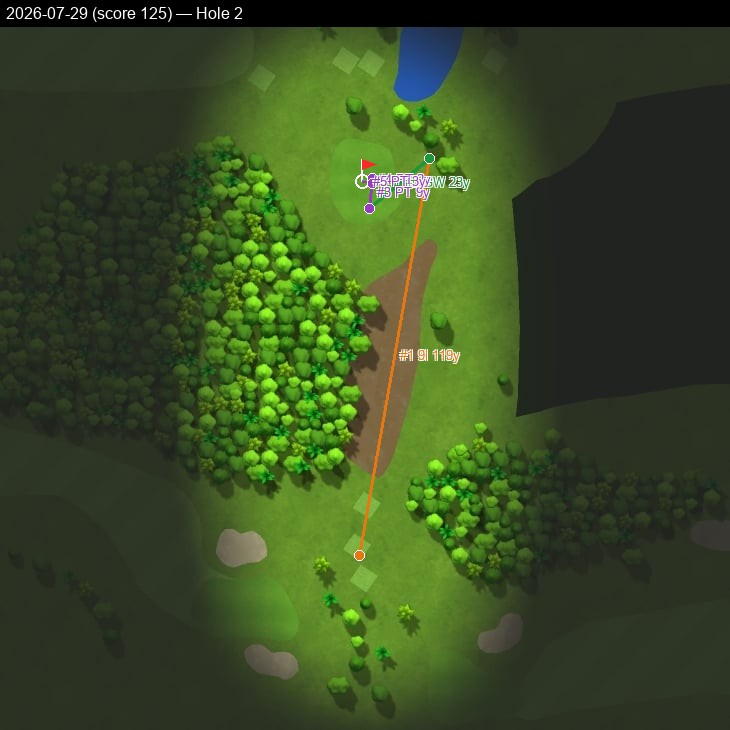
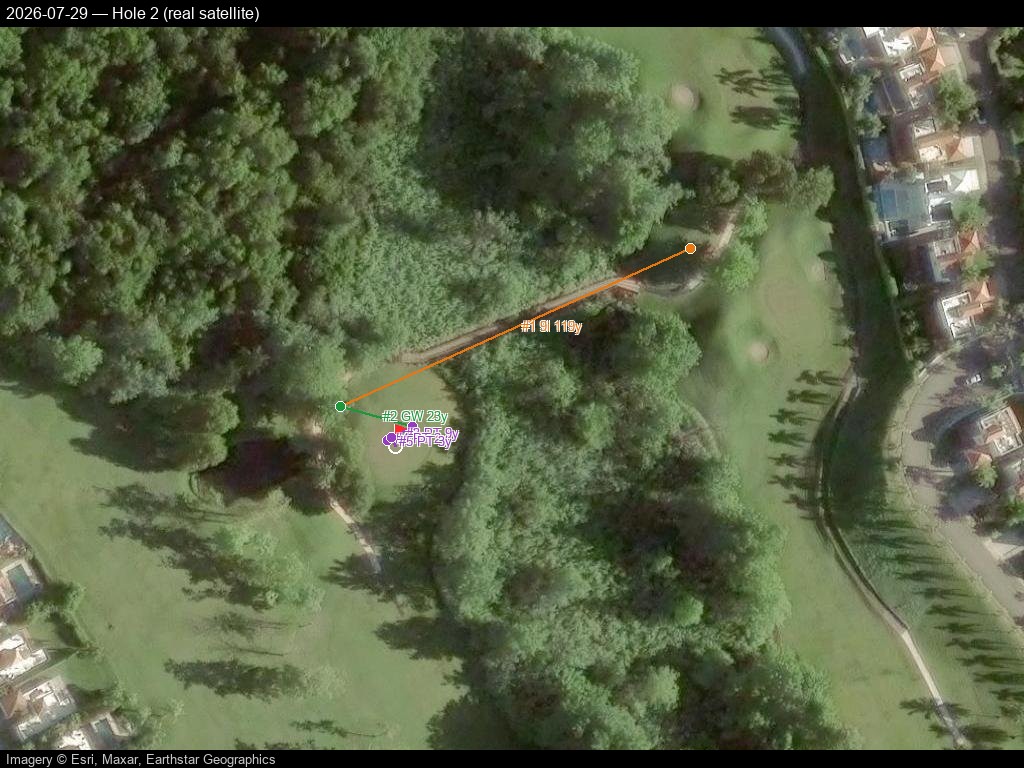
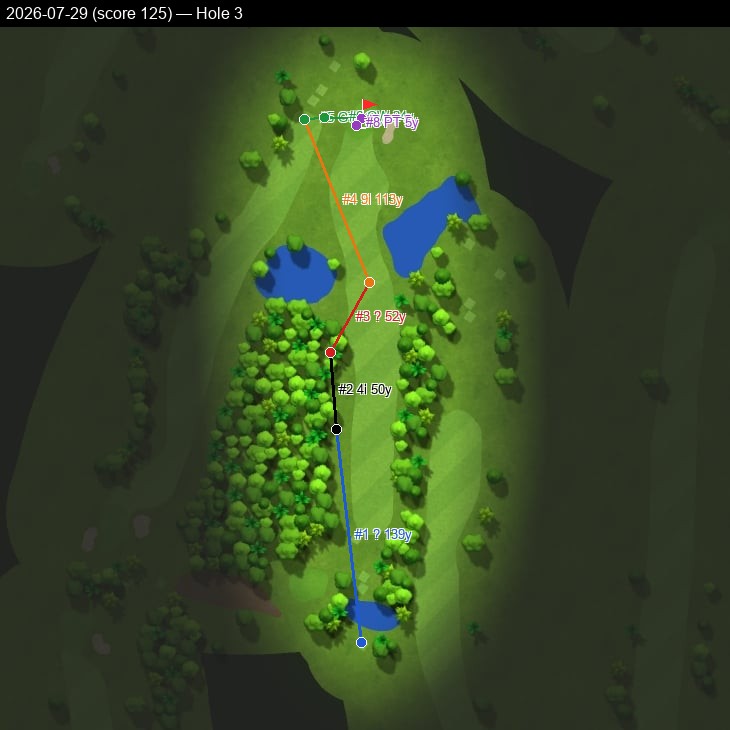
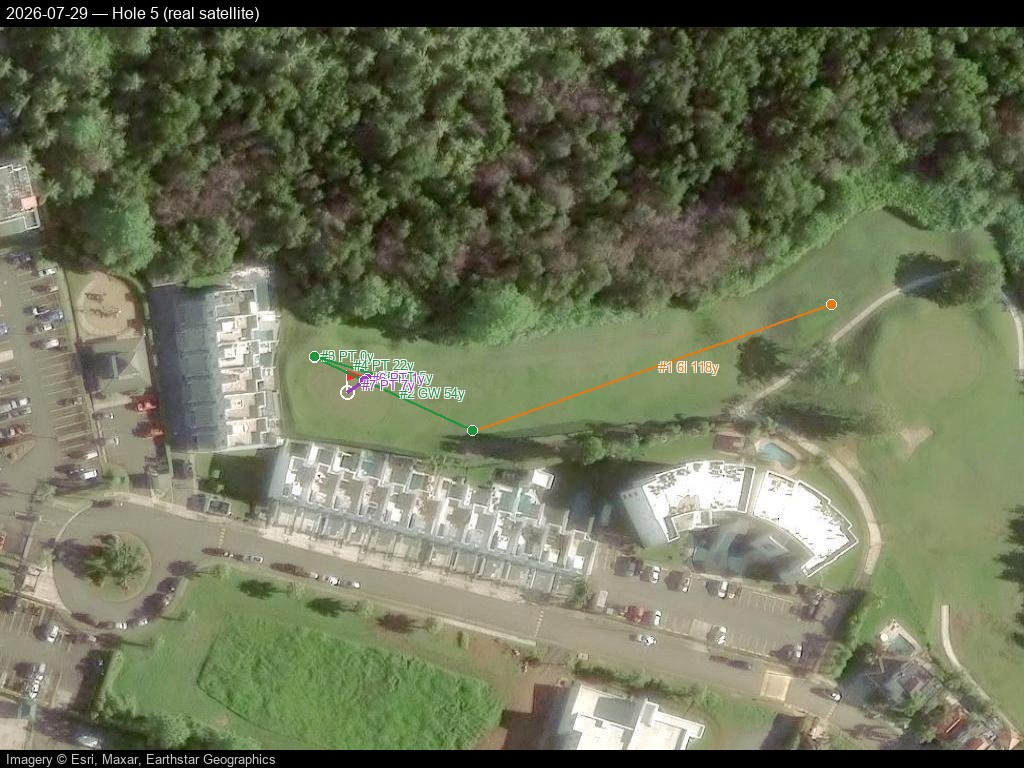
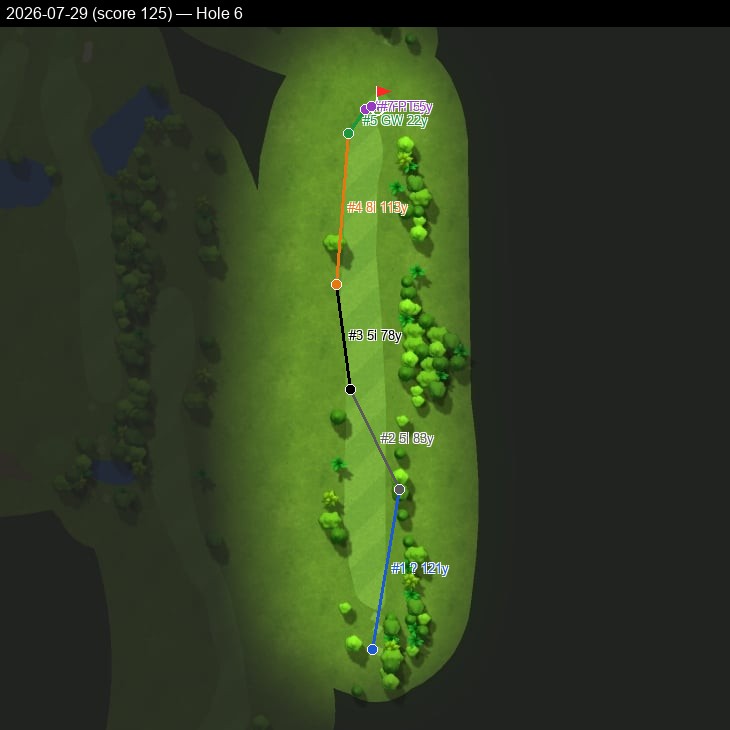
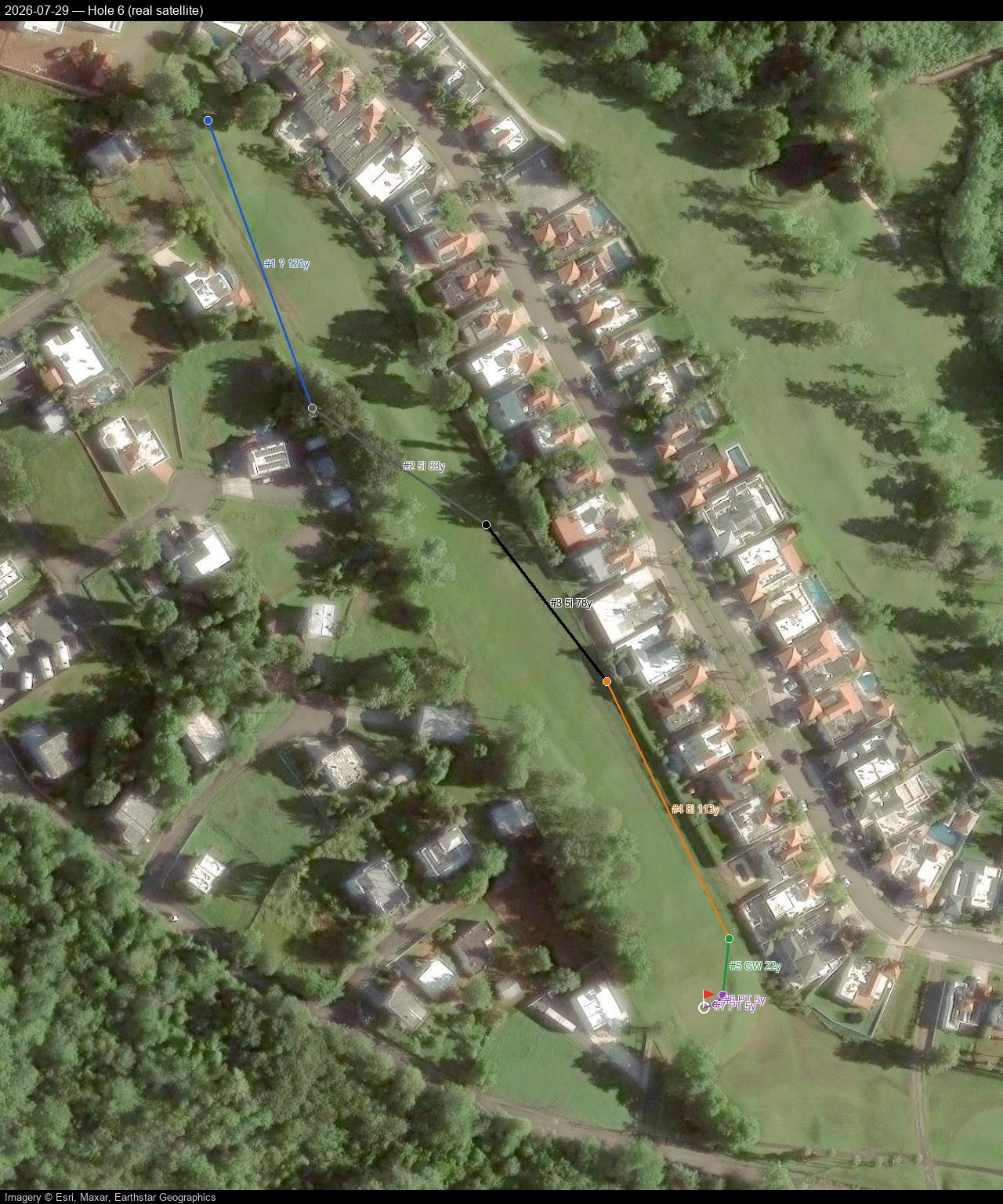
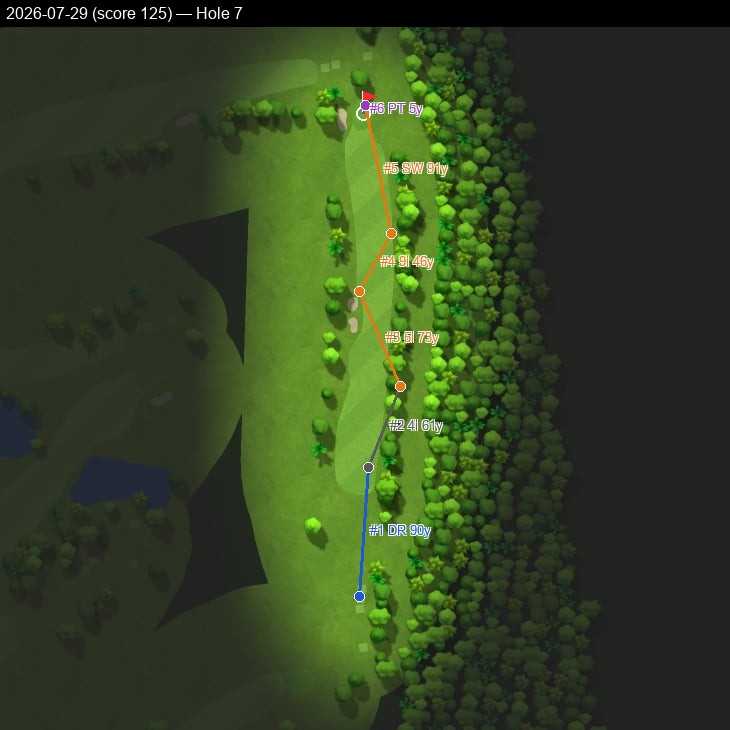
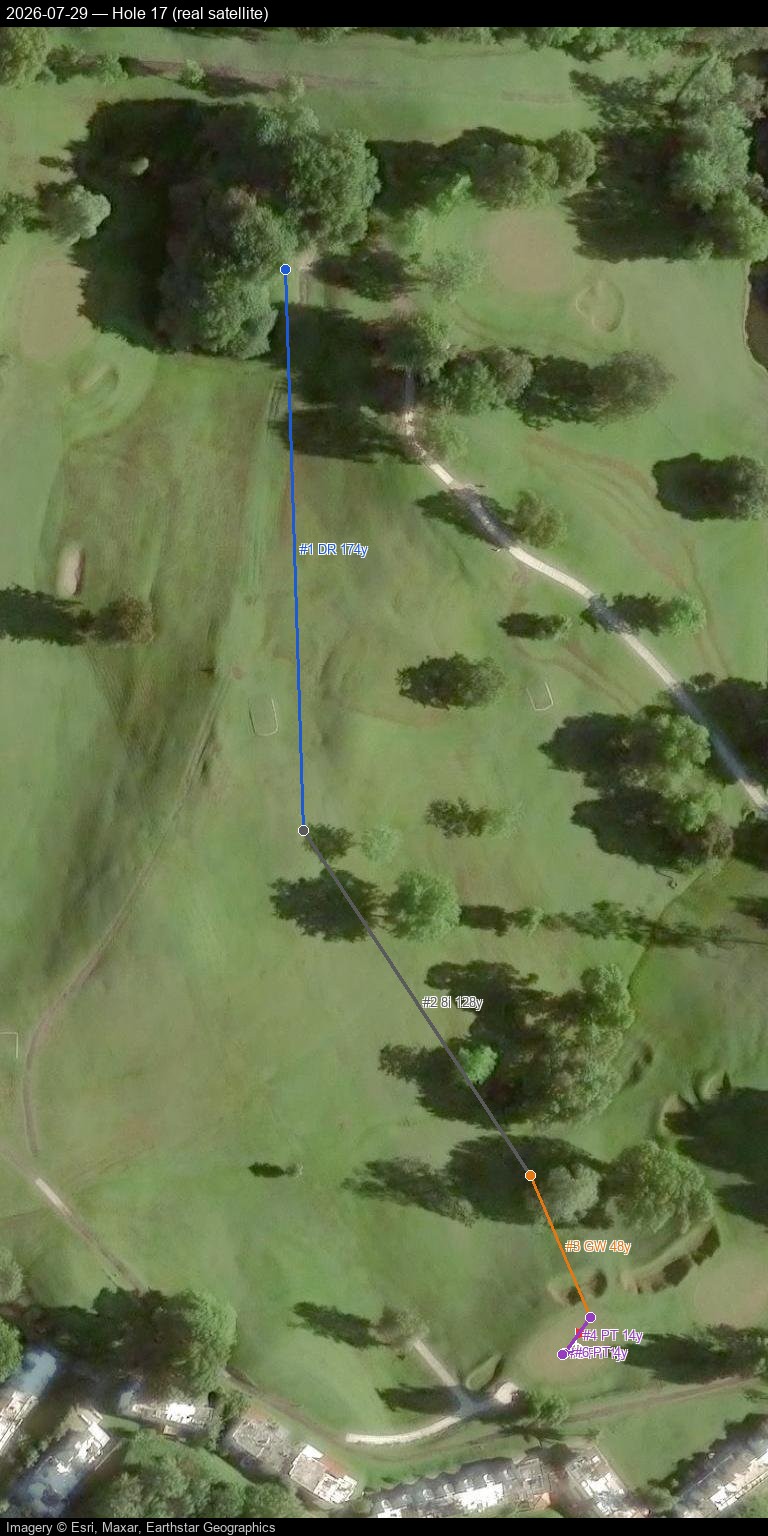
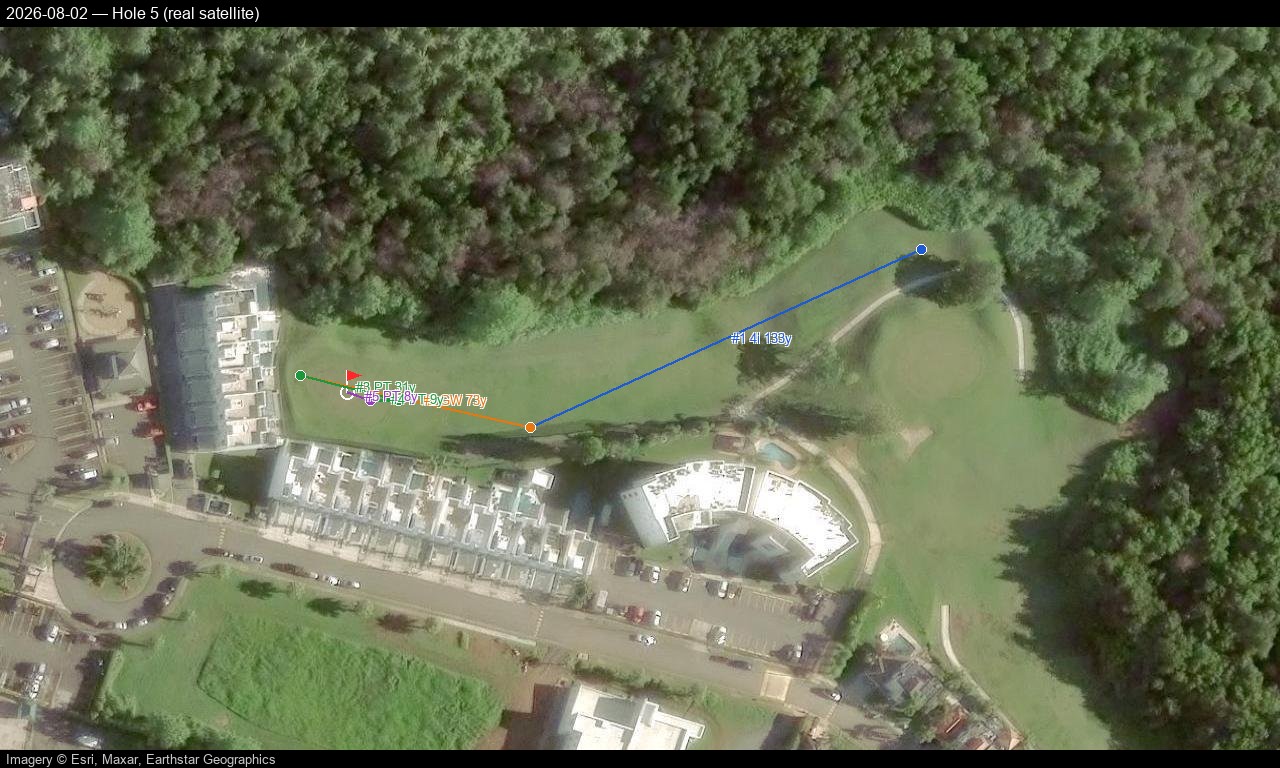
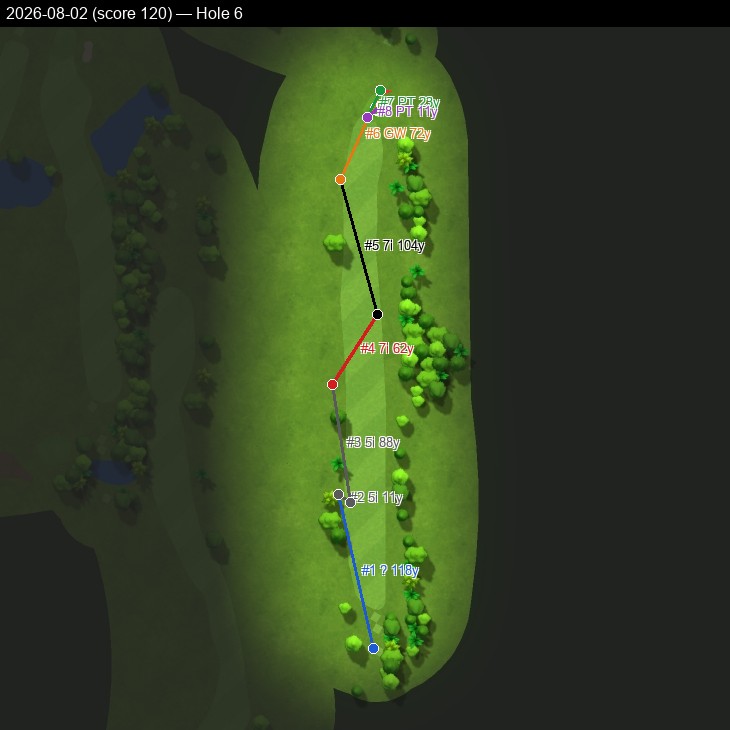
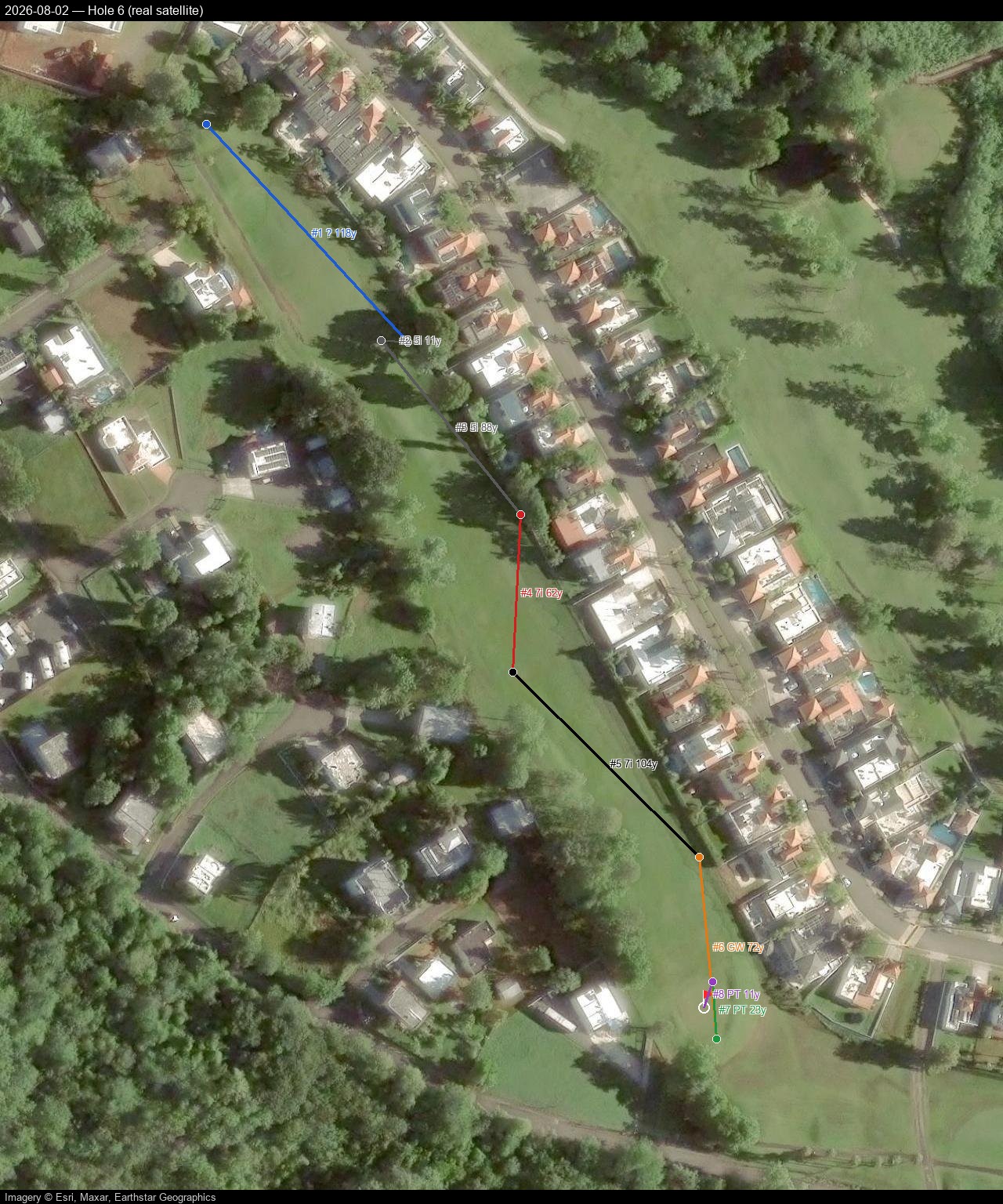
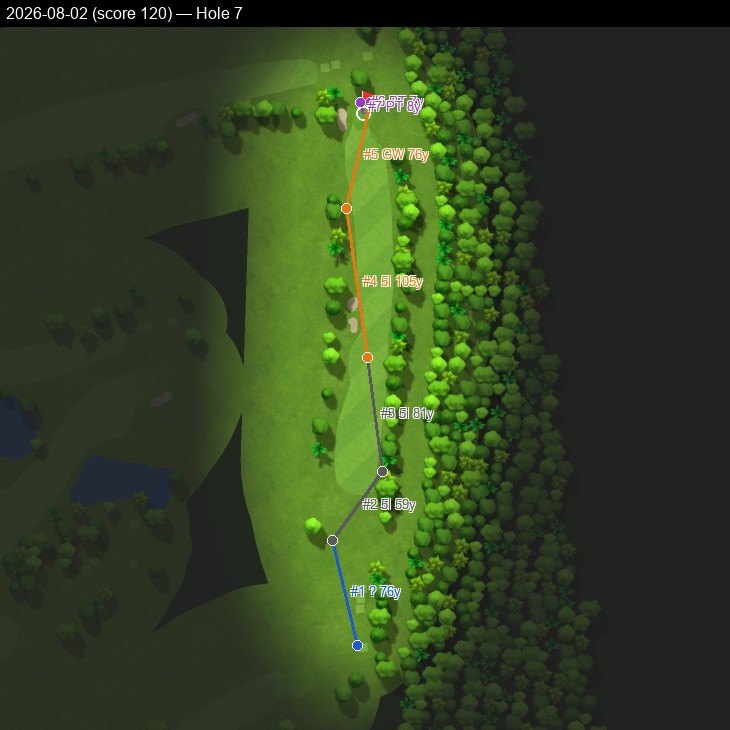
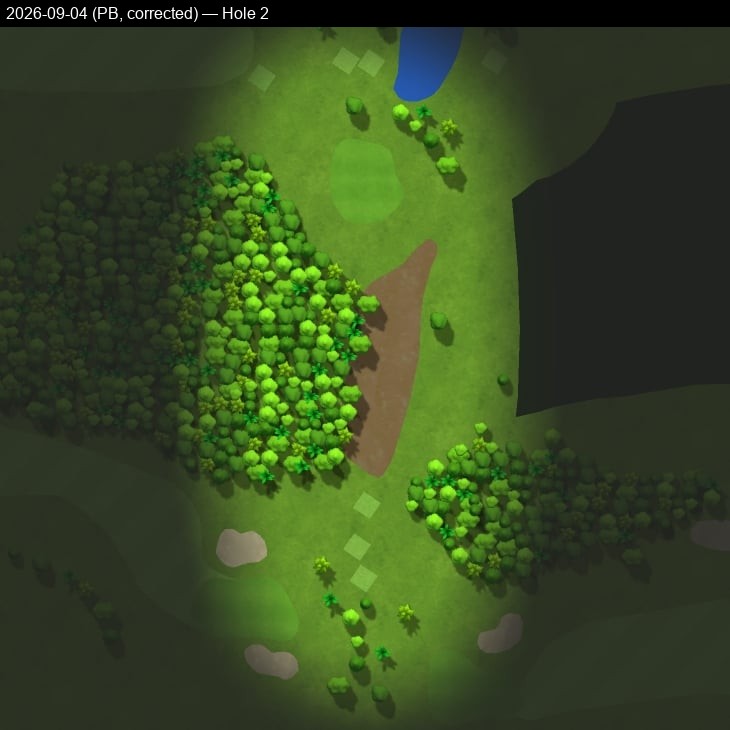
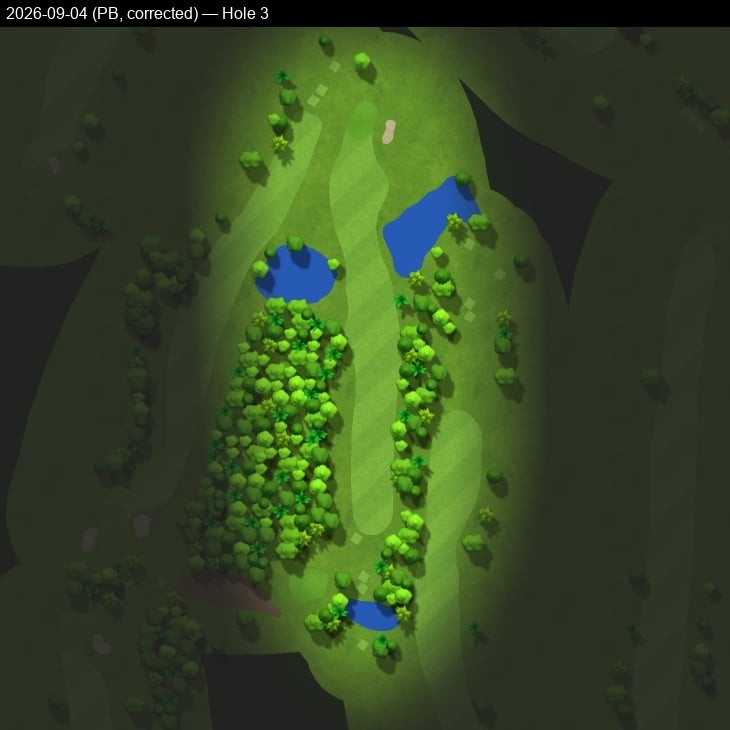
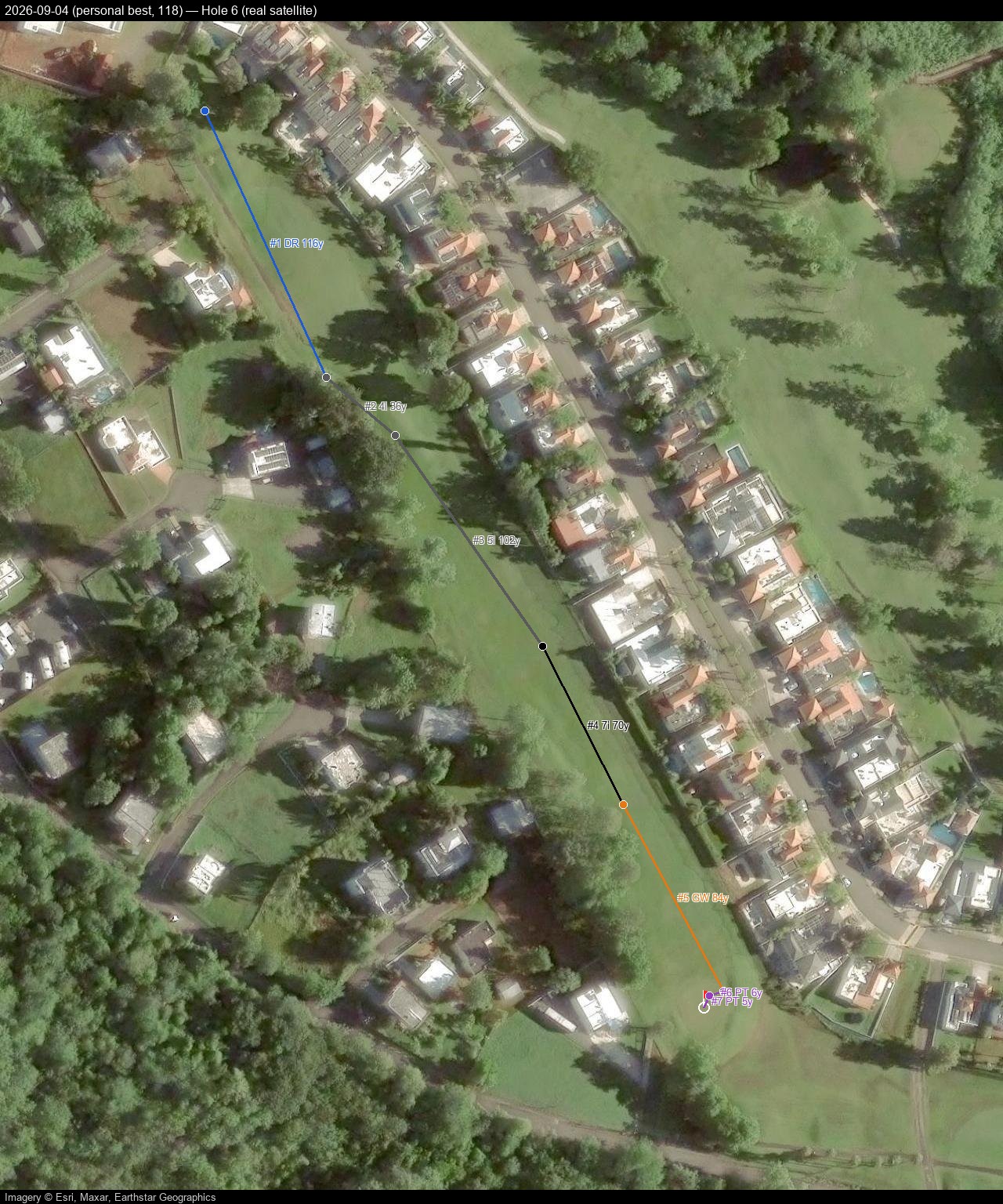
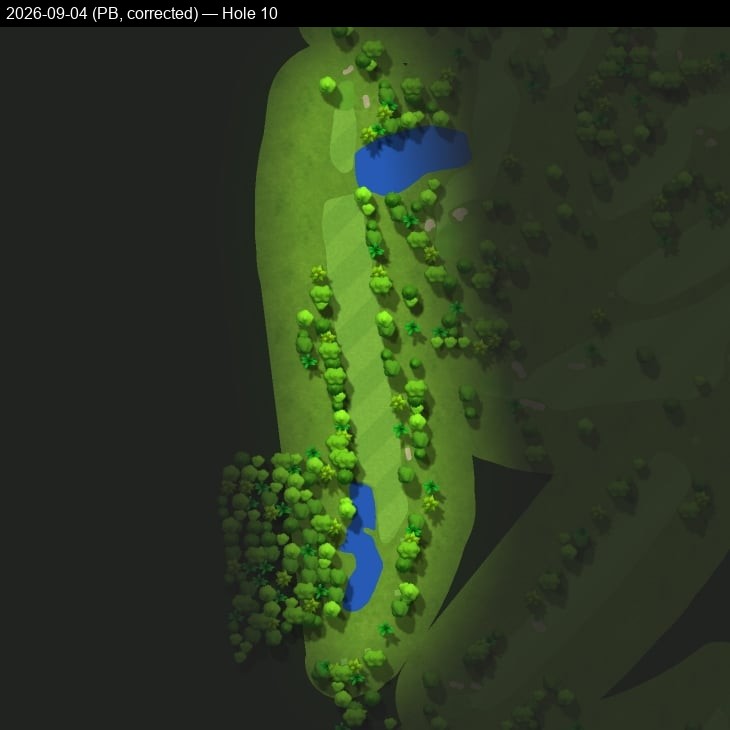
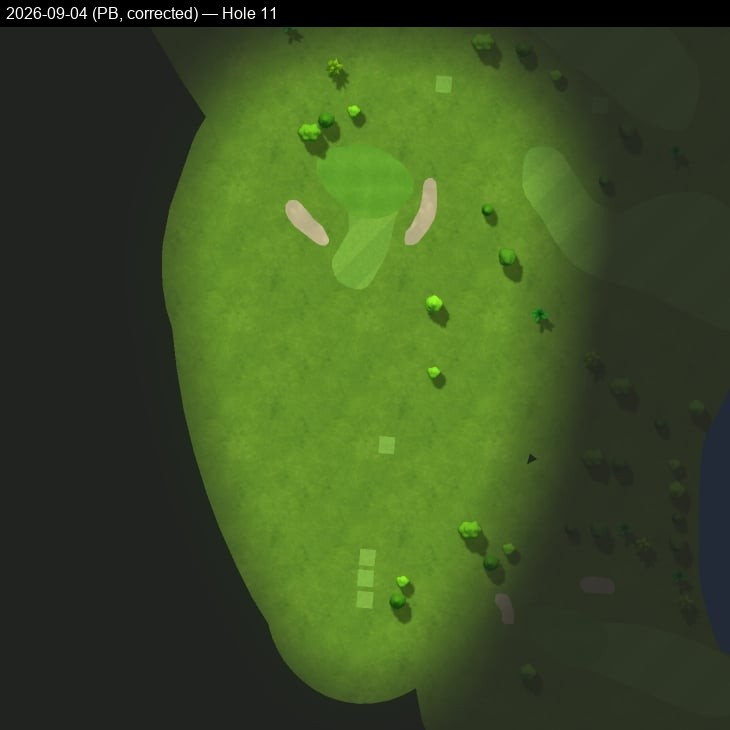
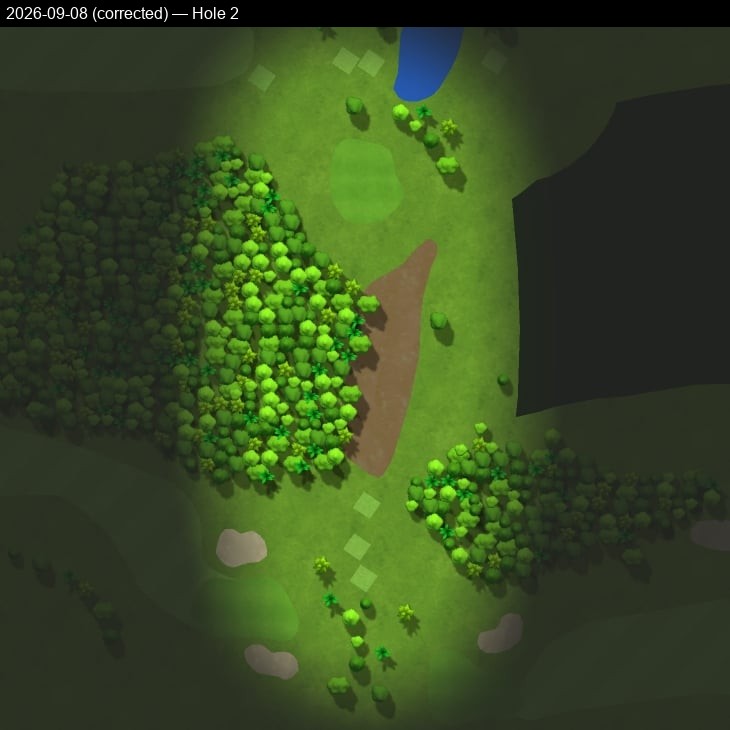
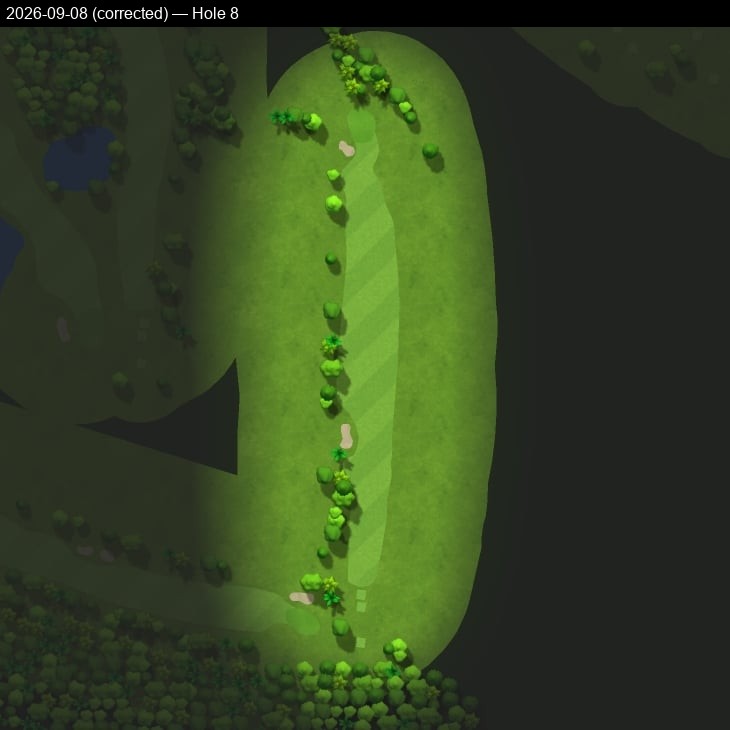
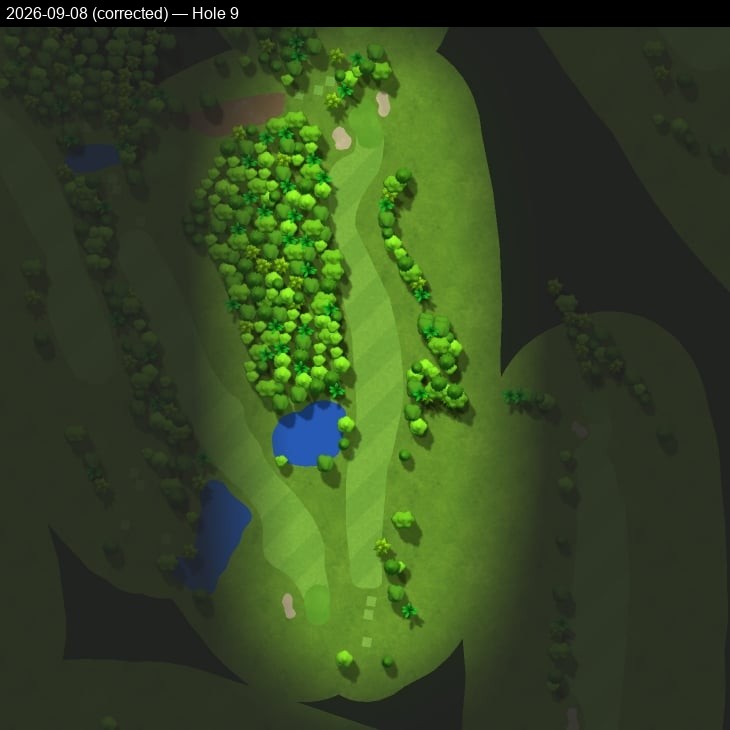
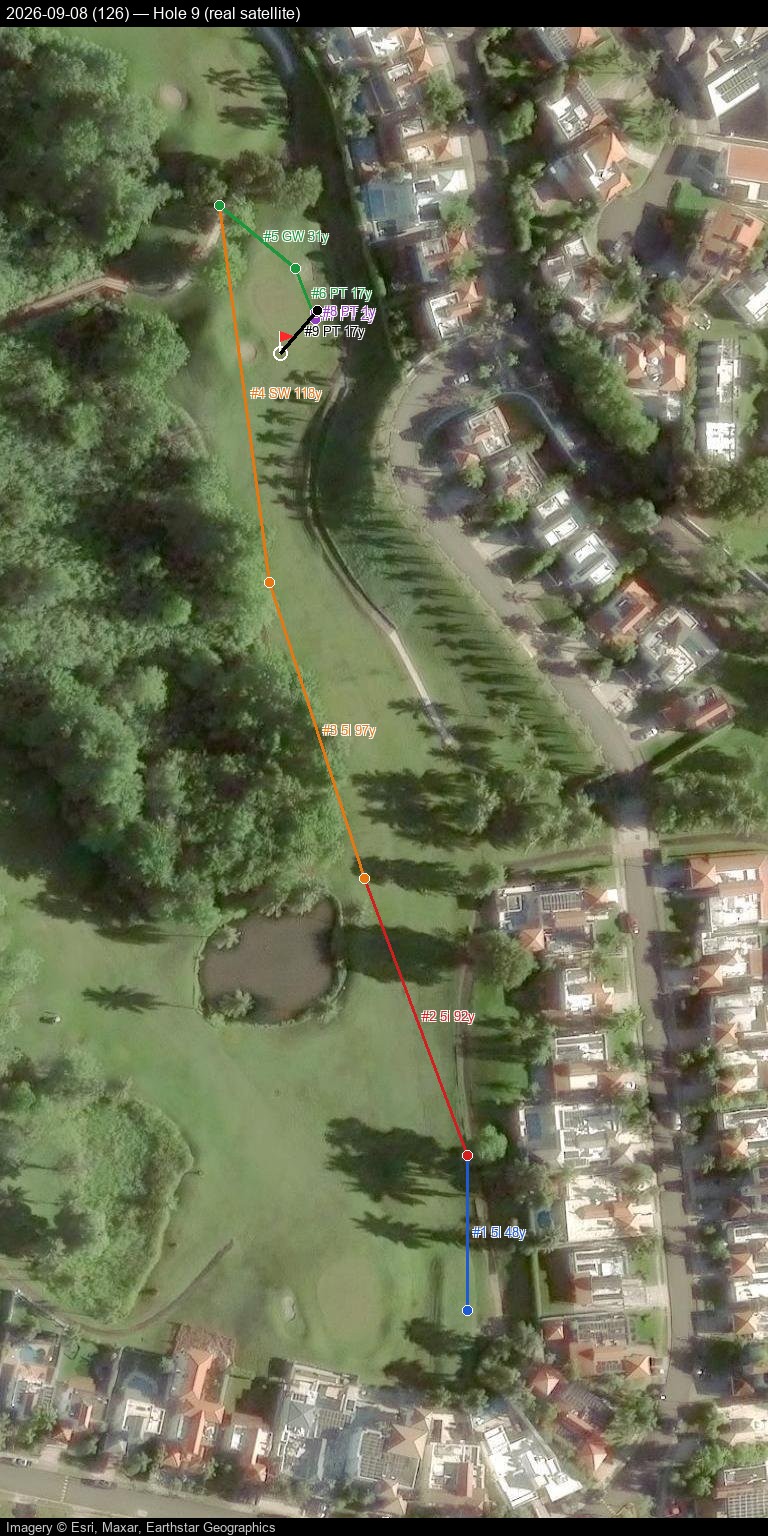
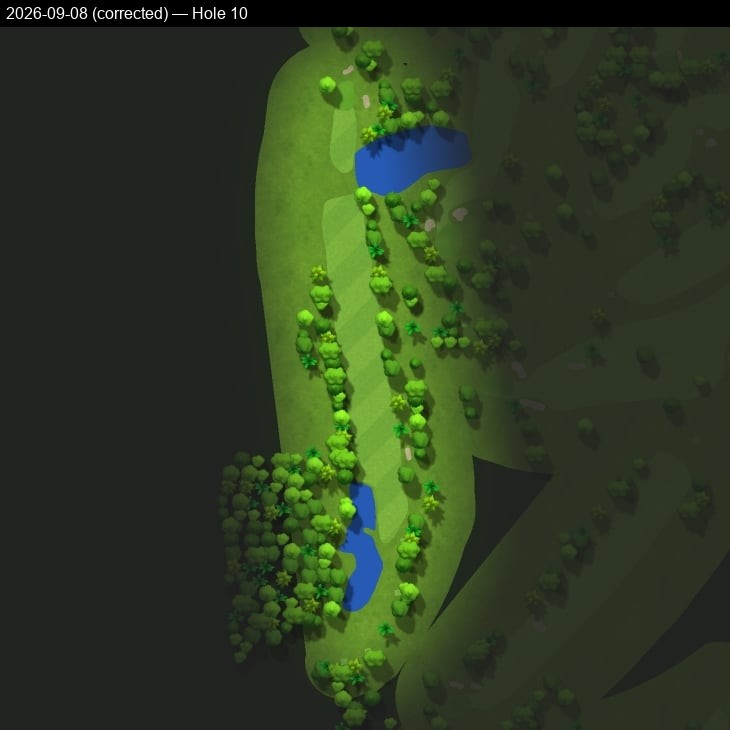
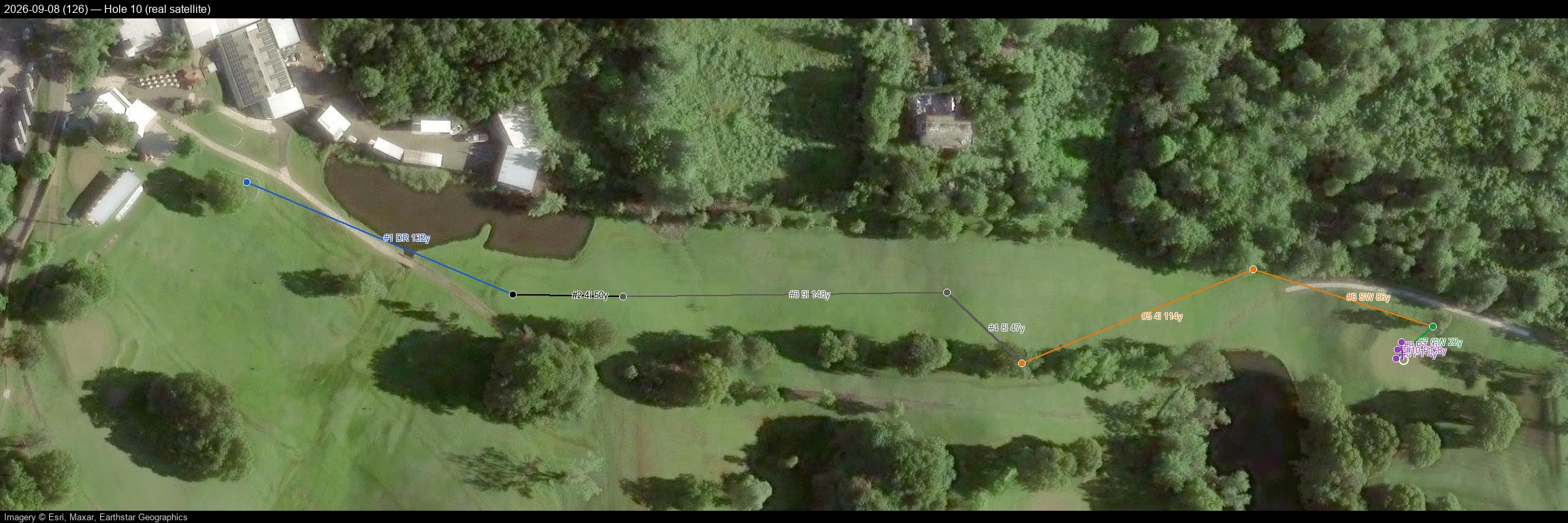
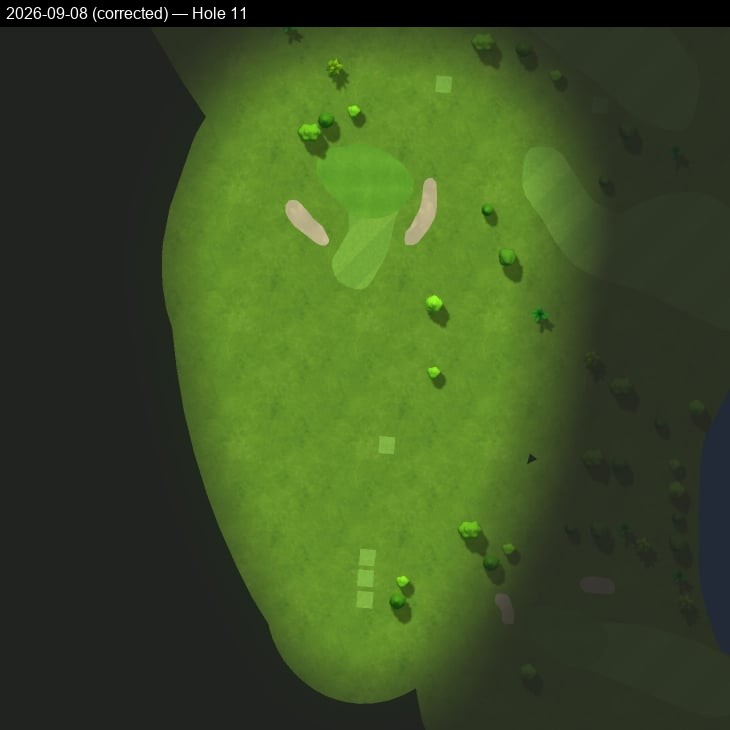
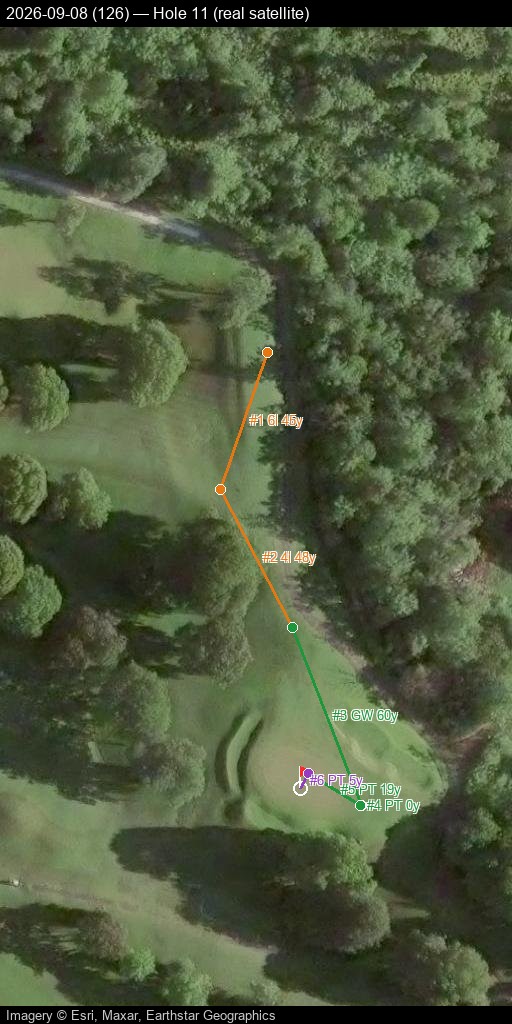
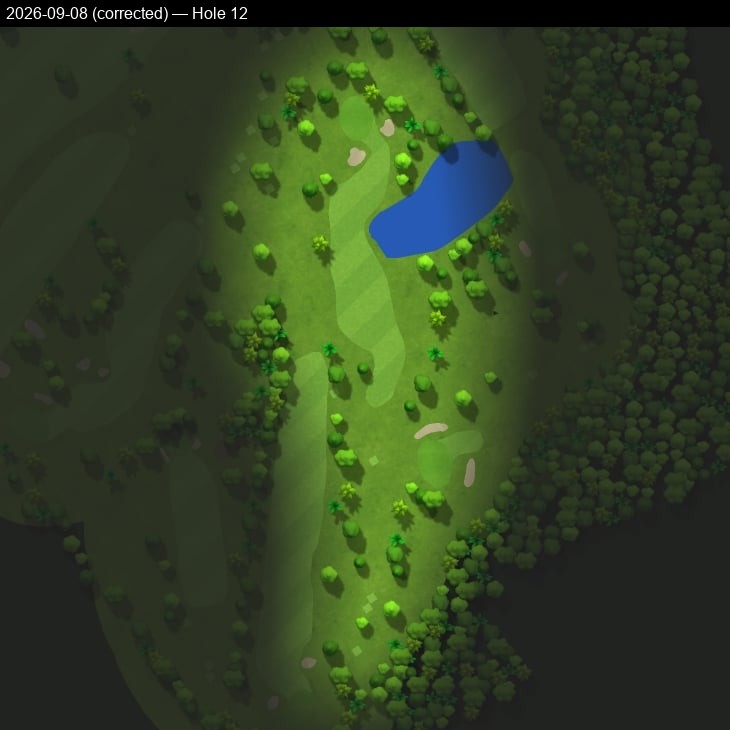
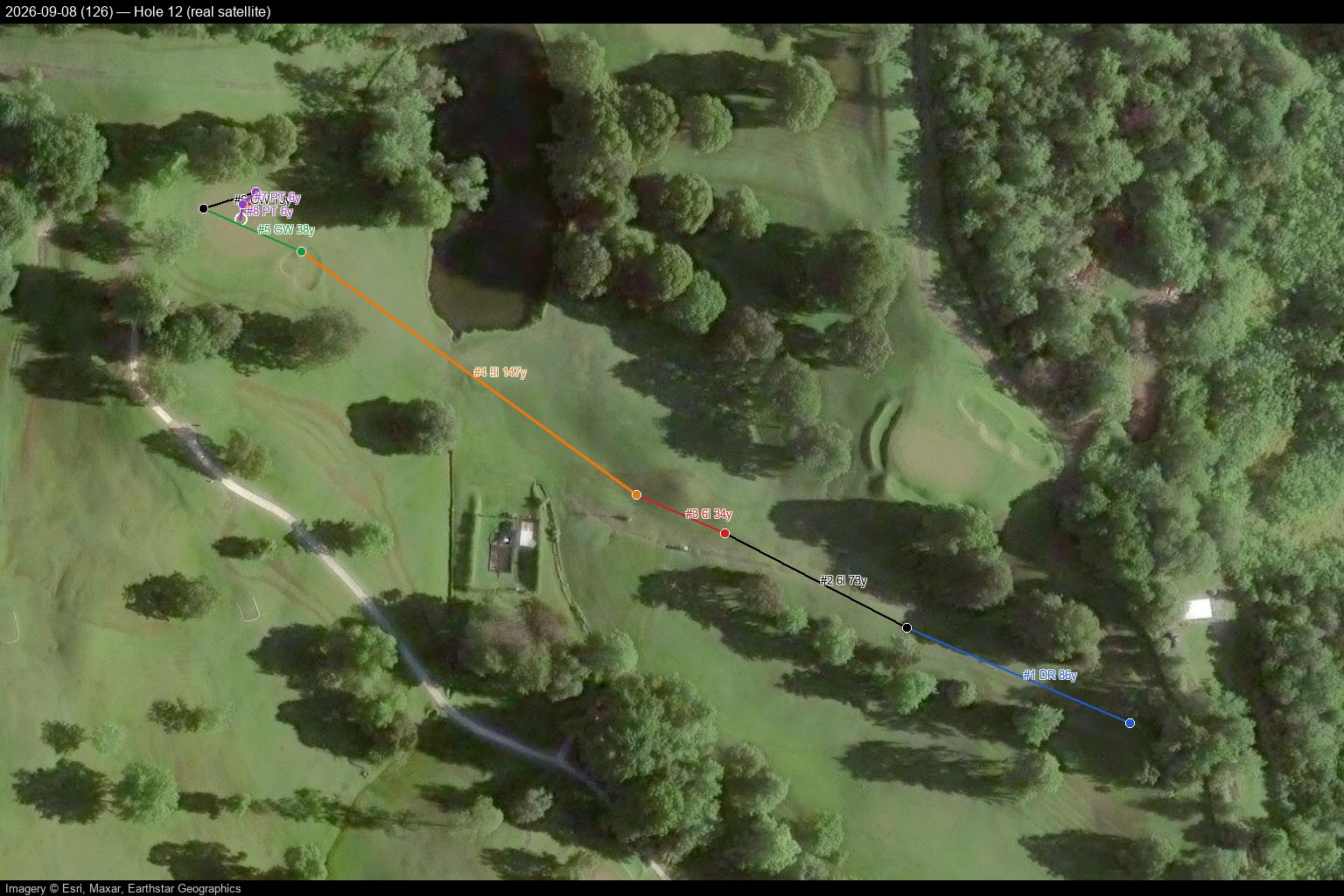
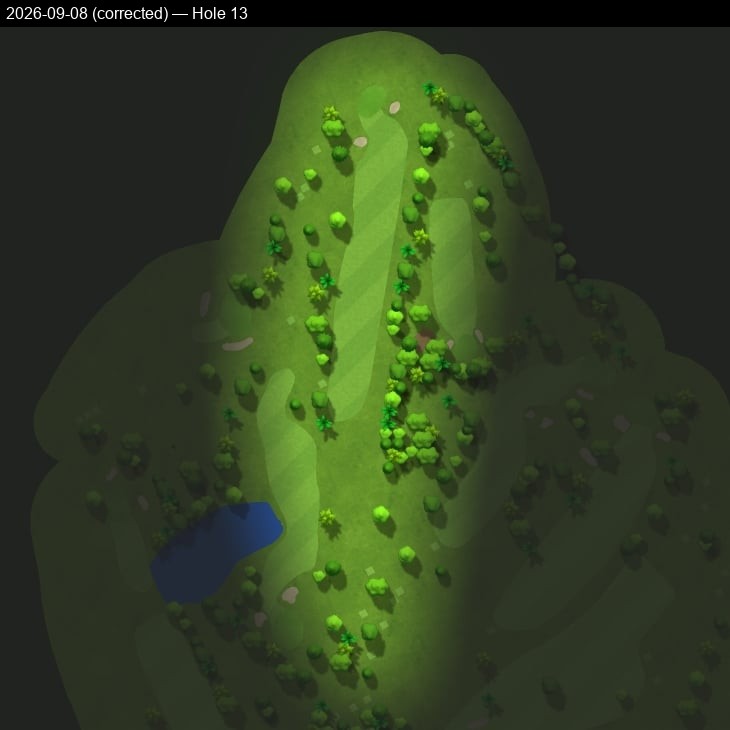
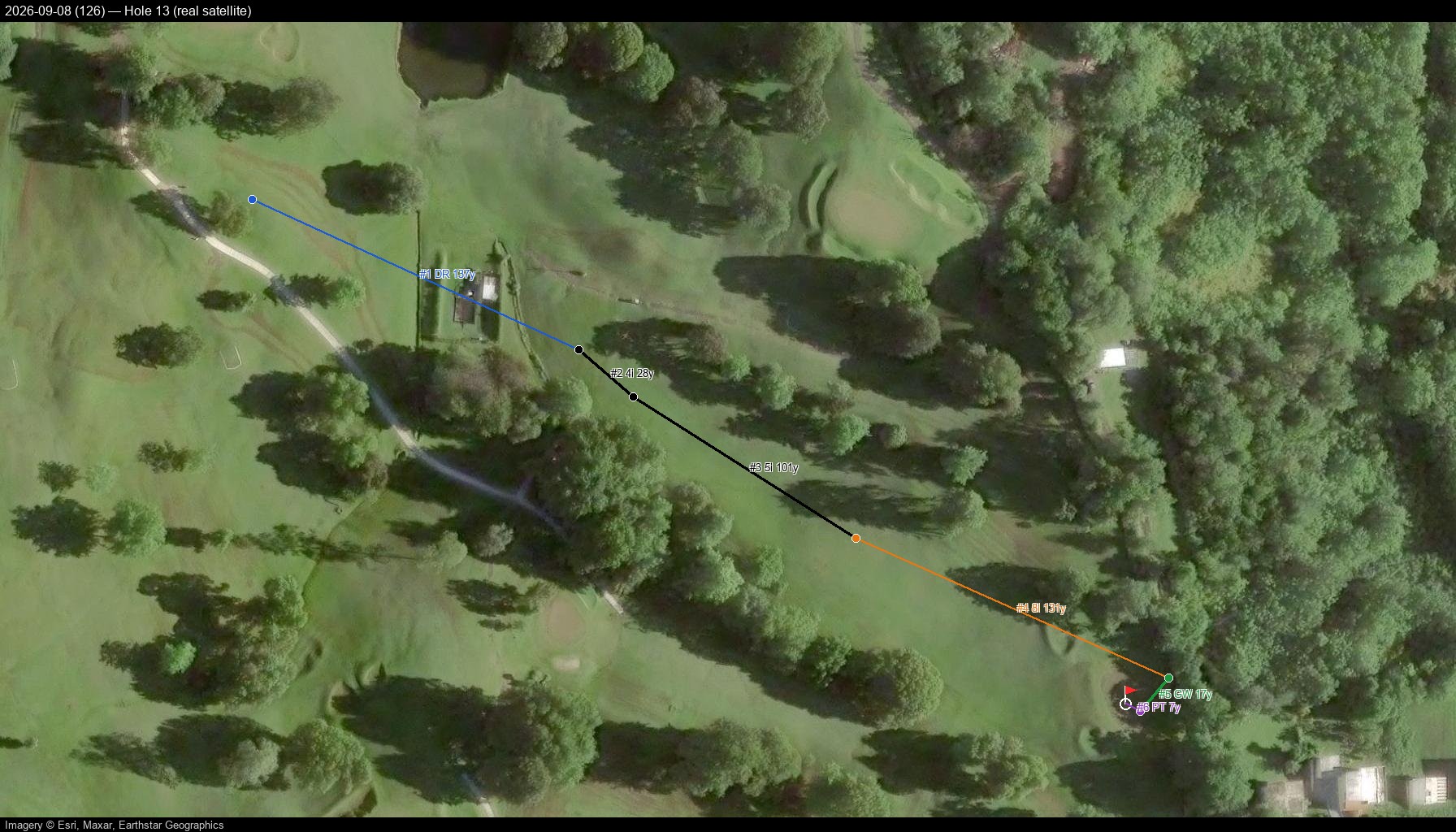
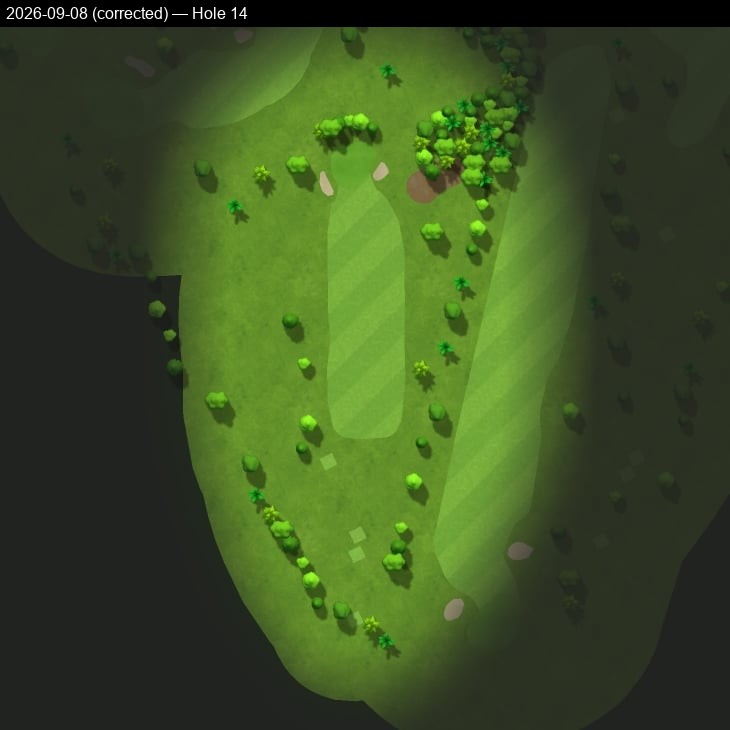
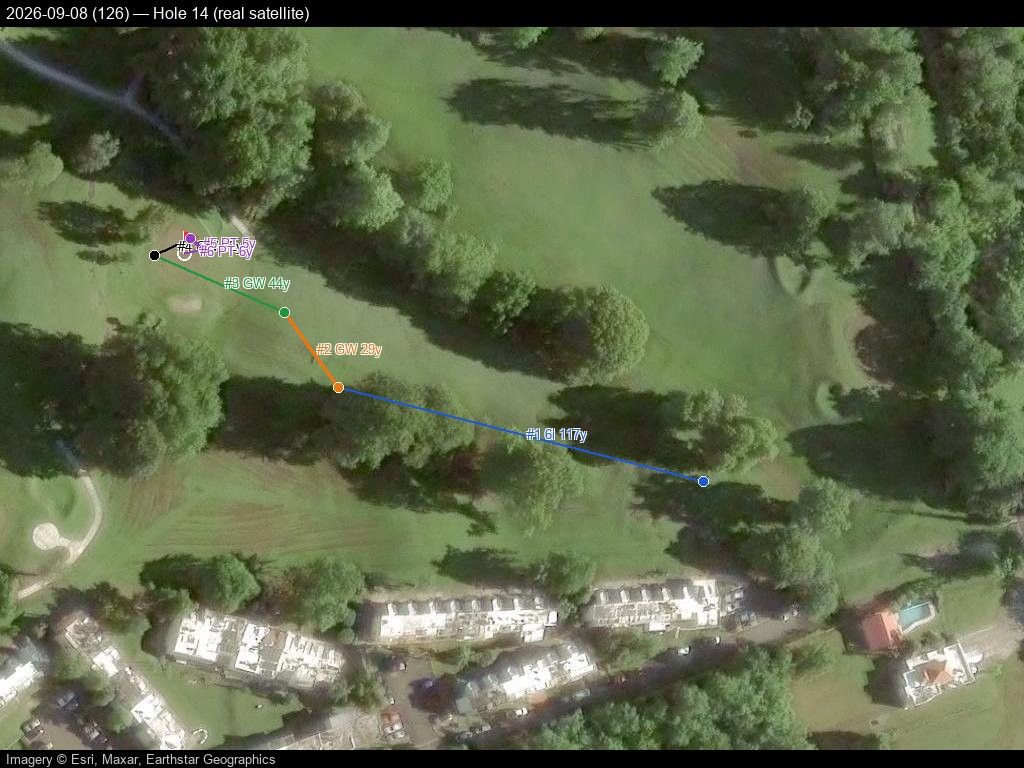
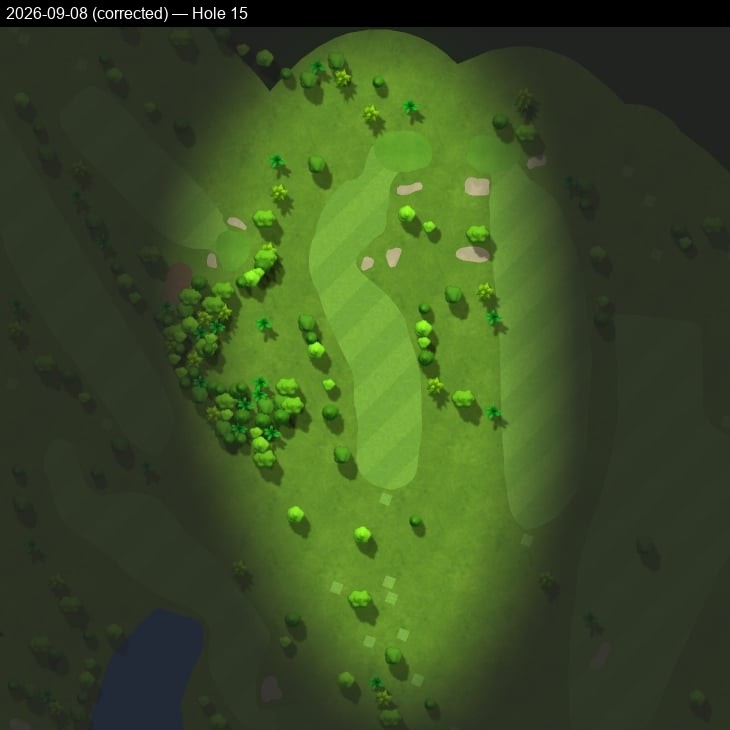
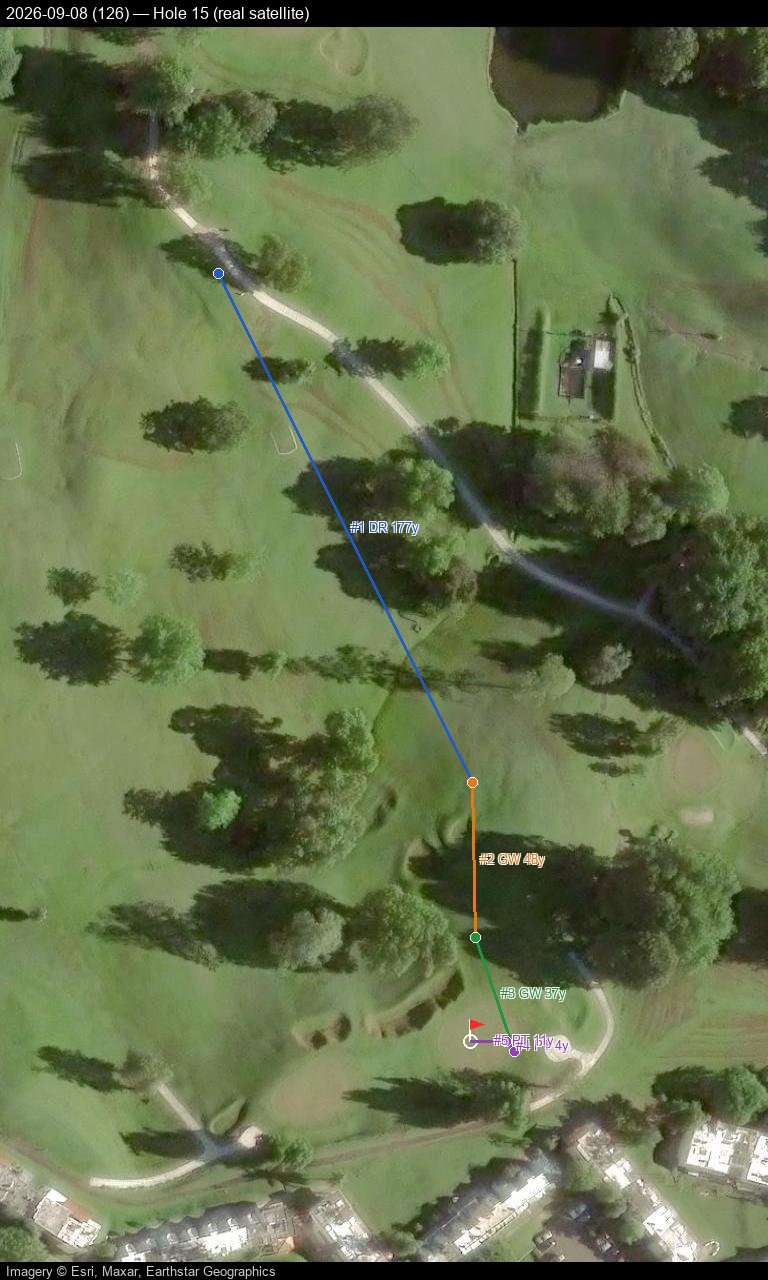
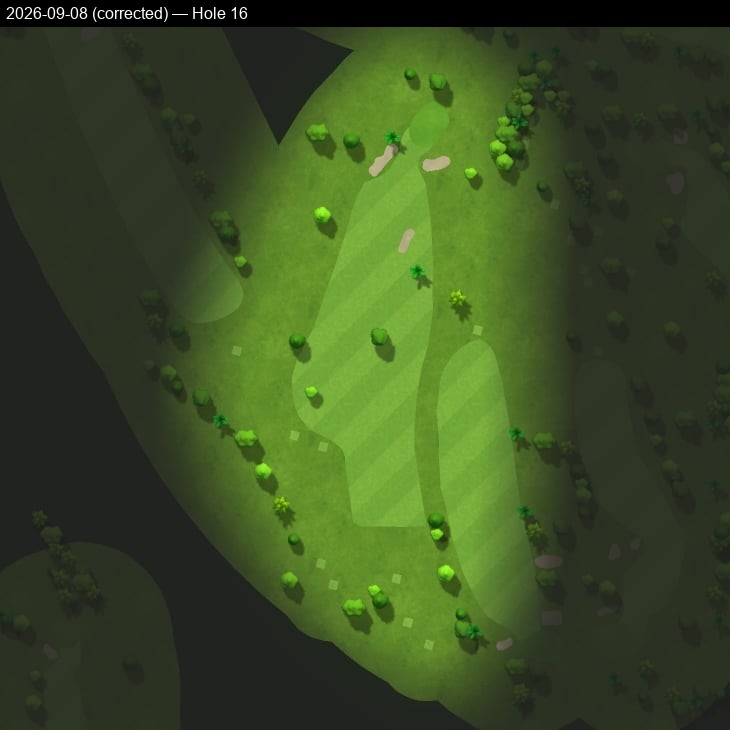
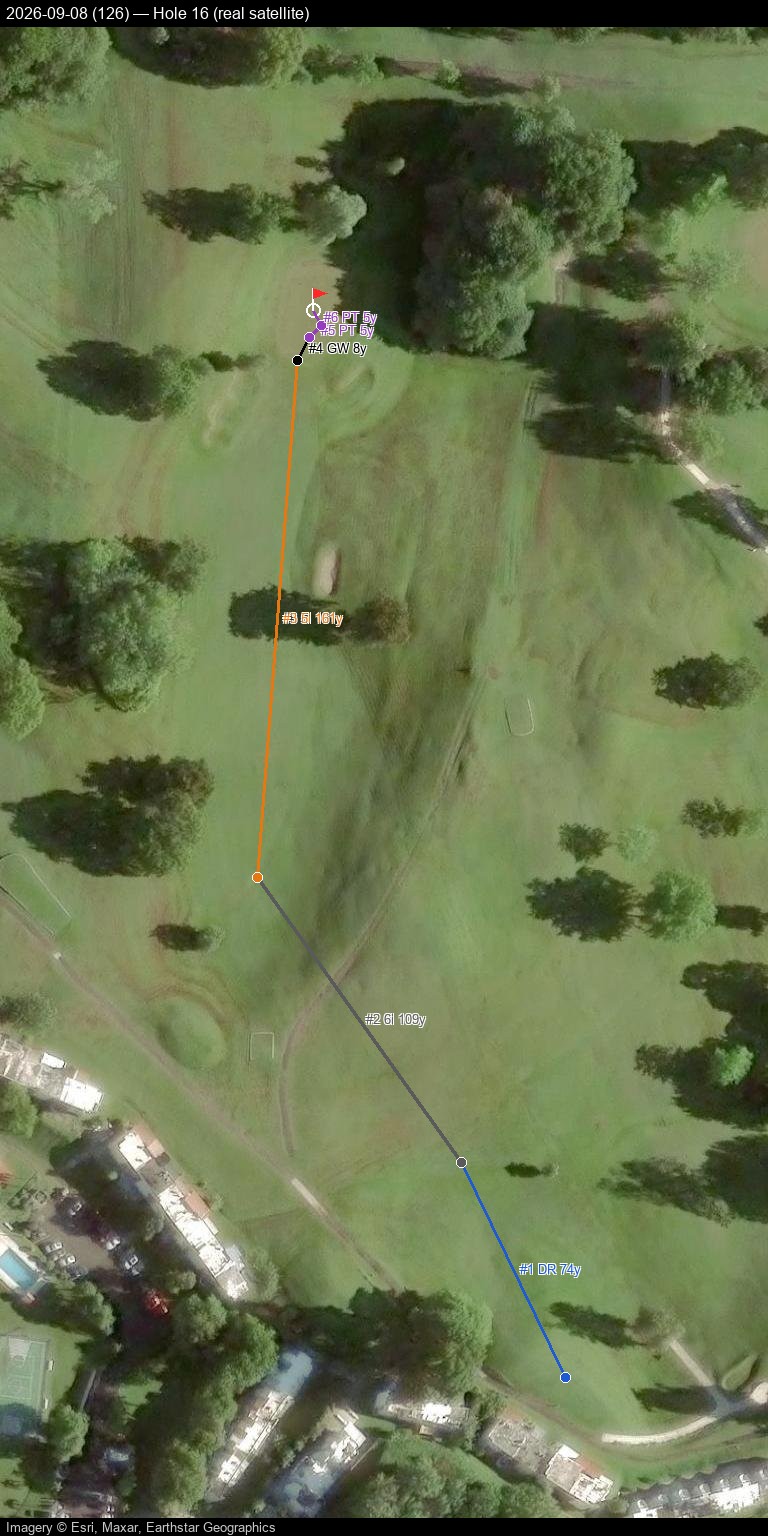
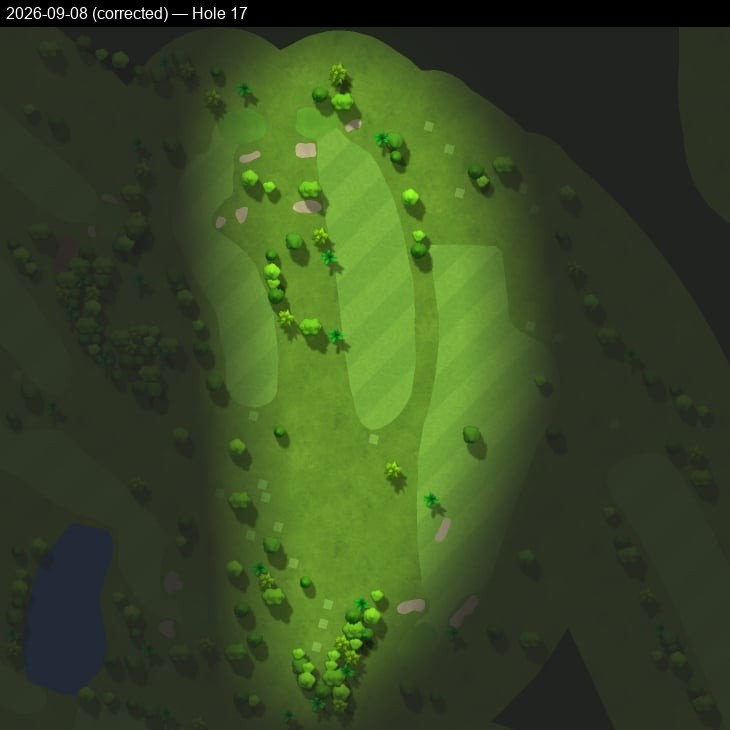
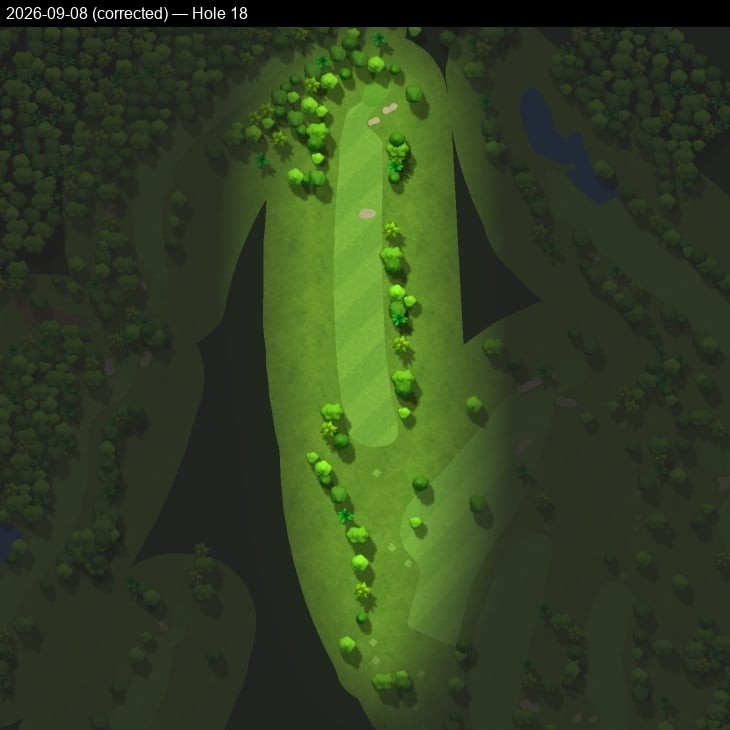
Every hole from every GPS-tracked round: Garmin's own course-cartography rendering next to the same shot track drawn on real, current satellite imagery, plus a KML download for a live interactive view of the whole round.
2025-12-07 — score 119 — all 18 holes
Pannable/zoomable real satellite map with a click-through shot-by-shot side panel — built and hosted directly here, no Google account or manual import needed.
Prefer Google Earth, Google My Maps, or QGIS instead? Download 2025-12-07.kml and import it — Google Maps Web: mymaps.google.com → Create a new map → Import; Google Earth: earth.google.com → Projects → Import KML file; QGIS: Layer → Add Layer → Add Vector Layer, plus an XYZ satellite basemap (e.g. Esri World Imagery).
Hole 1
Hole 2
Hole 3
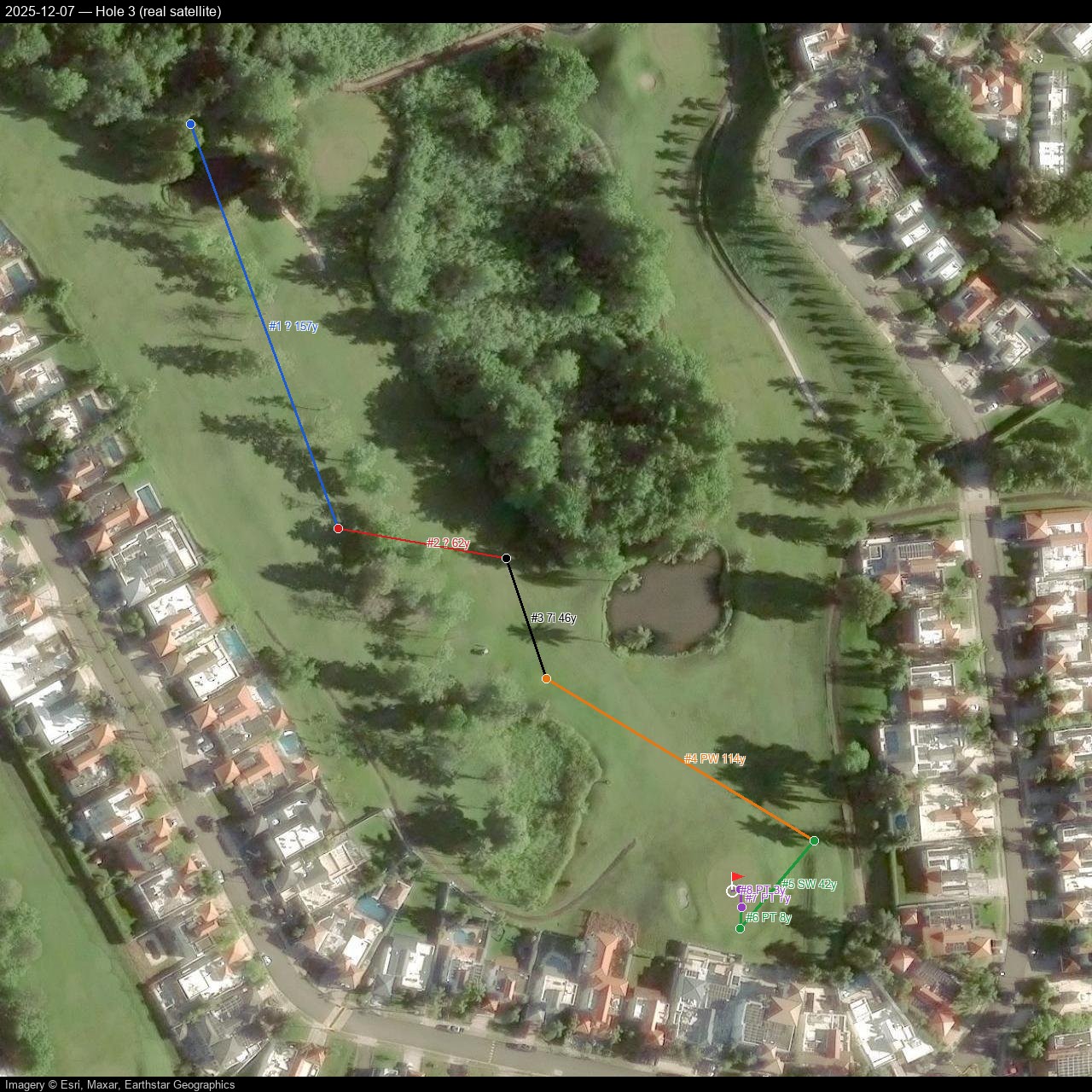
Hole 4
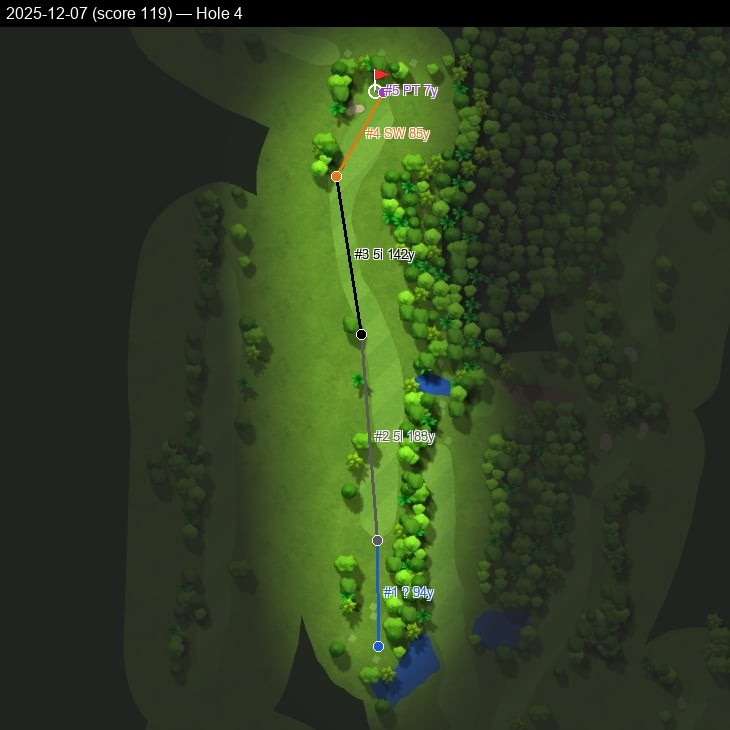
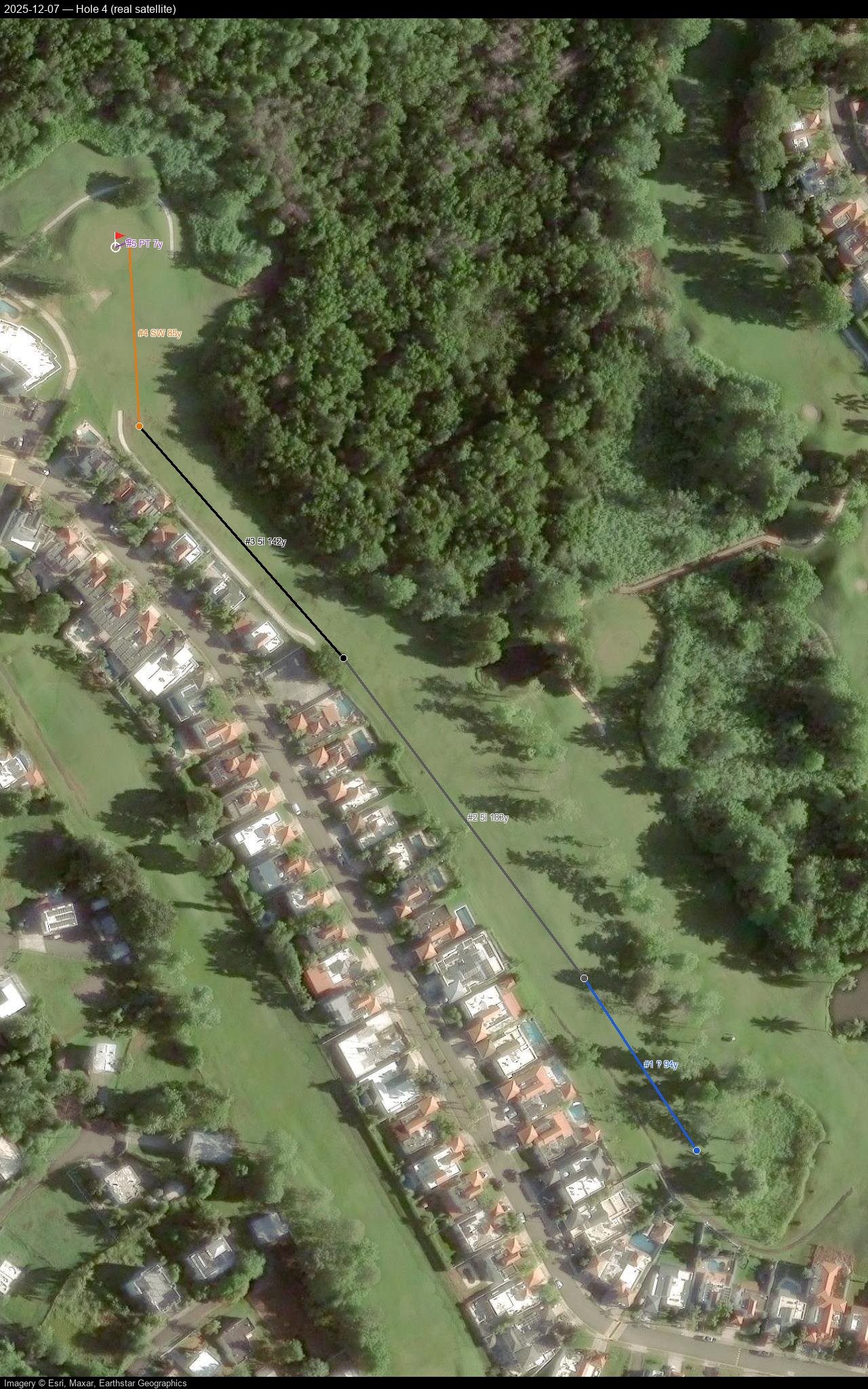
Hole 5
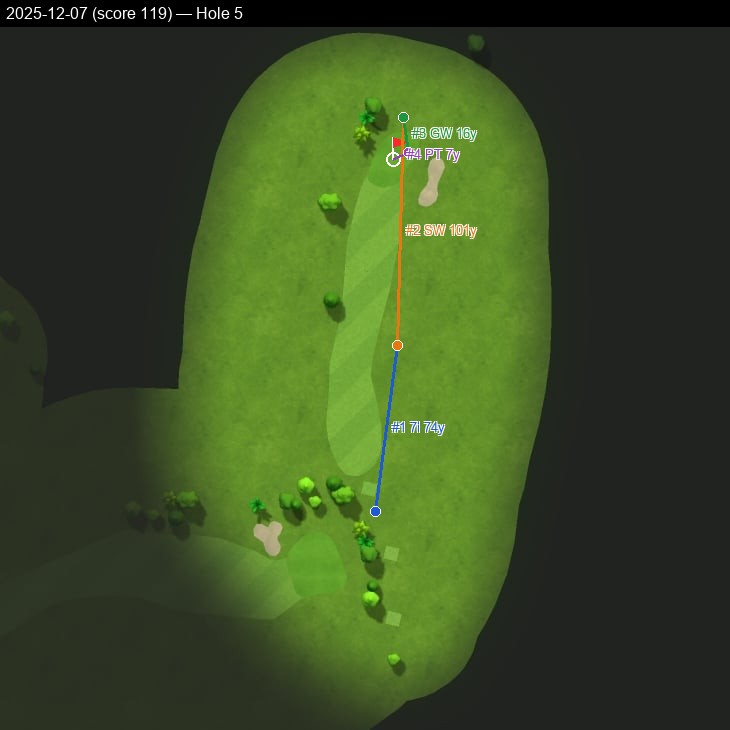
Hole 6
Hole 7
Hole 8
Hole 9
Hole 10
Hole 11
Hole 12
Hole 13
Hole 14
Hole 15
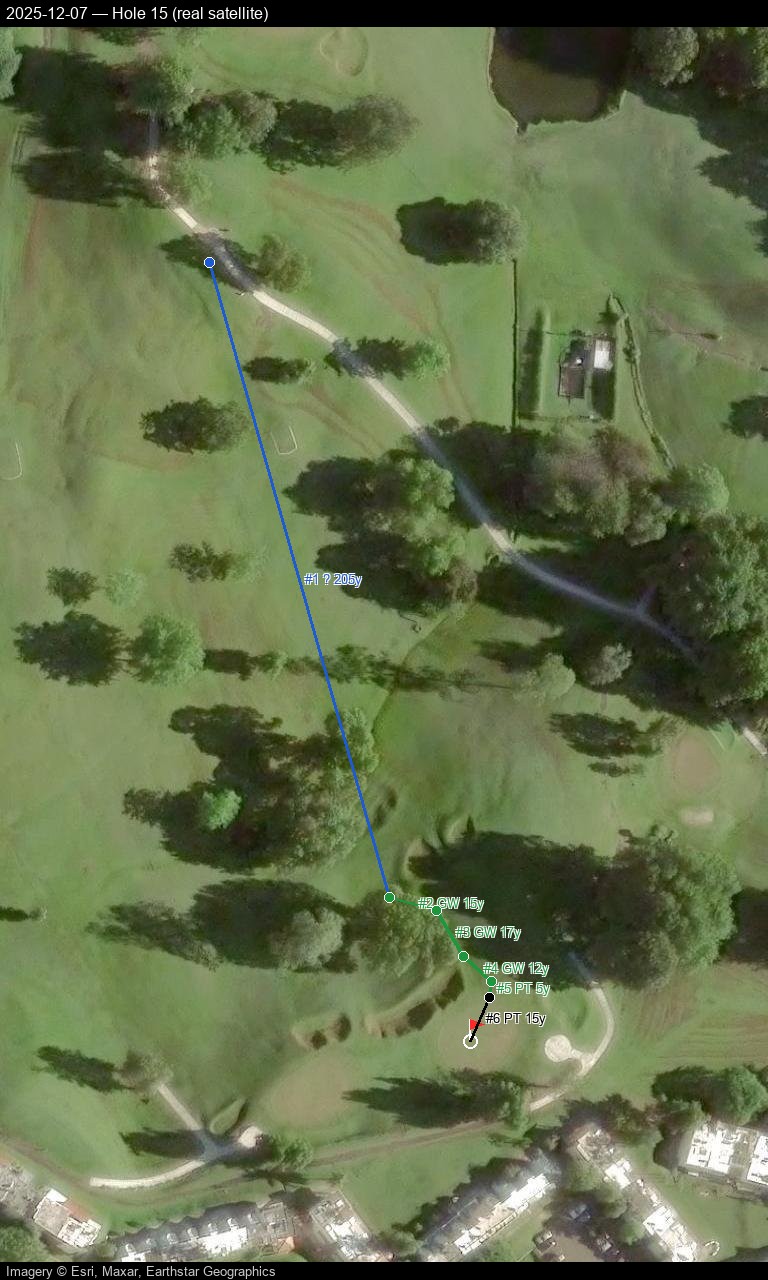
Hole 16
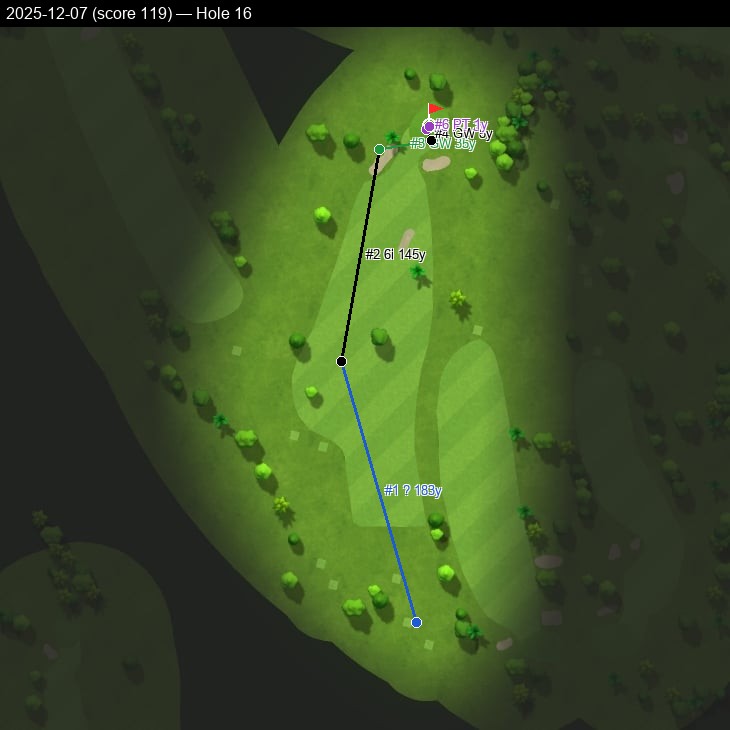
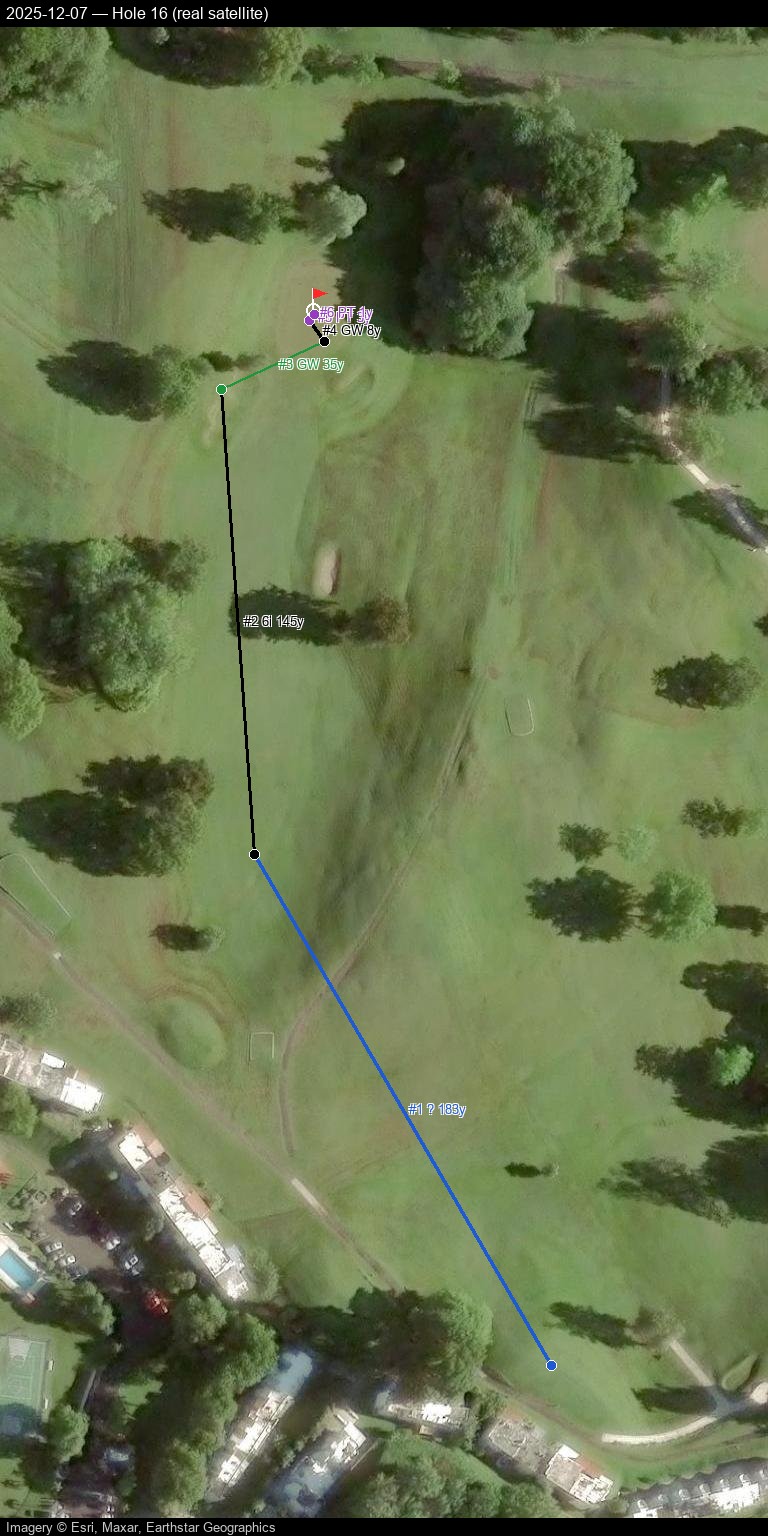
Hole 17
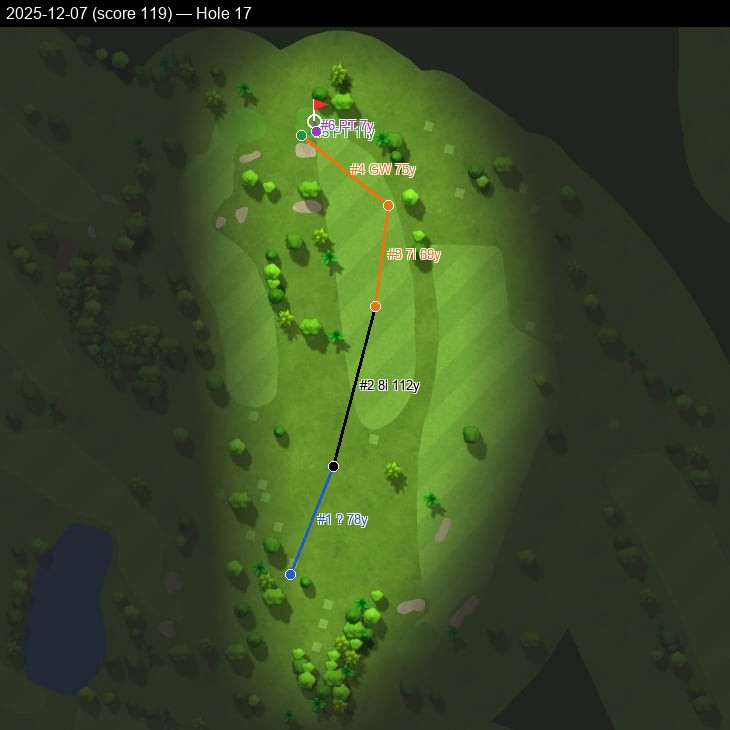
Hole 18
2026-07-29 — score 125 — all 18 holes
Pannable/zoomable real satellite map with a click-through shot-by-shot side panel — built and hosted directly here, no Google account or manual import needed.
Prefer Google Earth, Google My Maps, or QGIS instead? Download 2026-07-29.kml and import it — Google Maps Web: mymaps.google.com → Create a new map → Import; Google Earth: earth.google.com → Projects → Import KML file; QGIS: Layer → Add Layer → Add Vector Layer, plus an XYZ satellite basemap (e.g. Esri World Imagery).
Hole 1
Hole 2
Hole 3
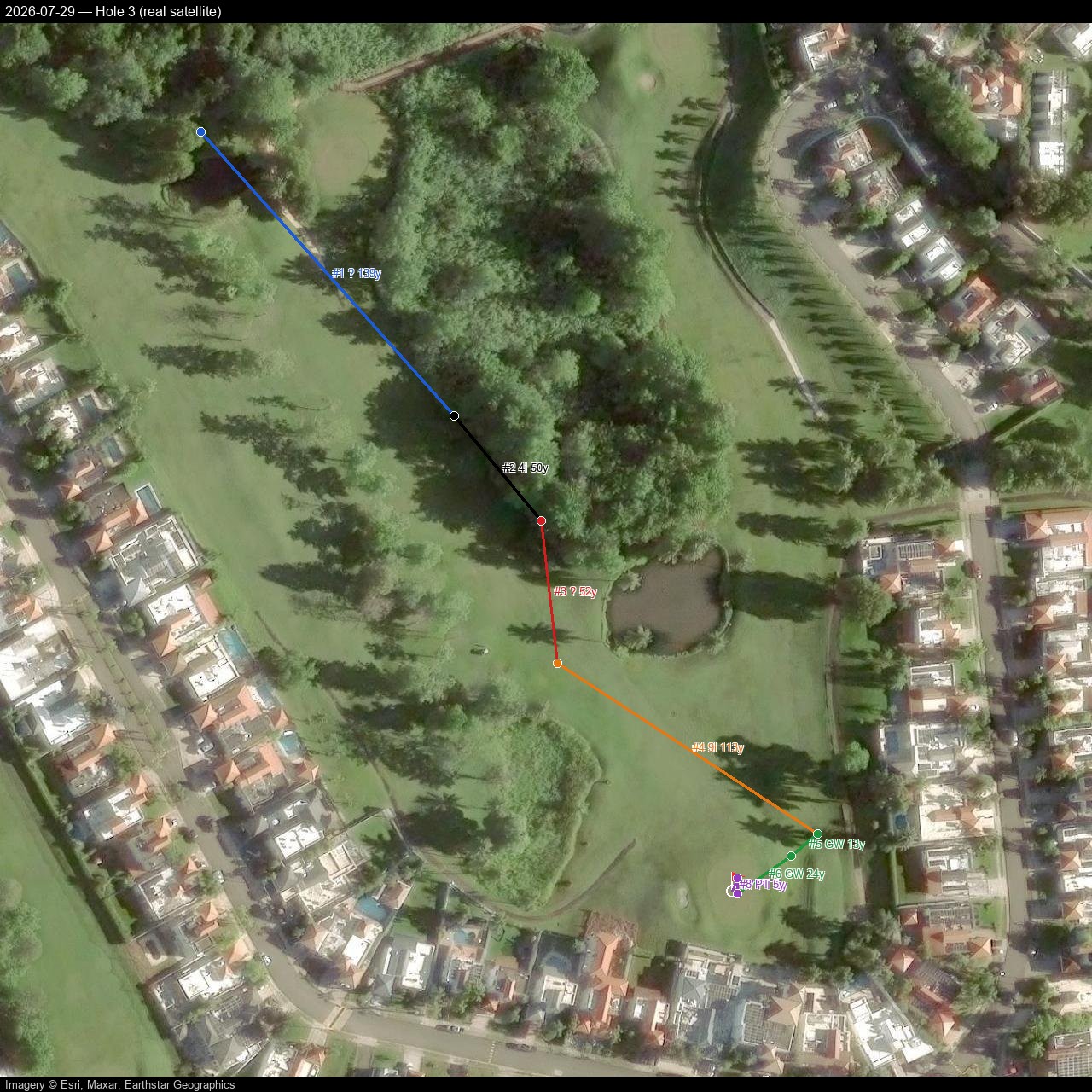
Hole 4
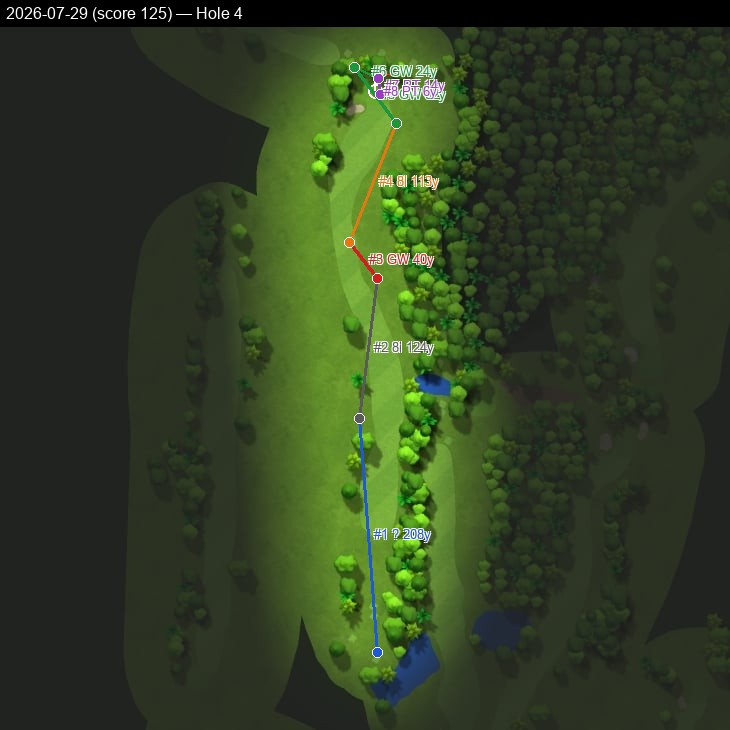
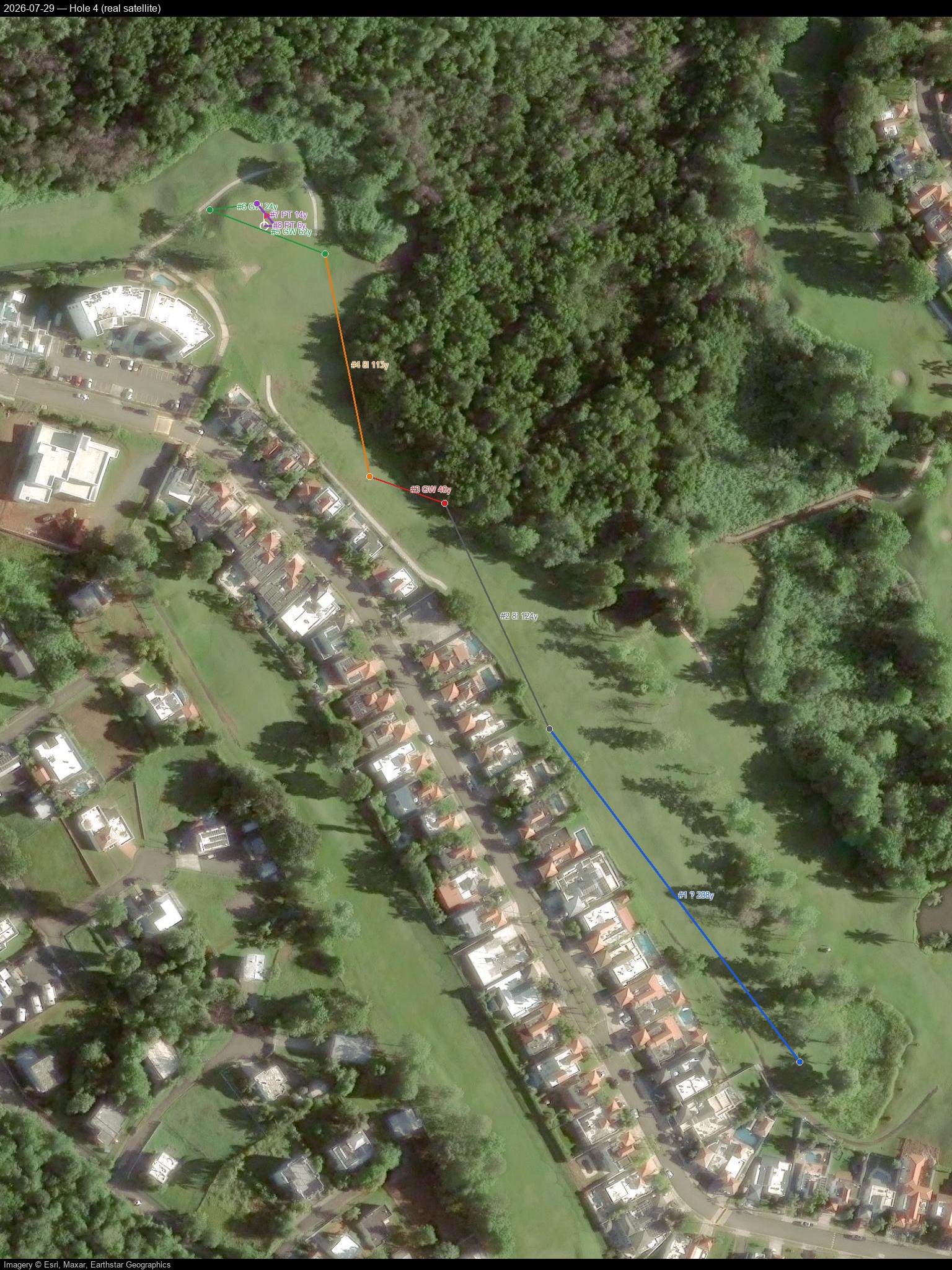
Hole 5
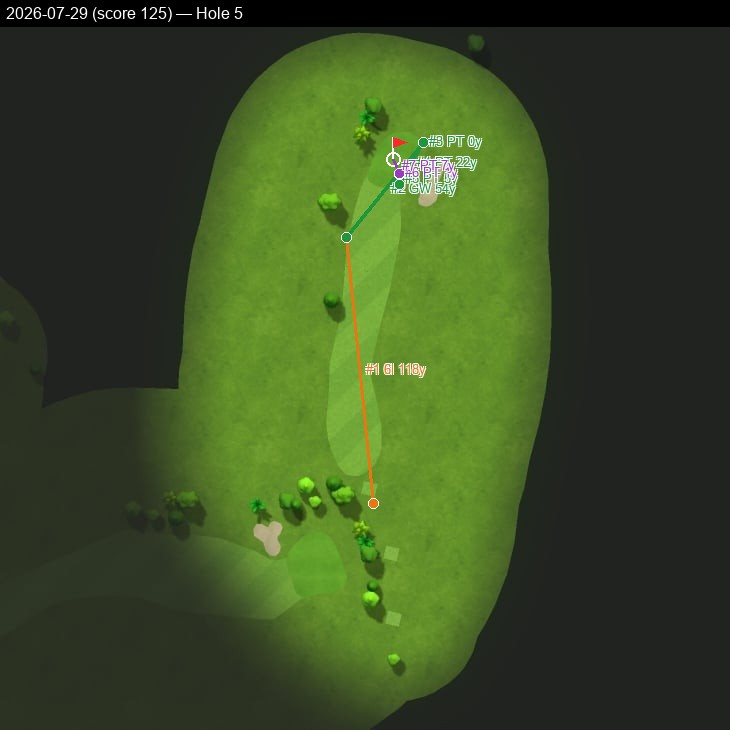
Hole 6
Hole 7
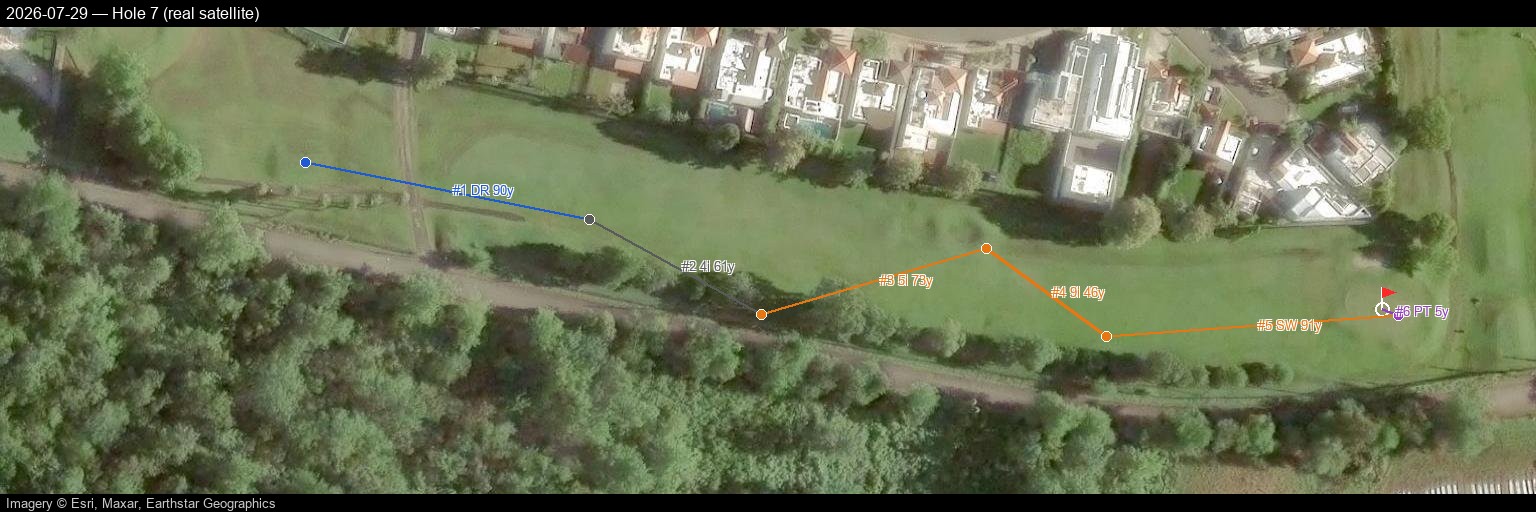
Hole 8
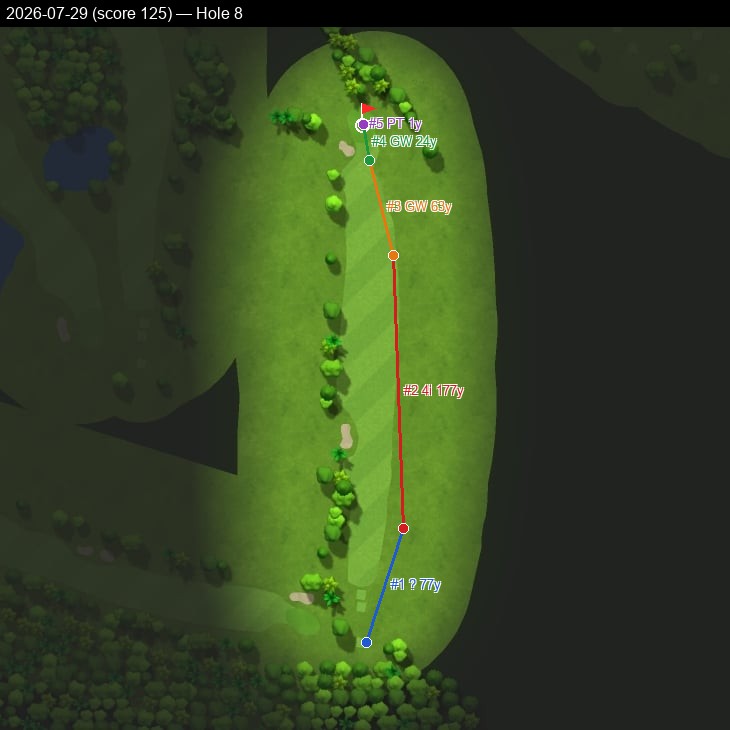
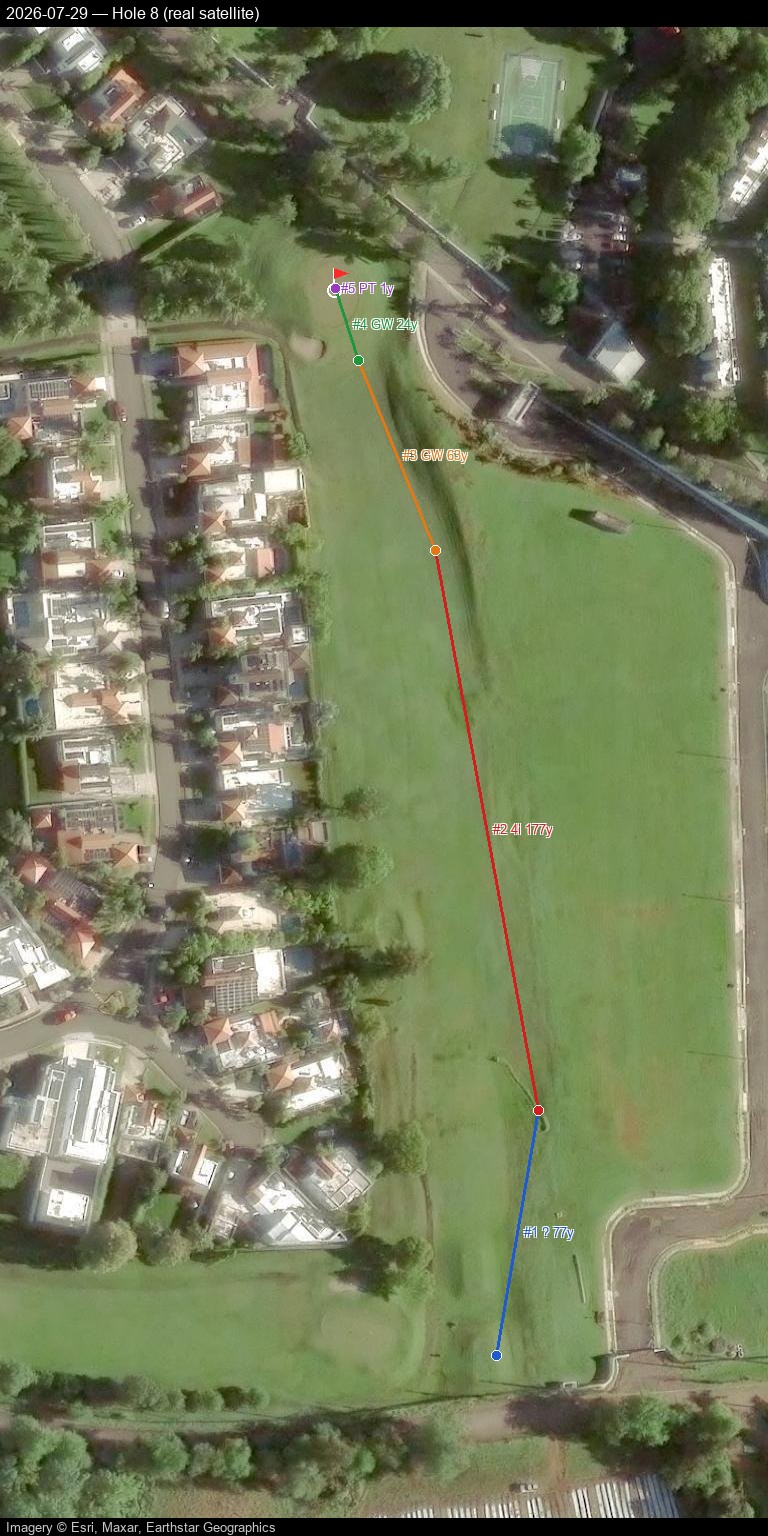
Hole 9
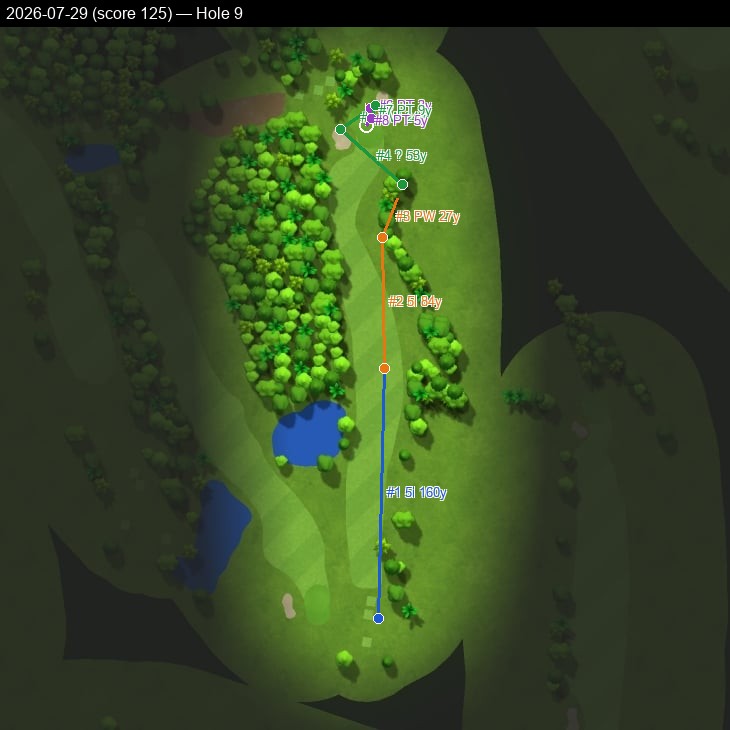
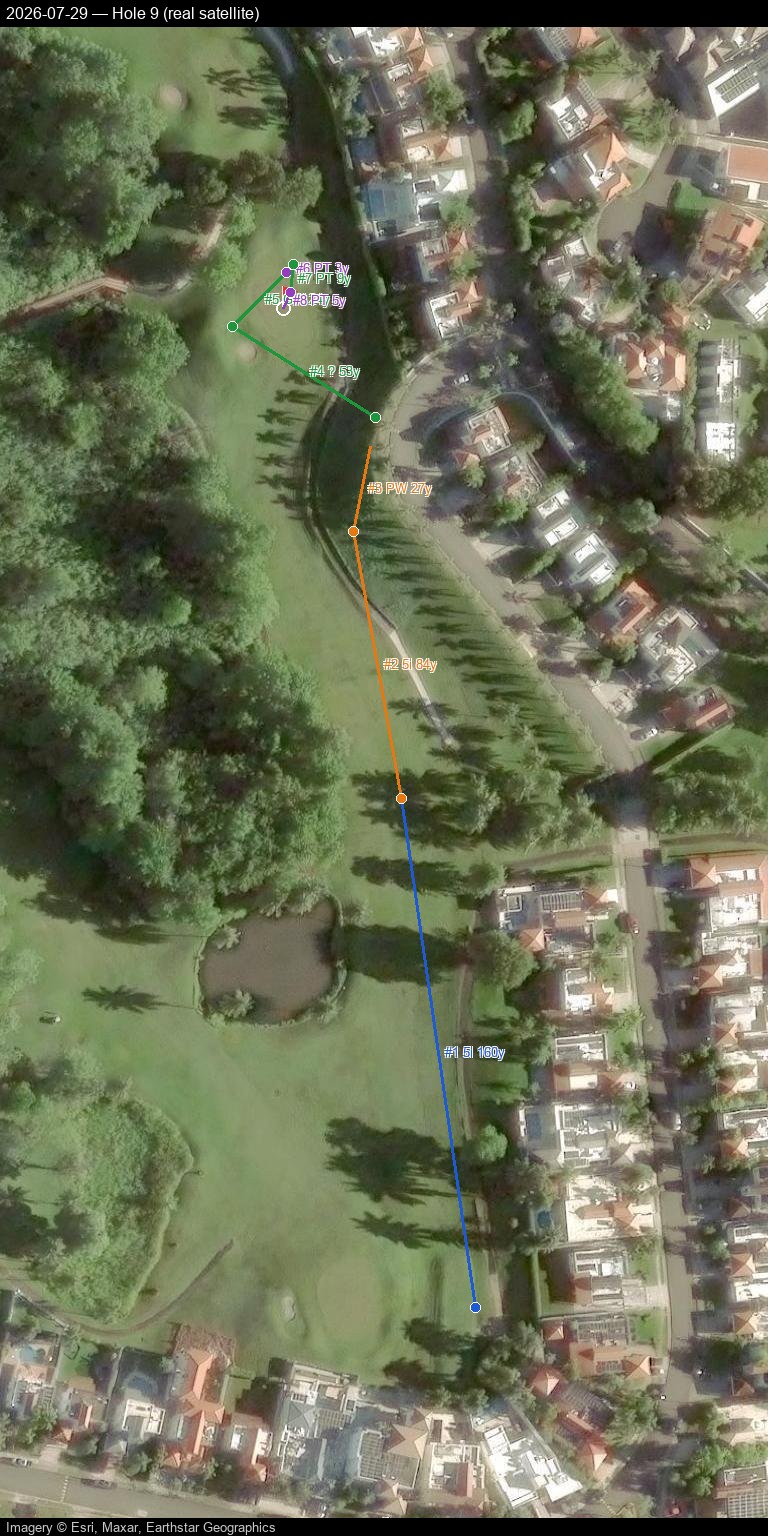
Hole 10
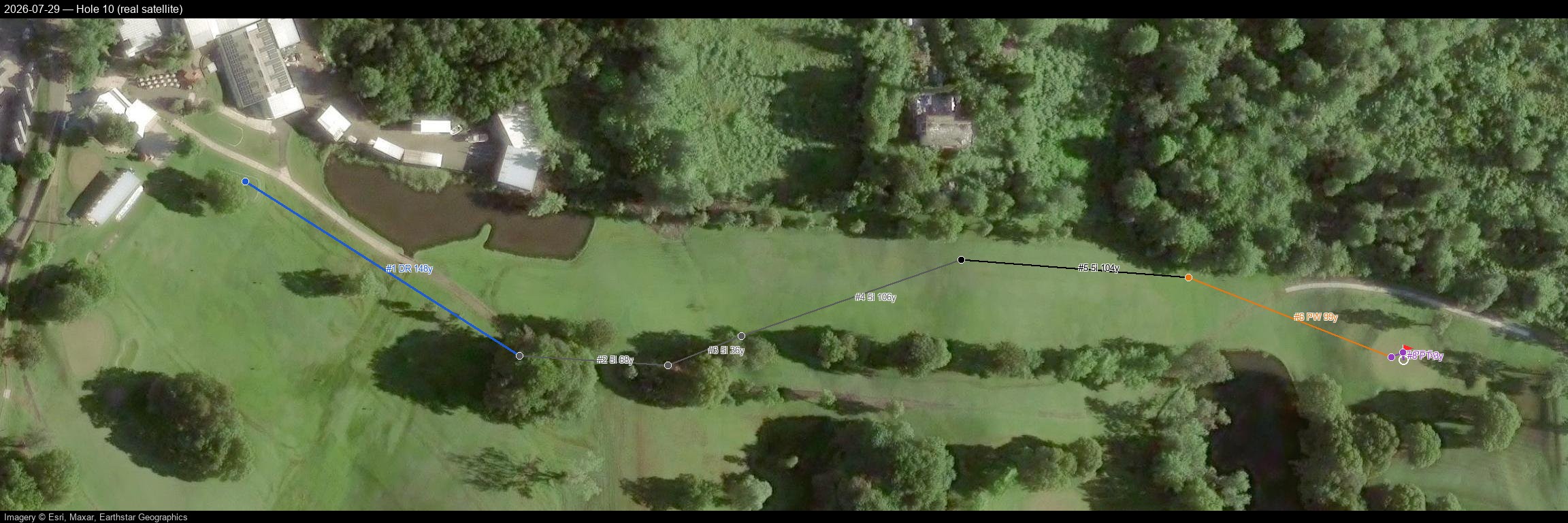
Hole 11
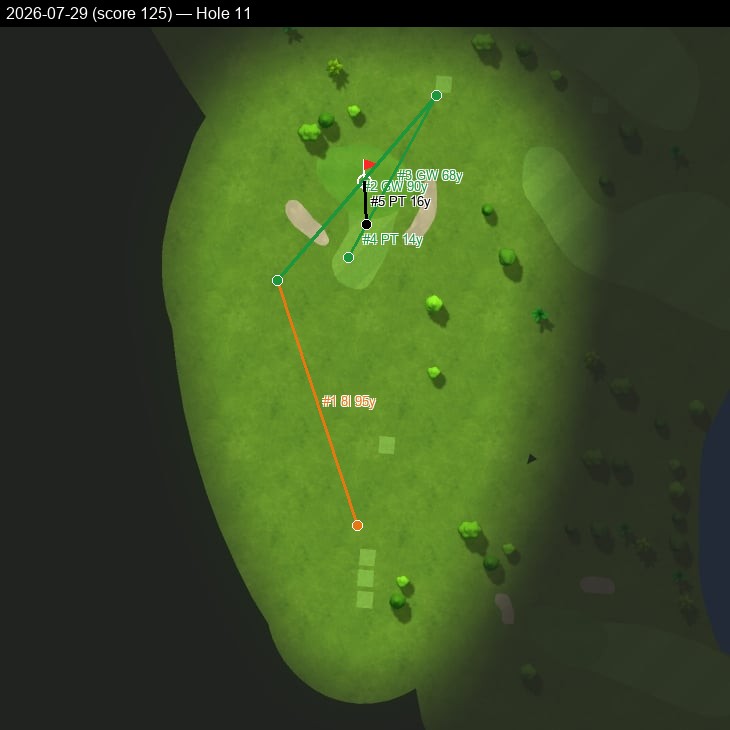
Hole 12
Hole 13
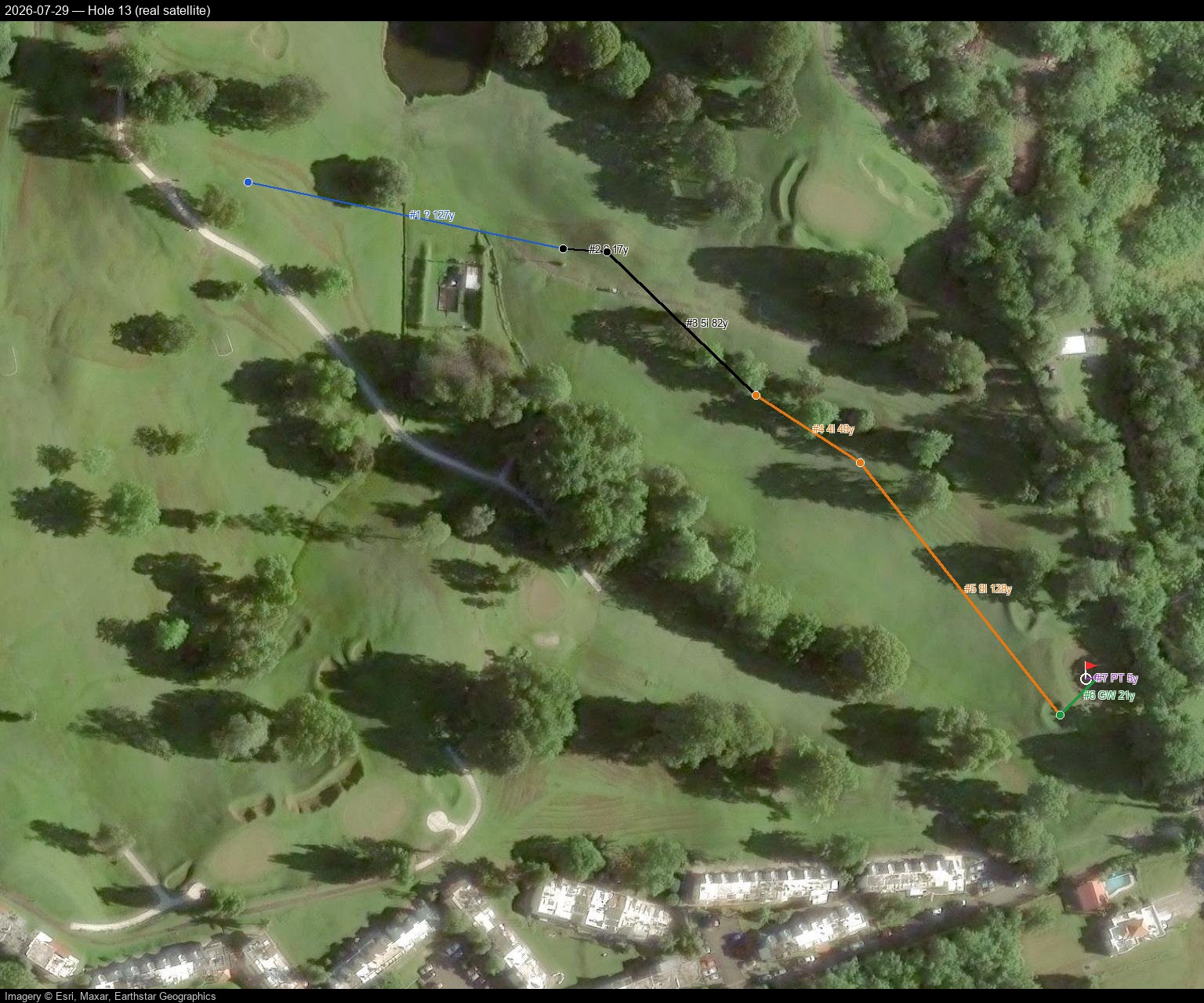
Hole 14
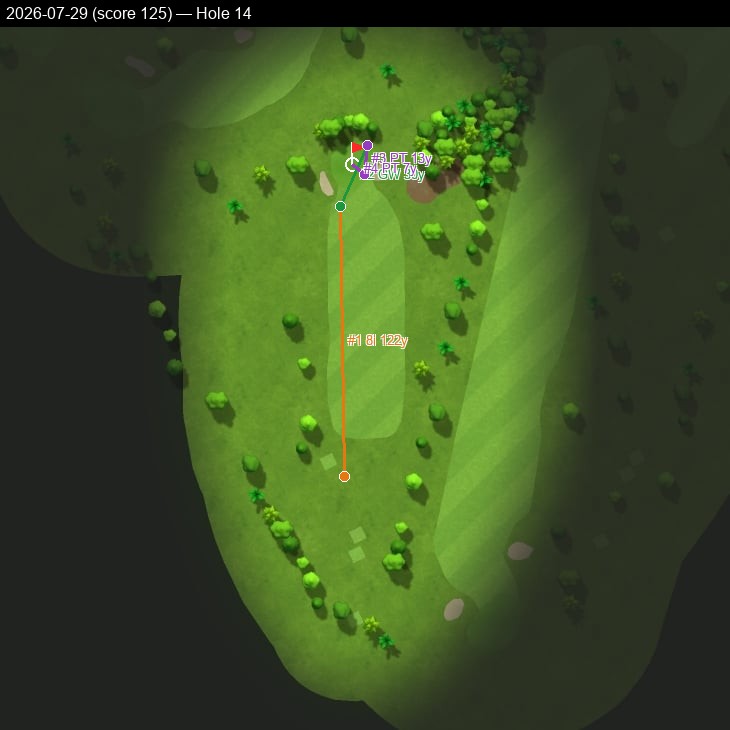
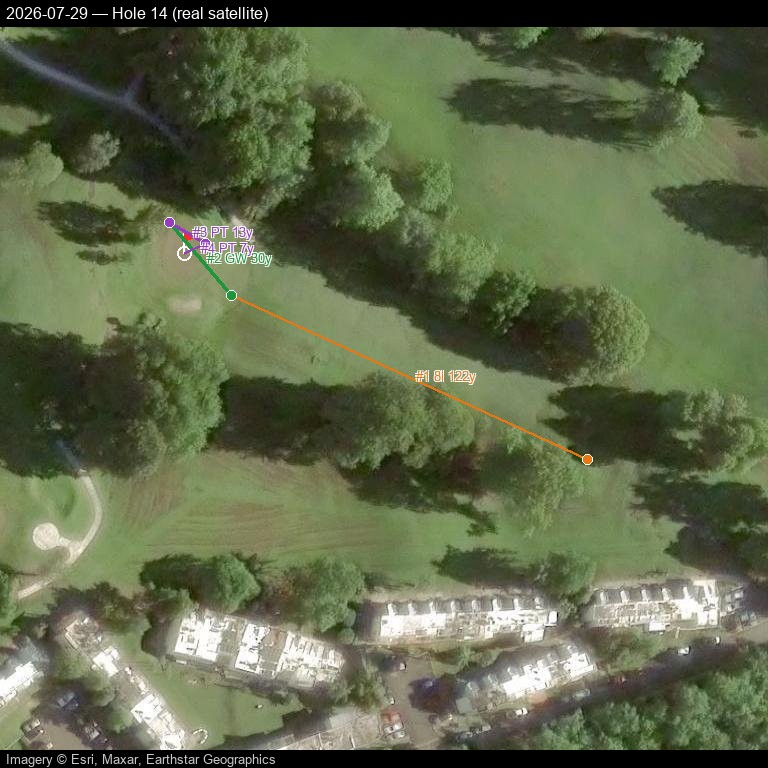
Hole 15
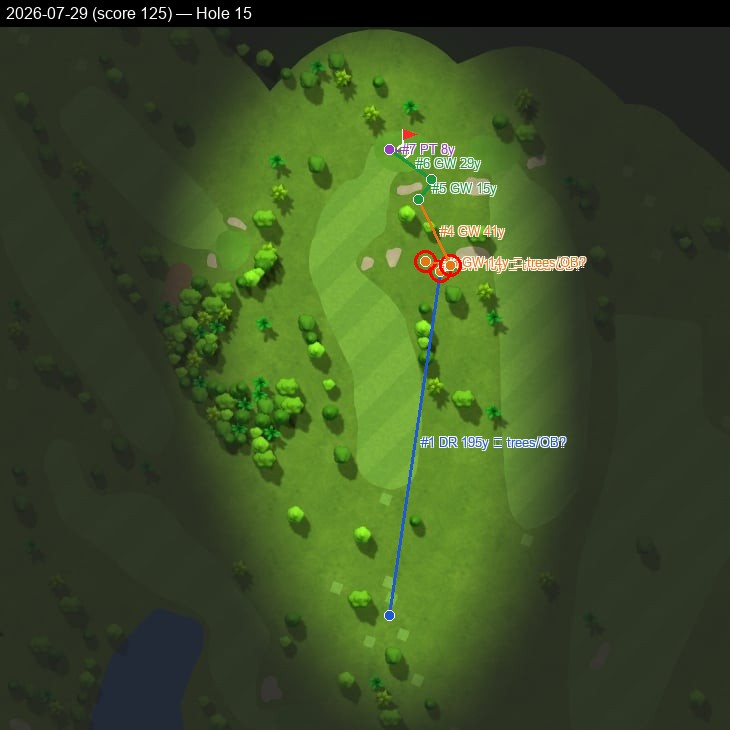
Hole 16
Hole 17
Hole 18
2026-08-02 — score 120 — all 18 holes
Pannable/zoomable real satellite map with a click-through shot-by-shot side panel — built and hosted directly here, no Google account or manual import needed.
Prefer Google Earth, Google My Maps, or QGIS instead? Download 2026-08-02.kml and import it — Google Maps Web: mymaps.google.com → Create a new map → Import; Google Earth: earth.google.com → Projects → Import KML file; QGIS: Layer → Add Layer → Add Vector Layer, plus an XYZ satellite basemap (e.g. Esri World Imagery).
Hole 1
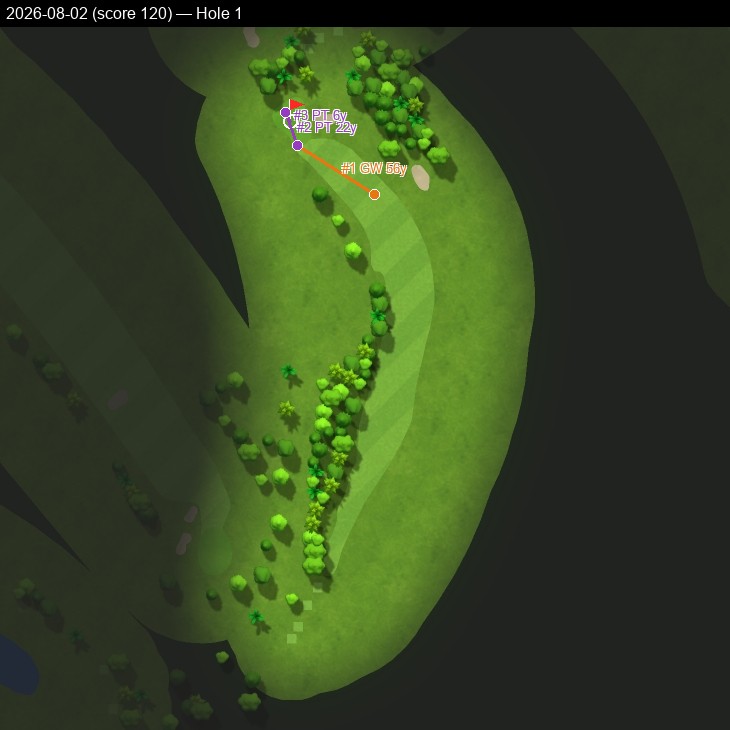
Hole 2
Hole 3
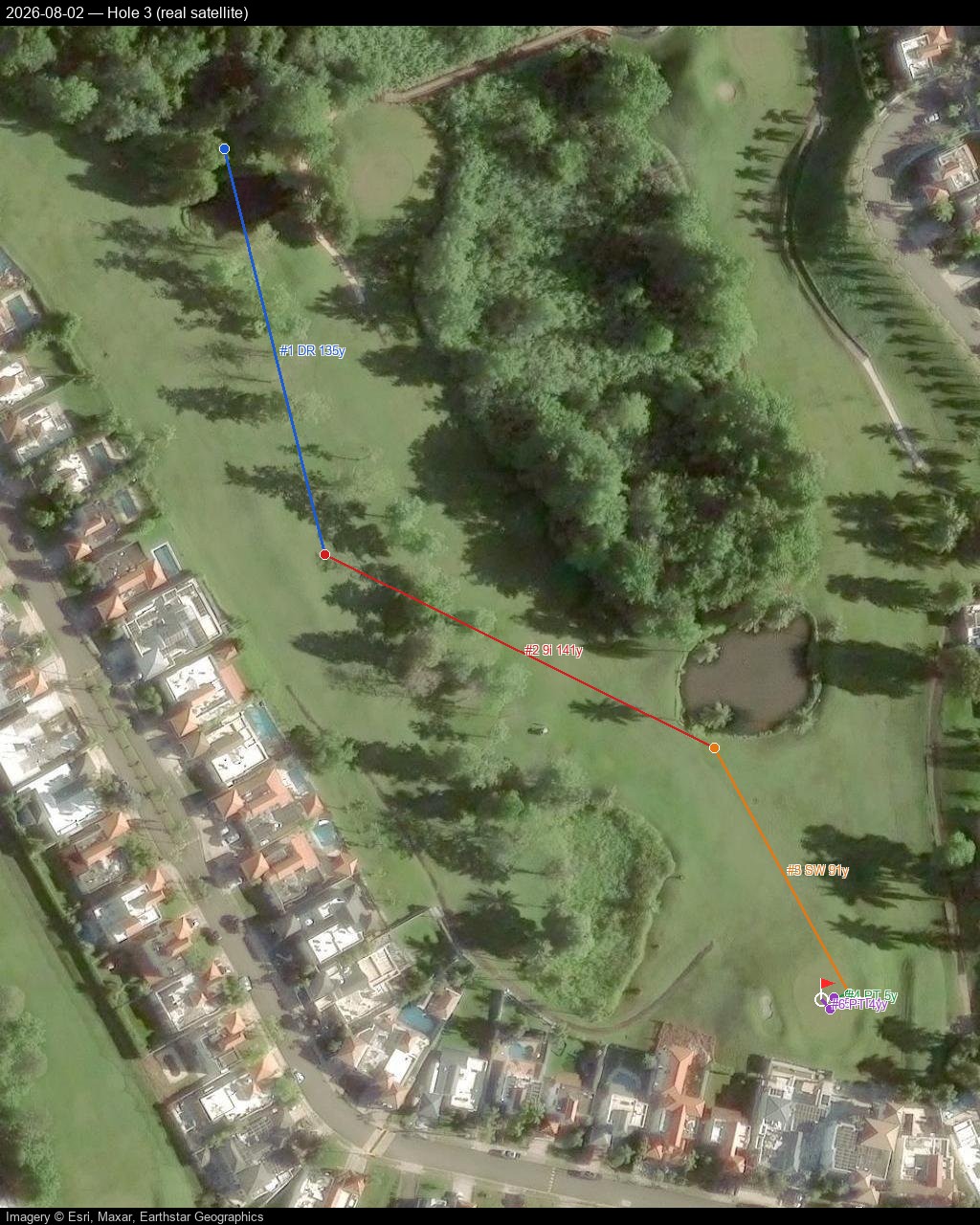
Hole 4
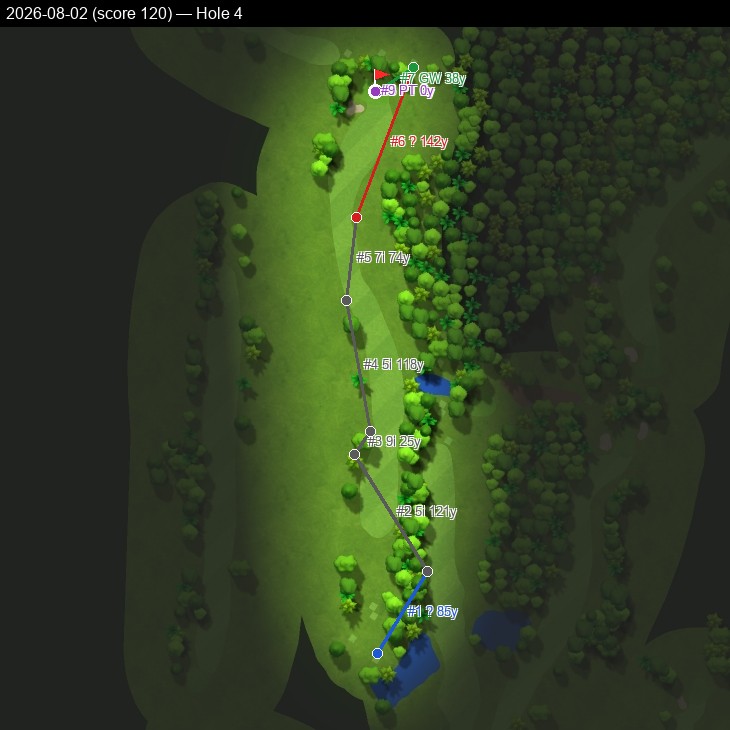
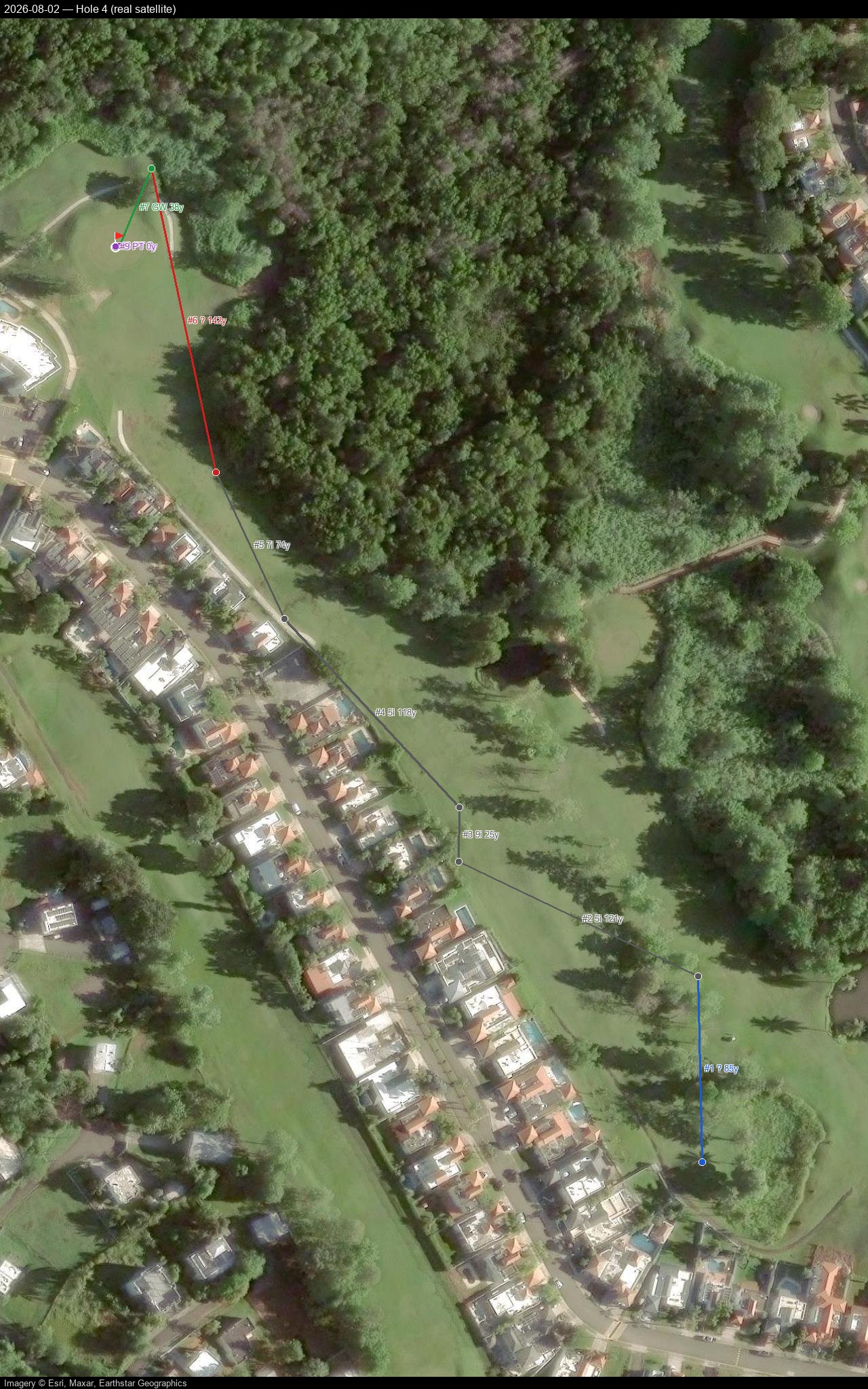
Hole 5
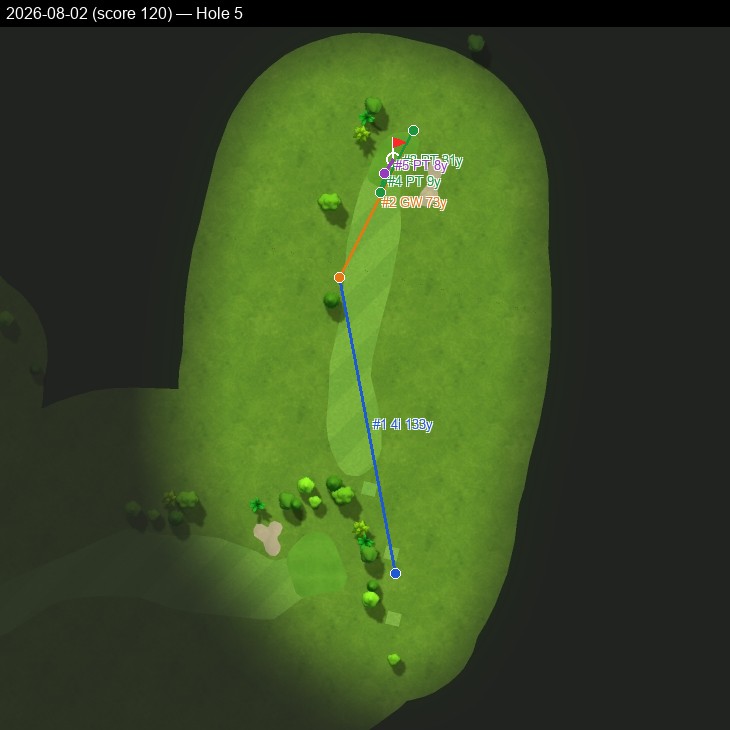
Hole 6
Hole 7
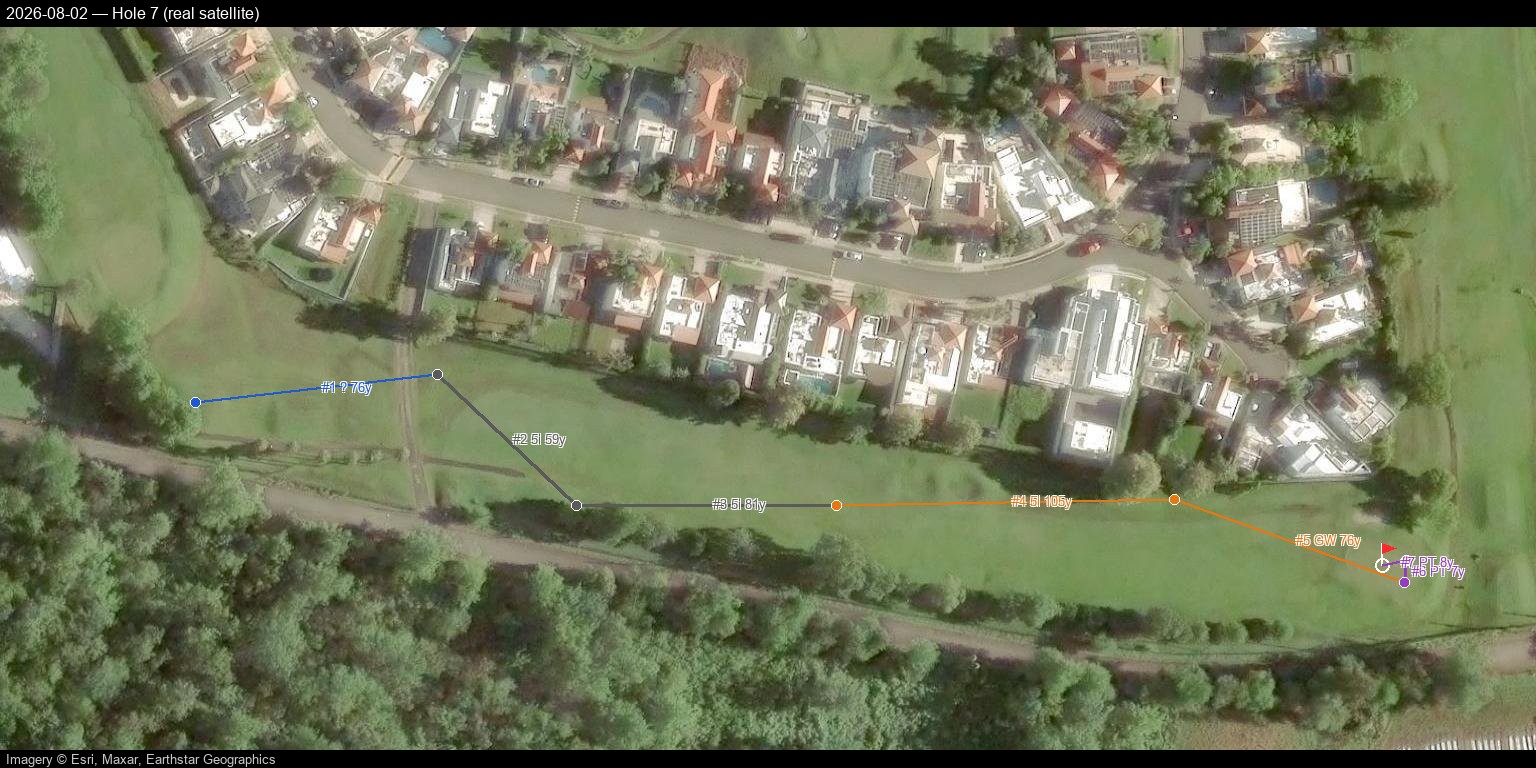
Hole 8
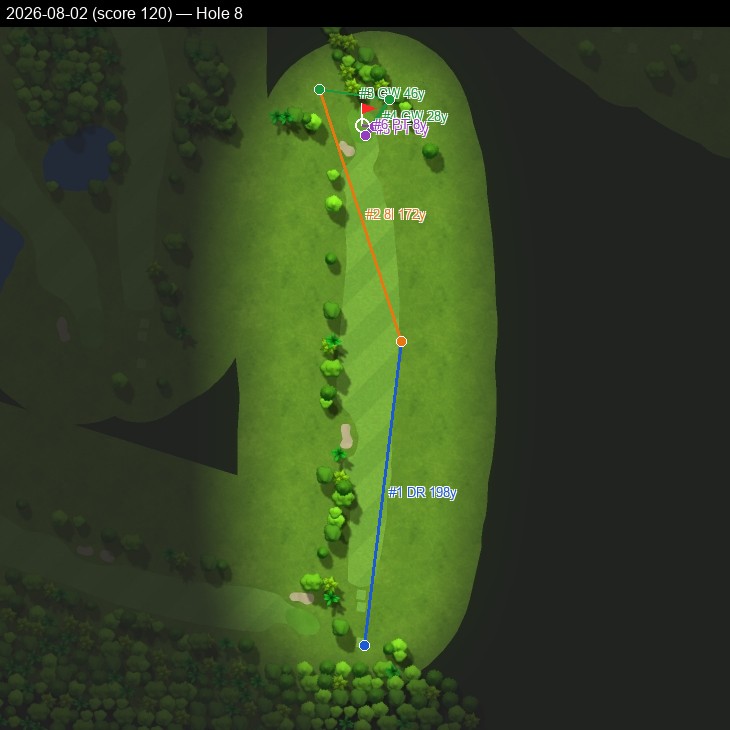
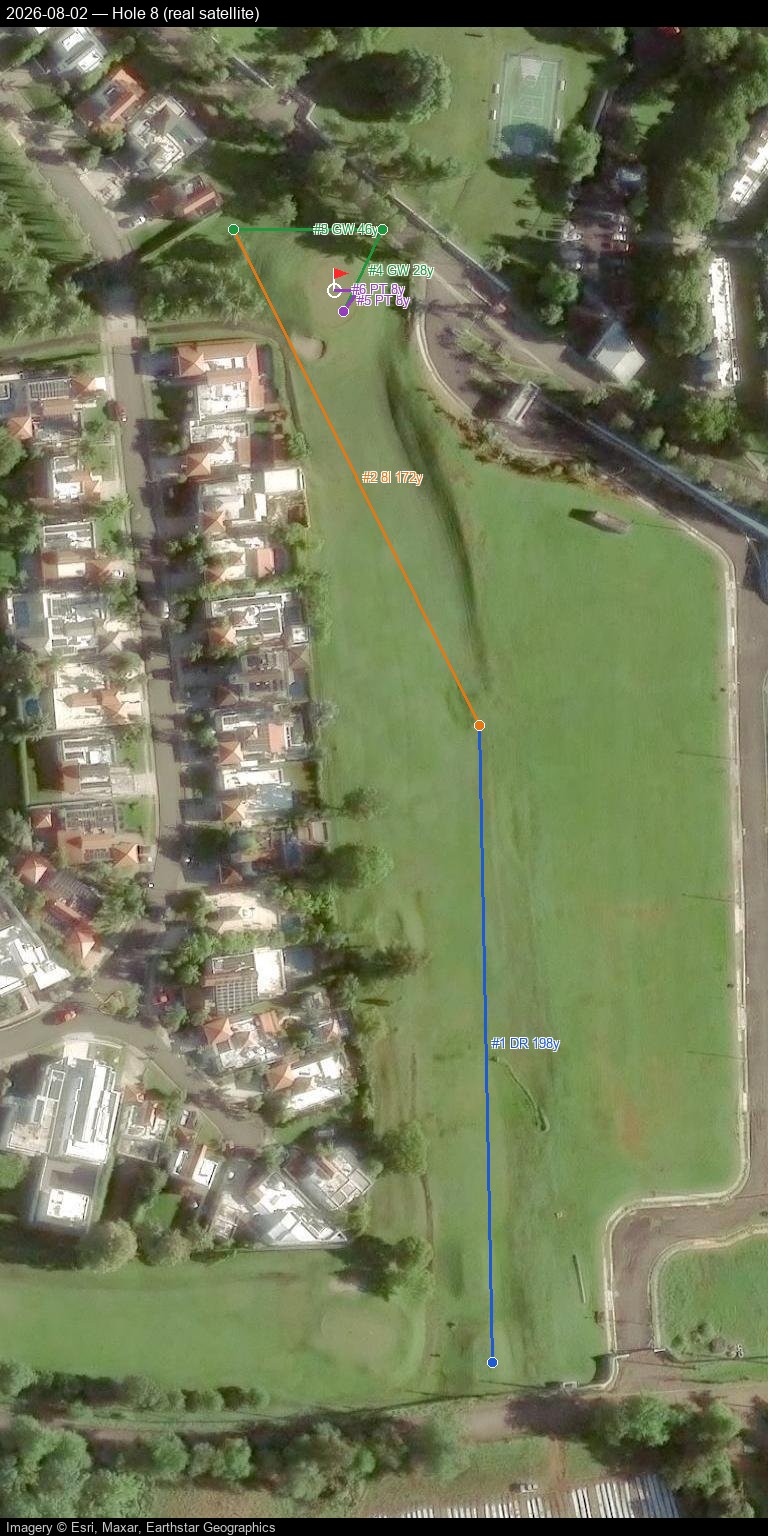
Hole 9
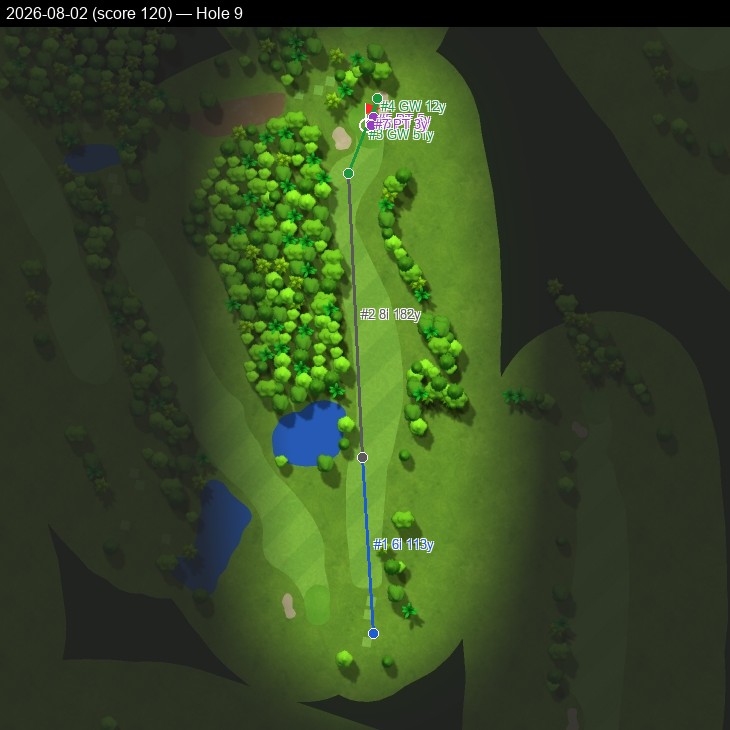
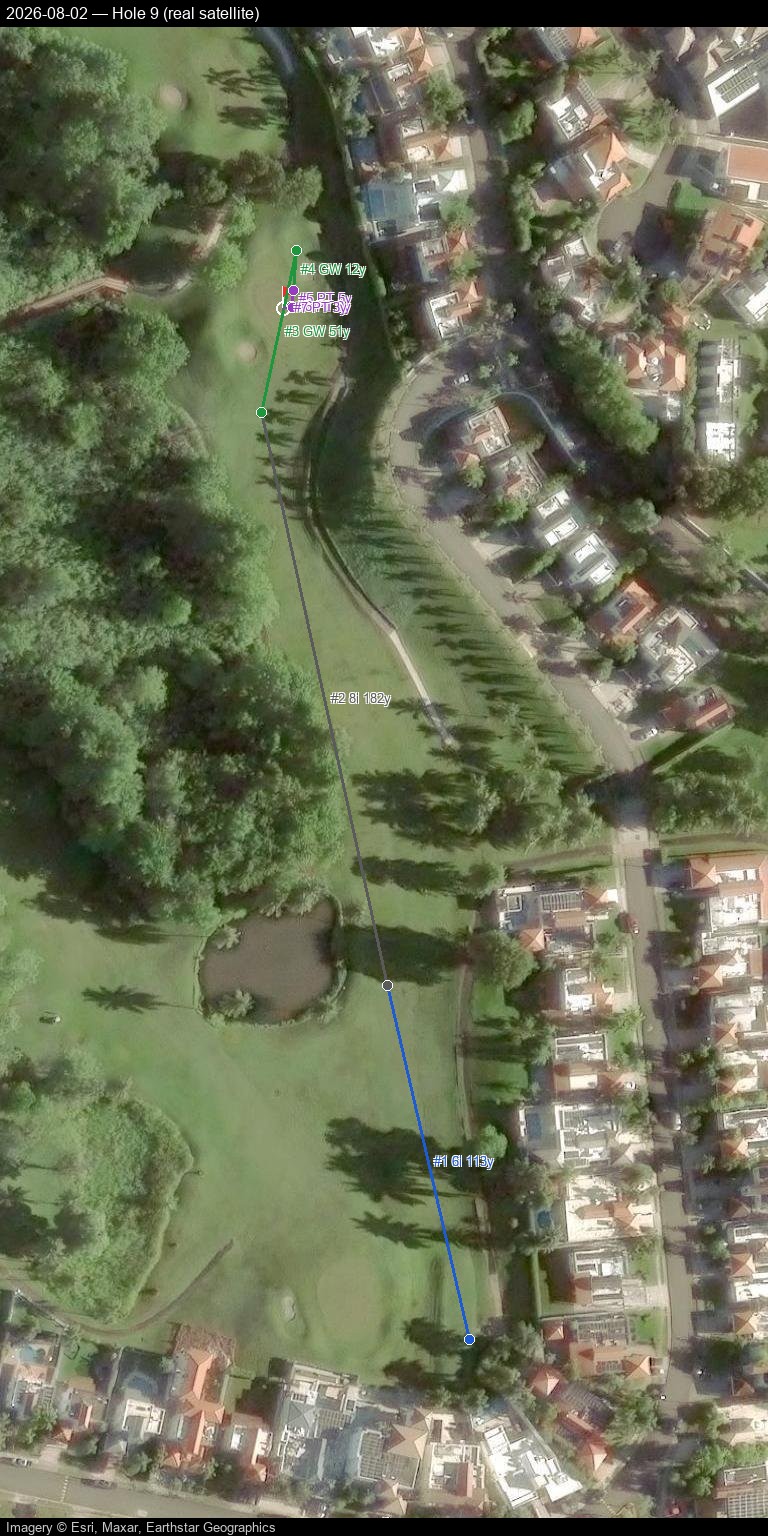
Hole 10
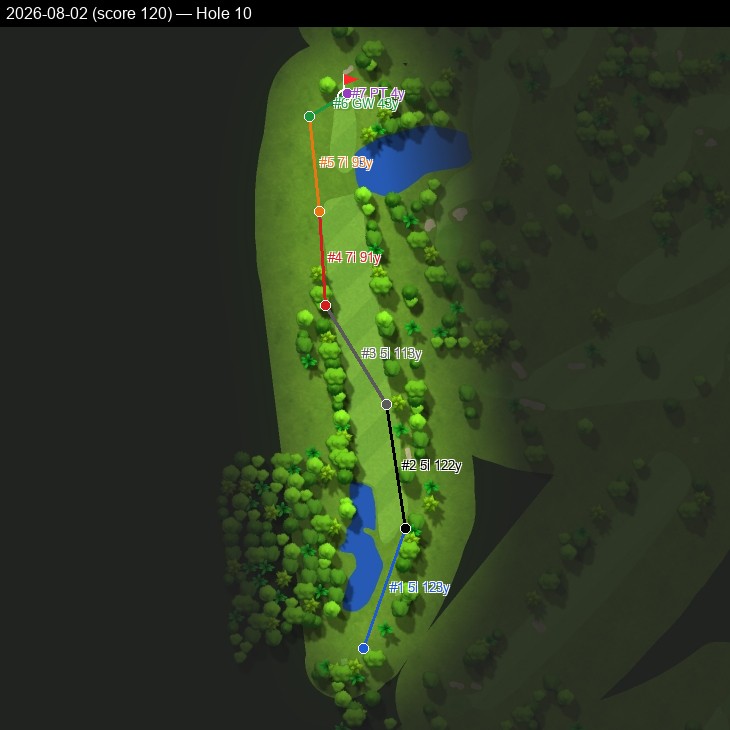
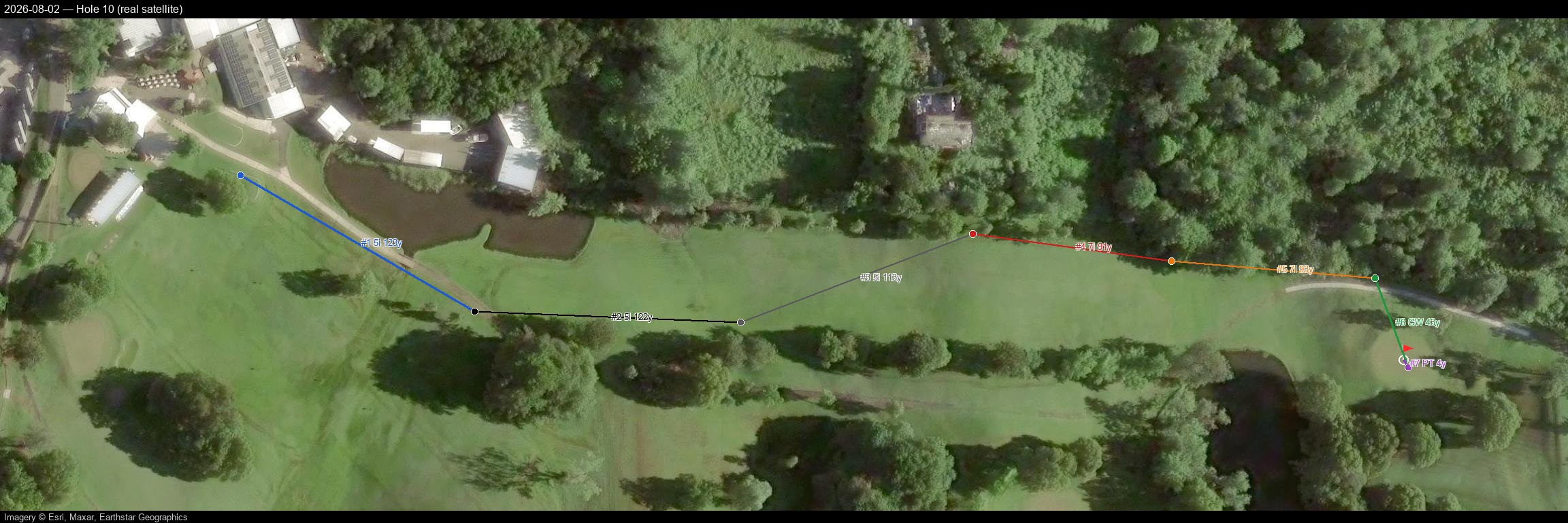
Hole 11
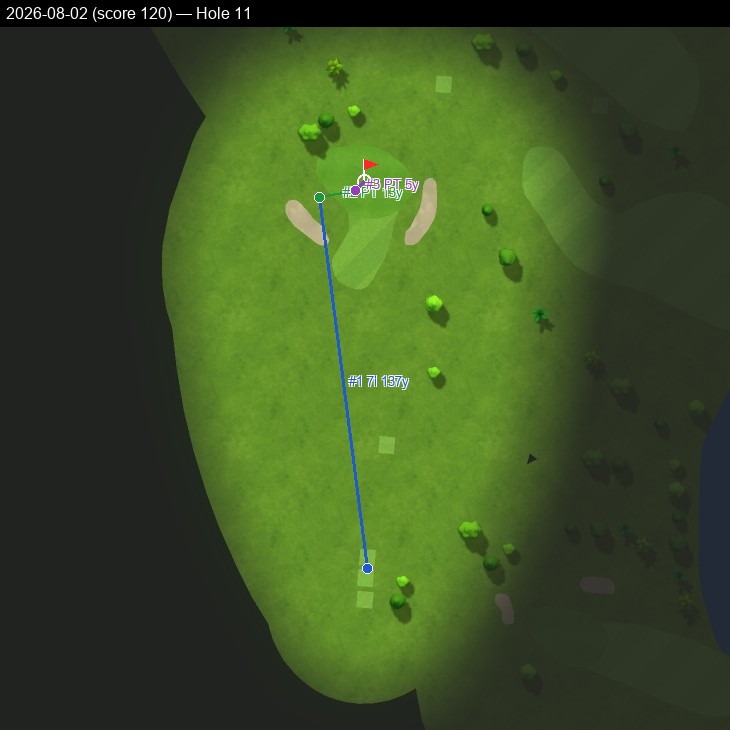
Hole 12
Hole 13
Hole 14
Hole 15
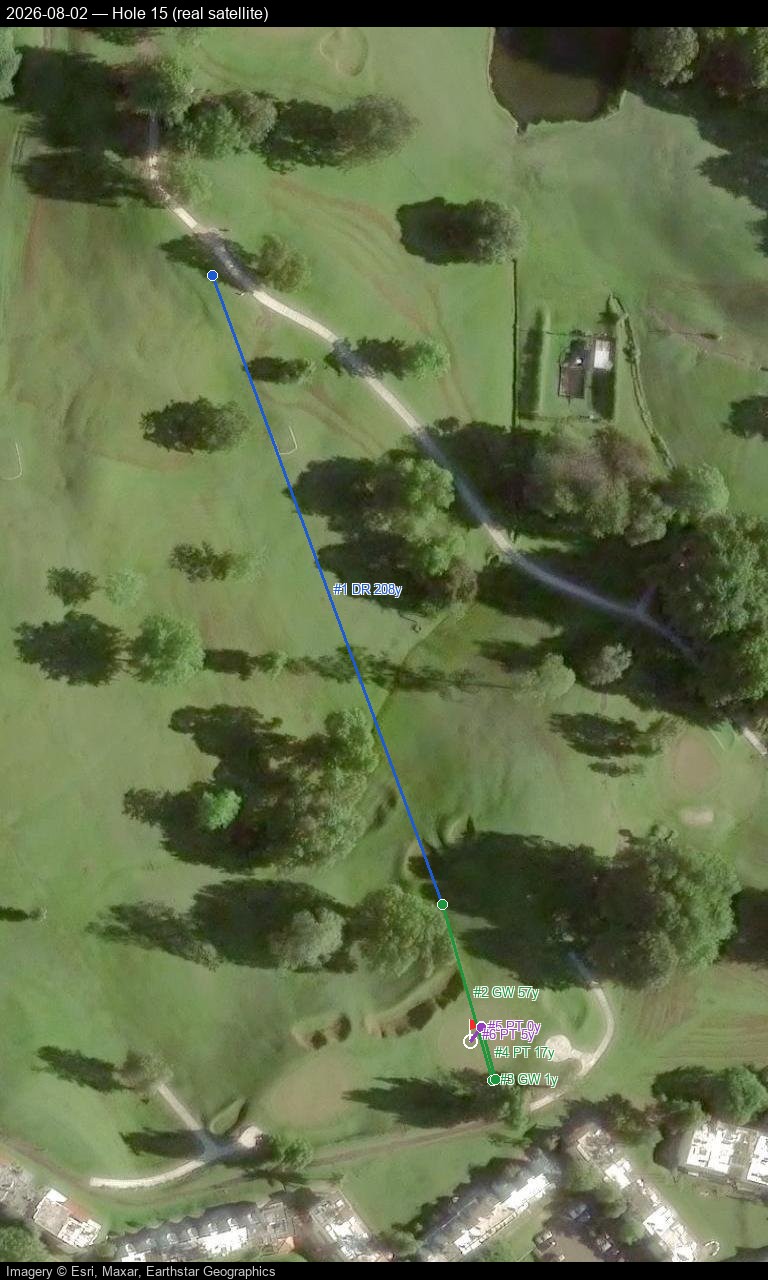
Hole 16
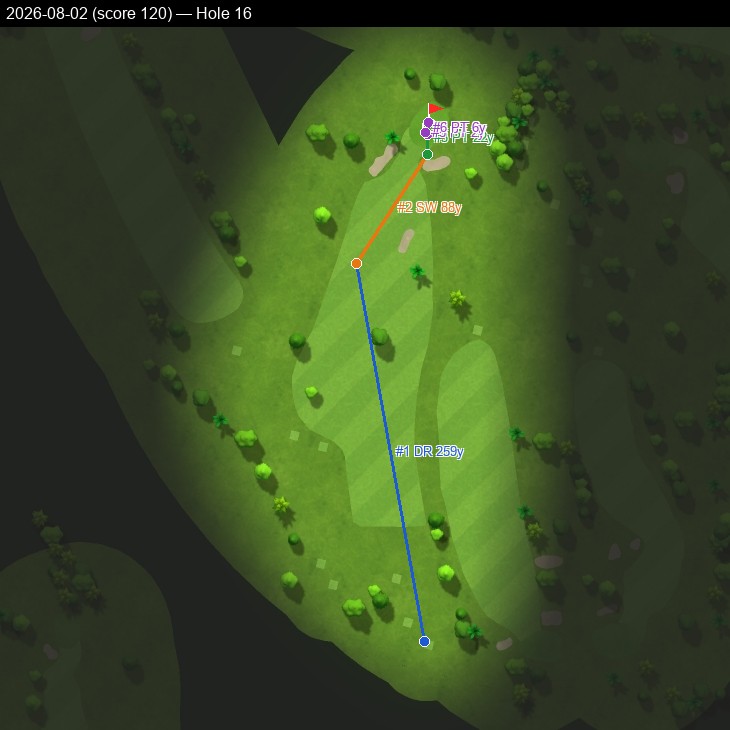
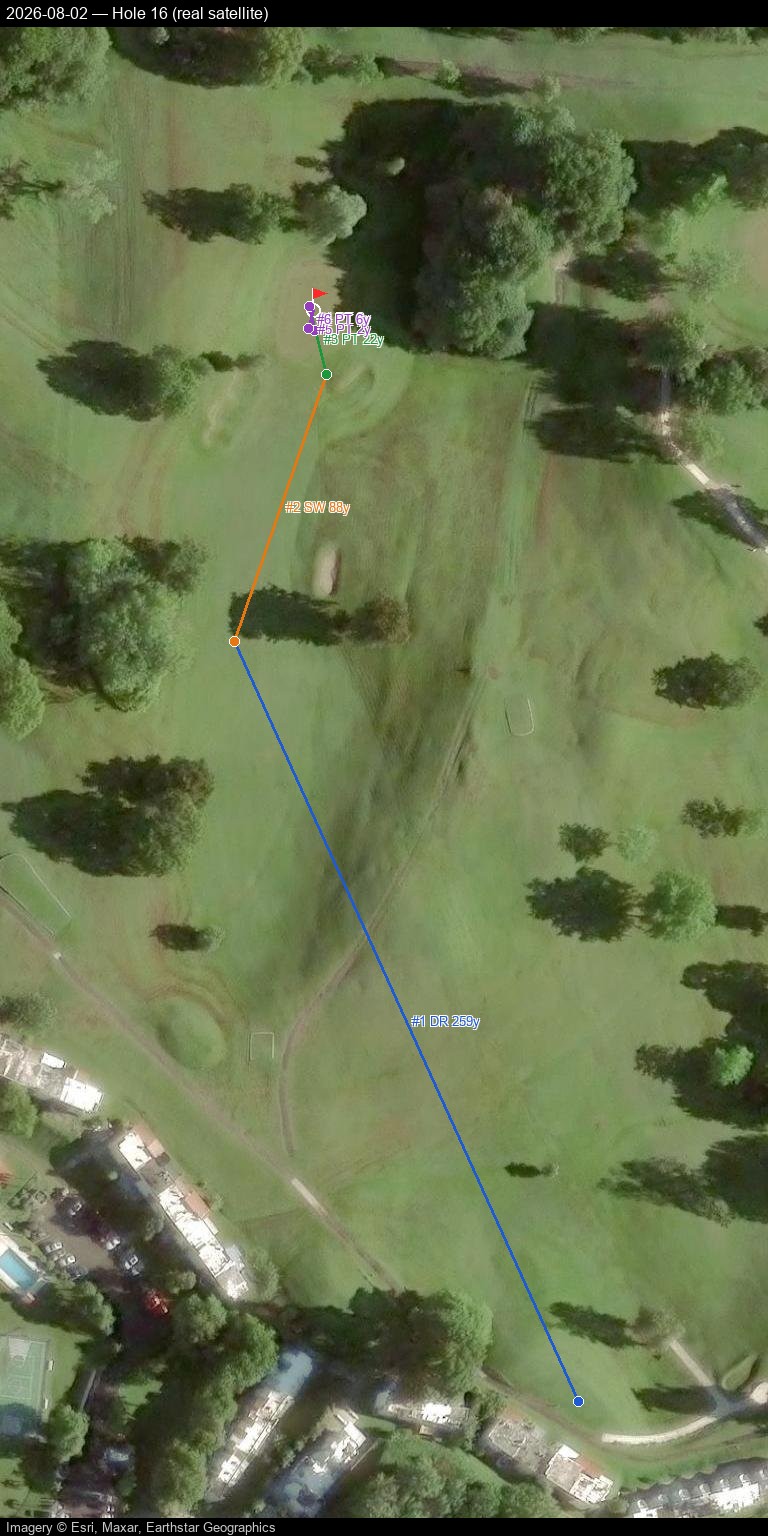
Hole 17
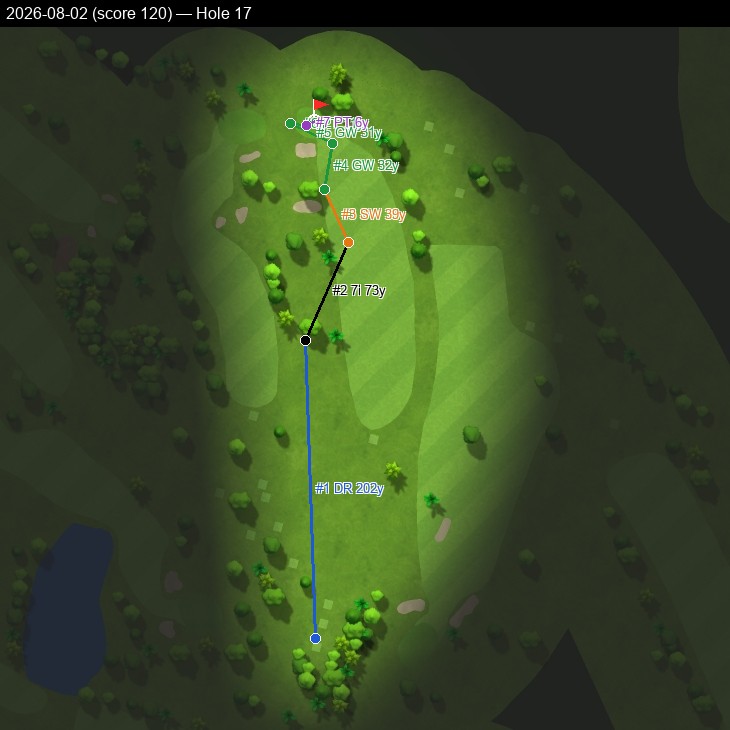
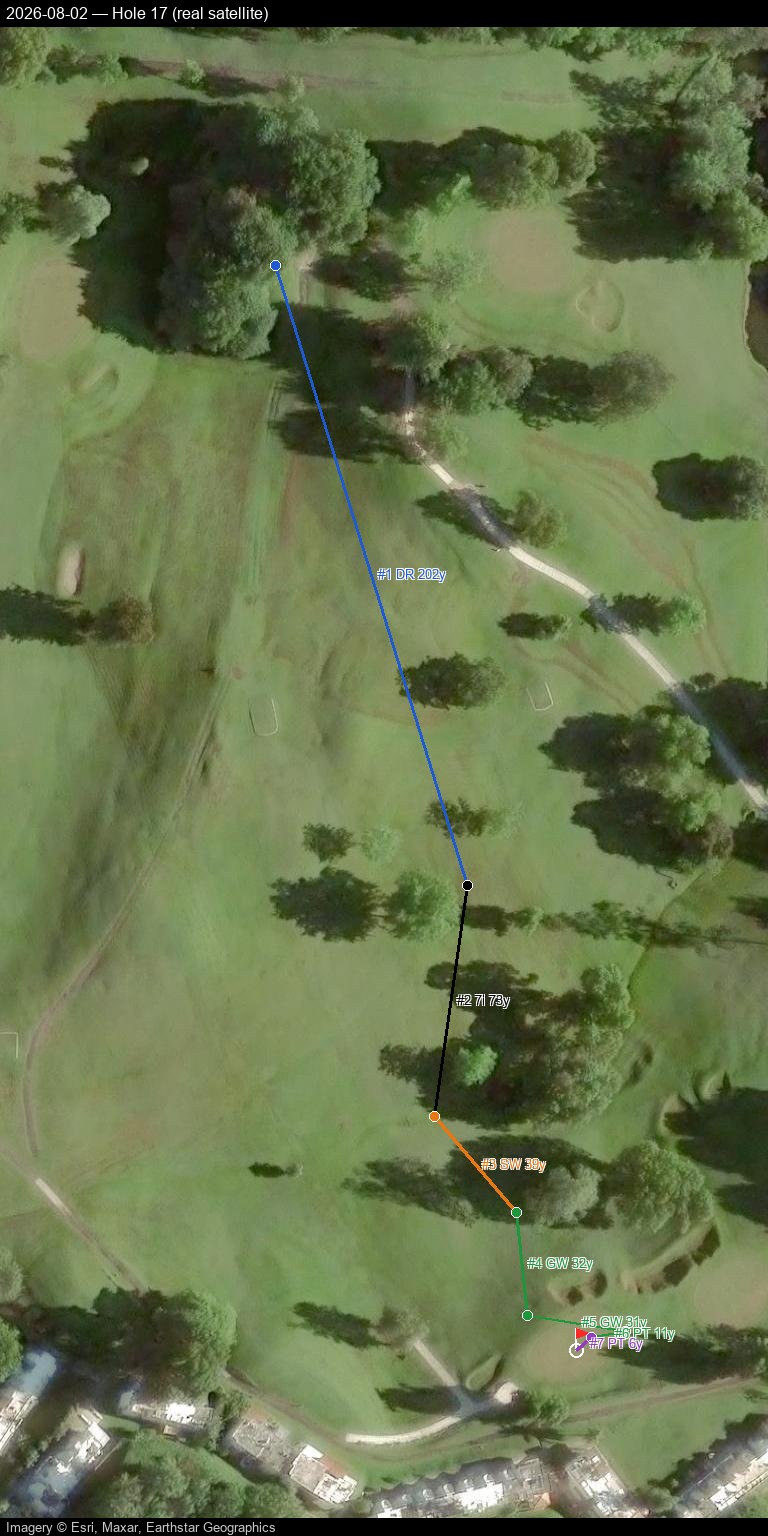
Hole 18
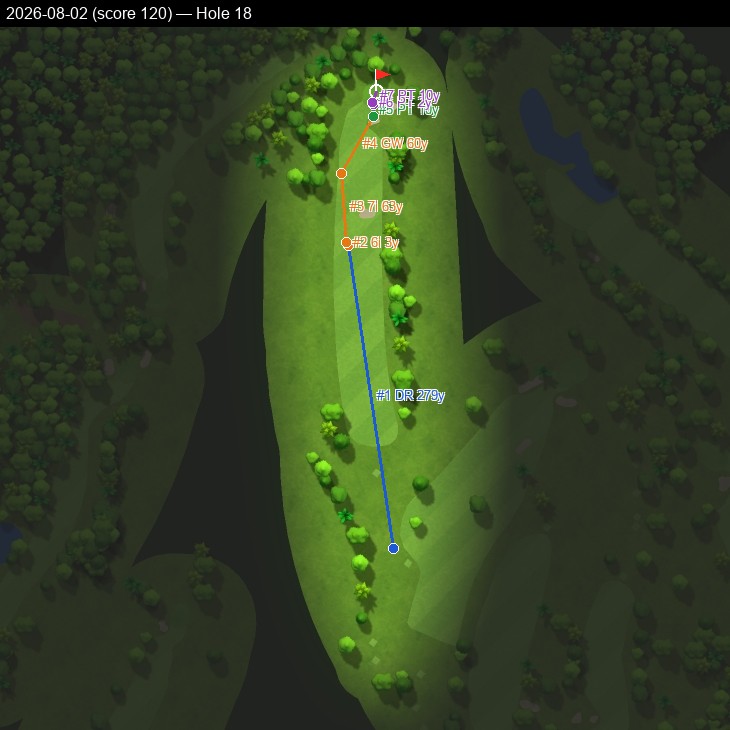
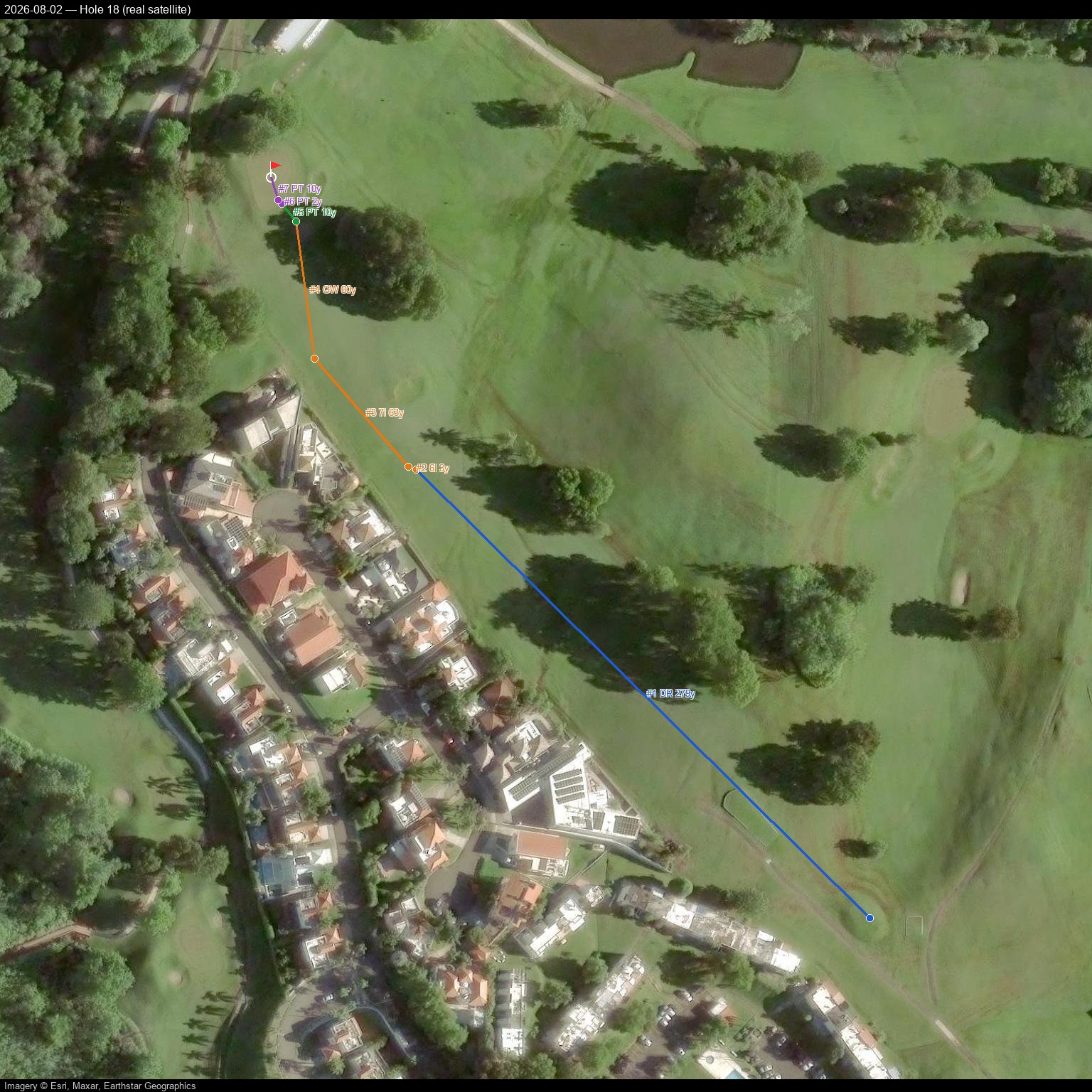
2026-09-04 — score 118, personal best — all 18 holes
Pannable/zoomable real satellite map with a click-through shot-by-shot side panel — built and hosted directly here, no Google account or manual import needed.
Prefer Google Earth, Google My Maps, or QGIS instead? Download 2026-09-04_flagship.kml and import it — Google Maps Web: mymaps.google.com → Create a new map → Import; Google Earth: earth.google.com → Projects → Import KML file; QGIS: Layer → Add Layer → Add Vector Layer, plus an XYZ satellite basemap (e.g. Esri World Imagery).
Hole 1
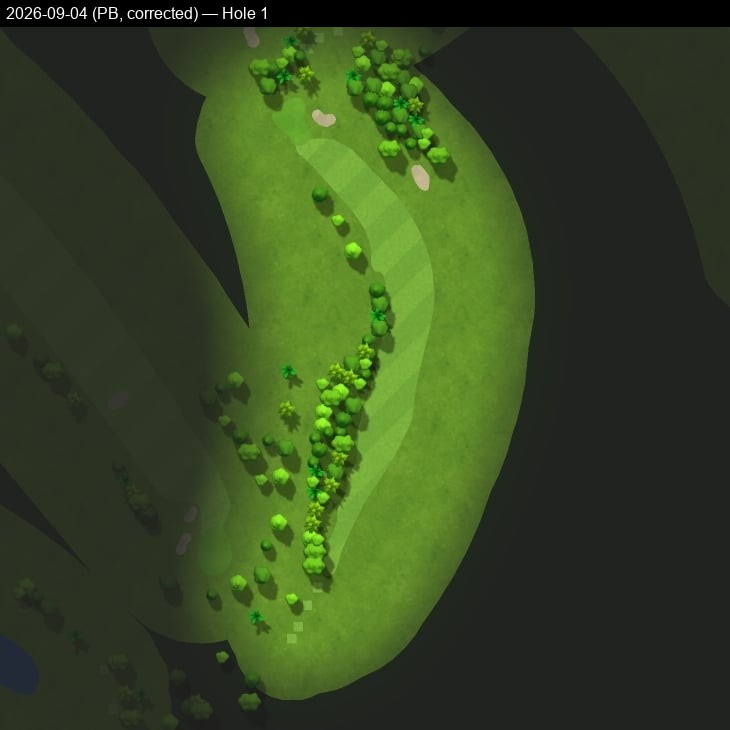
Hole 2
Hole 3
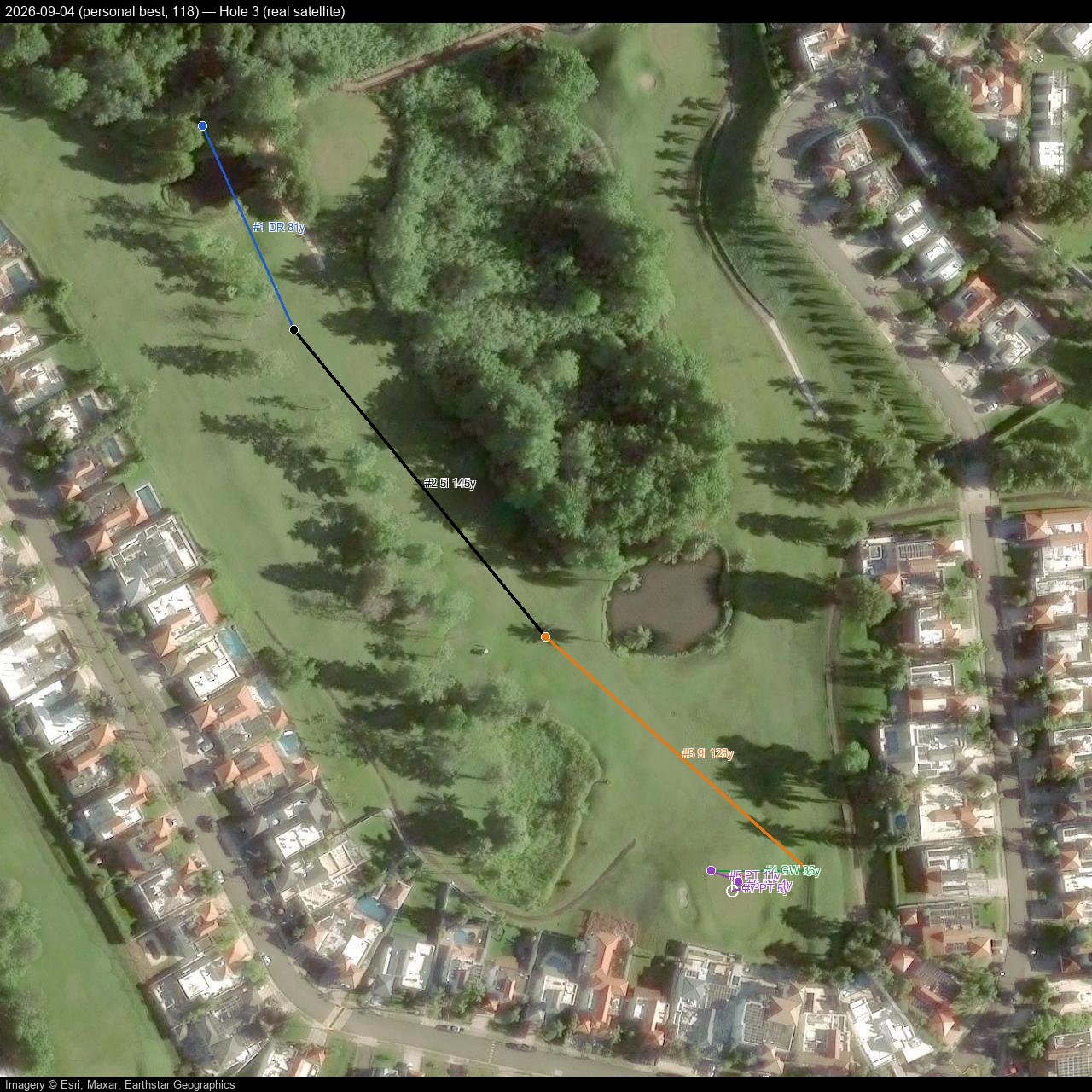
Hole 4
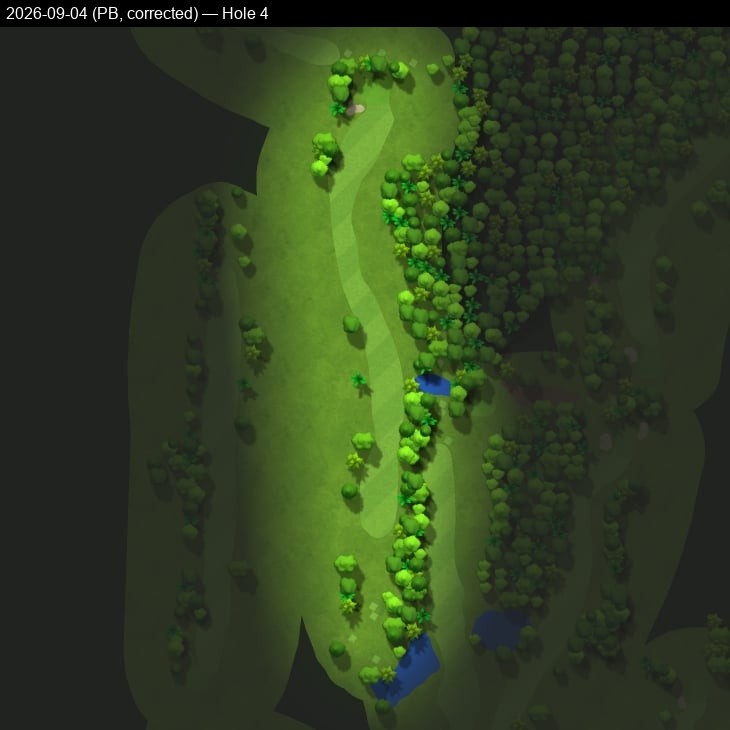
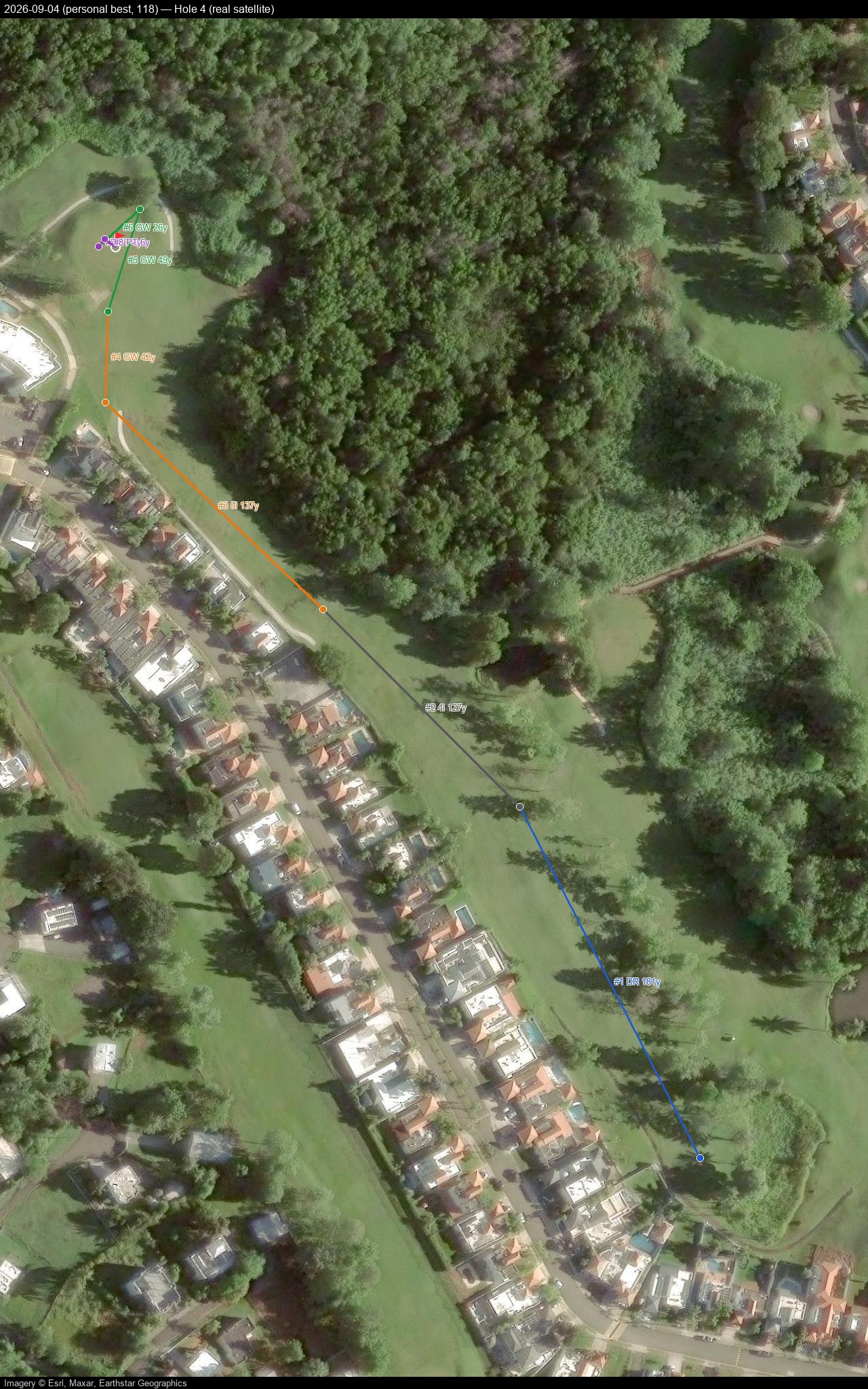
Hole 5
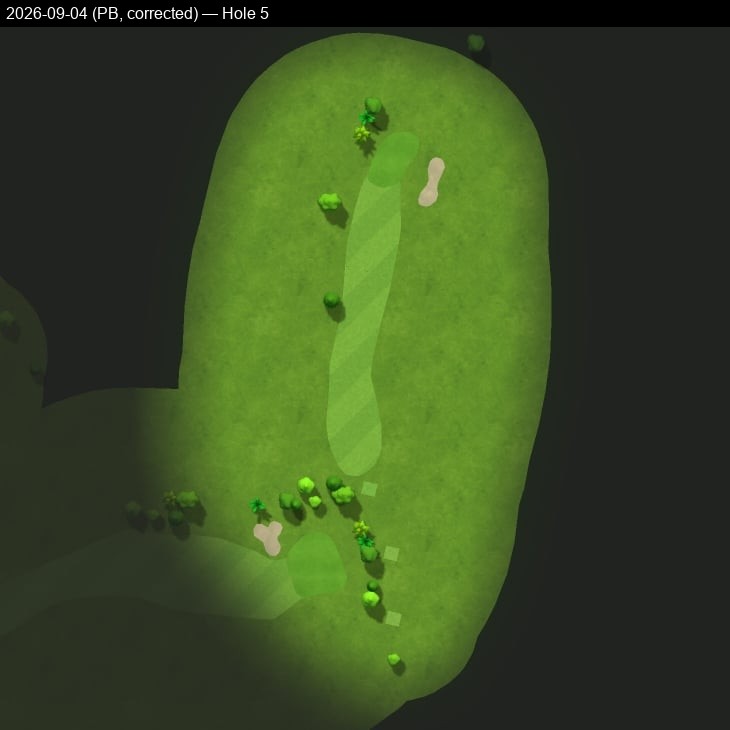
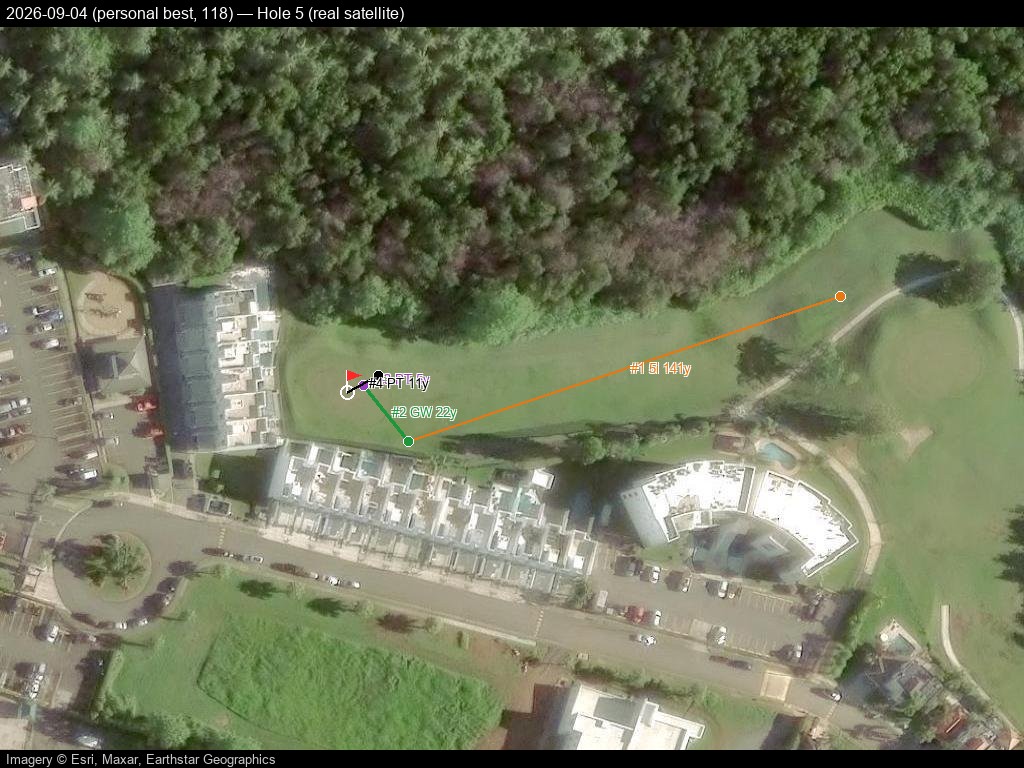
Hole 6
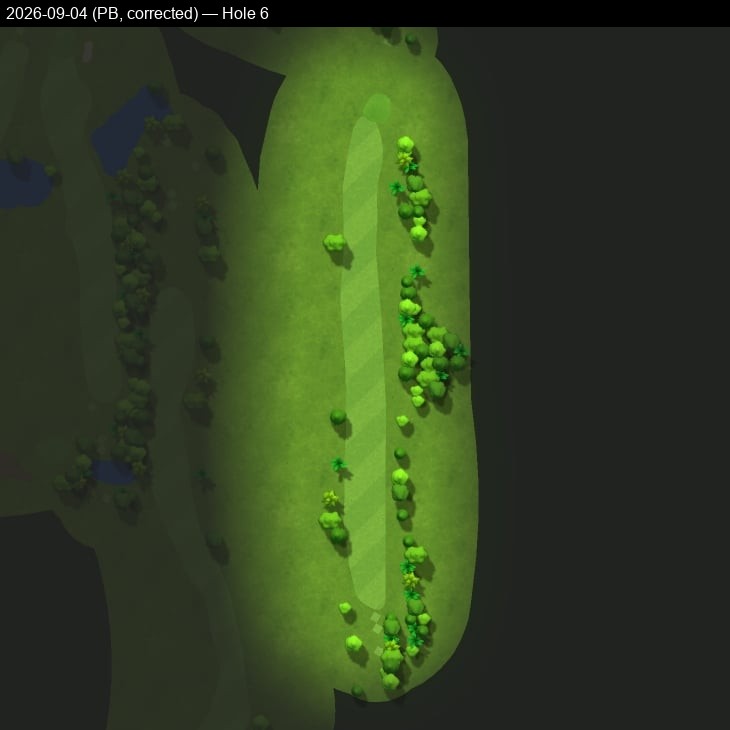
Hole 7
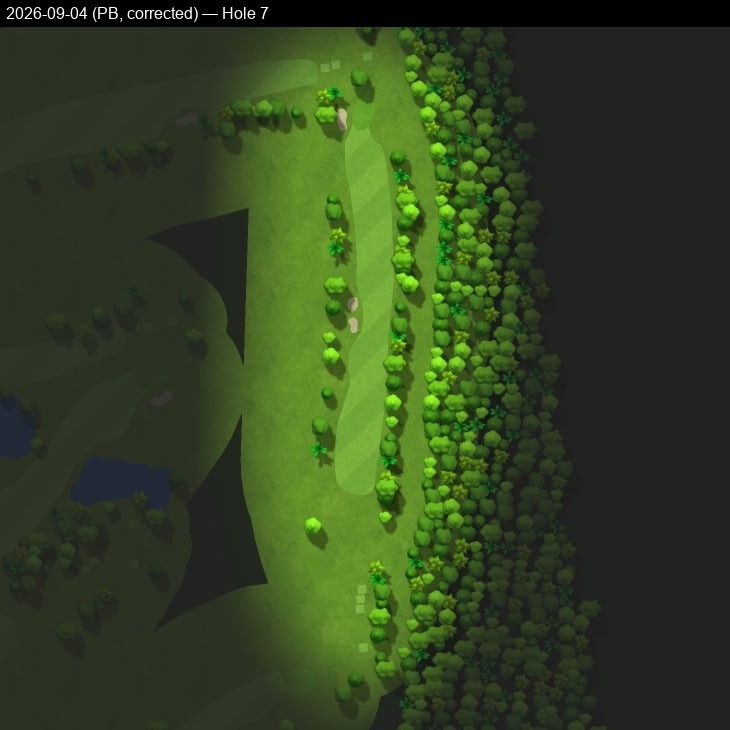
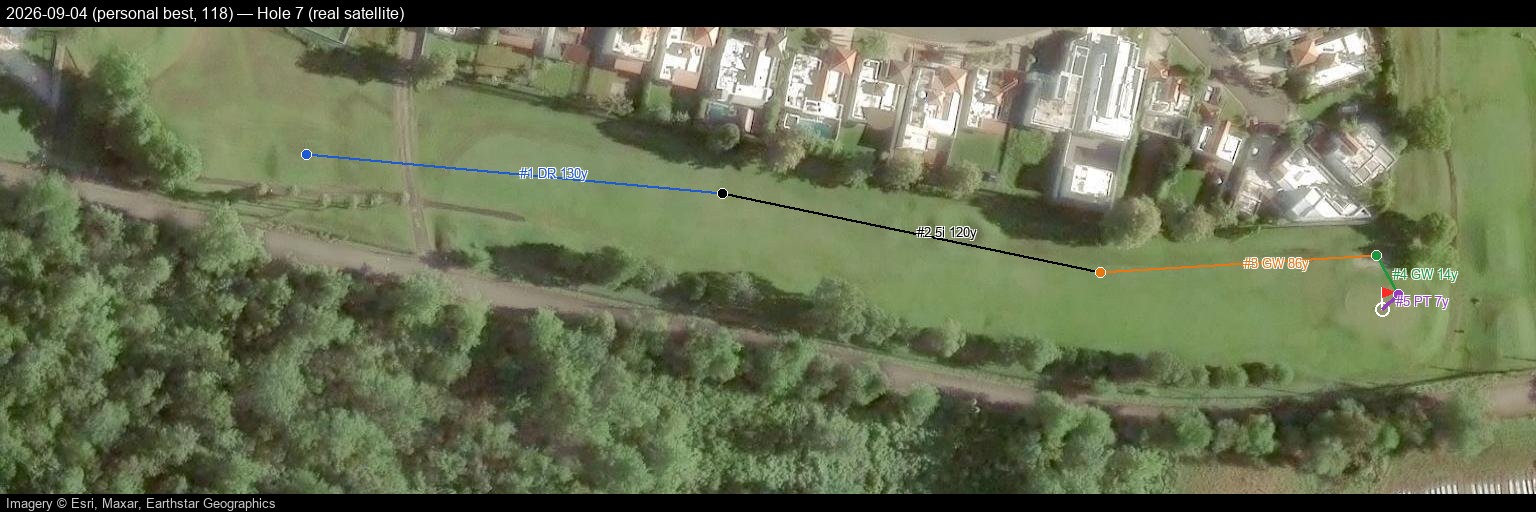
Hole 8
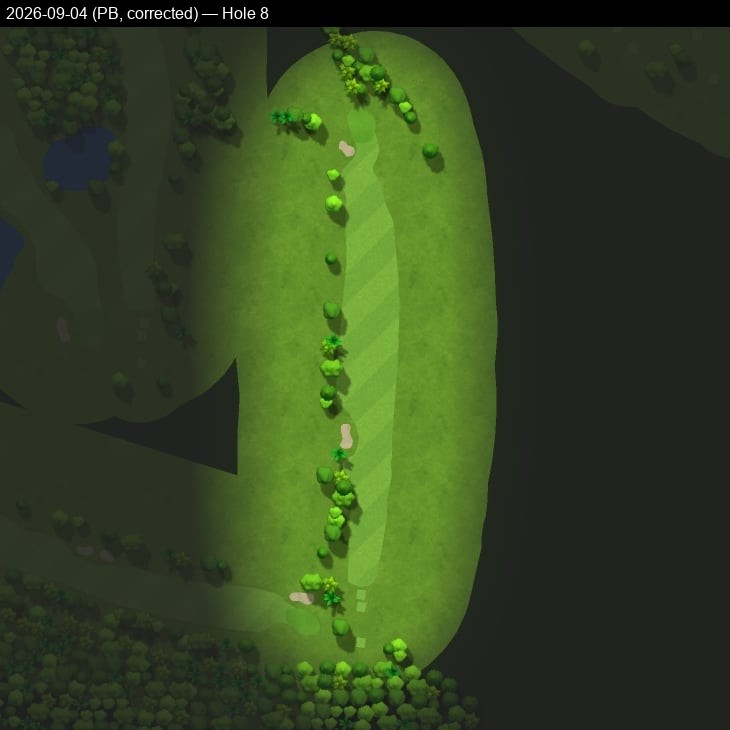
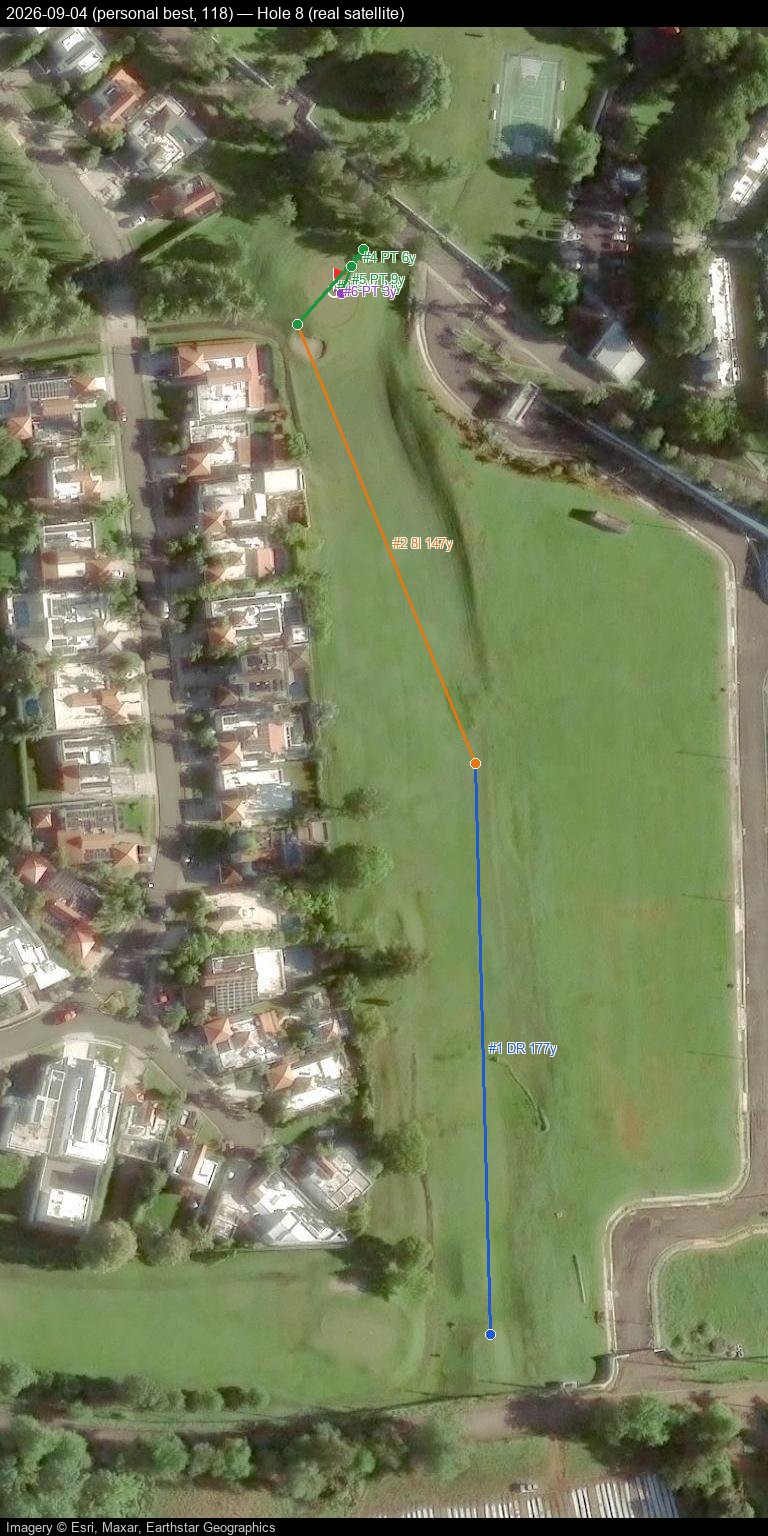
Hole 9
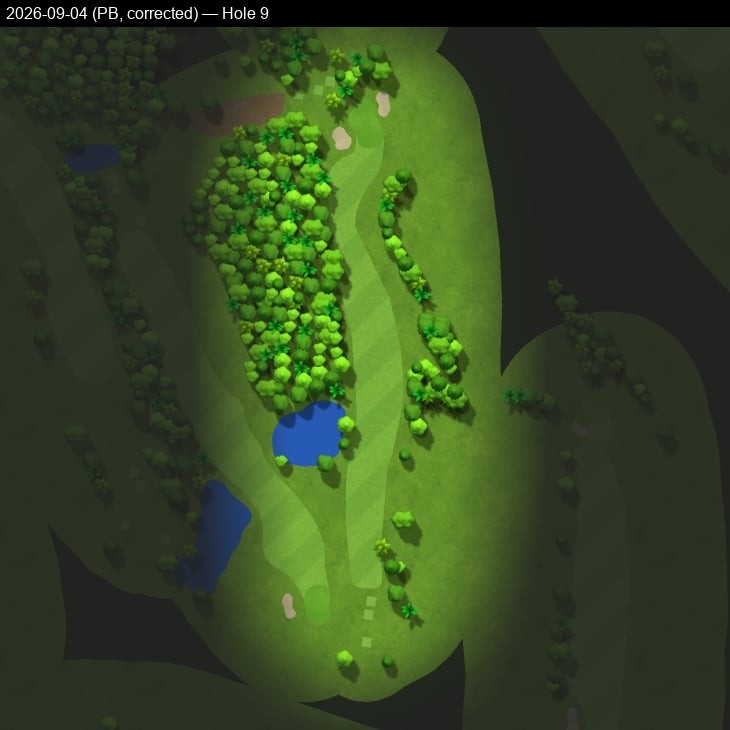
Hole 10
Hole 11
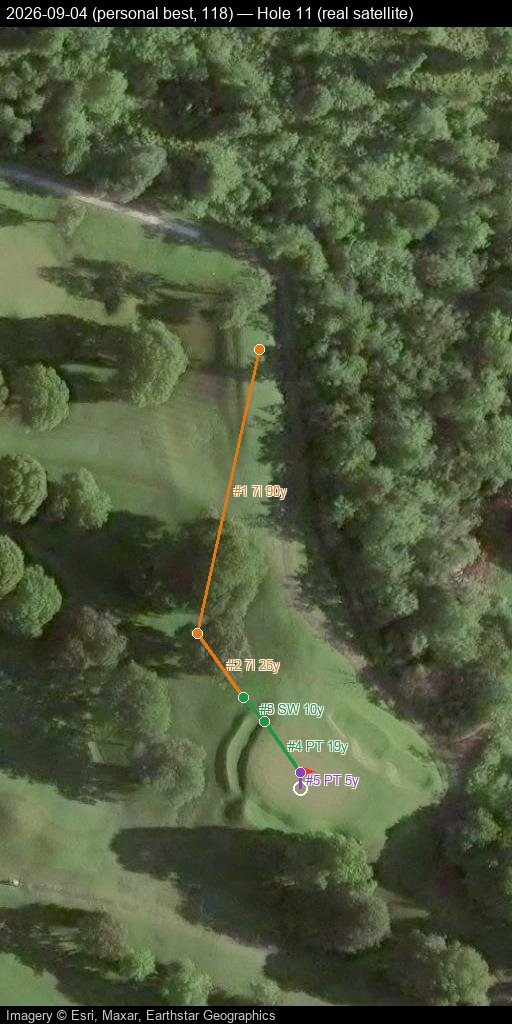
Hole 12
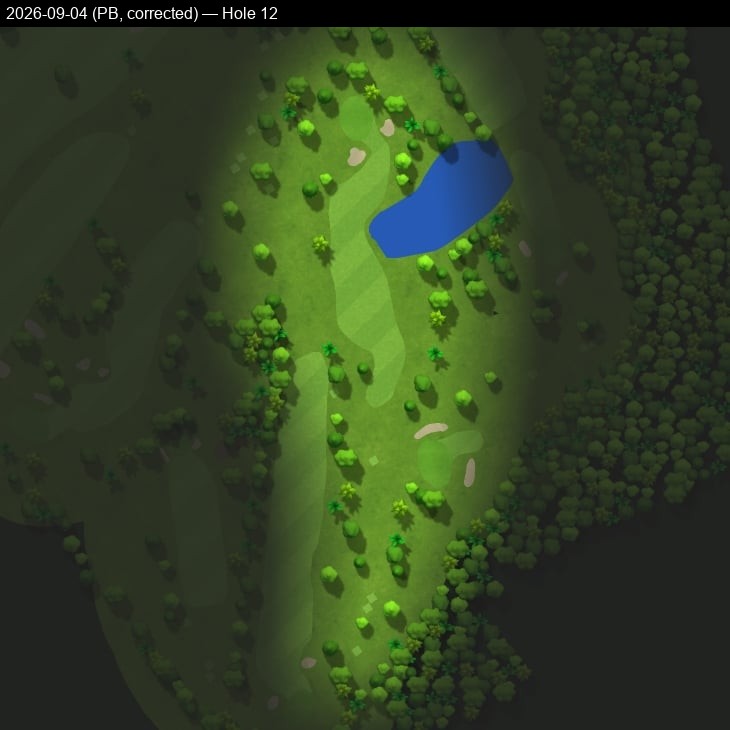
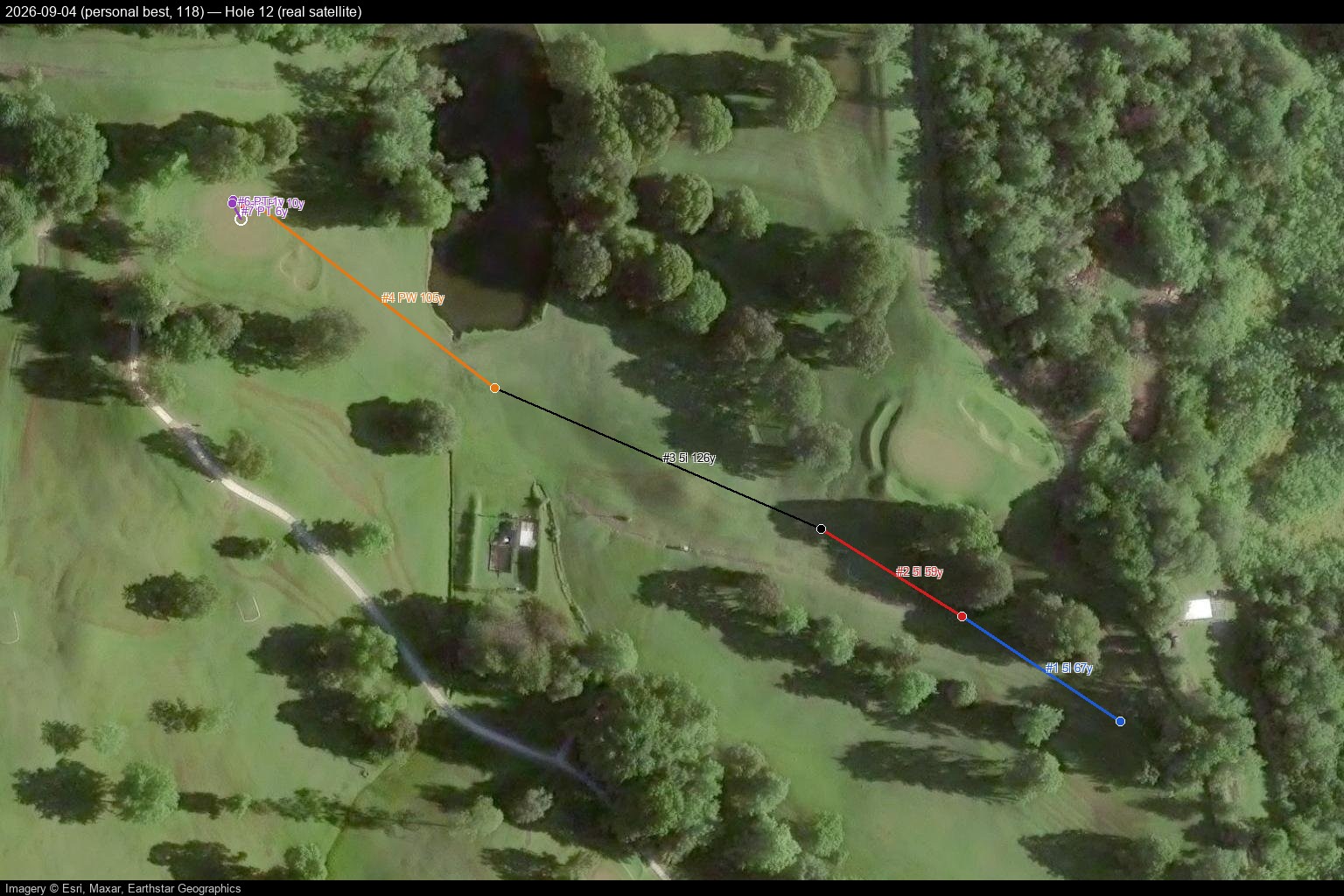
Hole 13
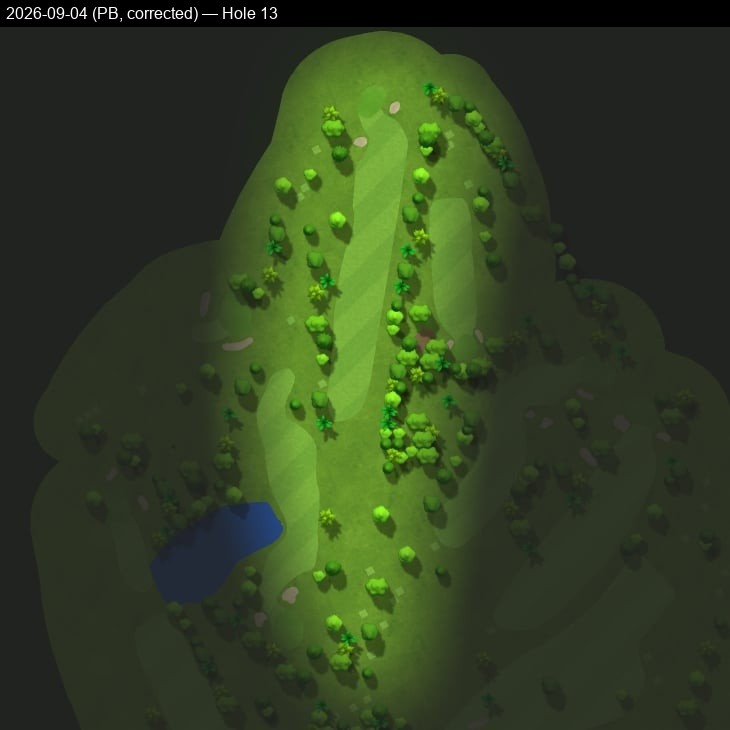
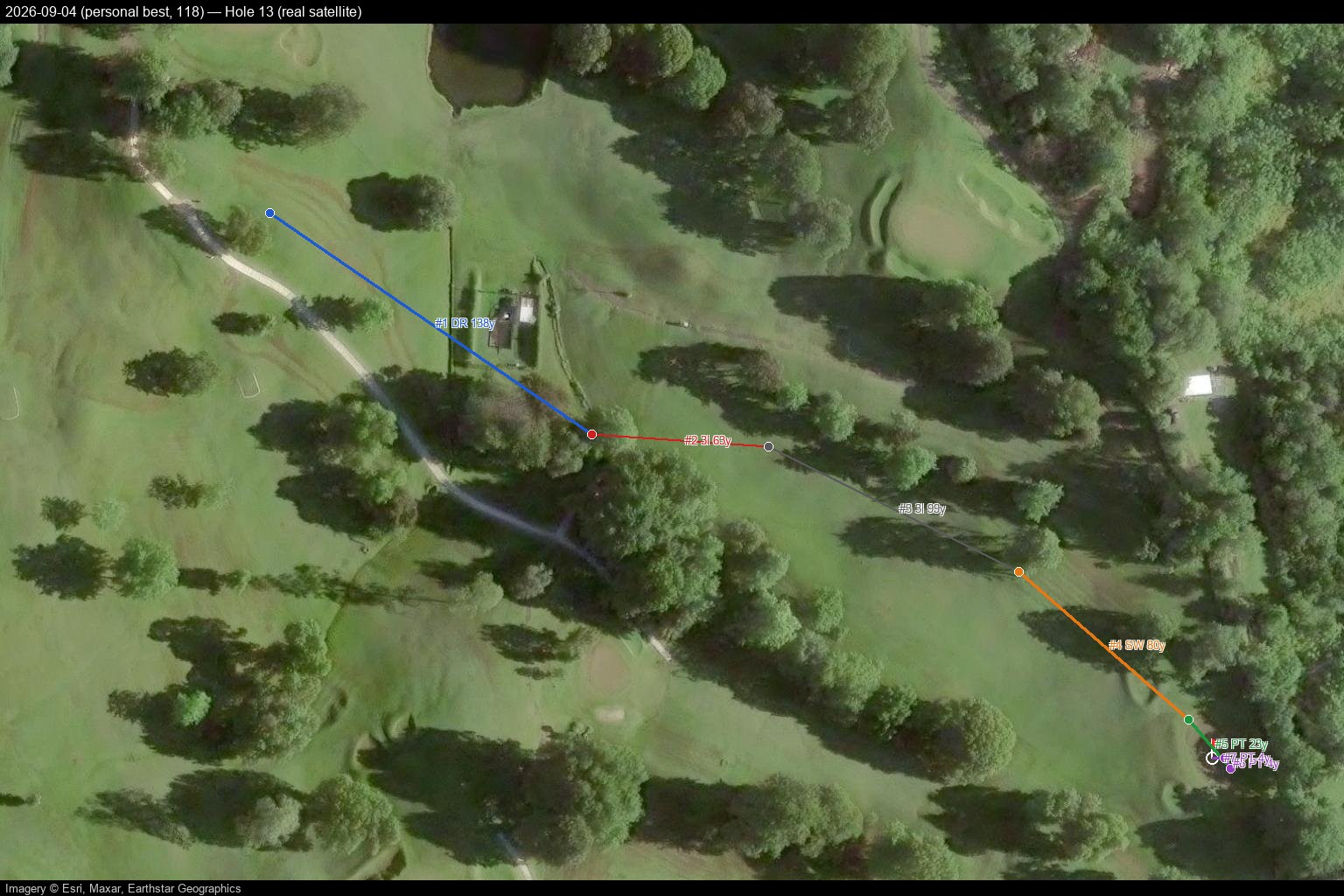
Hole 14
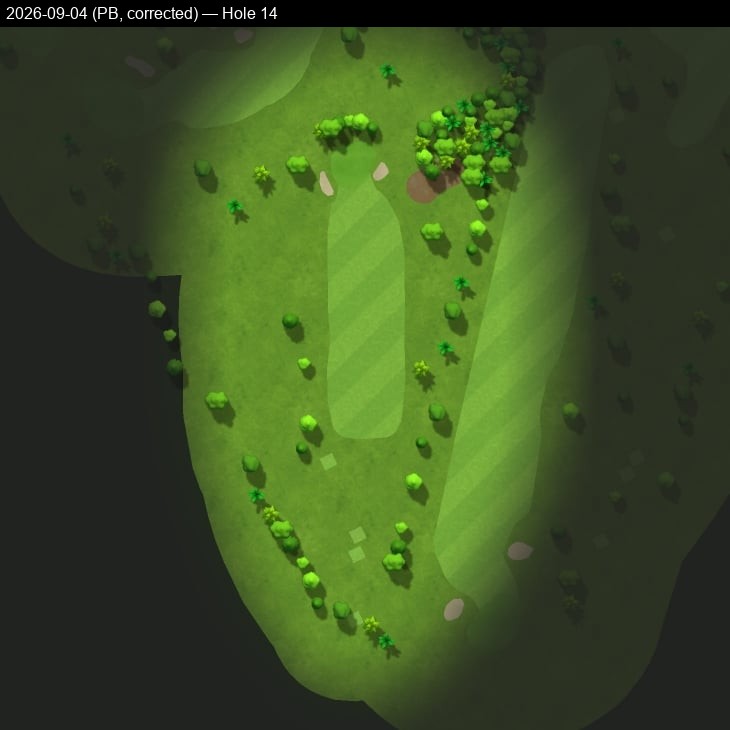
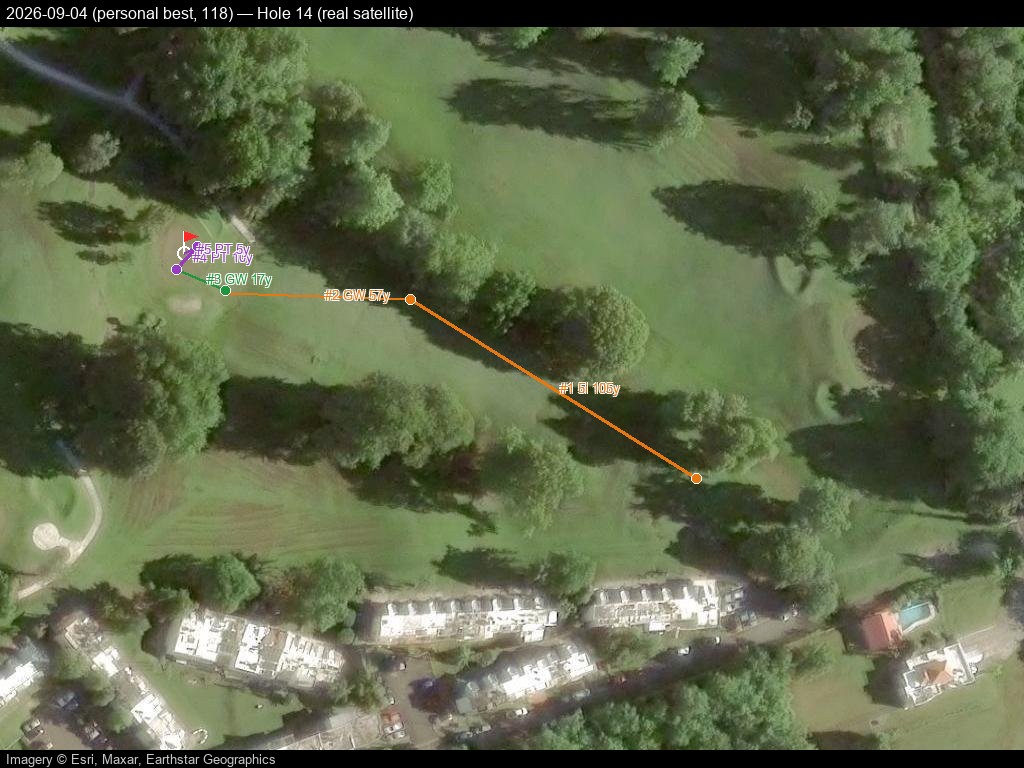
Hole 15
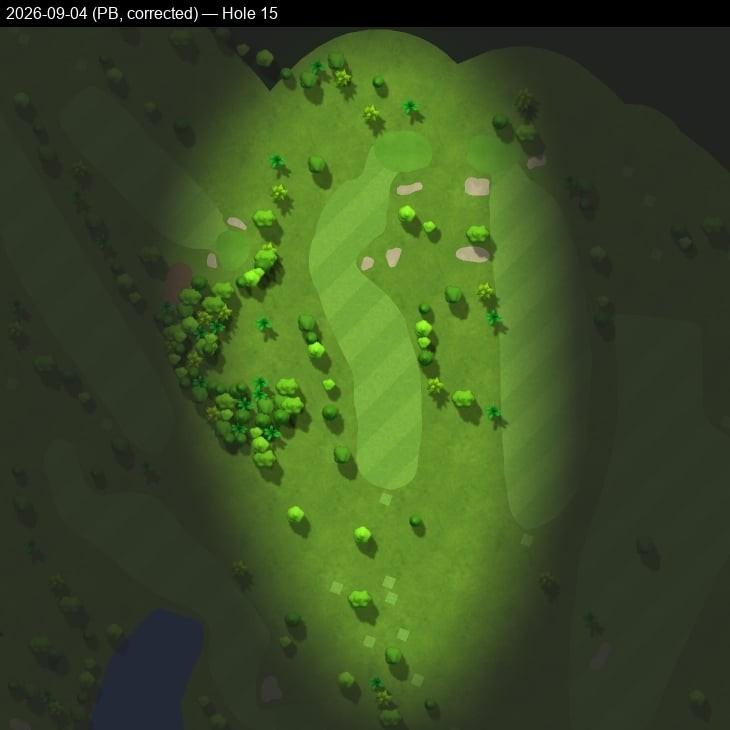
Hole 16
Hole 17
Hole 18
2026-09-08 — score 126 — all 18 holes
Pannable/zoomable real satellite map with a click-through shot-by-shot side panel — built and hosted directly here, no Google account or manual import needed.
Prefer Google Earth, Google My Maps, or QGIS instead? Download 2026-09-08.kml and import it — Google Maps Web: mymaps.google.com → Create a new map → Import; Google Earth: earth.google.com → Projects → Import KML file; QGIS: Layer → Add Layer → Add Vector Layer, plus an XYZ satellite basemap (e.g. Esri World Imagery).
Hole 1
Hole 2
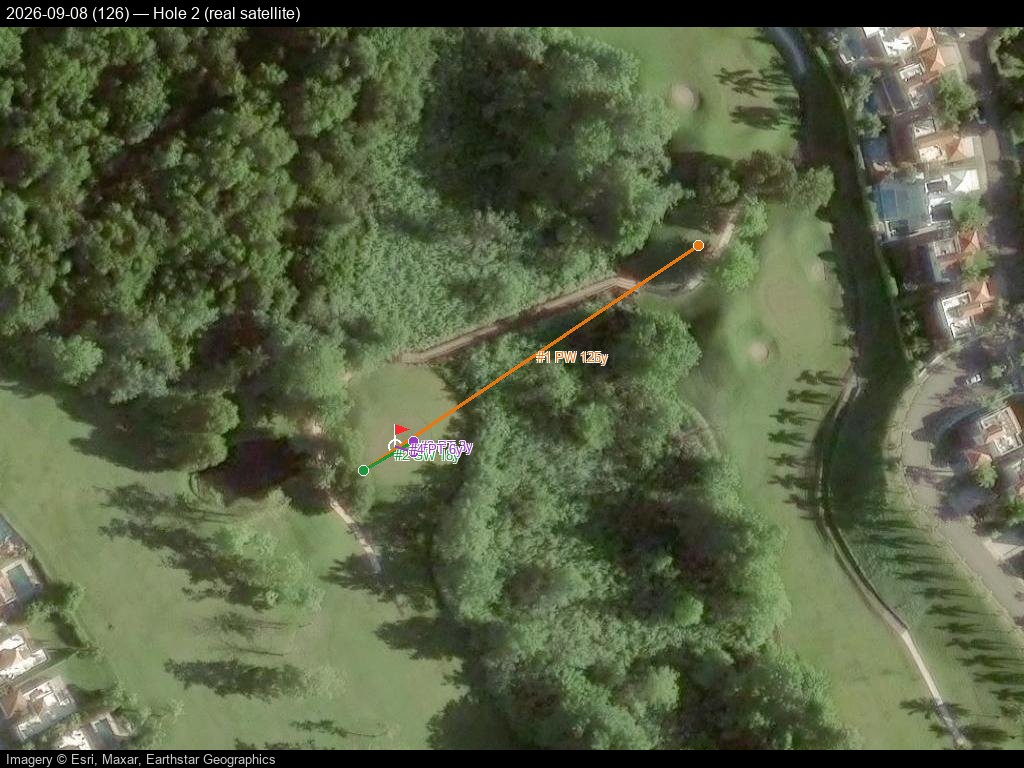
Hole 3
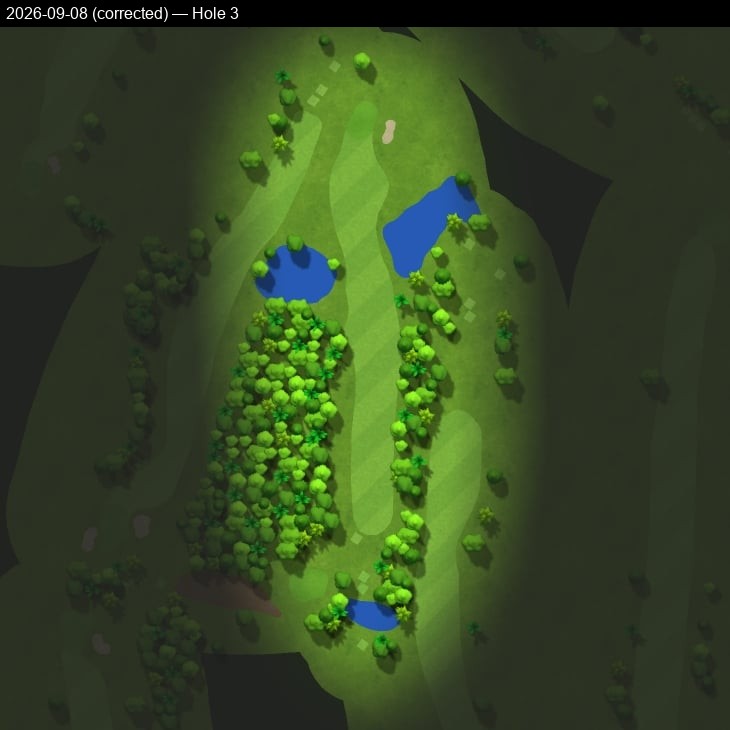
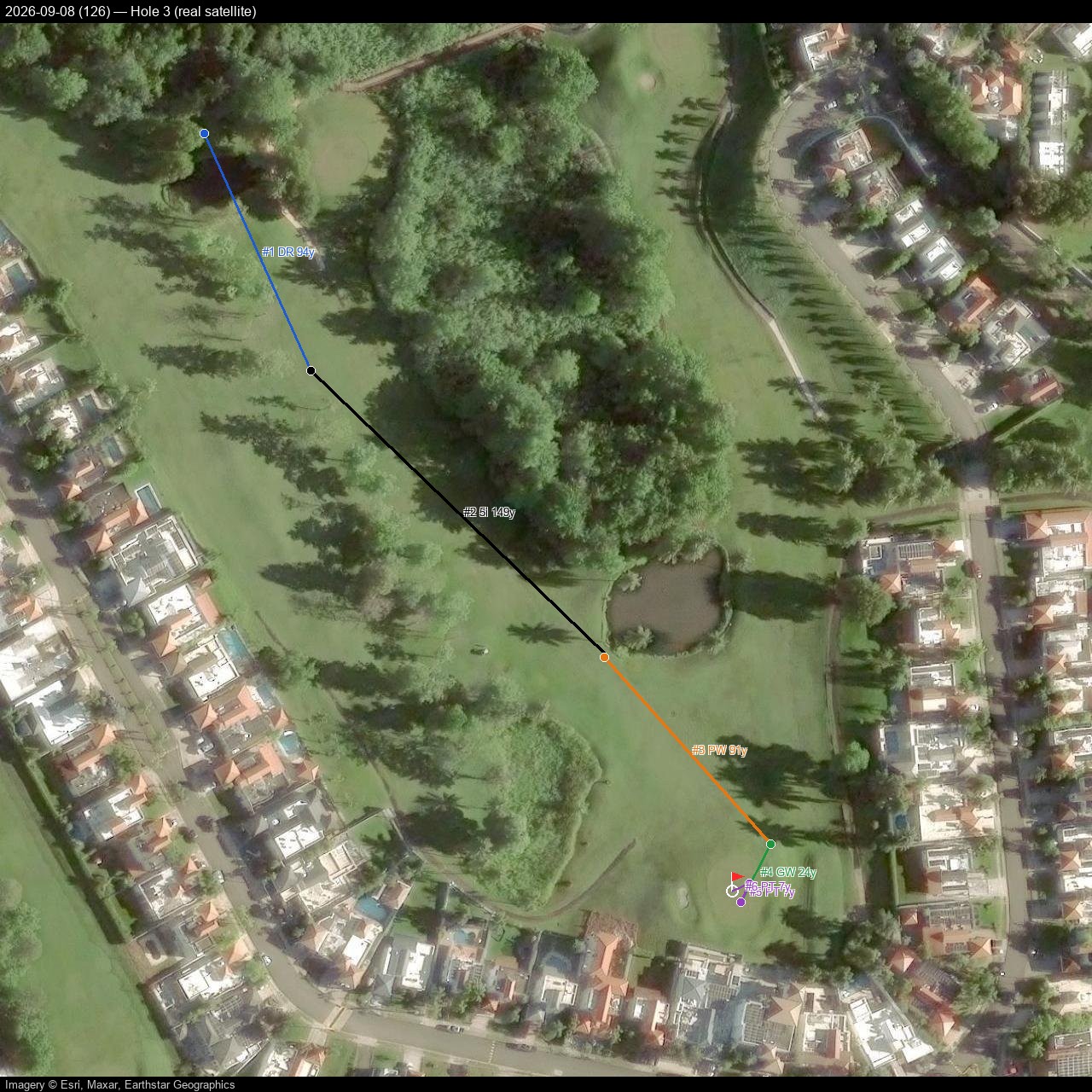
Hole 4
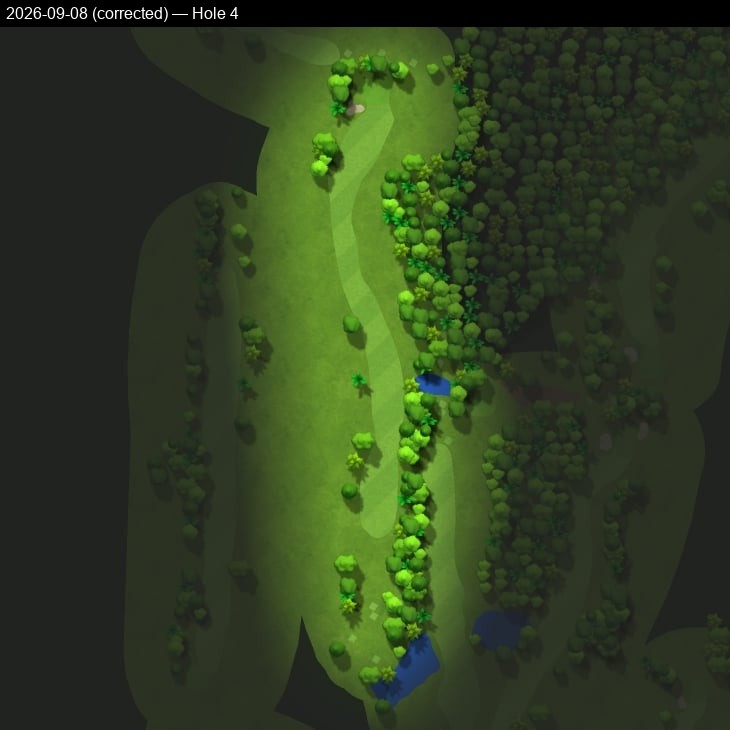
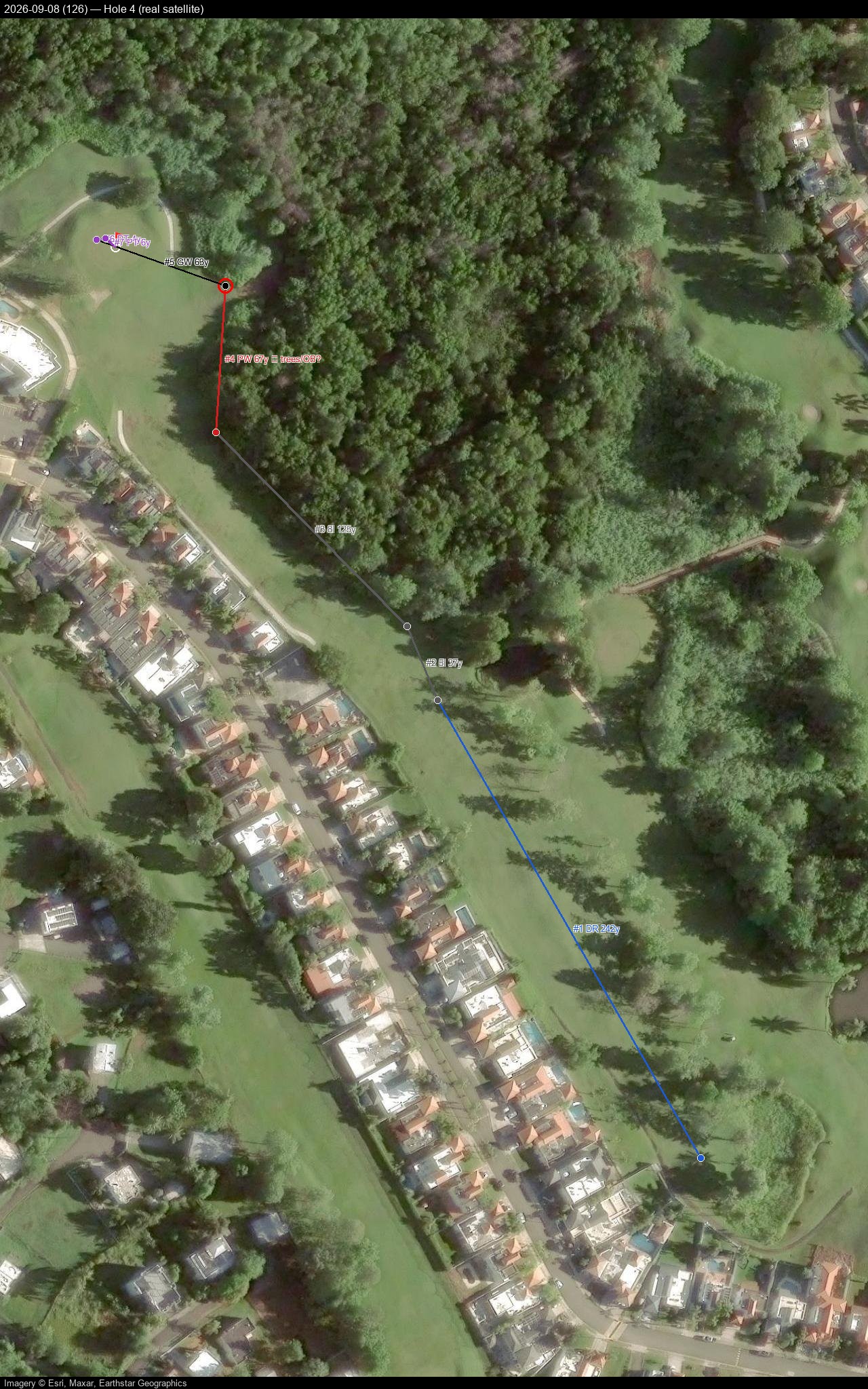
Hole 5
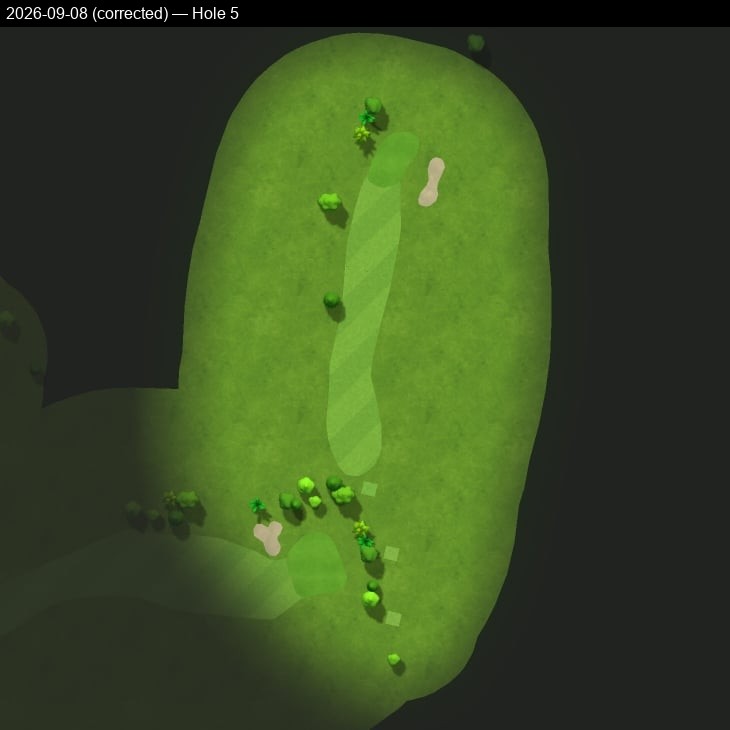
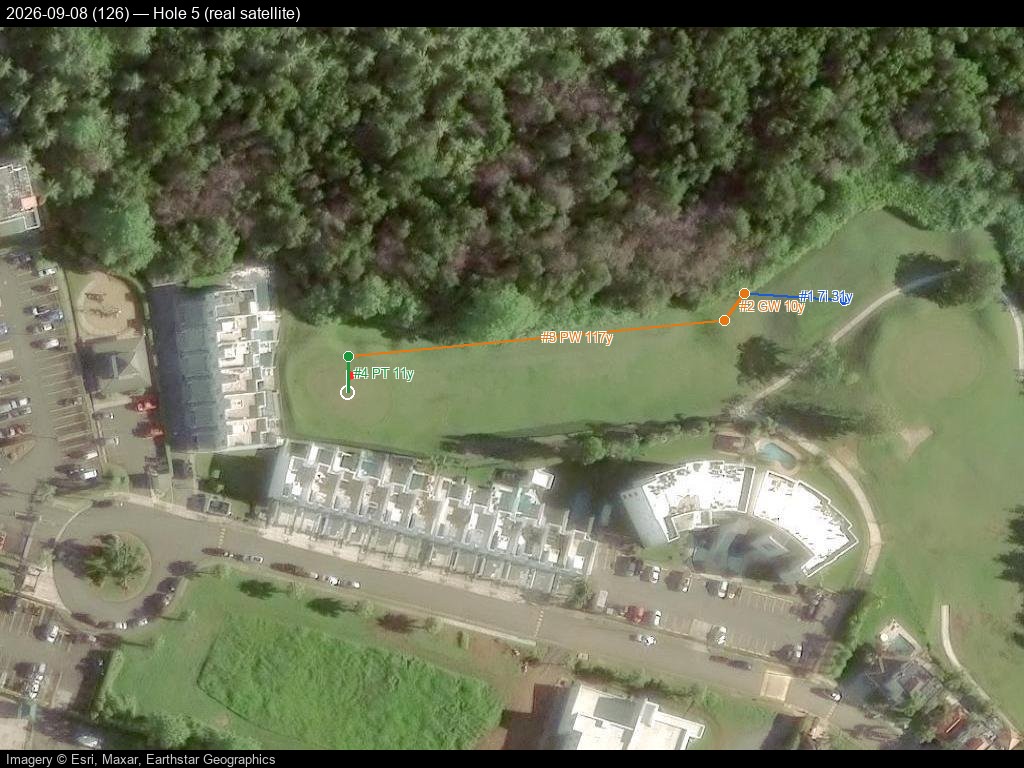
Hole 6
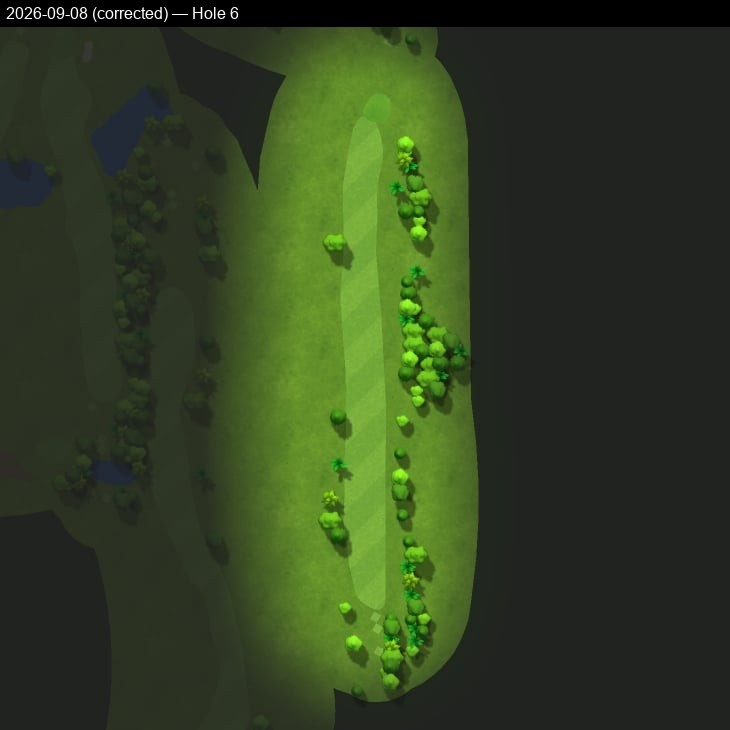
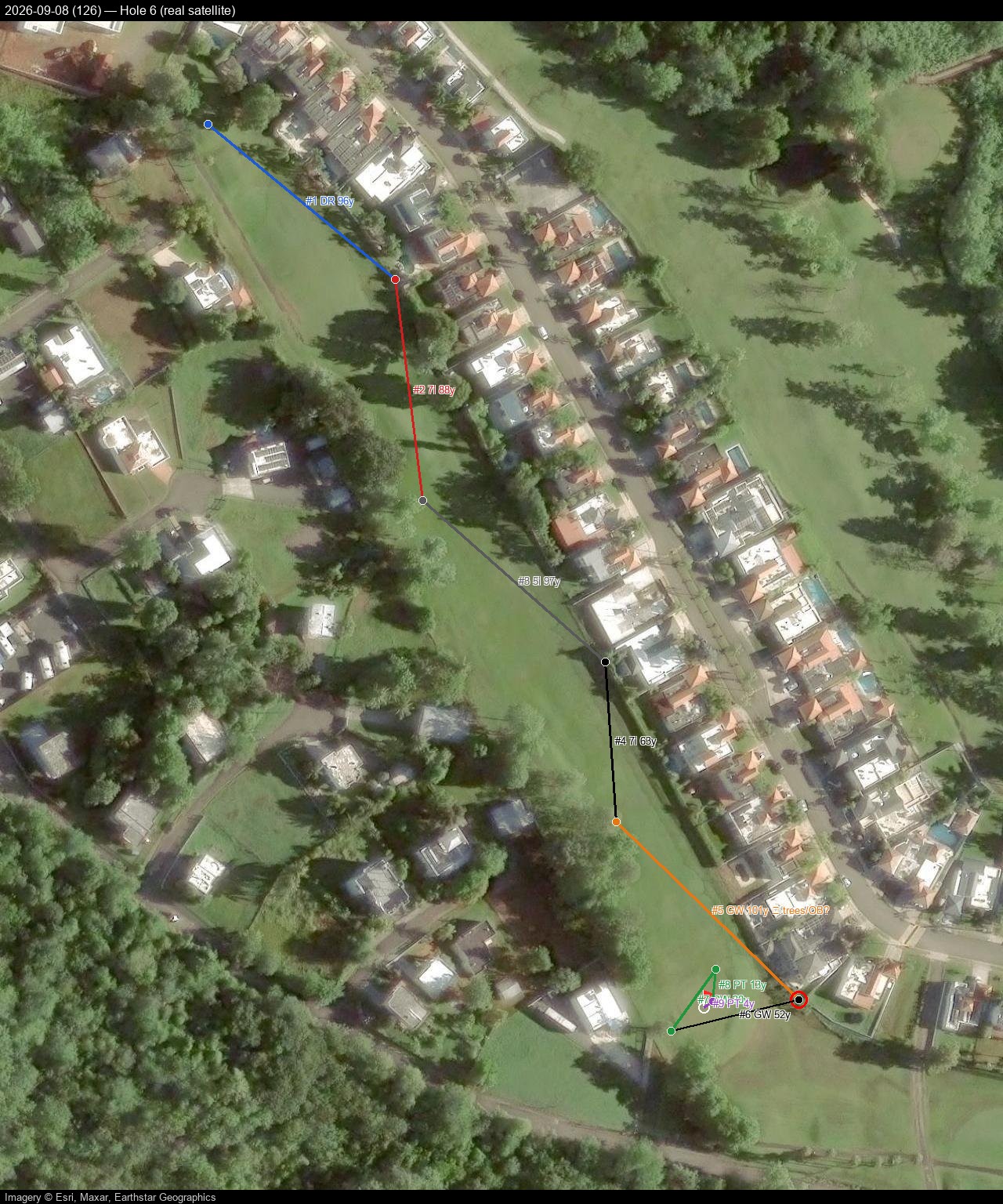
Hole 7
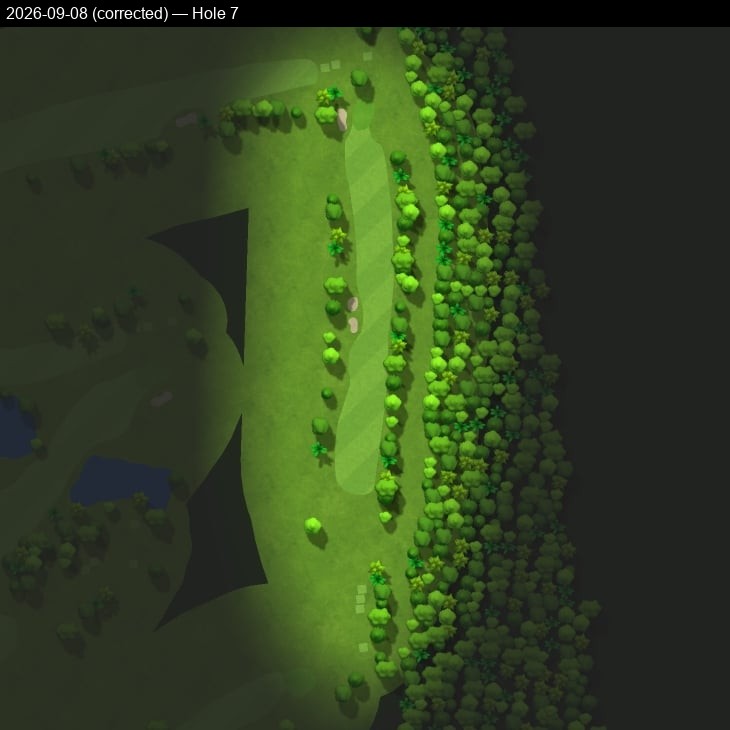
Hole 8
Hole 9
Hole 10
Hole 11
Hole 12
Hole 13
Hole 14
Hole 15
Hole 16
Hole 17
Hole 18
This page is maintained by cursor-hub, with source data and imagery from Garmin Connect.